 WhatsApp

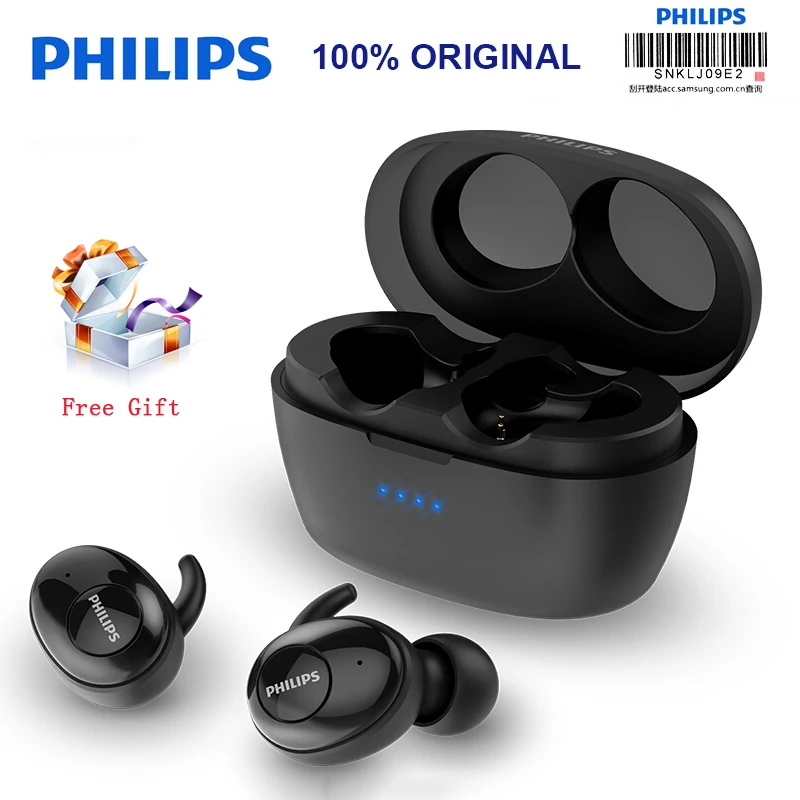
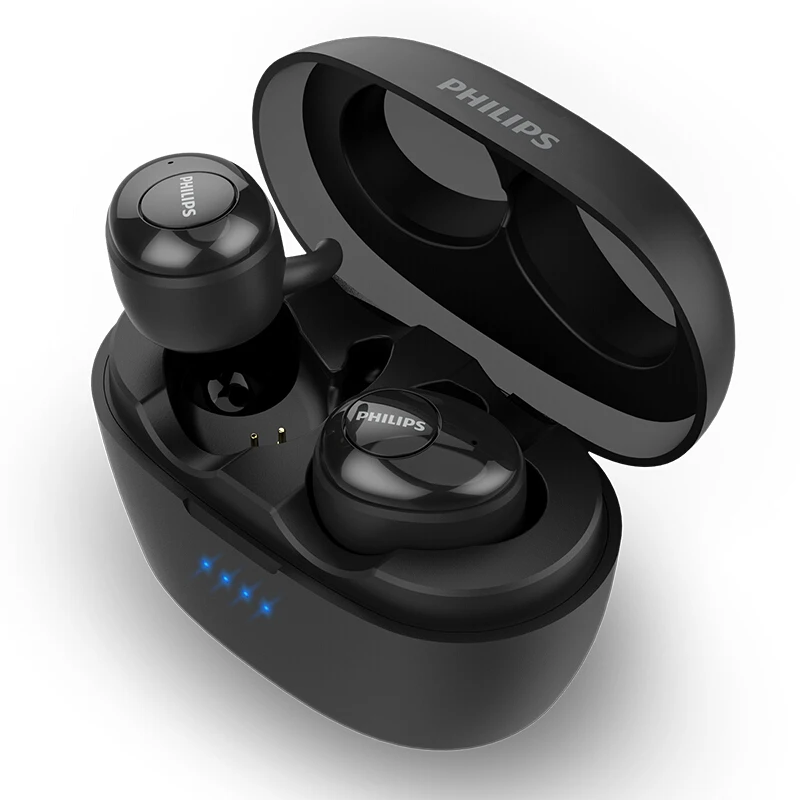
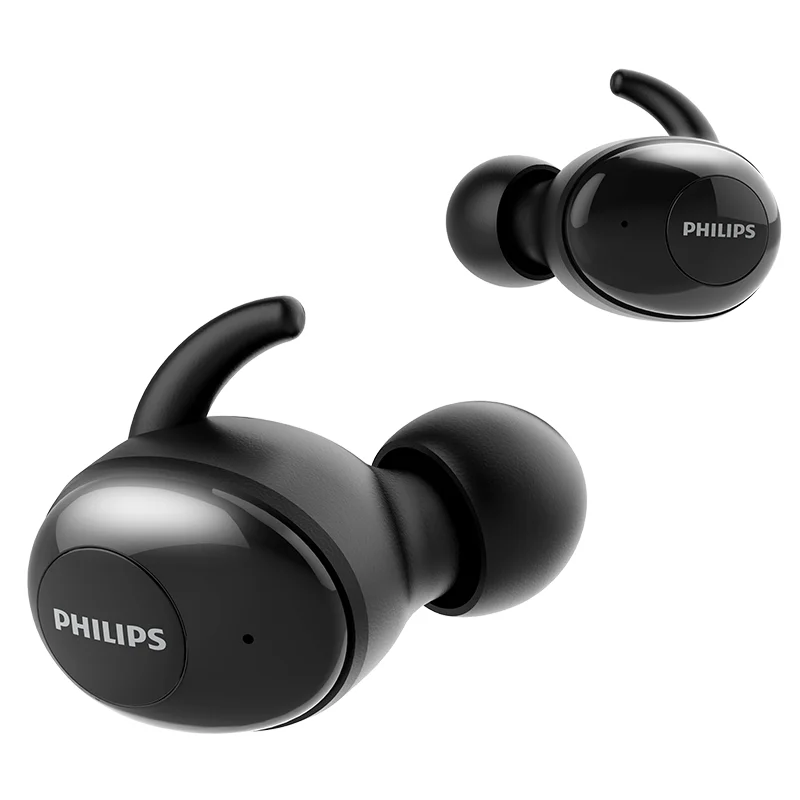

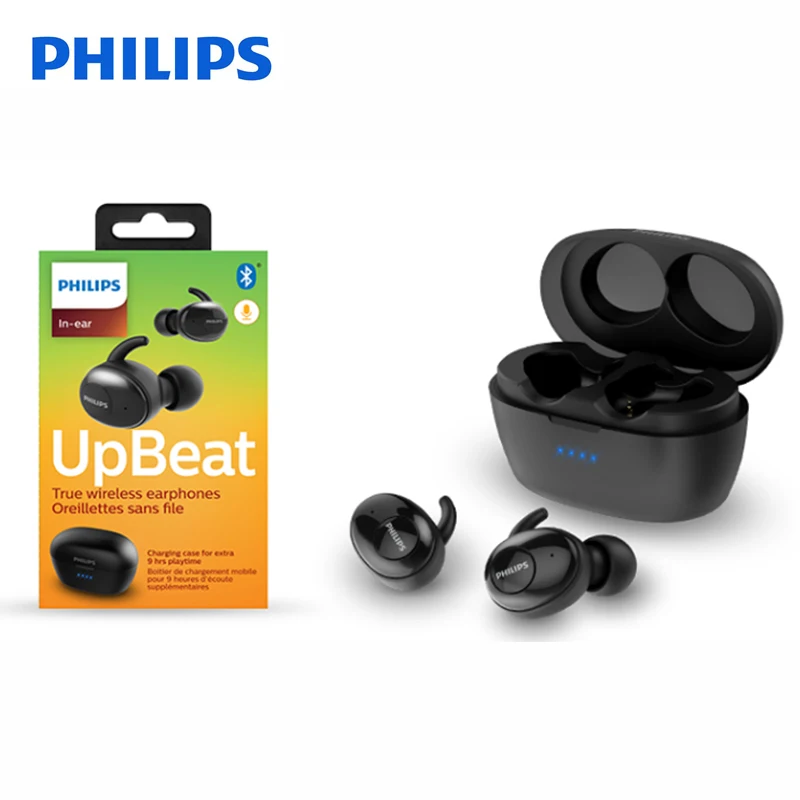
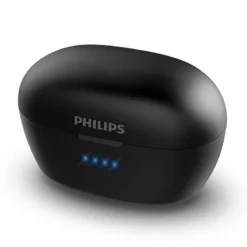

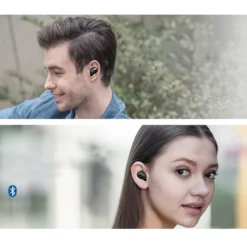
Philips Wireless Headset SHB2505

£49.88
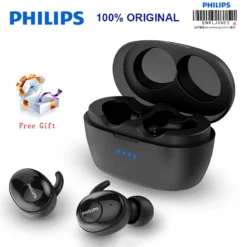
The Philips SHB2505 true wireless earbuds — Bluetooth 5.0 TWS earbuds with 6mm neodymium drivers, smart auto-pairing from the magnetic charging case, echo-cancelling microphone, voice assistant support, stability fin for secure sport fit, and 12 hours total battery life (3hr earbuds + 9hr case). Black.
- ✓ Bluetooth 5.0 · smart auto-pairing — connect instantly on removal from case
- ✓ 6mm neodymium drivers · echo-cancelling mic · voice assistant (Siri / Google)
- ✓ 3hr earbuds · 9hr case · 12hr total · magnetic charging case
- ✓ Stability fin for secure fit · mono mode · compatible with iOS and Android
In stock
| Delivery | 4–6 working days · Fully tracked |
| Returns | 30 Days Free |
| Warranty | 12 Months |
| Payment | Airwallex · PayPal · Klarna |
The Philips Wireless Headset SHB2505 — Bluetooth 5.0 TWS earbuds with 6mm neodymium drivers, smart auto-pairing from the magnetic charging case, echo-cancelling microphone, voice assistant support, stability fin for secure sport fit, and 12 hours total battery life (3hr earbuds + 9hr case). Black.
- ✓ Bluetooth 5.0 · smart auto-pairing — connect instantly on removal from case
- ✓ 6mm neodymium drivers · echo-cancelling mic · voice assistant (Siri / Google)
- ✓ 3hr earbuds · 9hr case · 12hr total · magnetic charging case
- ✓ Stability fin for secure fit · mono mode · compatible with iOS and Android
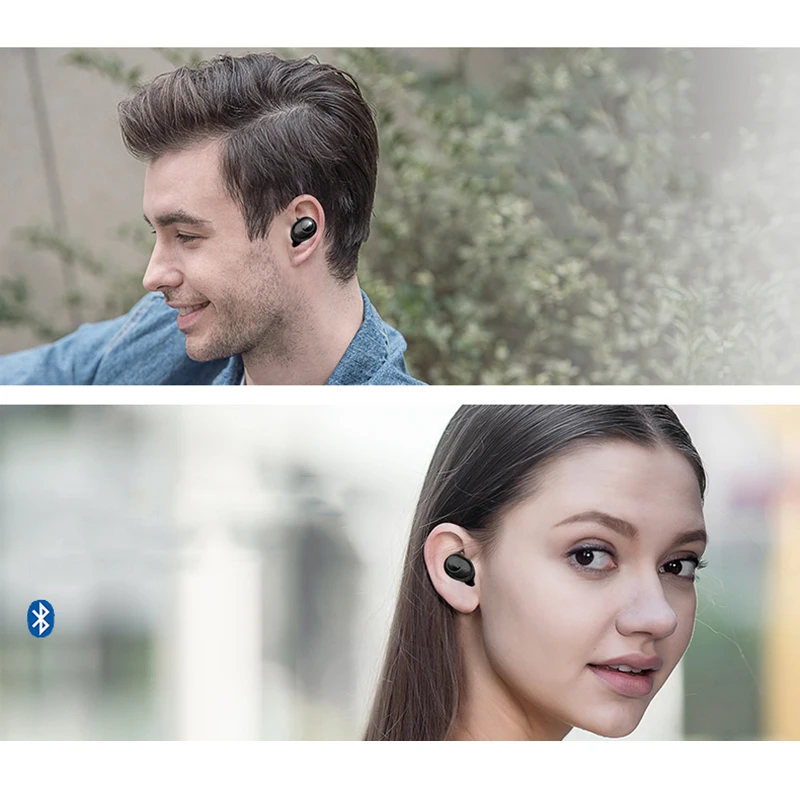
The Philips SHB2505 is Philips’s UpBeat series true wireless earbud — a compact TWS earphone designed for everyday wireless listening, hands-free calls, and on-the-go use. Bluetooth 5.0 provides a stable, low-power wireless connection with smart auto-pairing: when the earbuds are removed from the magnetic charging case, they power on and reconnect to the last paired device automatically, with no manual Bluetooth menu navigation required. The 6mm neodymium drivers deliver the characteristic Philips UpBeat sound — enhanced bass with clear midrange suitable for music, podcasts and voice calls in daily use. The built-in microphone uses echo cancellation processing to reduce the feedback and room echo that degrades call clarity on simpler microphone implementations. A double-press on the earbud button wakes the voice assistant on the paired device — Siri on iPhone, Google Assistant on Android — for voice control of calls, messages, navigation and media without touching the phone. The stability fin (wing tip) braces against the outer ear to hold the earphone securely in place during movement, making the SHB2505 suitable for light exercise and commuting as well as stationary use. Mono mode allows either earbud to be used independently for calls or music, keeping the other in the case.
BT 5.0 · Smart Auto-Pairing
Connect Without the Faff
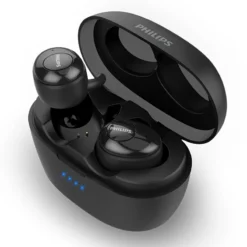
Bluetooth 5.0 provides a more stable wireless connection than Bluetooth 4.x at equivalent range and power — higher data throughput for cleaner audio, reduced interference from competing 2.4GHz devices in dense wireless environments like offices and public transport, and lower power consumption for the same audio quality. The smart pairing feature addresses one of the main friction points with early TWS earphones — the need to manually open Bluetooth settings and select the device. When the SHB2505 earbuds are lifted from the magnetic charging case, they power on automatically and reconnect to the last paired device without any manual step. If the earphones have been factory reset or are pairing for the first time, the initial pairing is the standard Bluetooth device discovery process. Once paired, the earphones remember that device and reconnect to it automatically on every subsequent use. The magnetic case seal keeps the earphones securely in place during transport and initiates charging contact when the earphones are replaced — a satisfying tactile click confirms correct seating. LED indicators on the case show battery status for the case’s own charge level.
Echo Cancellation · Voice Assistant
Calls and Controls
The built-in microphone in each earbud handles hands-free calls — when a call comes in, a single press on the earbud button answers it, and a second press ends the call, without reaching for the phone. Echo cancellation processing in the microphone circuit reduces the acoustic feedback loop that occurs when the microphone picks up the earbud’s own audio output — a common cause of the tinny, hollow call quality in basic TWS earphones without echo management. The voice assistant feature is accessed by double-pressing the earbud button, which sends the voice assistant wake command to the paired device. Siri on iPhone and iPad, Google Assistant on Android — whichever is configured on the paired device responds. This allows calling contacts, sending messages, checking the time and weather, or controlling music playback entirely by voice without taking the phone out of a pocket or bag. Mono mode is a practical feature for awareness in one ear — place either the left or right earbud in the ear and leave the other in the case, and the single earbud operates in mono stereo mode, mixing both left and right audio channels to the single driver so no stereo content is missed.
3hr + 9hr · Stability Fin
Battery and Fit for Daily Use
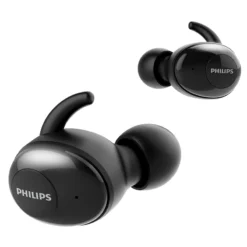
The SHB2505 earbuds deliver 3 hours of continuous playback per charge — enough for a morning commute, a gym session, or a working afternoon without interruption. The charging case carries sufficient charge to top up the earbuds three times, extending total available listening time to 12 hours before the case itself needs charging. The case is compact enough for a pocket or small bag, and charges via standard USB. The 3-hour earbud battery is on the shorter end of the TWS market — users who need all-day battery without returning earphones to the case regularly should factor this in. Placing the earphones back in the case for short breaks between use is the practical workflow to extend daily listening time across the full 12-hour total. The stability fin — a small flexible rubber wing that braces against the outer ear’s antihelix — anchors the earphone in position during movement. Without it, in-ear earphones rely solely on the ear tip seal for retention, which can fail during running or vigorous head movement. The stability fin distributes the holding force across a wider surface of the outer ear, keeping the earphones in place during workouts, commuting and active daily use. Three ear tip sizes are included to fit different ear canal dimensions.
Right choice if you…
✔ Want a simple, reliable TWS earbud for daily commuting, calls and casual listening
✔ Value instant auto-pairing — earphones connect immediately on removal from case, no menu navigation
✔ Use voice assistant regularly — double-tap Siri or Google without touching the phone
✔ Prefer stability fins for a secure fit during exercise and movement
Consider something else if…
✖ You need active noise cancellation — the SHB2505 provides passive isolation only from the ear tip seal; no ANC
✖ You need all-day earbud battery without using the case — 3 hours per charge requires returning to case for top-ups during a full day; see the OnePlus Buds 4 for 11-hour earbud battery
✖ You pair frequently across multiple devices — the SHB2505 stores one device in memory; switching to a second device requires manual re-pairing
Technical Specifications
| Brand | Philips |
| Model | UpBeat SHB2505 True Wireless Earbuds |
| MPN | SHB2505BK/00 |
| EAN / GTIN | 6951613981733 |
| Colour | Black |
| Type | True Wireless (TWS) · in-ear |
| Driver | 6mm neodymium dynamic |
| Bluetooth | 5.0 · smart auto-pairing |
| Battery — Earbuds | Up to 3 hours |
| Battery — Total | Up to 12 hours (3hr earbuds + 9hr case) |
| Charging Case | Magnetic seal · USB charging |
| Microphone | Built-in · echo cancellation |
| Voice Assistant | Siri · Google Assistant (double-tap) |
| Mono Mode | Yes — single earbud independent use |
| Fit | Stability fin (wing tip) · ear tips S/M/L |
| Device Memory | 1 device |
| Warranty | Manufacturer warranty (Philips) |
In the Box
Philips SHB2505 true wireless earbuds — Black (pair)
Magnetic charging case
USB charging cable
Ear tips — S, M, L
Frequently Asked Questions
Can I connect the SHB2505 to two devices at the same time?
No — the SHB2505 stores one device in memory and connects to one device at a time. To switch to a second device, you need to disconnect from the first (turn off Bluetooth on the first device or put the earphones back in the case), then pair with the second device. For dual-device connection without manual switching, see the OnePlus Buds 4 which supports simultaneous connection to two devices.
How do I reset the pairing on the SHB2505?
Remove both earbuds from the case. Press and hold the multifunction button on both earbuds simultaneously for 5 seconds until the LED flashes. Then place both back in the case, remove them, and they will enter pairing mode. Alternatively, delete “Philips SHB2505” from your device’s Bluetooth list and follow the initial pairing steps: remove earbuds from case, search for “Philips SHB2505” in your device’s Bluetooth settings, and tap to connect.
How do I use mono mode on the SHB2505?
Remove either the left or right earbud from the case, leaving the other inside. The single earbud will pair to your device and operate in mono mode, mixing both stereo channels to the single driver. This is useful when you want to keep one ear free for ambient awareness — on a call at a desk, commuting in traffic, or any situation where full ear isolation is not ideal.
Condition
Brand New — Retail Packaging
Warranty
Manufacturer warranty (Philips)
Delivery
4–5 Working Days · Fully Tracked
Also Available at maibo
Browse the full earbuds and audio range at maibo.
| Weight | 0.2 kg |
|---|---|
| Dimensions | 35 × 20 × 15 cm |
| Brand Name | Philips |
| Style | In-ear |
| Communication | wireless |
| Vocalism Principle | Dynamic |
| Connectors | None |
| Volume Control | No |
| Control Button | No |
| Wireless Type | bluetooth |
| Active Noise-Cancellation | Yes |
| Sensitivity | 90dB |
| Support Memory Card | No |
| Waterproof | No |
| With Microphone | Yes |
| Model Number | Philips SHB2505 |
| Is wireless | Yes |
| Resistance | 16Ω |
| Line Length | None |
| Plug Type | wireless |
| Frequency Response Range | 20-20000Hz |
| Function | For Mobile Phone, for Video Game, HiFi Headphone, Sport |
| Support APP | No |
| Color | Black |
| Headphone Category | True Wireless Headphones |
| Time to market | 2019-02-22 |
| Bluetooth Version | 5.0 |
| Transmission radius | 10M |
| Maximum carrying power | 30mW |
| Drive unit type / diameter | 6mm |
Be the first to review “Philips Wireless Headset SHB2505”
You must be logged in to post a review.
Related products

Reviews
There are no reviews yet.