 WhatsApp

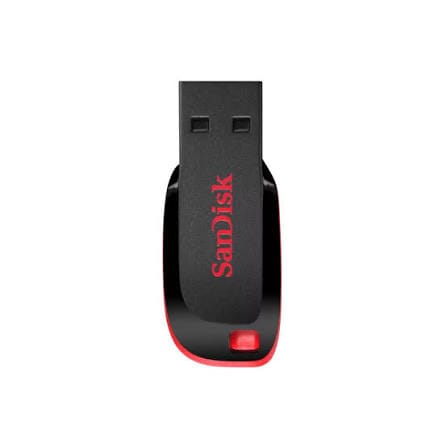
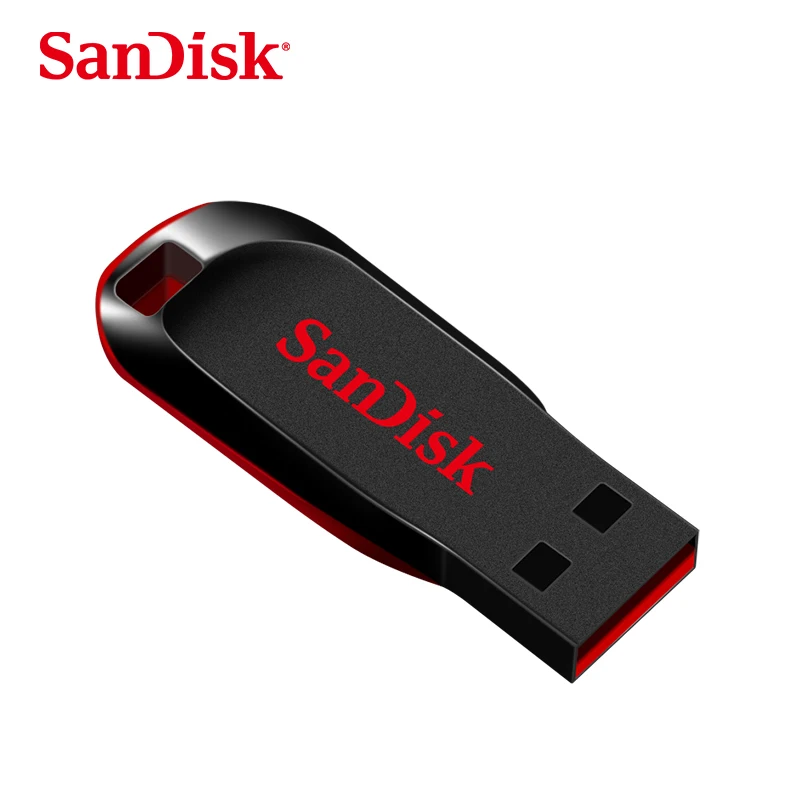
SanDisk CZ50 USB 2.0 Flash Drive – 128GB Pen Drive – Black/Red
£18.88
In stock
| Delivery | 4–5 working days · Fully tracked |
| Returns | 30 Day Returns |
| Warranty | 12-Month Warranty |
| Payment | Visa · Mastercard · Apple Pay · Klarna |
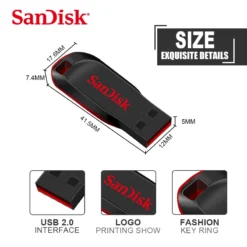
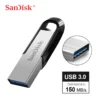
The SanDisk Cruzer Blade 128GB USB flash drive — SDCZ50-128G-B35, a compact USB 2.0 Type-A pen drive measuring just 41.5 × 17.6 × 7.4mm and weighing 2.5g. Plug-and-play on Windows, macOS and Linux with no software to install, and it fits any USB-A port including USB 3.0. Black and red.
- ✓ 128GB in a drive 2.5g and 41.5mm long — barely larger than the connector itself
- ✓ USB 2.0 Type-A · works in USB 3.0 and 3.2 ports at USB 2.0 speed
- ✓ Plug and play on Windows, macOS and Linux — no drivers, no software
- ✓ Capless sliding design — no lid to lose · genuine SanDisk
SanDisk CZ50 USB 2.0 Flash Drive – 128GB Pen Drive – Black/Red — SDCZ50-128G-B35, a compact USB 2.0 Type-A pen drive measuring just 41.5 × 17.6 × 7.4mm and weighing 2.5g. Plug-and-play on Windows, macOS and Linux with no software to install, and it fits any USB-A port including USB 3.0. Black and red.
- ✓ 128GB in a drive 2.5g and 41.5mm long — barely larger than the connector itself
- ✓ USB 2.0 Type-A · works in USB 3.0 and 3.2 ports at USB 2.0 speed
- ✓ Plug and play on Windows, macOS and Linux — no drivers, no software
- ✓ Capless sliding design — no lid to lose · genuine SanDisk
The SanDisk Cruzer Blade has been SanDisk’s everyday flash drive for over a decade, and the reason it is still sold is that it does one job dependably at a low price. This is the 128GB version — enough for a decade of documents, a large photo library, several films, or a full set of course material. The drive itself is 41.5mm long and weighs 2.5g, which in practice means it sits almost flush in a laptop port and disappears on a keyring without adding noticeable weight. It uses USB 2.0 rather than USB 3.0, and that is the honest trade at this price: it is not fast, and if you regularly move large video files you will feel it. What it is very good at is being cheap, tiny, robust and universally compatible — plug it into any computer made in the last twenty years, on any operating system, and it appears as a drive with no drivers to install. There is no cap to lose, because the connector slides into the body. Black and red.
USB 2.0 · What That Means in Practice
Being Straight About the Speed
SanDisk does not publish official transfer figures for the Cruzer Blade, and it is worth knowing why: USB 2.0 has a theoretical ceiling of 480 megabits per second, which works out to around 60MB/s on paper and closer to 40MB/s in the real world, and flash drives at this price sit well below even that. Distributor data for this drive gives roughly 15MB/s reading and 5MB/s writing. Translated into something useful: copying a 4GB film onto the drive takes somewhere in the region of thirteen minutes, and reading it back takes about four. A folder of documents or photos is near-instant. If you have seen a listing claiming this drive reads at 128MB/s, that figure is a copy-paste error — no USB 2.0 device can reach it, whatever the flash inside. None of this makes the Cruzer Blade a bad drive; it makes it a specific kind of drive. For carrying documents, presentations, coursework, backups you write once, or a bootable installer you set up and forget, USB 2.0 speed is entirely irrelevant. For regularly shuttling video projects between machines, it is the wrong tool and a USB 3.0 drive is worth the extra cost.
41.5mm · 2.5g · Capless
Small Enough to Forget About
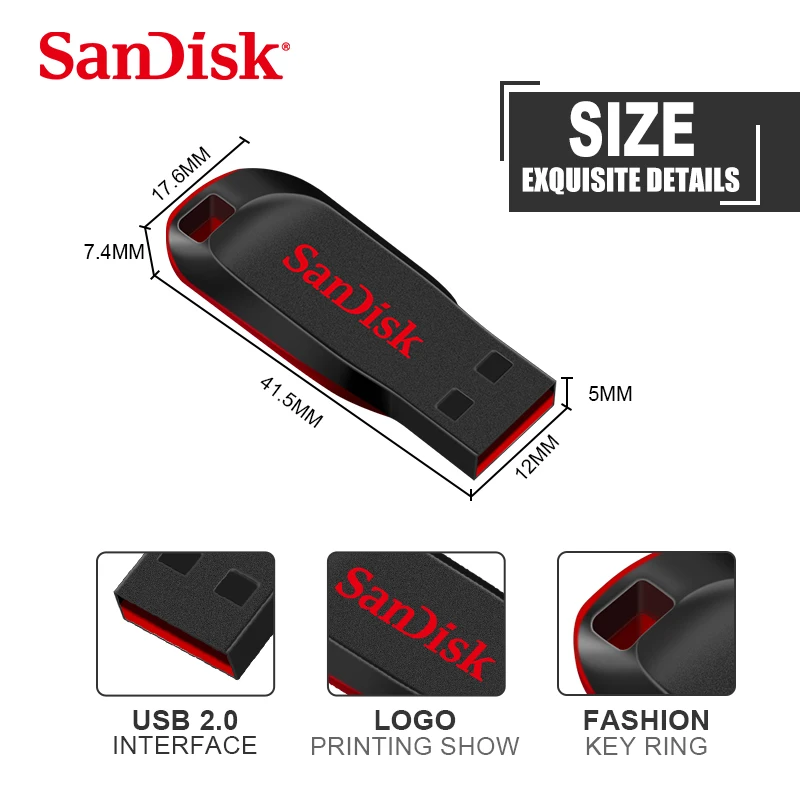
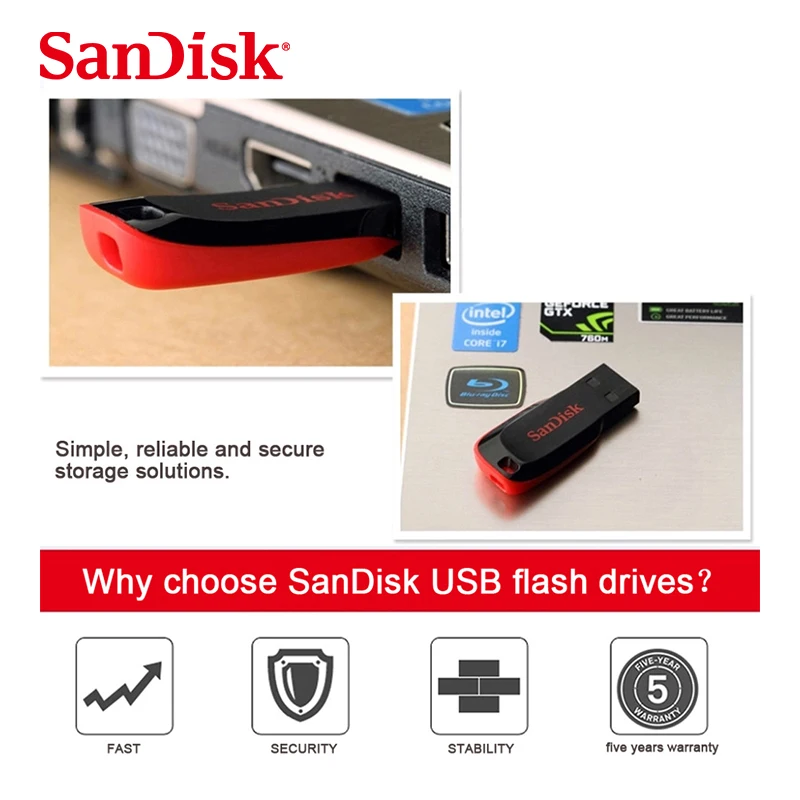
The Cruzer Blade is 41.5 × 17.6 × 7.4mm and weighs 2.5 grams — roughly half the size of a conventional flash drive and light enough that on a keyring you do not notice it is there. The practical benefit of the short body is that it barely protrudes from a laptop, so it is far less likely to be knocked and snapped off than a full-length drive, and it does not block the adjacent USB port the way wider drives often do. The capless design matters more than it sounds: the connector slides in and out of the housing with a thumb tab, so there is no separate lid to come off in a bag and vanish. Anyone who has owned a capped flash drive knows the cap is lost within a month and the exposed connector then collects pocket lint and gets bent. The plastic body has no moving parts beyond the slider and no exposed circuitry, which is why these survive years of being carried loose. There is no LED activity light on this model — a small omission, but it means you cannot see at a glance whether a transfer has finished, so eject through the operating system rather than pulling it out on a guess.
Universal Compatibility · No Drivers
Works in Anything With a USB Port
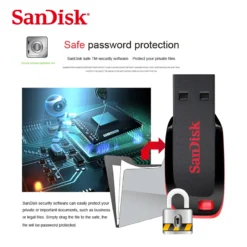
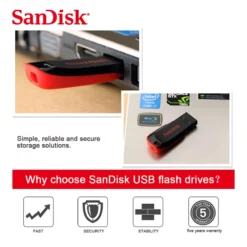
USB 2.0 Type-A is the most widely supported storage connection there has ever been. The drive works in USB 3.0 and USB 3.2 ports as well as USB 2.0 ones — the port simply runs at the drive’s speed rather than its own — which means any desktop, laptop, smart TV, car stereo, printer, games console or older machine with a rectangular USB port will read it. Windows, macOS, Linux and ChromeOS all recognise it as a standard mass storage device with no drivers to install and nothing to configure. That universality is the reason the Cruzer Blade remains a sensible choice for handing files to somebody else: you have no idea what they will plug it into, and this will work. It arrives formatted for immediate use and can be reformatted to NTFS, exFAT or FAT32 depending on what you need — exFAT if you want files over 4GB and cross-platform Windows and macOS support, NTFS for Windows only, FAT32 for maximum compatibility with older equipment and car stereos. Note there is no hardware encryption on this drive; if you need to protect the contents, use operating system tools such as BitLocker To Go, or third-party encryption software.
Right choice if you…
✔ Carry documents, photos, coursework or presentations — 128GB is far more than most people fill
✔ Want something tiny on a keyring — 2.5g and 41.5mm, capless so there is no lid to lose
✔ Need it to work in anything — any USB-A port, any operating system, no drivers
✔ Want a genuine SanDisk drive at the lowest sensible price rather than an unbranded one of unknown capacity
Consider something else if…
✖ You move large video files regularly — USB 2.0 writes at around 5MB/s, so a 4GB file takes roughly thirteen minutes; the SanDisk Ultra Flair on USB 3.0 is many times faster
✖ You want to run software or edit files directly from the drive — USB 2.0 is too slow for that; use it as storage and copy files locally to work on them
✖ You need encryption built in — there is no hardware encryption here; use BitLocker To Go or similar software instead
Technical Specifications
| Brand | SanDisk |
| Model | Cruzer Blade (CZ50) |
| MPN | SDCZ50-128G-B35 |
| Capacity | 128GB |
| Colour | Black / Red |
| Interface | USB 2.0 Type-A · works in USB 3.0 / 3.2 ports at USB 2.0 speed |
| Typical Speed | ~15MB/s read · ~5MB/s write (SanDisk publishes no official figures) |
| Dimensions | 41.5 × 17.6 × 7.4mm |
| Weight | 2.5g |
| Design | Capless sliding connector · no LED indicator |
| Encryption | None built in — use software encryption if required |
| Compatibility | Windows · macOS · Linux · ChromeOS · any USB-A host |
| Warranty | Manufacturer warranty (SanDisk) |
In the Box
SanDisk Cruzer Blade 128GB USB flash drive — Black/Red (SDCZ50-128G-B35)
Frequently Asked Questions
How fast is it really?
Around 15MB/s reading and 5MB/s writing, which is normal for a USB 2.0 flash drive. A 4GB file takes roughly thirteen minutes to write and about four to read back. Documents, photos and presentations move quickly enough that you will not notice. Large video files are slow. If speed matters, the SanDisk Ultra Flair uses USB 3.0 and is many times faster.
Will it work in a USB 3.0 port?
Yes. USB is backward compatible, so the drive works perfectly in USB 3.0 and USB 3.2 ports — it simply runs at USB 2.0 speed rather than the port’s speed. There is no setting to change and nothing to configure. It will not damage the port or the drive.
Why does it show less than 128GB?
Manufacturers count 1GB as 1,000,000,000 bytes while Windows counts it as 1,073,741,824 bytes. The same physical storage therefore reads as roughly 119GB in Windows, with a little more taken by the file system. Nothing is missing or faulty — it is a difference in how the number is calculated, and it applies to every drive from every manufacturer.
Can I store files larger than 4GB on it?
Yes, provided the drive is formatted as exFAT or NTFS. FAT32 has a 4GB per-file limit, which is a limitation of that file system rather than of the drive. Reformat to exFAT if you need large files and want the drive to work on both Windows and macOS; NTFS if you only use Windows. Reformatting erases the drive, so copy anything off it first.
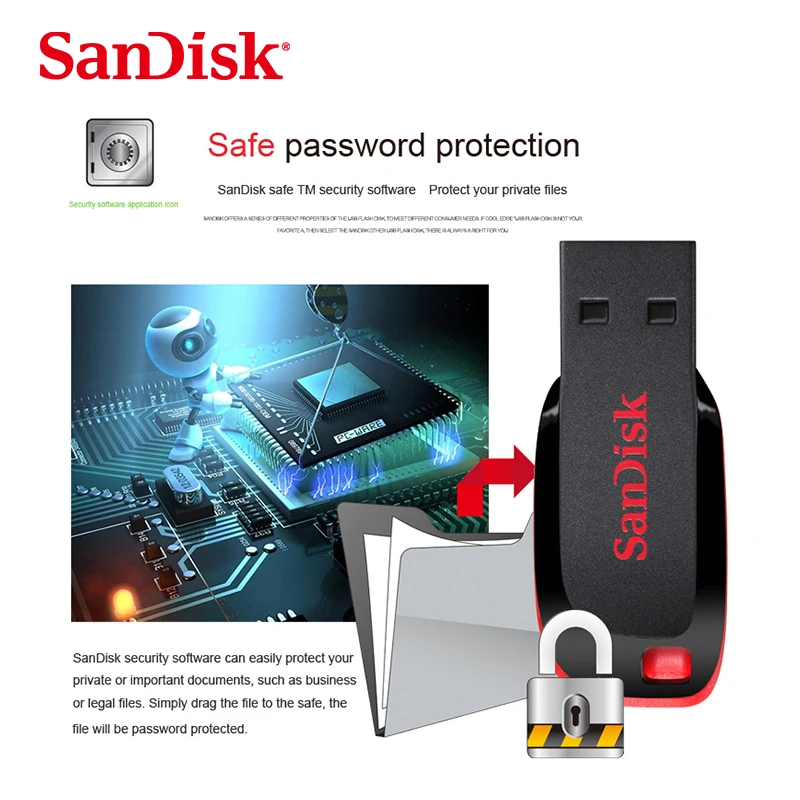
Can I password protect it?
Not through the drive itself — the Cruzer Blade has no hardware encryption or built-in password feature. You can encrypt it using operating system tools such as BitLocker To Go on Windows Pro, or third-party encryption software. If you handle sensitive data regularly, a drive with hardware encryption built in is the more appropriate choice.
Condition
Brand New — Retail Packaging
Warranty
Manufacturer warranty (SanDisk)
Delivery
4–5 Working Days · Fully Tracked
Also Available at maibo
Browse the full storage and memory range at maibo.
| Weight | 0.03 kg |
|---|---|
| Dimensions | 10 × 5 × 5 cm |
| Brand Name | SanDisk |
| Origin | CN(Origin) |
| Model Number | KR016G0CZ50 |
| Product Type | Flash Disk |
| Package | Yes |
| Certification | NONE |
| Interface Type | USB 2.0 |
| Material | Plastic |
| Encryption | No |
Only logged in customers who have purchased this product may leave a review.
Related products
microSD Cards
Storage & Memory
Compact Flash Memory
Reviews
There are no reviews yet.