 WhatsApp

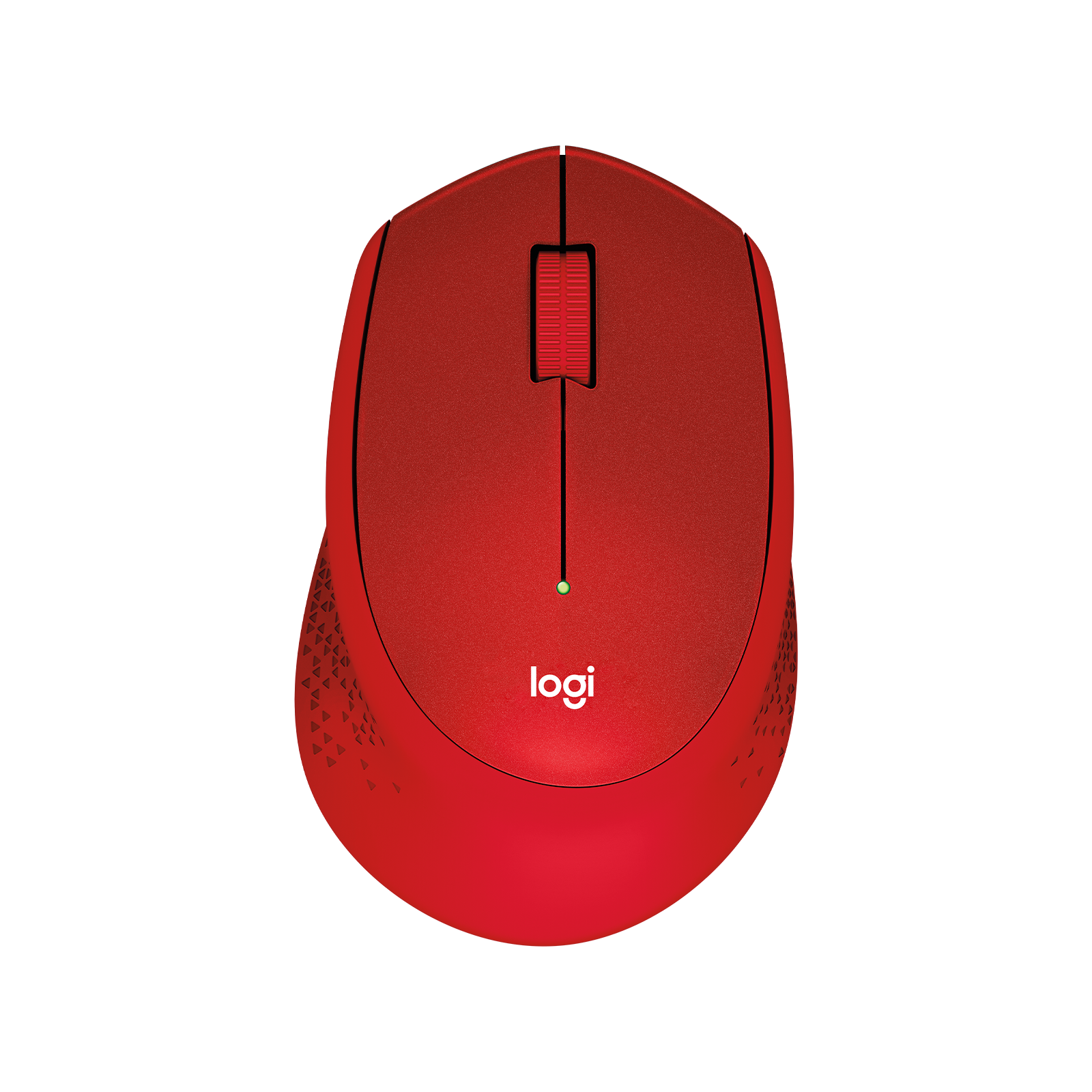
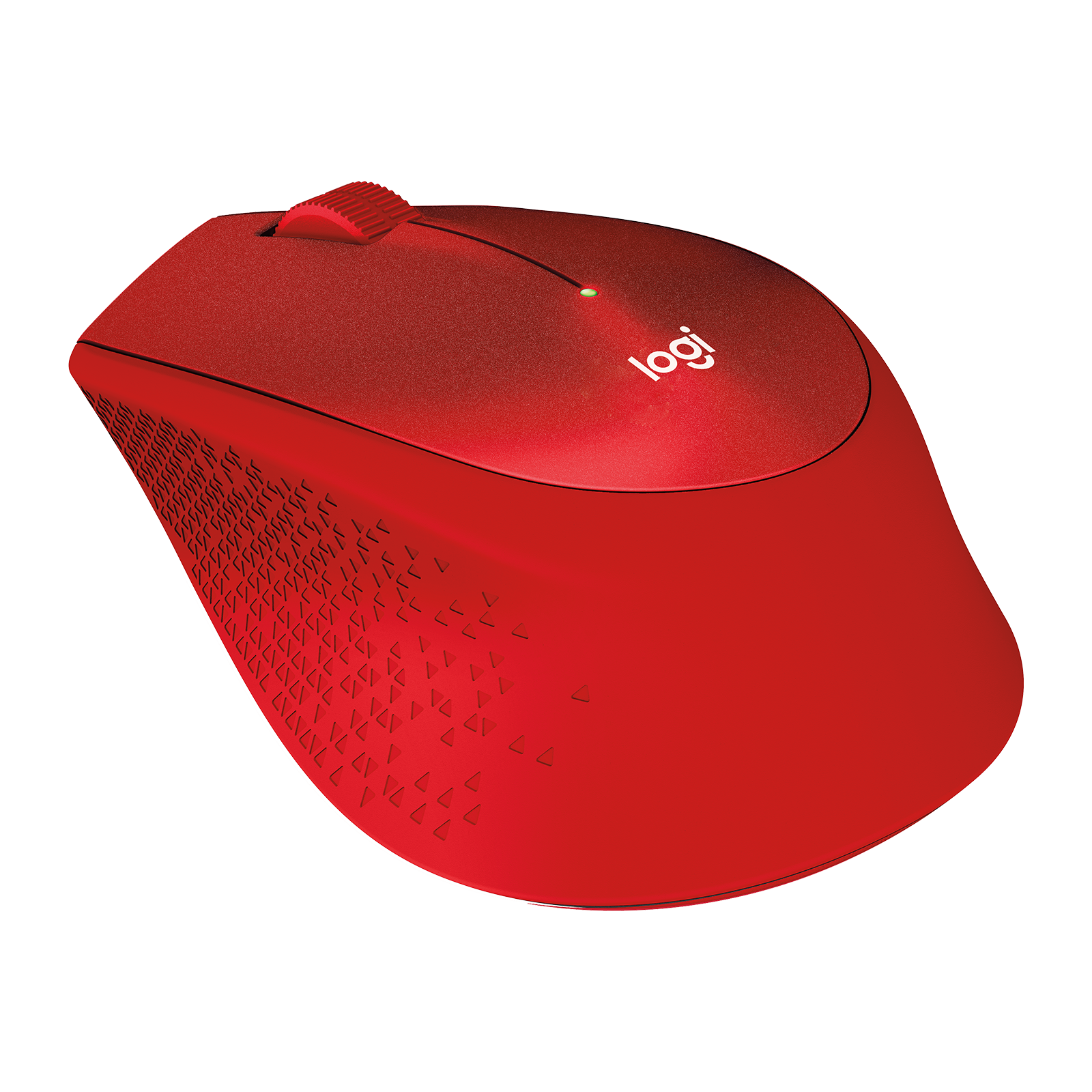
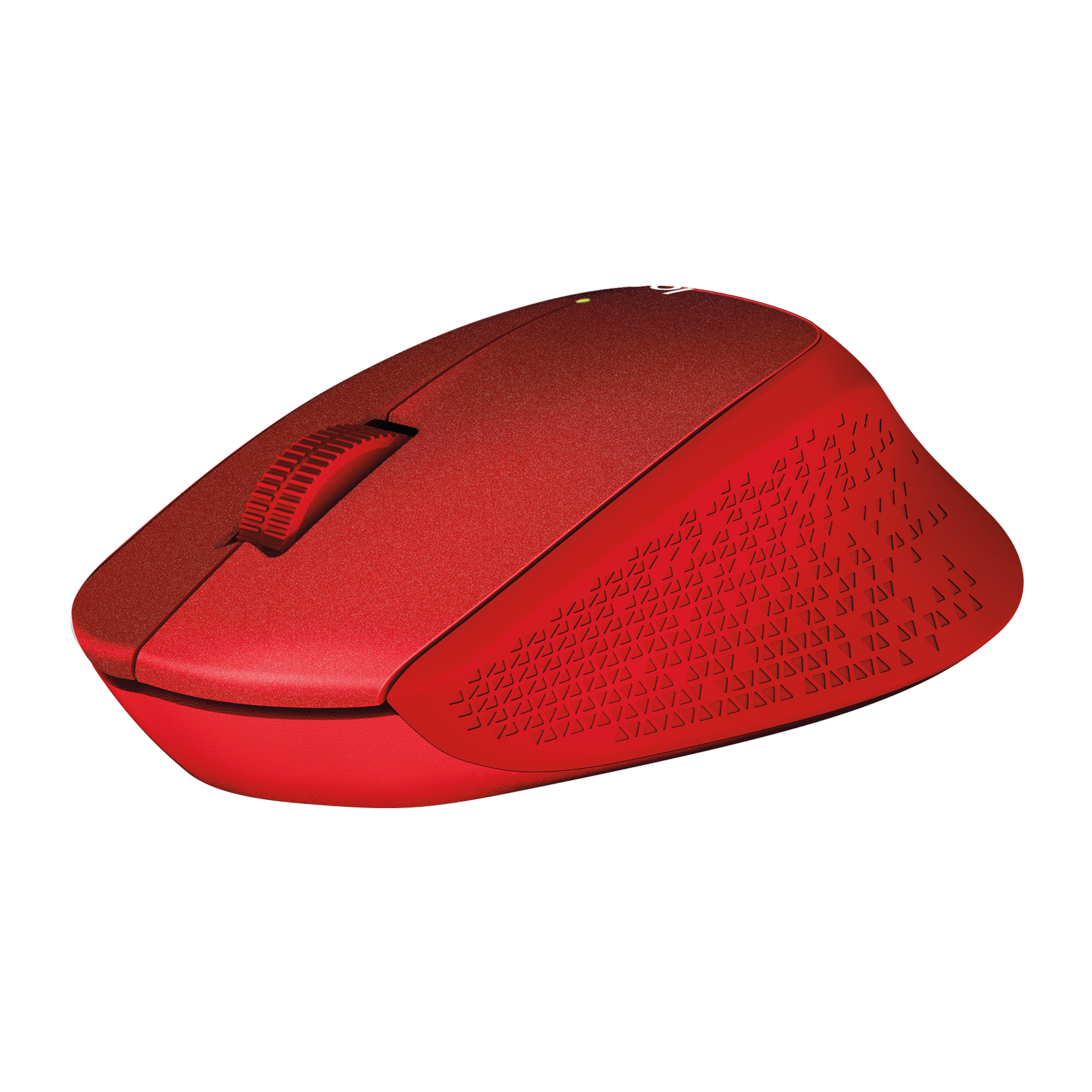
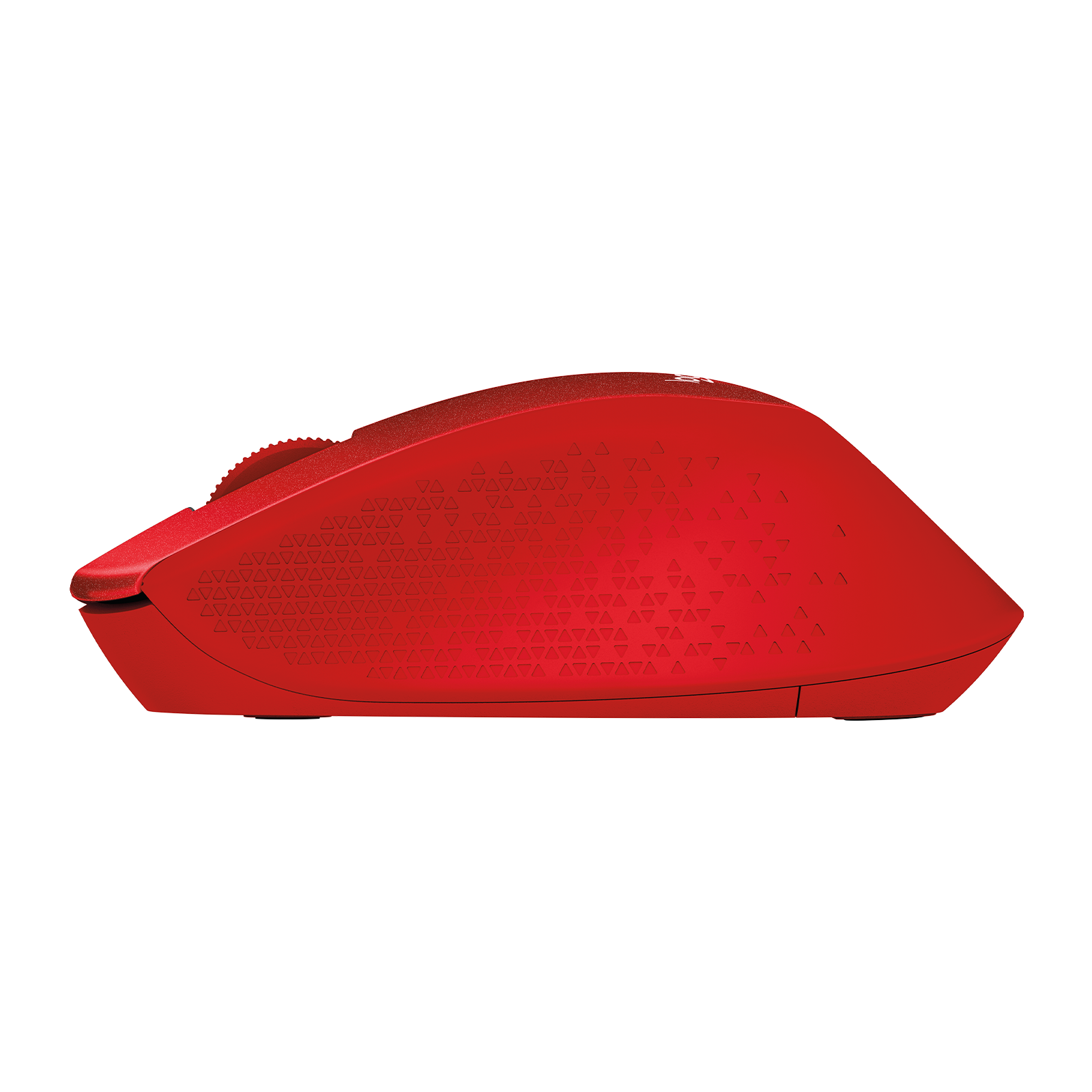
Logitech M330 Silent Plus Wireless Mouse – Red
£28.88
| Colors: Red |
In stock
| Delivery | 4–5 working days · Fully tracked |
| Returns | 30 Day Returns |
| Warranty | 12-Month Warranty |
| Payment | Visa · Mastercard · Apple Pay · Klarna |
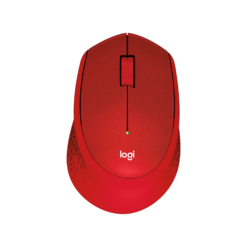
The Logitech M330 Silent Plus — model 910-004911 in Red, a comfortable right-handed wireless mouse with SilentTouch clicks that are over 90% quieter, a line-by-line rubber scroll wheel, plug-and-play USB receiver and up to 18 months on one AA battery.
- ✓ SilentTouch — over 90% less click noise, same click feel
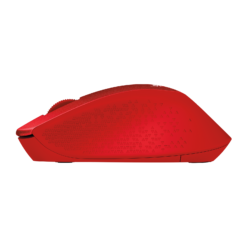
- ✓ Right-hand contoured shape with textured grip
- ✓ Plug-and-play USB receiver · 10m range · Windows, macOS, Linux, ChromeOS
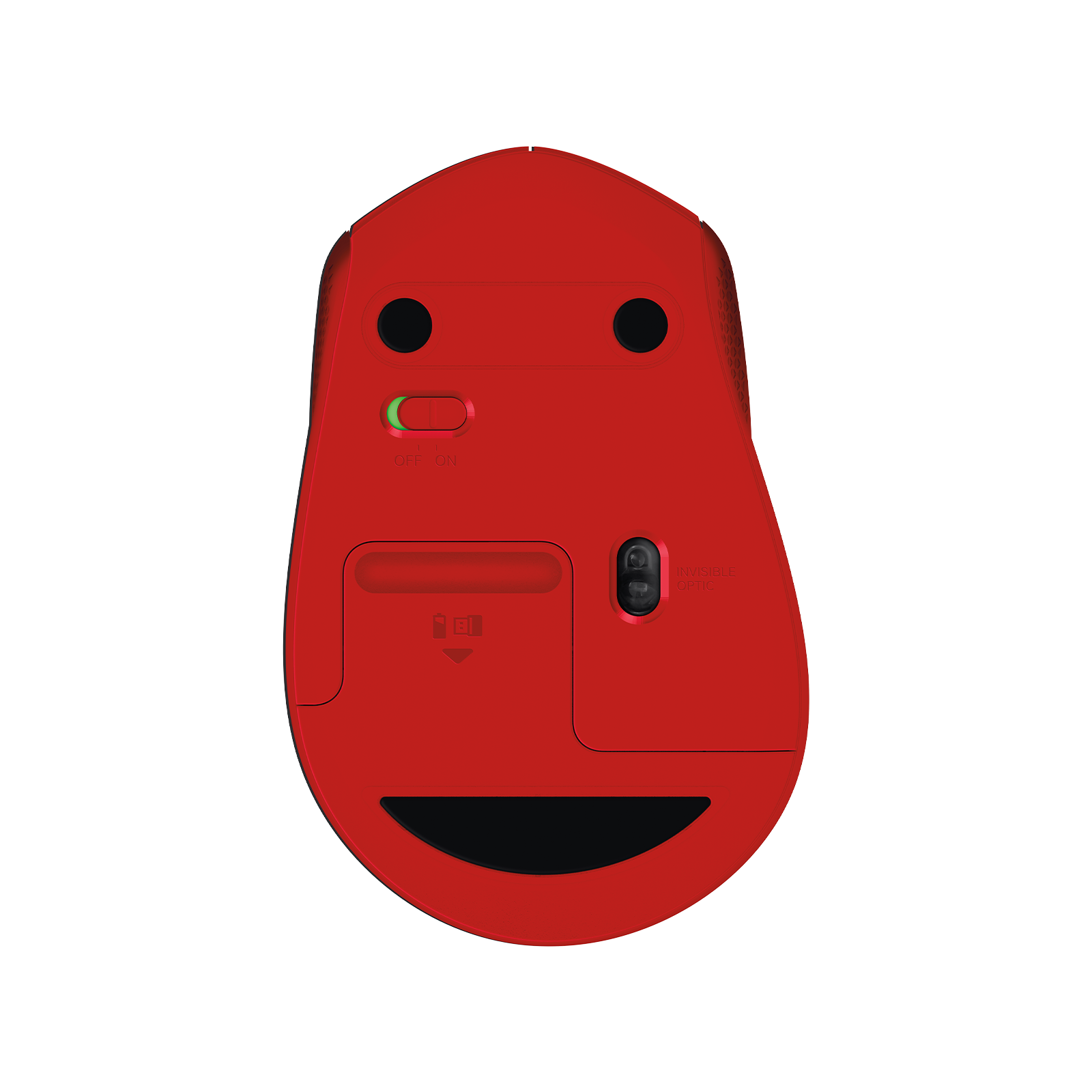
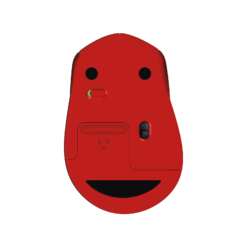
- ✓ Up to 18 months on 1 × AA · on/off switch · auto-sleep
The Logitech M330 Silent Plus Red is a comfortable everyday wireless mouse that is almost silent to use. Logitech’s SilentTouch technology removes over 90% of the clicking sound while keeping the feel of every click, so it suits open-plan offices, libraries, late-night work at home and video calls. The shape is contoured for the right hand, guiding it into a natural, relaxed position, with a textured grip and a rubber scroll wheel that moves in controlled, line-by-line steps. It connects with a small USB receiver — plug it in and it works on Windows, macOS, Linux and ChromeOS, with no software needed — and runs for up to 18 months on a single AA battery thanks to an on/off switch and automatic sleep. This is model 910-004911 in Red.
SilentTouch · 90% Quieter
You Feel the Click, You Barely Hear It
A normal mouse click is a sharp mechanical snap, and across a working day it adds up — for you and for anyone nearby. SilentTouch damps the switch so the sound drops by over 90%, while a clear point of actuation remains under your finger so you still know every click registered. The difference is immediately obvious in a quiet office, on a call where your microphone would otherwise pick up the clicks, in a shared study space, or at home when others are asleep. The scroll wheel is quiet too: a rubber wheel with a gentle tactile step that moves line by line, which makes it easy to scroll precisely through a document or a spreadsheet without overshooting.
Right-Hand Contour · Textured Grip
Comfortable for Hours of Work or Study
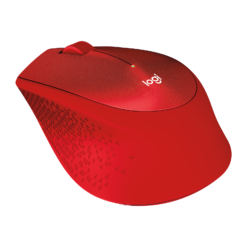
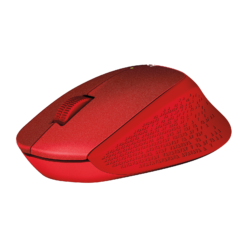
The M330 Silent Plus has an asymmetric shape designed for the right hand: the body slopes to support the hand in a natural position rather than holding it flat, and a patterned texture on the sides improves grip. It is a full-sized mouse for a small to medium hand, larger than a travel mouse but lighter and simpler than a premium desk mouse — a good fit for home working, students and office desks where comfort matters more than extra buttons. Logitech’s high-precision optical tracking works smoothly on almost any everyday surface, from a desk to a notebook. For a glossy glass desk, use a mouse mat, as with most optical mice. Because the shape is right-handed, left-handed users should look at a symmetrical mouse instead.
USB Receiver · 18 Months on AA
Plug In, Switch On, Forget About It
Setup takes seconds: plug the small USB receiver into a USB-A port on your computer and the mouse works straight away on Windows, macOS, Linux and ChromeOS, with no drivers or software to install. The wireless connection reaches up to 10 metres. The receiver stores inside the mouse when you travel, so it does not get lost. Power comes from one AA battery, which Logitech rates at up to 18 months of use, helped by an on/off switch underneath and an automatic sleep mode when the mouse is idle. There is nothing to charge and no cable. One thing to know before ordering: this is a receiver-based mouse without Bluetooth, so it needs a USB-A port — for a laptop with only USB-C ports, use a small USB-C to USB-A adapter.
Right choice if you…
✔ Work or study somewhere quiet and want near-silent clicks
✔ Want a comfortable right-handed mouse at an everyday price
✔ Prefer plug-and-play with no software or pairing
✔ Would rather change a battery once or twice a year than charge a mouse
Consider something else if…
✘ You need Bluetooth — the Logitech Pebble 2 M350s connects without a receiver
✘ You are left-handed — the M330 is a right-handed shape
✘ You want extra programmable buttons — the Logitech MX Master 4 has them
Logitech M330 Silent Plus Red — Technical Specifications
| Brand | Logitech |
| Model | M330 Silent Plus Wireless Mouse |
| MPN | 910-004911 |
| EAN / GTIN | Printed on retail packaging |
| Colour | Red |
| Clicks | SilentTouch · over 90% noise reduction |
| Tracking | Logitech high-precision optical tracking |
| Scroll Wheel | Rubber · line-by-line |
| Buttons | 3 (left, right, scroll-wheel click) |
| Connection | USB receiver (USB-A) · 2.4 GHz · up to 10m · no Bluetooth |
| Battery | 1 × AA · up to 18 months · on/off switch · auto-sleep |
| Hand Orientation | Right-handed |
| Compatibility | Windows · macOS · Linux · ChromeOS |
| Warranty | Manufacturer warranty (Logitech) |
In the Box
Frequently Asked Questions
How quiet is it?
Logitech SilentTouch technology reduces the clicking sound by over 90% compared with a standard mouse, while keeping the feel of each click.
Does it have Bluetooth?
No. It connects with the included USB receiver, which needs a USB-A port. For a laptop with only USB-C ports, use a USB-C to USB-A adapter.
What battery does it use and how long does it last?
One AA battery, rated by Logitech for up to 18 months of use thanks to the on/off switch and automatic sleep mode.
Do I need to install software?
No. Plug in the receiver and it works on Windows, macOS, Linux and ChromeOS.
Is it suitable for left-handed users?
No. The M330 Silent Plus has an asymmetric shape designed for the right hand.
Condition
Brand New — Retail Packaging
Warranty
Manufacturer warranty (Logitech)
Delivery
4–5 Working Days · Fully Tracked
Also Available at maibo
Browse the full mice and peripherals range at maibo.
| Brand | Logitech |
|---|---|
| Colors |
Only logged in customers who have purchased this product may leave a review.
Related products

Reviews
There are no reviews yet.