 WhatsApp

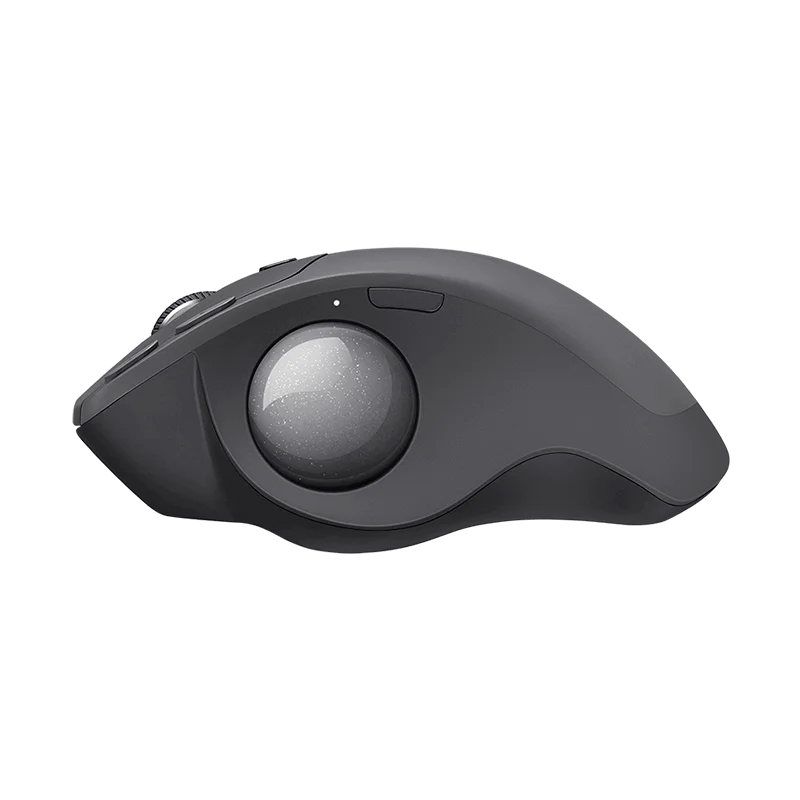
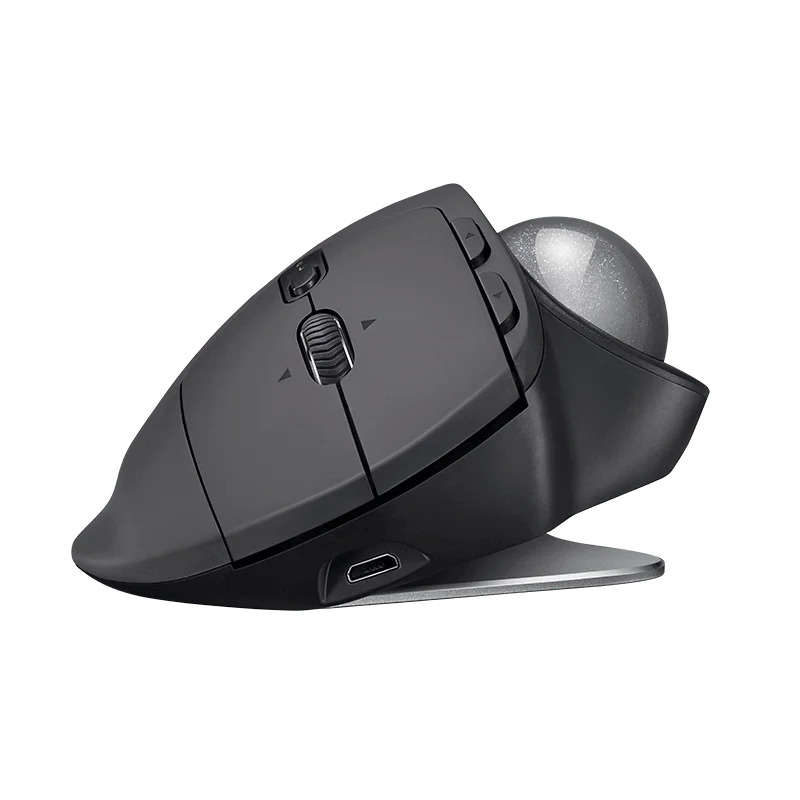
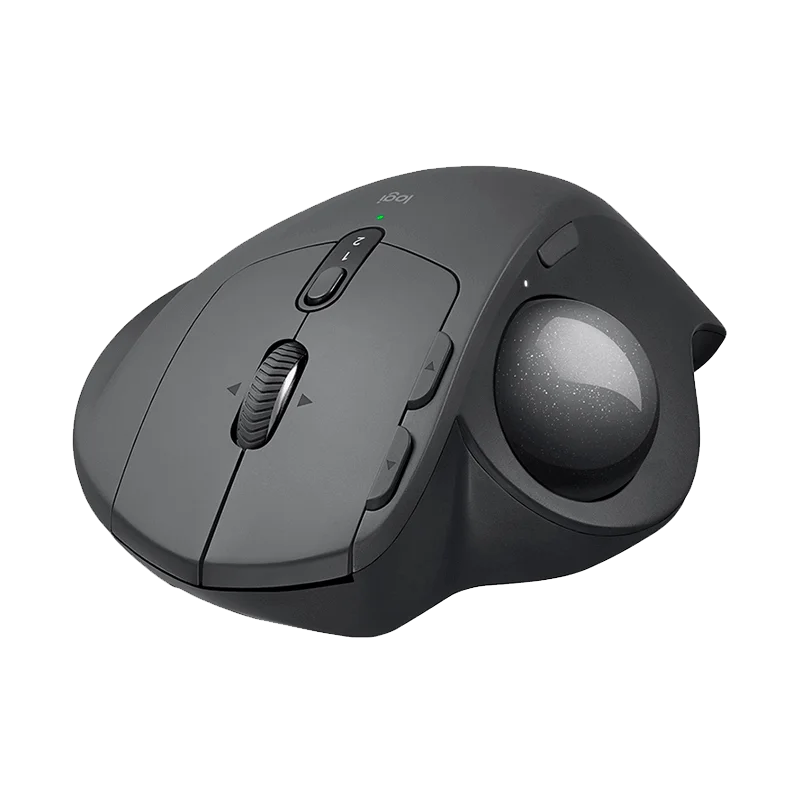
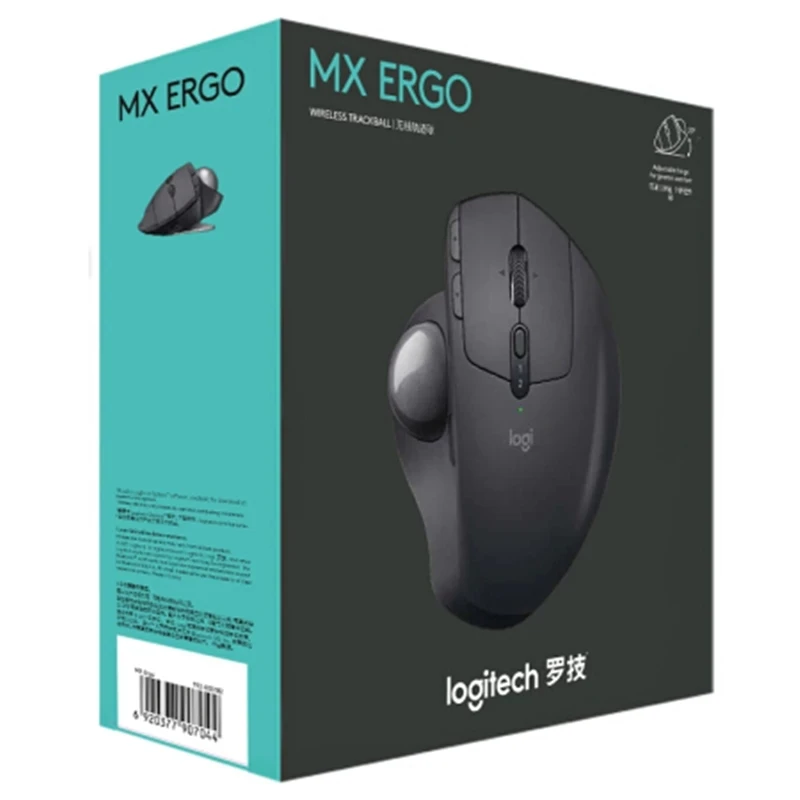
Logitech MX Ergo Wireless Trackball Mouse
£88.88
In stock
| Delivery | 4–5 working days · Fully tracked |
| Returns | 30 Day Returns |
| Warranty | 12-Month Warranty |
| Payment | Visa · Mastercard · Apple Pay · Klarna |
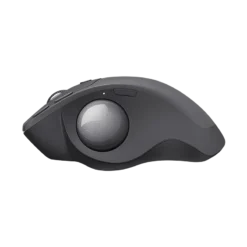
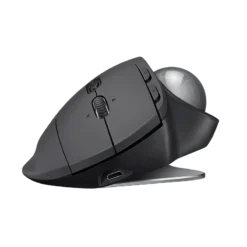
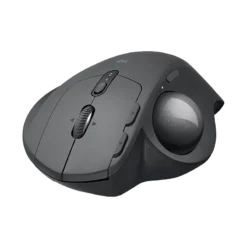
The Logitech MX Ergo — the wrist-saving thumb trackball: 20° adjustable tilt, precision mode, 2-device Flow and up to 4 months per charge.
- ✓ Adjustable 0°/20° tilt — handshake-neutral posture
- ✓ Thumb ball: zero arm travel, zero desk space
- ✓ Precision mode button for pixel work
- ✓ Up to 4 months per charge; 1 min = 1 day
The Logitech MX Ergo is the trackball for people whose wrists have filed a complaint: the thumb-operated ball means your arm stops travelling across the desk entirely, and the magnetic hinge tilts the whole mouse to 20 degrees for a handshake-neutral posture. Precision mode drops sensitivity on demand for pixel work, it pairs to two devices, and a full charge runs up to four months.
Ergonomics
20° tilt, zero arm travel
The adjustable hinge angles your hand into a natural handshake position, reducing muscular strain versus a flat mouse — and because the thumb does the pointing, the arm and shoulder stop moving altogether. RSI sufferers switch and stay.
Control
Precision mode on a button
The ball covers big multi-monitor sweeps fast; tap the precision button and tracking slows for pixel-accurate selection. Logi Options+ maps the rest — back/forward, wheel tilt, app-specific profiles.
Practical
2 devices, 4 months
Pair a desktop and a laptop via Bluetooth or the included receiver and flow between them. Up to 4 months per charge; one minute of charging covers a full day. A trackball also needs no desk space and no mousepad.
Right choice if you…
✔ Feel wrist or shoulder strain from regular mice
✔ Work on cramped desks — a trackball never moves
✔ Drive big multi-monitor setups
✔ Want months, not days, between charges
Consider something else if…
✖ You want the cheaper AA trackball — the ERGO M575 starts the same journey for less
✖ You game fast-twitch titles — trackballs trade flick speed for comfort
✖ You are left-handed — the MX Ergo is right-hand only
Logitech MX Ergo — Technical Specifications
| Brand | Logitech |
| Type | Thumb trackball, right-handed |
| Tilt | Adjustable 0° / 20° magnetic hinge |
| Precision | On-demand precision mode button |
| Connectivity | Bluetooth or receiver · 2 devices + Flow |
| Battery | Rechargeable — up to 4 months; 1 min = 1 day |
| MPN | MX Ergo (910 series) |
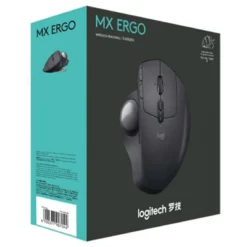
| EAN / GTIN | Printed on retail packaging |
| Warranty | Manufacturer warranty |
In the Box
Frequently Asked Questions
How long does adjusting to a trackball take?
Most people feel at home within 2-5 days of normal use — and almost nobody goes back once the wrist relief registers.
Does it help with RSI and wrist pain?
The tilted posture and zero arm travel reduce the strain patterns flat mice create — it is the usual recommendation when wrists start complaining. Persistent pain still deserves a professional opinion.
Can I clean the ball?
Yes — the ball pops out through the underside hole in seconds; a wipe of the three contact bearings keeps tracking perfect.
Is there a left-handed version?
No — the MX Ergo is sculpted for the right hand only.
Condition
Brand New — Retail Packaging
Warranty
Manufacturer warranty
Delivery
4–5 Working Days · Fully Tracked
Browse the full mice range at maibo.
| Weight | 0.44 kg |
|---|---|
| Dimensions | 10 × 10 × 10 cm |
Only logged in customers who have purchased this product may leave a review.
Related products
Gaming Mice
Reviews
There are no reviews yet.