 WhatsApp

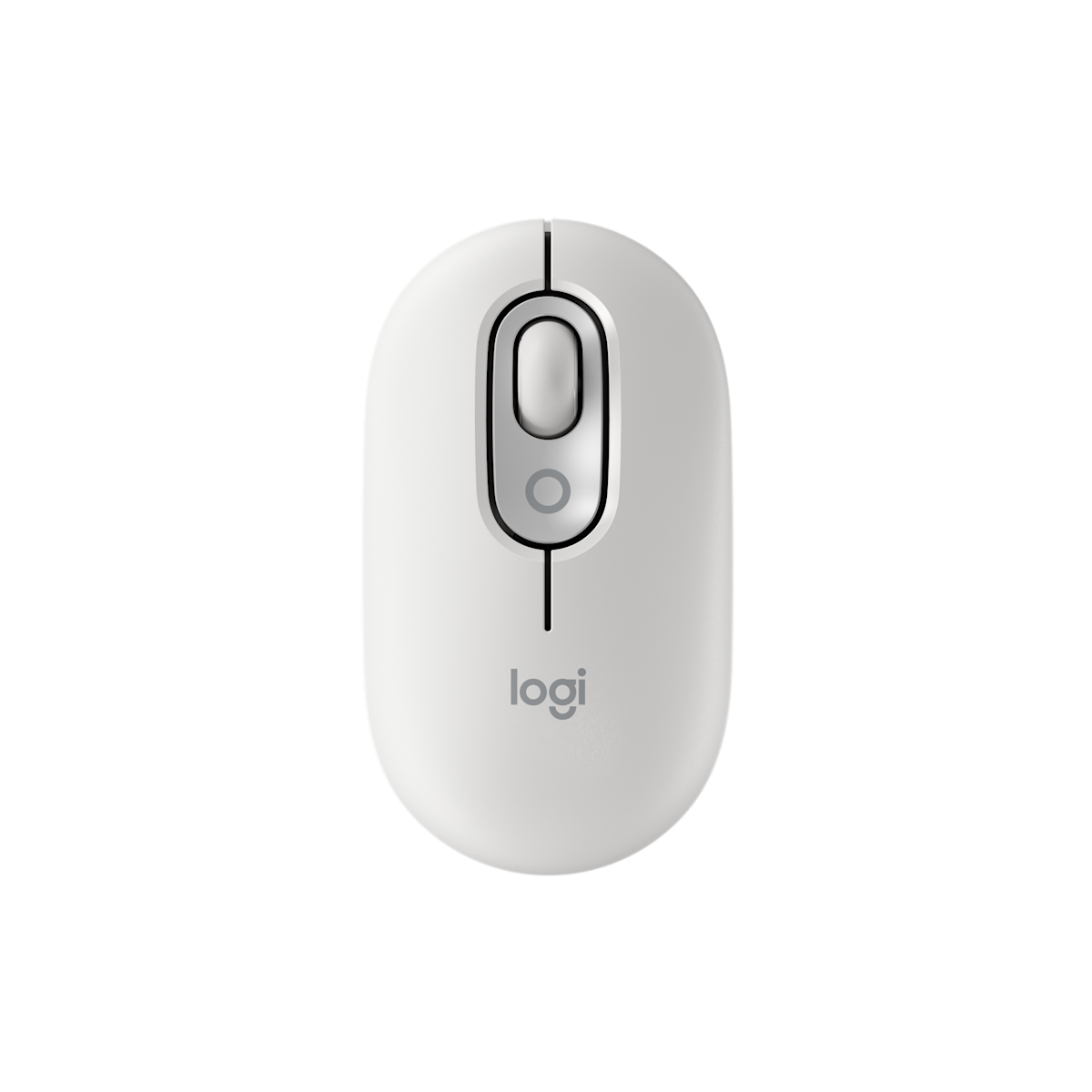




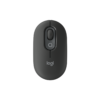
Logitech POP Wireless Mouse – Off-White
£17.88
| Brand: Logitech | |
| Colors: Off-White |
In stock
| Delivery | 4–5 working days · Fully tracked |
| Returns | 30 Day Returns |
| Warranty | Manufacturer Warranty |
| Payment | Airwallex · PayPal · Klarna |
The Logitech POP Wireless Mouse in Off-White — model 910-007411, a compact Bluetooth mouse with quiet SilentTouch clicks, a SmartWheel that switches between precise and speed scrolling, a customisable emoji and action button, and Easy-Switch between up to three devices. Runs up to 24 months on the included AA battery.
- ✓ SilentTouch quiet clicks · compact, contoured shape that fits a bag
- ✓ Customisable top button — emoji, Mic Mute, Snip Screen and more
- ✓ Bluetooth · Easy-Switch between 3 devices · Windows, macOS, ChromeOS, Android, iPadOS
- ✓ Up to 24 months on one AA battery (included) · Off-White
The Logitech POP Wireless Mouse Off-White is a small, quiet Bluetooth mouse built for people who work from a laptop in more than one place — the kitchen table, a café, a hot desk — and want something that looks like theirs rather than like office equipment. This is model 910-007411. The clicks are near-silent thanks to SilentTouch, so it does not announce itself in a library or a shared room. The SmartWheel scrolls line by line when you move it gently and free-spins through long pages when you flick it. The top button is yours to assign: an emoji for chats, or a working shortcut such as Mic Mute or Snip Screen through the free Logi Options+ app. It pairs with up to three devices and switches between them with a button, and a single AA battery — included — lasts up to 24 months. Connection is Bluetooth only: there is no USB receiver in the box.
SilentTouch · Compact Shape
Quiet Enough for Shared Spaces
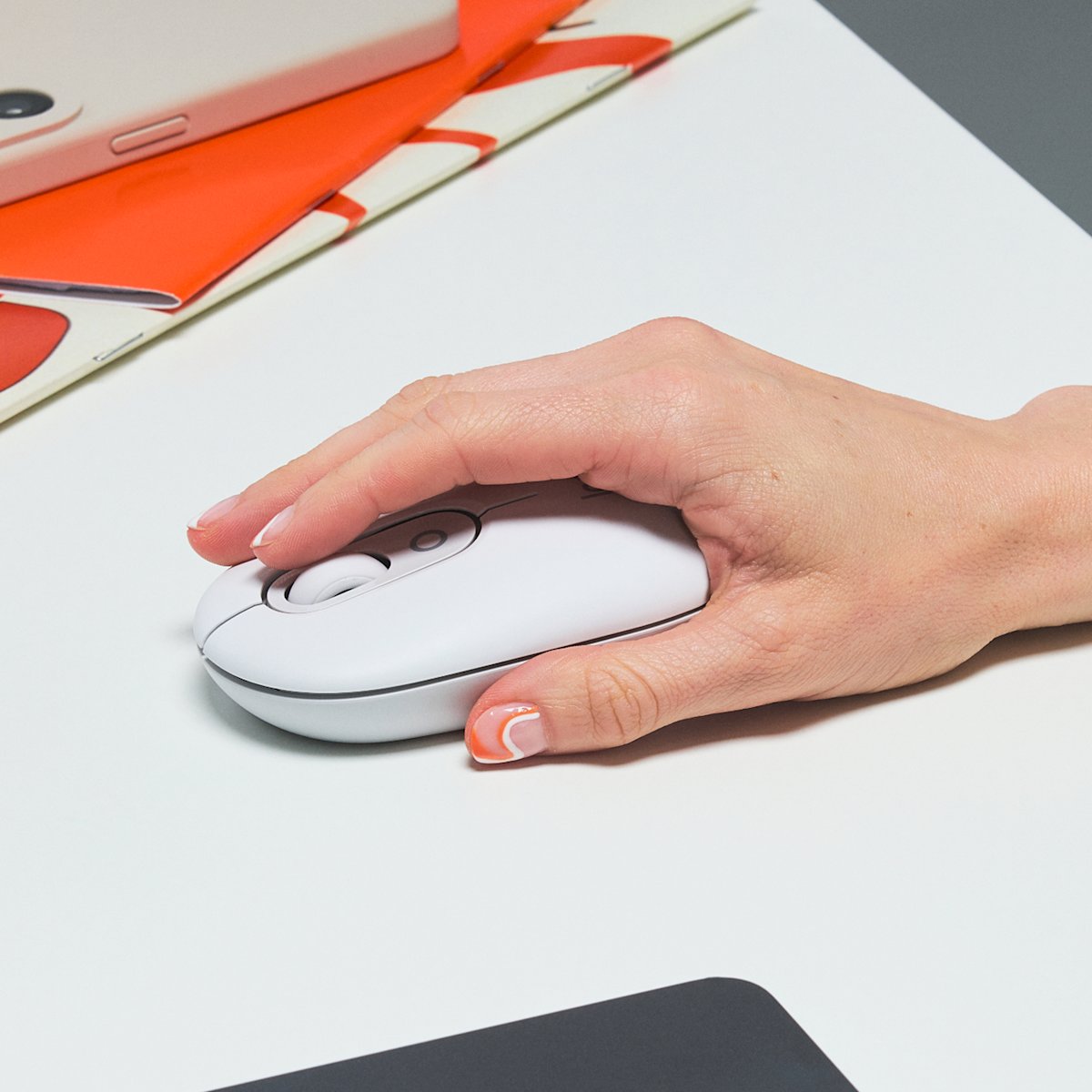
A standard mouse click is a sharp mechanical snap, and in a quiet room it carries further than people realise — across an open-plan office, through a video call, or next to someone asleep. SilentTouch damps the switch so each click is a soft tap you feel more than hear, while keeping a clear point of actuation so you still know the click registered. The body is compact and gently contoured so it sits in the palm without the flat, blocky feel of many travel mice, which matters over a full working day rather than a quick session. It is small enough to drop into a handbag, a laptop sleeve or a coat pocket, and the optical sensor tracks well on the smaller and less ideal surfaces you meet away from a desk — a café table, a tray table, a notebook cover. For a glossy glass desk, use a mouse mat, as with most optical mice.
SmartWheel · Action Button
Two Controls That Save Real Time
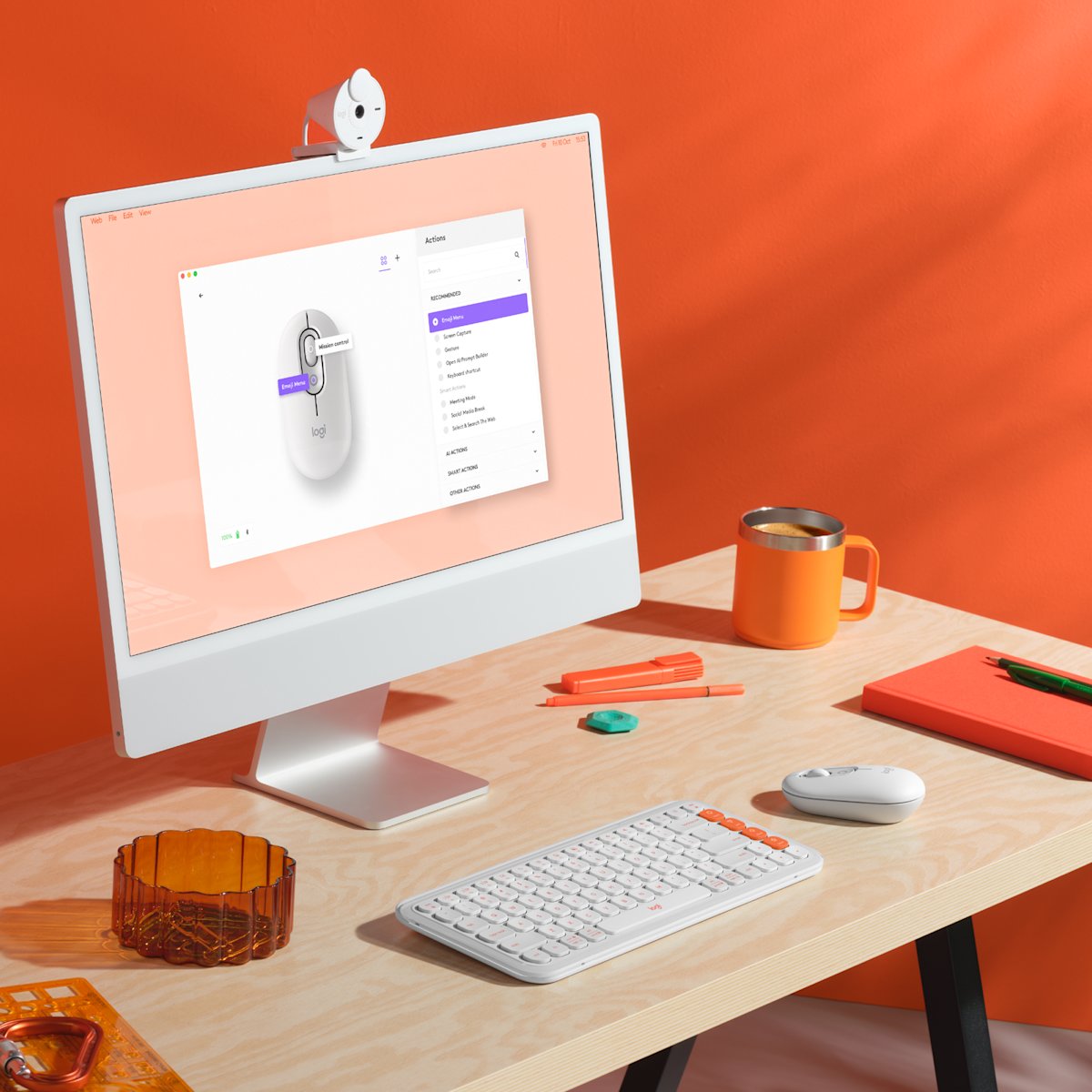
The SmartWheel reads how you move it. Nudge it and it steps line by line for precise editing in a document or a spreadsheet; flick it and it switches to speed scrolling, running through a long web page or a hundred-row list in one motion. There is no mode switch to remember — the wheel changes behaviour with your finger. The button on top, just behind the wheel, is the one that gives the POP Mouse its name. Out of the box it opens an emoji menu for chat apps. Through the free Logi Options+ app on Windows and macOS you can reassign it to something more practical: Mic Mute for calls, Snip Screen for screenshots, or another shortcut you reach for many times a day. Most people end up using it for the call-mute shortcut, which is easier to hit in a hurry than a keyboard combination. Without Logi Options+ the mouse works normally as a standard Bluetooth mouse; the app is only needed to customise the button.
Bluetooth · 3 Devices · 24 Months
One Mouse Across Your Devices
The POP Mouse connects over Bluetooth and remembers up to three devices — a work laptop, a personal laptop and a tablet, for example. A button underneath switches between them, so moving from one machine to another is a press rather than a trip into Bluetooth settings. It works with Windows, macOS, ChromeOS, Android and iPadOS. With Logi Options+ installed on two computers, Logitech Flow lets you move the cursor from one screen to the other and even copy and paste between them. One practical point to know before you order: the connection is Bluetooth only and there is no USB receiver in the box, so the device you use it with needs Bluetooth — nearly every laptop, tablet and modern desktop has it, but some older or budget desktop towers do not. Power comes from a single AA battery, which is included, and Logitech rates it at up to 24 months of use thanks to automatic sleep between sessions. No charging cable, no charging routine.
Right choice if you…
✔ Work from a laptop in different places and want a small mouse that travels well
✔ Share a room or take calls and want clicks that do not carry
✔ Move between a laptop, a second computer and a tablet during the day
✔ Would rather change an AA battery every couple of years than charge a mouse every week
Consider something else if…
✘ Your computer has no Bluetooth — there is no USB receiver in the box
✘ You want a full-size ergonomic mouse for long desk days — the Logitech MX Master 3S is built for that
✘ You play games — the POP Mouse is designed for work and everyday use, not low-latency gaming
Logitech POP Wireless Mouse Off-White — Technical Specifications
| Brand | Logitech |
| Model | POP Wireless Mouse |
| MPN | 910-007411 |
| EAN / GTIN | 5099206126398 |
| Colour | Off-White |
| Sensor | Optical · up to 4000 DPI |
| Buttons | 4 · customisable top emoji / action button |
| Clicks | SilentTouch quiet clicks |
| Scroll Wheel | SmartWheel · precision and speed scrolling |
| Connection | Bluetooth · no USB receiver included |
| Multi-Device | Easy-Switch between up to 3 devices · Logitech Flow |
| Battery | 1 × AA (included) · up to 24 months |
| Compatibility | Windows · macOS · ChromeOS · Android · iPadOS |
| Software | Logi Options+ (Windows · macOS) — optional |
| Warranty | Manufacturer warranty (Logitech) |
In the Box
Frequently Asked Questions
Is there a USB receiver in the box?
No. The POP Mouse connects over Bluetooth, and the box contains the mouse, an AA battery and documentation only. Nearly every laptop, tablet and modern desktop has Bluetooth built in. If your computer does not, this is not the right mouse for it without a Bluetooth adapter.
What does the top button do?
By default it opens an emoji menu for chat apps. With the free Logi Options+ app on Windows or macOS you can assign it to a shortcut instead — Mic Mute, Snip Screen or another command you use often. On other systems it works as a standard button without customisation.
How long does the battery last?
Logitech rates it at up to 24 months on a single AA battery, which is included. Real life depends on how many hours a day you use it. When it runs out, you replace the AA — there is nothing to charge.
Can I use it with my iPad and my laptop?
Yes. It pairs with up to three devices and switches between them with the Easy-Switch button underneath. It works with Windows, macOS, ChromeOS, Android and iPadOS.
Is this the same as the older POP Mouse?
No. This is the current POP Wireless Mouse range (model numbers 910-0074xx) in solid colours such as Off-White. The earlier POP Mouse (910-0065xx) came in two-tone designs and is listed separately on maibo.
Condition
Brand New — Retail Packaging
Warranty
Manufacturer warranty (Logitech)
Delivery
4–5 Working Days · Fully Tracked
Also Available at maibo
Browse the full mice and peripherals range at maibo.
| Brand | Logitech |
|---|---|
| Colors |
Be the first to review “Logitech POP Wireless Mouse – Off-White”
You must be logged in to post a review.
Related products
Gaming Mice
Reviews
There are no reviews yet.