 WhatsApp
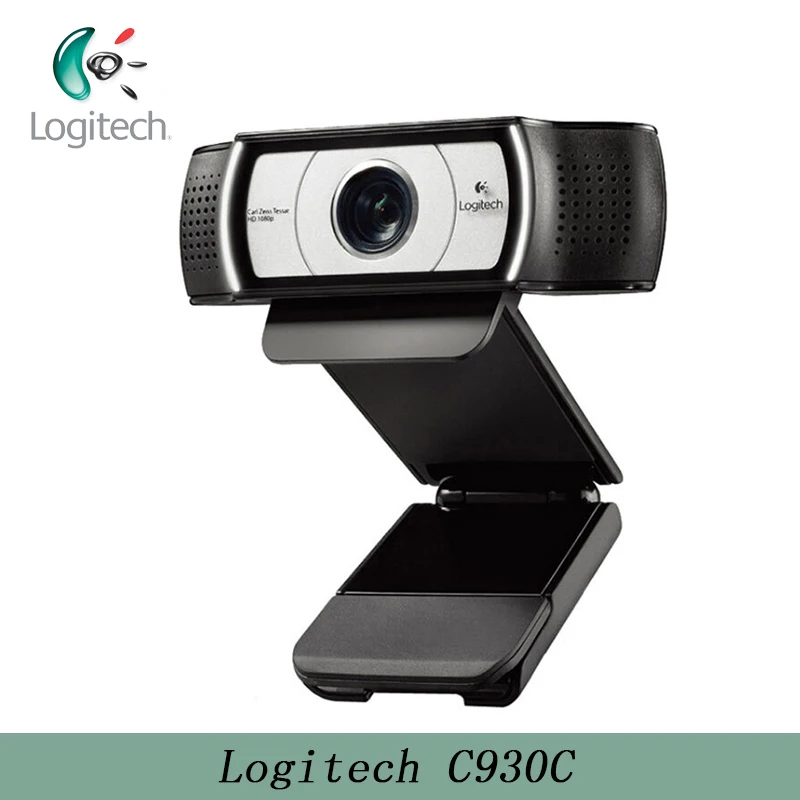
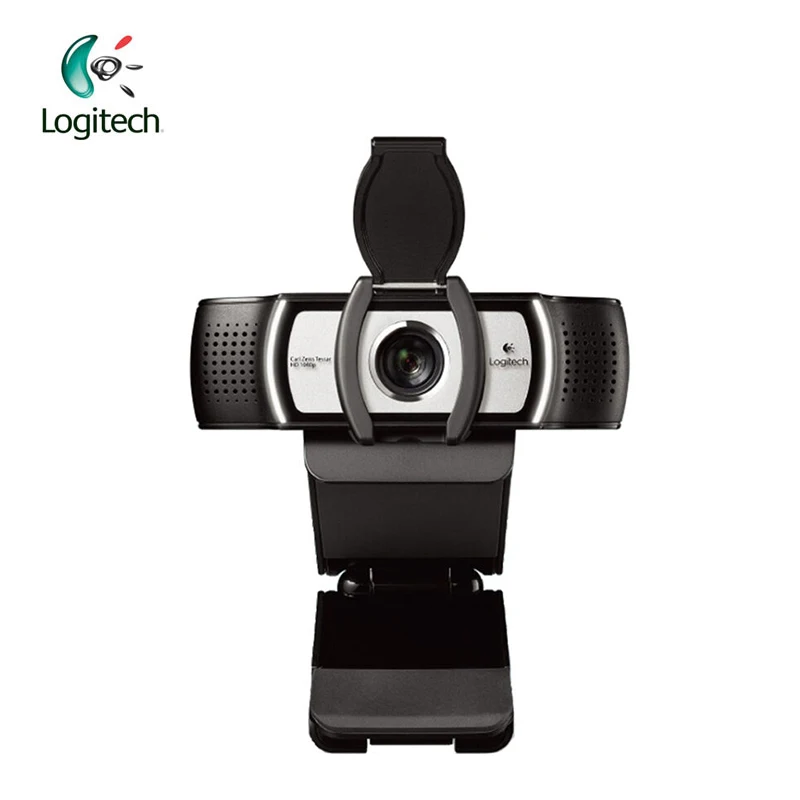
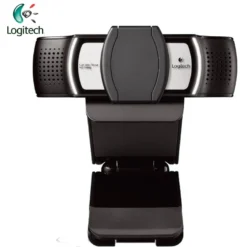
Logitech C930c HD Webcam – Full HD 1080p
£48.88
| Brand: Logitech | |
| HD Series: C930C |
In stock
| Delivery | 4–5 working days · Fully tracked |
| Returns | 30 Day Returns |
| Warranty | 12-Month Warranty |
| Payment | Visa · Mastercard · Apple Pay · Klarna |
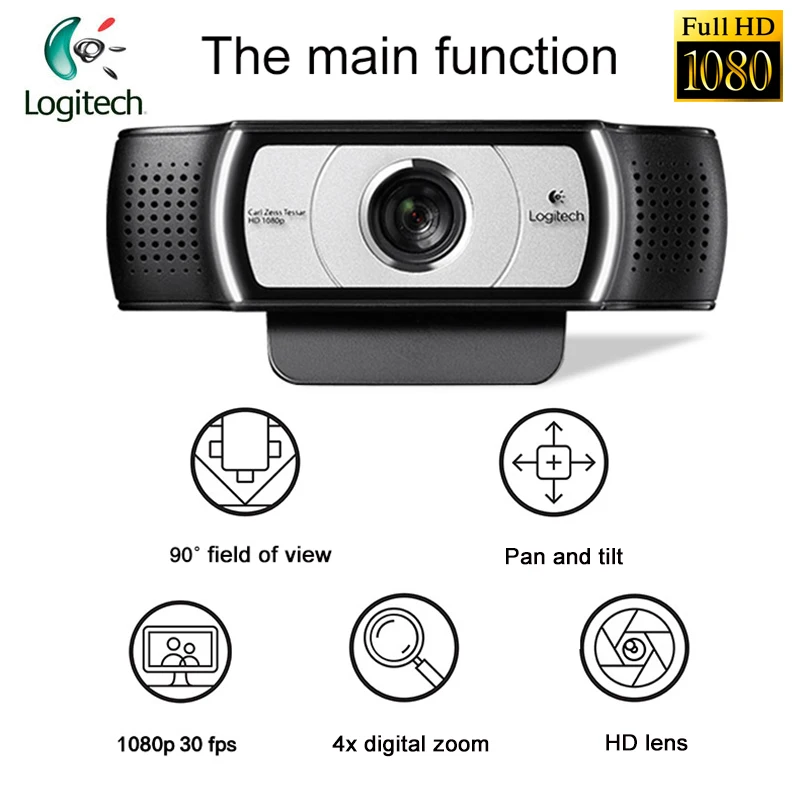
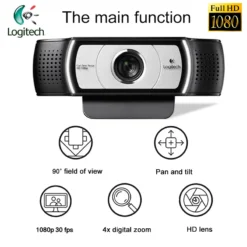
The Logitech C930c HD 1080p webcam — Full HD 1080p at 30fps with a Carl Zeiss Tessar glass lens, 90° wide field of view, H.264 on-camera encoding, 4x digital zoom with pan and tilt, dual omnidirectional microphones, RightLight 2 light correction, and privacy cover. USB-A plug-and-play.
- ✓ Carl Zeiss Tessar glass lens — 1080p/30fps · 90° field of view · 4x digital zoom · pan and tilt
- ✓ H.264 UVC on-camera encoding — offloads video compression from CPU for smoother streams
- ✓ Dual omnidirectional mics · RightLight 2 · privacy cover included
- ✓ USB-A plug-and-play · Windows, macOS, ChromeOS · Zoom, Teams, Meet compatible
The Logitech C930c HD Webcam – Full HD 1080p — Full HD 1080p at 30fps with a Carl Zeiss Tessar glass lens, 90° wide field of view, H.264 on-camera encoding, 4x digital zoom with pan and tilt, dual omnidirectional microphones, RightLight 2 light correction, and privacy cover. USB-A plug-and-play.
- ✓ Carl Zeiss Tessar glass lens — 1080p/30fps · 90° field of view · 4x digital zoom · pan and tilt
- ✓ H.264 UVC on-camera encoding — offloads video compression from CPU for smoother streams
- ✓ Dual omnidirectional mics · RightLight 2 · privacy cover included
- ✓ USB-A plug-and-play · Windows, macOS, ChromeOS · Zoom, Teams, Meet compatible
The Logitech C930c is the Asia-Pacific market variant of Logitech’s C930 business webcam platform, distinguished by its Carl Zeiss Tessar glass lens — an optics specification that appears on only a small number of Logitech webcam models and that is not available on the European C930e. Carl Zeiss Tessar is a well-established four-element lens design with a long history in precision optics, optimised for sharpness and low distortion, and is listed as a key differentiator on this variant. The C930c delivers 1080p Full HD video at 30fps through a 90° diagonal field of view — significantly wider than the 78° of the C920e and suited to users who need to show whiteboards, multiple people in a frame, or a wider workspace context during calls and presentations. H.264 UVC on-camera encoding offloads the video compression task from the host CPU to the camera’s own processor, which reduces the system resource demand on older or lower-powered machines running multiple applications during video calls. The dual omnidirectional microphones are plug-and-play active — no software activation required, unlike the C920e. RightLight 2 handles automatic exposure in variable or challenging lighting. A privacy cover is included. Compatible with Zoom, Microsoft Teams, Google Meet, Cisco Webex and all major video conferencing platforms. Note: the C930c does not support Logitech Capture streaming software — see FAQ below for details.
Carl Zeiss Tessar Lens
Premium Optics on a Webcam
Carl Zeiss is one of the world’s most recognised precision optics manufacturers, with over 175 years of optical engineering heritage. The Zeiss Tessar design is a four-element telephoto group lens — three elements in two groups — that achieves high central sharpness and controlled field curvature. It is Zeiss’s entry-level industrial and consumer lens formula, but it carries Zeiss’s optical tolerances and quality control standards, which are materially higher than the unlabelled glass or plastic optic units fitted in most webcams at any price point. In the C930c, the Carl Zeiss Tessar lens is the primary differentiator from the consumer C920 platform and the European C930e. The practical difference in video is visible in the sharpness and contrast of the image — edges are cleaner, fine details in the user’s face and clothing are more resolved, and the colour rendering has less the chromatic fringing that lesser optics produce at high-contrast boundaries. For professional video calls, presentations and content where image quality matters beyond the functional minimum, the Zeiss lens is the reason to choose the C930c over the C920e at a similar price.
90° FOV · H.264 · Pan/Tilt/Zoom
Wide View and On-Camera Encoding
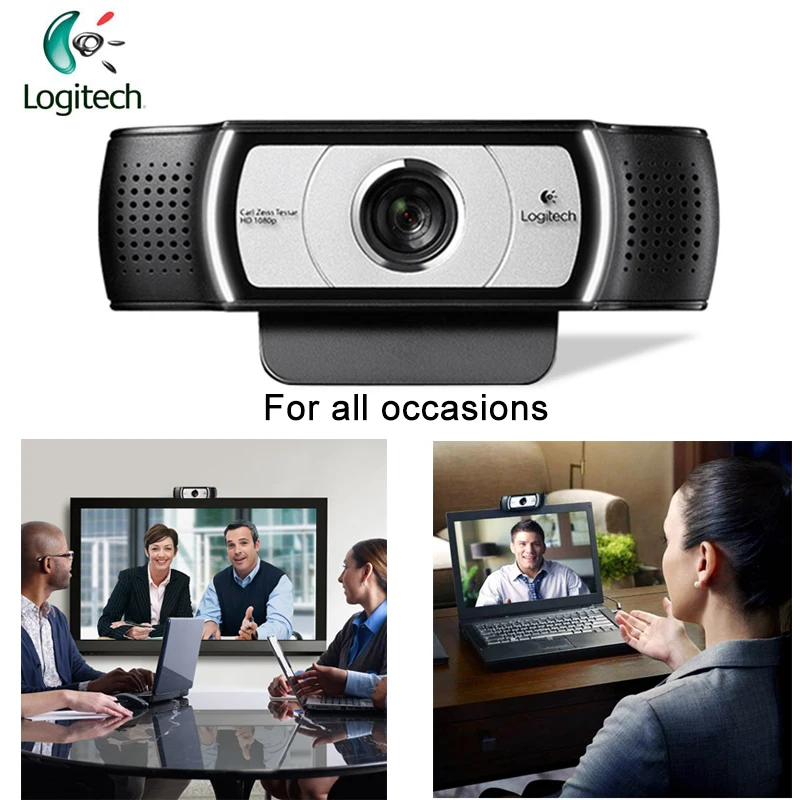
The 90° diagonal field of view is 12° wider than the C920e’s 78° — a meaningful difference in practice. At 78°, a webcam shows the user and a narrow band of background. At 90°, the frame includes significantly more of the workspace — a whiteboard to the side, a second person in the frame, or wider context that helps remote participants understand the physical environment. This makes the C930c more suitable than the C920e for small group calls, teaching, demonstrations and whiteboard presentations. The 4x digital zoom allows narrowing back in on a specific area without moving the camera — combined with pan and tilt control via Logi Tune, the full 90° scene can be repositioned and cropped to focus on the subject of interest within the wider frame. H.264 UVC 1.5 encoding moves the H.264 video compression processing from the host computer’s CPU into the camera hardware itself. On a modern high-performance desktop this has little impact, but on older machines, low-power laptops, or systems running multiple applications simultaneously during a video call, the reduction in CPU load from on-camera encoding produces noticeably smoother video with fewer dropped frames and lower system fan noise.
Dual Omni Mics · RightLight 2
Audio and Lighting — Plug-and-Play
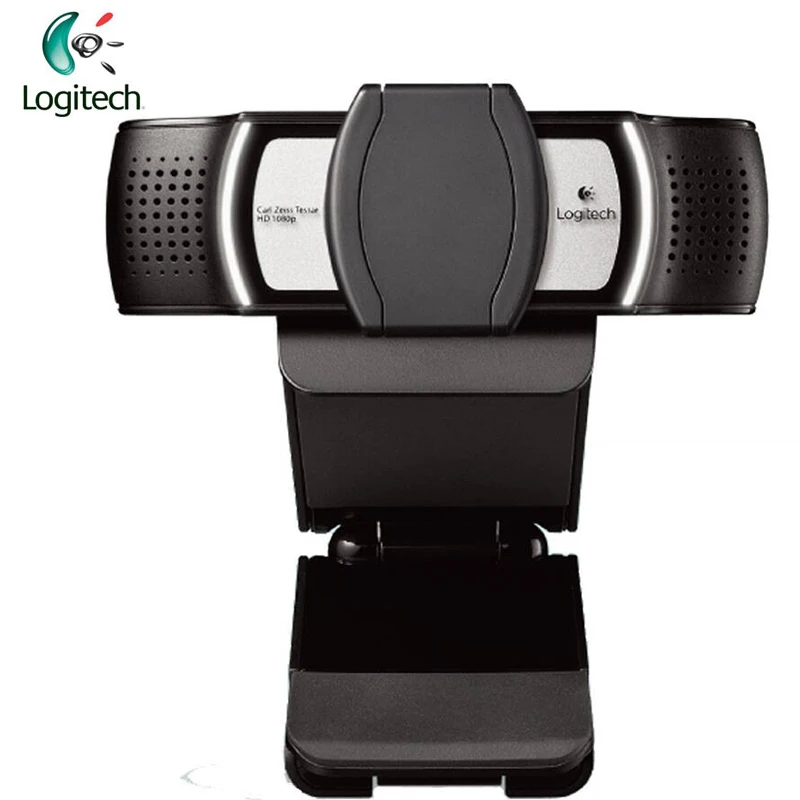
Unlike the C920e, whose microphones require activation through the Logi Tune app, the C930c’s dual omnidirectional microphones are plug-and-play active — they are available as an audio input device immediately on connection, with no software configuration required. The mics are positioned on each side of the lens housing and optimised for voice capture up to one metre from the camera. For most desk setups where the webcam is positioned at monitor height approximately 60–80cm from the user, this covers the full speech capture range reliably. RightLight 2 provides the same automatic exposure correction as on the C920e — subject-prioritised exposure that keeps the face correctly lit regardless of background brightness. The included privacy cover clips over the lens and physically blocks the camera view; it is physically separate from the camera body, so it does not add bulk when stored off the camera. The Logi Tune application enables advanced controls — zoom, colour adjustment, manual focus, firmware updates — but is not required for basic camera and microphone operation.
Right choice if you…
✔ Want the best optics available on a Logitech webcam at this price — Carl Zeiss Tessar glass lens is a genuine premium
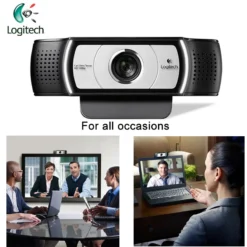
✔ Need a 90° wide field of view for whiteboard use, small group calls, or wider workspace visibility
✔ Want plug-and-play microphones without needing to install Logi Tune — unlike the C920e
✔ Use an older or lower-powered computer — H.264 on-camera encoding reduces CPU load during video calls
Consider something else if…
✖ You use Logitech Capture streaming software — the C930c is not supported by Logitech Capture; use the C920, C922 or BRIO for streaming workflows
✖ You need 4K resolution — see the Logitech BRIO 4K
✖ You need USB-C connection — C930c is USB-A only; USB-A to USB-C adapter required for USB-C-only machines
Technical Specifications
| Brand | Logitech |
| Model | C930c HD 1080p Webcam |
| MPN | 960-001260 |
| EAN / GTIN | 6920377909789 |
| Lens | Carl Zeiss Tessar glass · HD autofocus |
| Video Resolution | 1080p Full HD at 30fps · 720p at 30fps |
| Field of View | 90° diagonal |
| Zoom | 4x digital · pan and tilt |
| Encoding | H.264 UVC 1.5 — on-camera |
| Light Correction | RightLight 2 automatic |
| Microphones | Dual omnidirectional · plug-and-play · up to 1m |
| Privacy Cover | Included (clip-on) |
| Connection | USB-A · plug-and-play · 1.5m integrated cable |
| Compatibility | Zoom · Teams · Google Meet · Webex · GoToMeeting |
| OS | Windows 7+ · macOS 10.7+ · ChromeOS |
| Weight | 162g |
| Note | Asia-Pacific variant · Logitech Capture not supported |
| Warranty | Manufacturer warranty (Logitech) |
In the Box
Logitech C930c webcam with 1.5m integrated USB-A cable
Privacy cover (clip-on)
Frequently Asked Questions
Does the C930c work with Logitech Capture?
No. Logitech Capture streaming software does not support the C930c. Logitech Capture is compatible with the C920 HD Pro, C920S, C922, C922X, StreamCam, StreamCam Plus, BRIO 4K and BRIO Stream. If your workflow requires Logitech Capture — for multi-source streaming, custom overlays, or direct recording — the C920 or C922 is the correct choice. For standard video calling on Zoom, Teams, Meet, Webex and all other conferencing platforms, the C930c works fully without Logitech Capture.
What is the difference between the C930c and C930e?
The C930c (960-001260) is the Asia-Pacific market variant with a Carl Zeiss Tessar lens and plug-and-play microphones. The C930e (960-000971/960-000972) is the European/North American business variant — microphones require activation via Logi Tune, and the lens is described as a standard Logitech glass lens without the Zeiss designation. Both deliver 1080p at 90° FOV with H.264 on-camera encoding. The C930c’s Zeiss lens is the key optical advantage.
Do the microphones work plug-and-play?
Yes — unlike the C920e, the C930c’s microphones are active immediately on USB connection. The camera appears as both a video capture device and a USB audio input in Windows, macOS and ChromeOS without any software installation. Logi Tune can be used for fine-tuning if desired, but it is not required for basic microphone operation.
What does H.264 on-camera encoding actually do?
H.264 is the video compression standard used by most video conferencing platforms. Normally, the raw video feed from the camera is compressed by the host computer’s CPU. The C930c compresses the video inside the camera before sending it to the computer over USB, which reduces the amount of CPU time the computer must spend on video compression during the call. On a modern multi-core desktop, this has minimal impact. On an older laptop or a machine running many simultaneous applications, the reduction in CPU load from H.264 on-camera encoding can meaningfully improve call stability and reduce frame drops.
Condition
Brand New — Retail Packaging
Warranty
Manufacturer warranty (Logitech)
Delivery
4–5 Working Days · Fully Tracked
Also Available at maibo
Browse the full webcams and peripherals range at maibo.
| Weight | 0.25 kg |
|---|---|
| Dimensions | 15 × 10 × 5 cm |
| Brand | Logitech |
| HD Series | C930C |
Only logged in customers who have purchased this product may leave a review.
Related products
Reviews
There are no reviews yet.