 WhatsApp

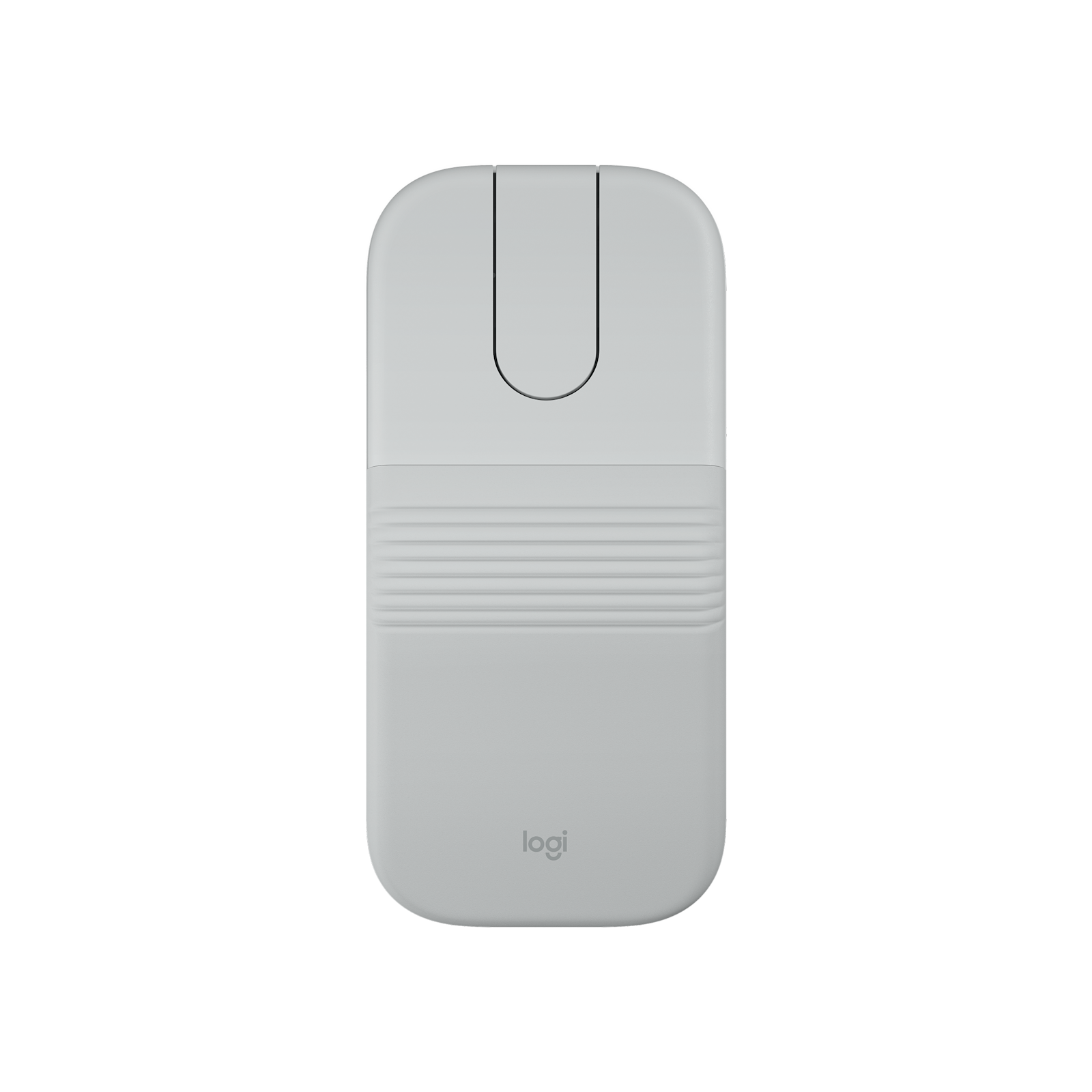

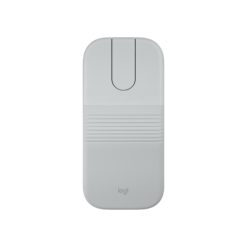

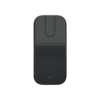
Logitech Mobi Fold Mouse – Off-White
£68.88
| Colors: Off-White |
In stock
| Delivery | 4–5 working days · Fully tracked |
| Returns | 30 Day Returns |
| Warranty | Manufacturer Warranty |
| Payment | Airwallex · PayPal · Klarna |
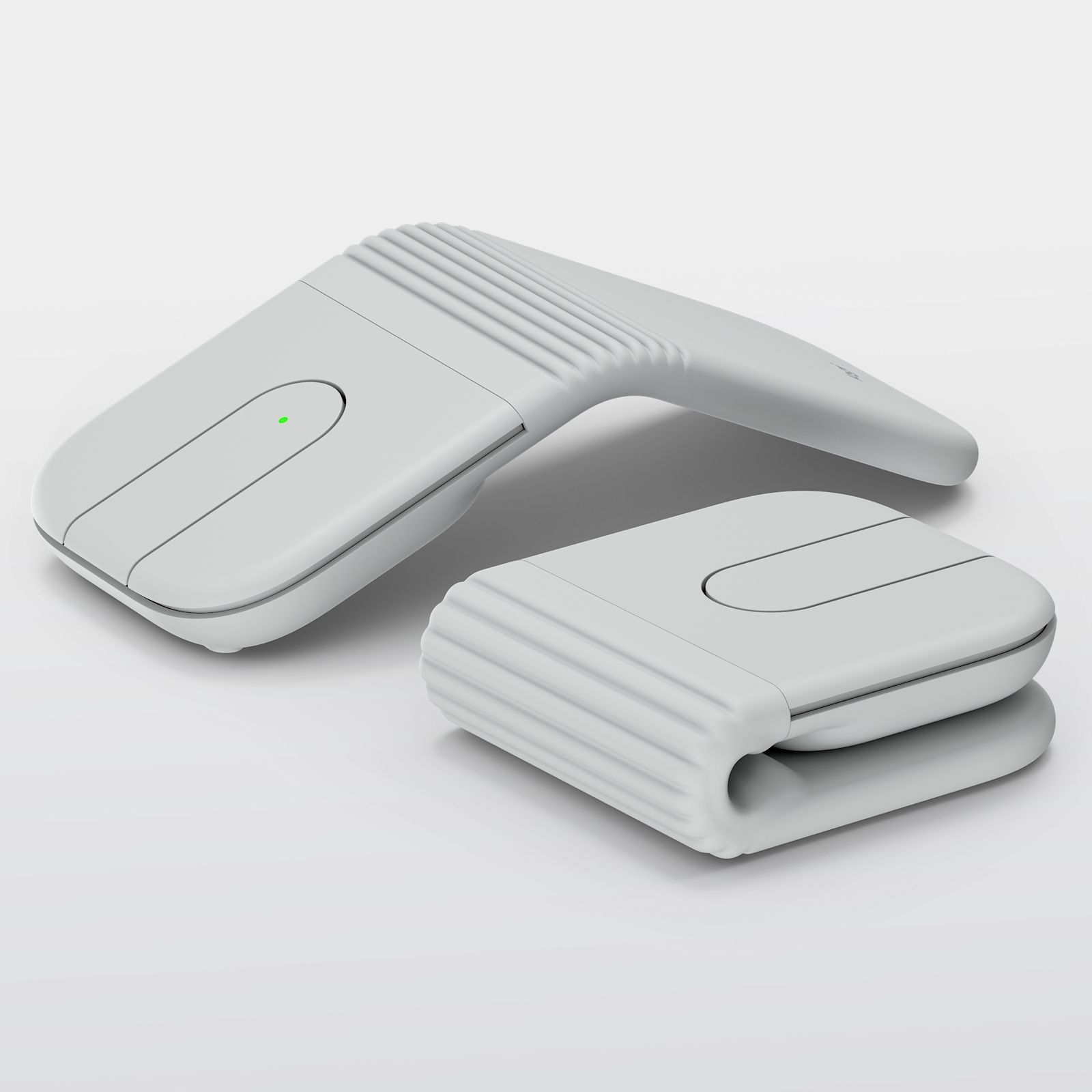
The Logitech Mobi Fold mouse in Off-White — model 910-007631, an ultra-portable Bluetooth mouse that folds flat to travel and unfolds into a comfortable arched shape. Unfold to switch on, fold to switch off. Adaptive Touch Scroll, quiet clicks, a 4,000 DPI sensor, Easy-Switch between three devices and around a month per charge. 79g.
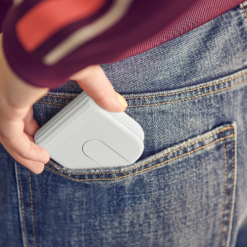
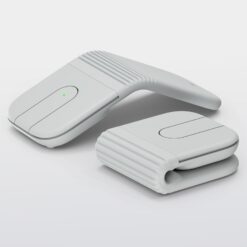
- ✓ Folds flat for a pocket or bag — unfold to power on, fold to power off
- ✓ Adaptive Touch Scroll — line-by-line or fast scrolling without a wheel
- ✓ 4K DPI sensor · quiet clicks · ambidextrous · 79g
- ✓ Bluetooth · 3 devices with Easy-Switch · ~30 days per charge · 1 minute = 22 hours
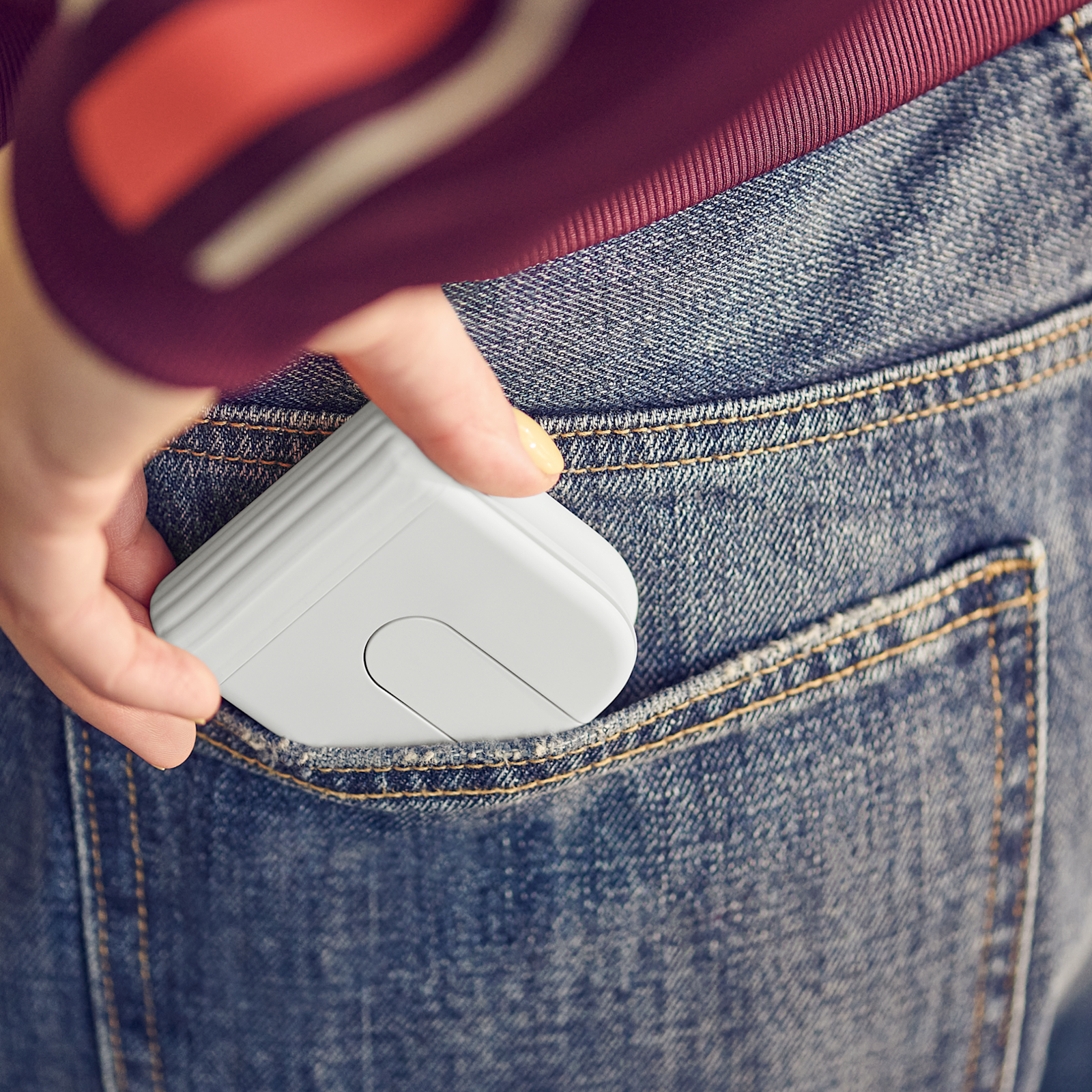
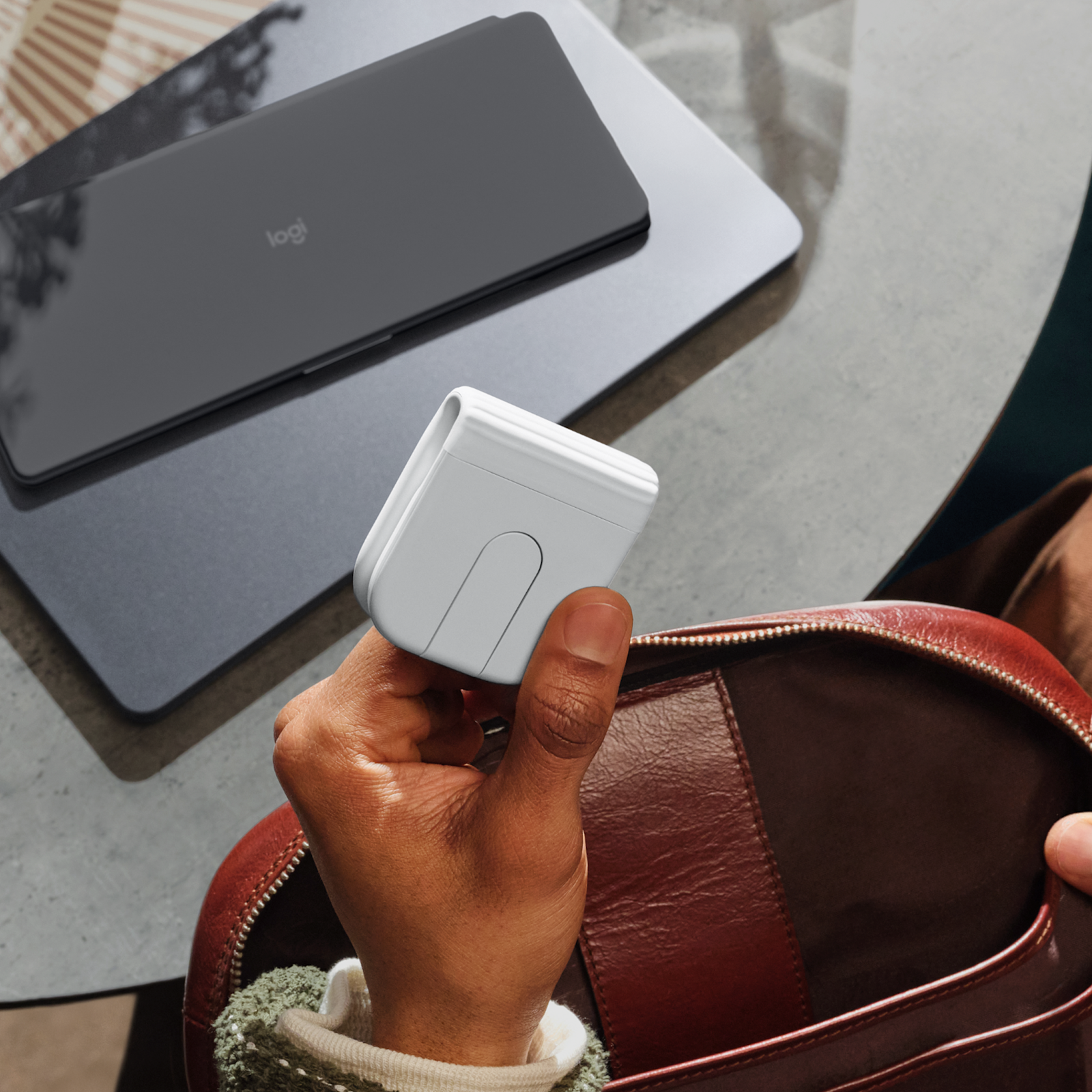
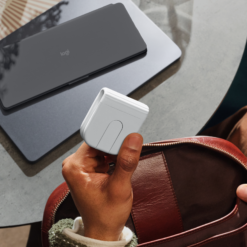
The Logitech Mobi Fold mouse Off-White solves the reason most people leave their mouse at home: a normal mouse is too bulky to carry just in case. Mobi Fold folds flat, small enough for the smallest pocket of a laptop bag or a jacket, and unfolds into an arched shape that fills the hand properly. Unfolding switches it on and folding switches it off, so there is no power button to forget and the battery is not drained in the bag. Instead of a scroll wheel it has an Adaptive Touch Scroll surface that moves line by line or races through long pages. The clicks are quiet for cafés, trains and shared offices, the 4,000 DPI sensor is precise on most surfaces, and it pairs with a laptop, tablet and phone at once. At 79g with around a month per charge, it is the mouse you actually take with you. This is model 910-007631 in Off-White.
Foldable · Unfold to Power On
A Mouse Built Around Being Carried
Most travel mice make the mouse smaller and accept that it becomes uncomfortable. Mobi Fold takes the other route: it is full-sized in use and small only when folded. Opened, the body forms an arch that supports the palm the way a desk mouse does, and Logitech’s own ErgoLab study found 22% less forearm muscle strain than using a laptop’s built-in trackpad. Closed, it lies flat and slips into a pocket, a pen slot or a laptop sleeve. The fold is also the power switch — unfold it and it wakes and reconnects, fold it and it turns off — which means it never flattens its battery rattling around in a bag and there is no tiny switch to find underneath. The shape is ambidextrous, so it works in either hand, and at 79 grams you will not notice it in your bag. It is built for travel wear, and Logitech states it is tested to withstand the equivalent of 15 years of daily folding.
Adaptive Touch Scroll · 4K DPI · Quiet Clicks
No Scroll Wheel — Here Is How It Scrolls
A scroll wheel is the part that makes a mouse thick, so Mobi Fold replaces it with a touch-sensitive strip where the wheel would be. Slide a finger slowly and it steps line by line for precise editing; swipe quickly and it speeds through long web pages, documents and spreadsheets. It takes a few minutes to get used to if you have used a wheel all your life, and this is worth knowing before buying: if you rely on a physical, clicking wheel, Mobi Fold will feel different. The optical sensor tracks at up to 4,000 DPI, adjustable in steps from 400, and works on most everyday surfaces — tables, trays, notebooks and trouser legs. For a glossy glass table use a mat, as with any optical mouse. The clicks are quiet by design, so it does not announce itself in a library, a meeting or a shared room. There are four buttons, and two of them can be customised with the free Logi Options+ app on Windows and macOS.
Bluetooth · 3 Devices · 30 Days
Connection and Charging — Read Before Ordering
Mobi Fold connects over Bluetooth and remembers three devices — for example a laptop, a tablet and a phone — switching between them with Easy-Switch. It works with Windows, macOS, ChromeOS, iPadOS and Android, and with smartphones that support a Bluetooth mouse. There is no USB receiver in the box: this version is Bluetooth only, so the device you use it with needs Bluetooth, which nearly every laptop, tablet and phone has. The battery is rechargeable over USB-C and rated at around a month per full charge; one minute of charging gives about 22 hours of use, so a flat battery is fixed in the time it takes to make a coffee. No charging cable or adapter is included — any USB-C cable from a phone or laptop charges it. If you need a receiver-based connection for a busy office or a computer without Bluetooth, Logitech sells a separate Mobi Fold for Business version with a Logi Bolt receiver.
Right choice if you…
✔ Work from a laptop on trains, in cafés or at hot desks and dislike the trackpad
✔ Want a mouse small enough that you never leave it behind
✔ Move between a laptop, a tablet and a phone
✔ Want quiet clicks in shared spaces and a battery you barely think about
Consider something else if…
✘ You want a physical scroll wheel — the Logitech POP Mouse keeps one in a compact body
✘ You need a USB receiver — this version is Bluetooth only
✘ You want a full-size desk mouse with many buttons — the Logitech MX Master 4 is built for that
Logitech Mobi Fold Mouse Off-White — Technical Specifications
| Brand | Logitech |
| Model | Mobi Fold ultra-portable wireless mouse |
| MPN | 910-007631 |
| EAN / GTIN | Printed on retail packaging |
| Colour | Off-White |
| Design | Foldable · unfold to power on, fold to power off · ambidextrous |
| Sensor | Optical · 400–4,000 DPI |
| Scrolling | Adaptive Touch Scroll (no physical wheel) |
| Buttons | 4 · quiet clicks · 2 customisable in Logi Options+ |
| Connection | Bluetooth Low Energy 5.0 · no USB receiver included |
| Multi-Device | Up to 3 devices · Easy-Switch |
| Battery | Rechargeable · ~30 days per charge · 1-minute charge = ~22 hours |
| Charging | USB-C · cable not included |
| Weight | 79g |
| Dimensions | Unfolded 122 × 57 × 33mm |
| Compatibility | Windows · macOS · ChromeOS · iPadOS · Android · Bluetooth-mouse-capable phones |
| Warranty | Manufacturer warranty (Logitech) |
In the Box
Frequently Asked Questions
How do I turn it on?
Unfold it. Mobi Fold powers on when it is opened into its arched shape and powers off when folded flat, so there is no separate switch and the battery is not used while it is packed away.
There is no scroll wheel — how do I scroll?
Slide a finger along the touch strip where the wheel would normally be. A slow slide scrolls line by line; a quick swipe scrolls fast through long pages. Most people are comfortable with it within a few minutes.
Is a USB receiver or charging cable included?
No to both. This version connects over Bluetooth only, and it charges from any USB-C cable, such as the one from a phone or laptop. One minute of charging gives about 22 hours of use.
Can I use it with my phone and tablet?
Yes. It pairs with up to three devices and switches between them with Easy-Switch. It works with Windows, macOS, ChromeOS, iPadOS and Android, and with phones that support a Bluetooth mouse.
How long does the battery last?
Around a month per full charge under normal use, according to Logitech. Folding it switches it off, which helps the charge last.
Condition
Brand New — Retail Packaging
Warranty
Manufacturer warranty (Logitech)
Delivery
4–5 Working Days · Fully Tracked
Also Available at maibo
Browse the full mice and peripherals range at maibo.
| Brand | Logitech |
|---|---|
| Colors |
Be the first to review “Logitech Mobi Fold Mouse – Off-White”
You must be logged in to post a review.
Related products
Reviews
There are no reviews yet.