 WhatsApp

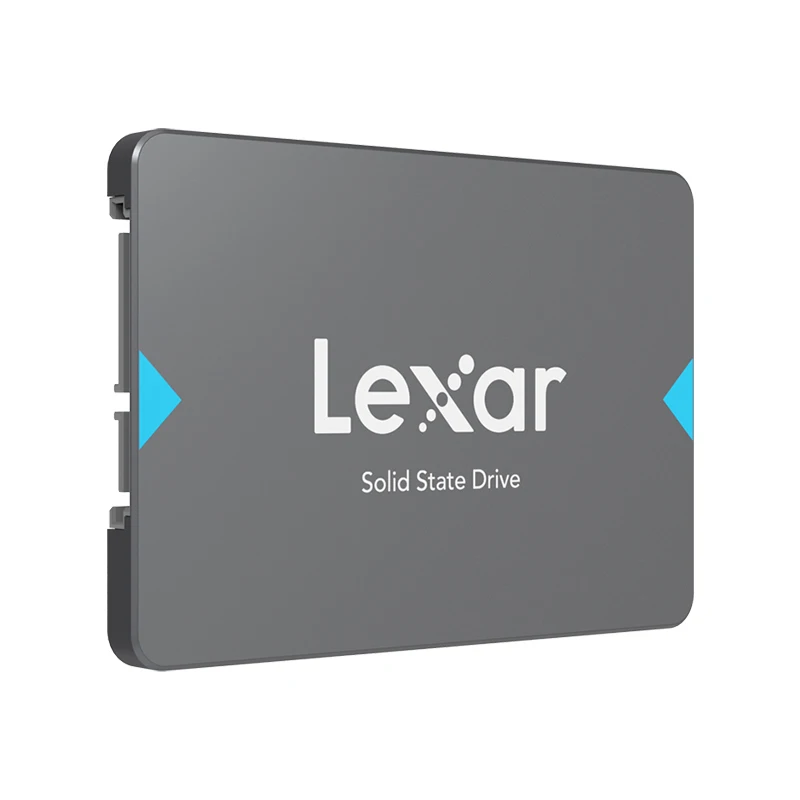
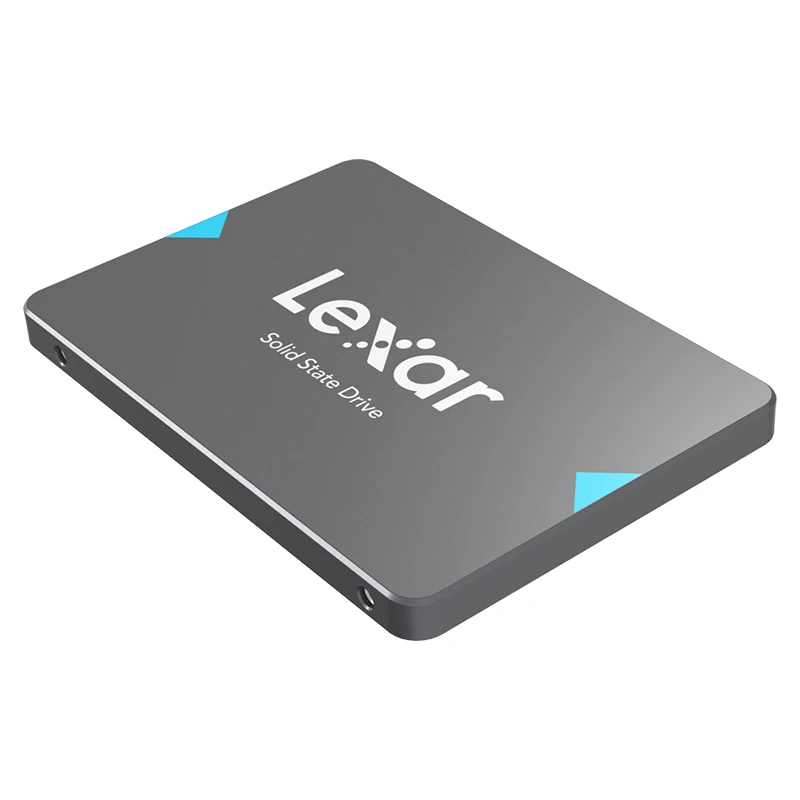
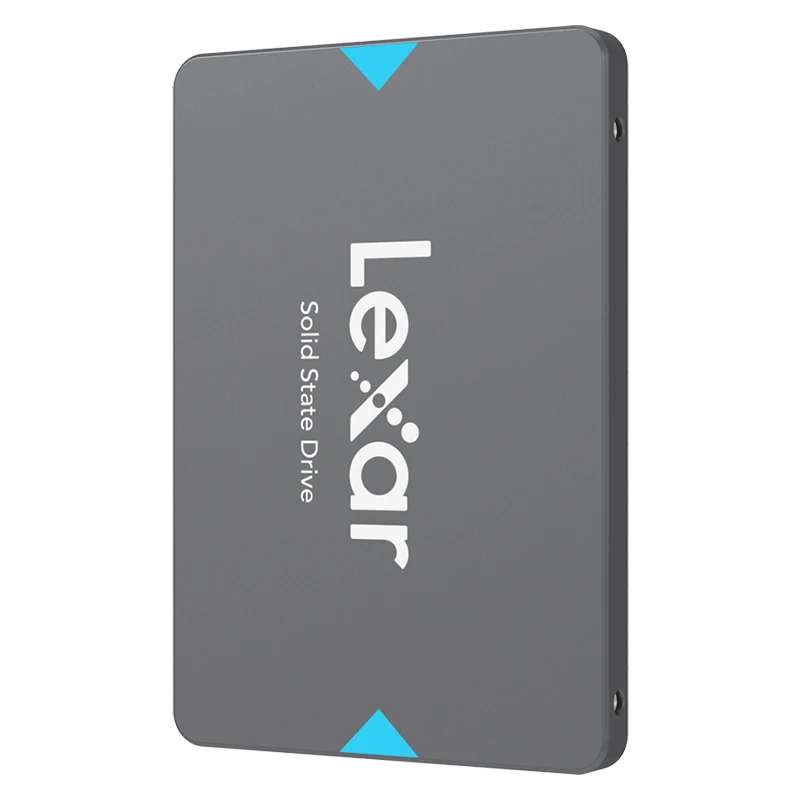
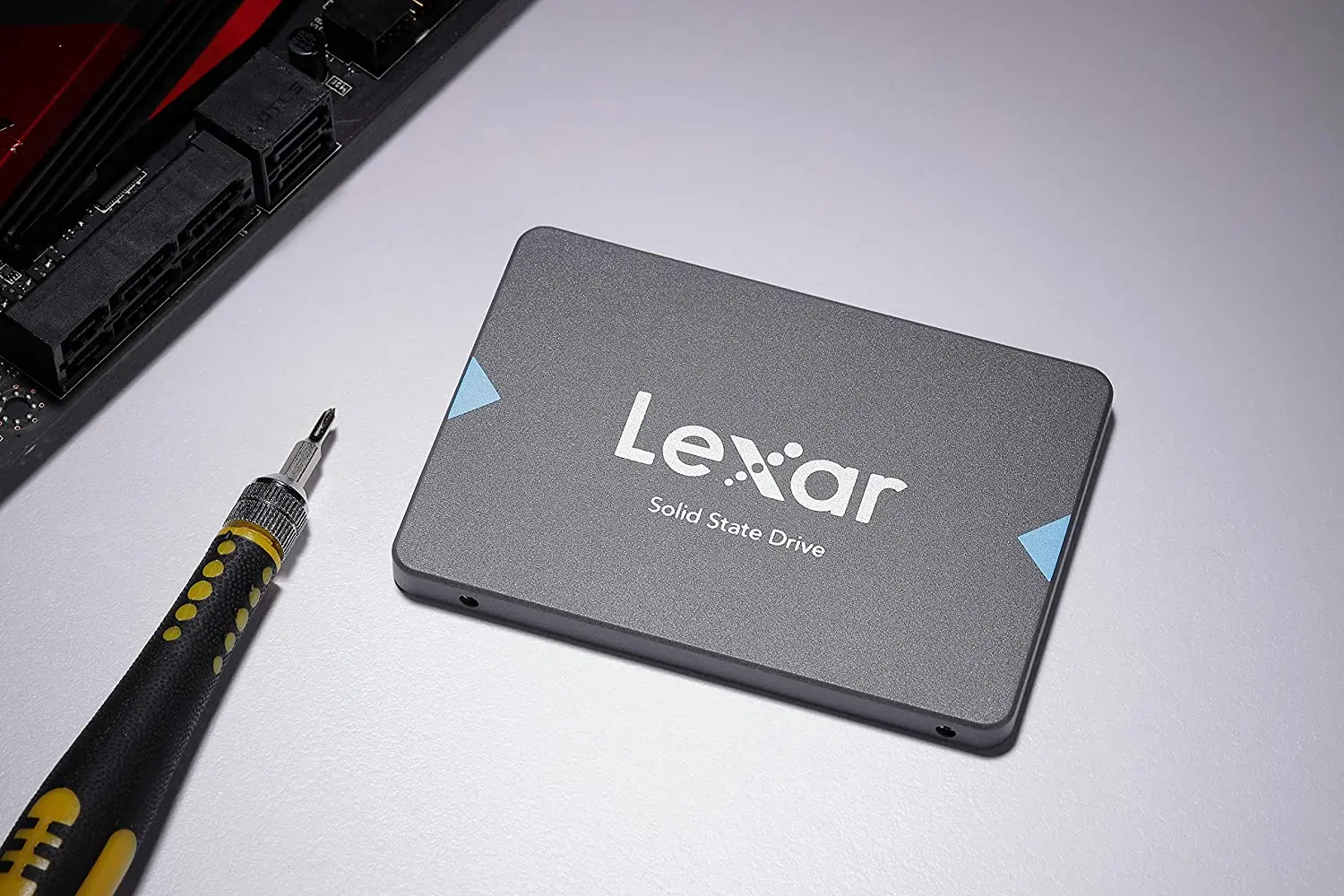
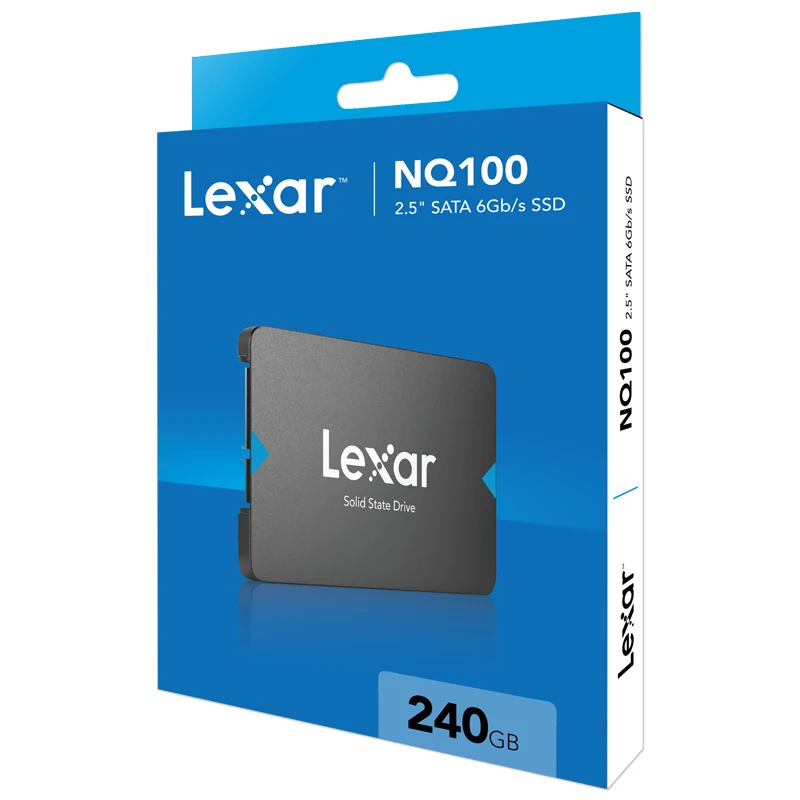


Lexar NQ100 1TB Internal SSD

£118.88
In stock
| Delivery | 4–5 working days · Fully tracked |
| Returns | 30 Day Returns |
| Warranty | 12-Month Warranty |
| Payment | Airwallex · PayPal · Klarna |
The Lexar NQ100 1TB 2.5” SATA SSD — the drop-in revival for laptops and desktops without M.2: up to 550MB/s, 1TB, ten-minute swap.
- ✓ Fits any 2.5” SATA bay — no M.2 needed
- ✓ Up to 550MB/s — transforms HDD machines
- ✓ Full 1TB — everything moves across
- ✓ 7mm slim — laptop and desktop compatible
The Lexar NQ100 1TB is the upgrade for the machines NVMe can’t reach: a 2.5” SATA SSD with reads up to 550MB/s that drops into any laptop or desktop hard-drive bay — no M.2 slot required. The efficiency-focused sibling in Lexar’s SATA range.
Universal fit
2.5” SATA — fits almost anything
Every laptop and desktop of the last two decades has a SATA bay. If the machine still works but crawls, this is the format that revives it — including machines far too old for M.2.
The real jump
HDD → SSD is the upgrade
550MB/s versus a hard drive’s ~100MB/s understates it: the killer is access time. Thousands of small reads at near-zero latency is why an SSD makes a 10-year-old laptop feel current.
Efficient
Low power, cool running
The NQ100 targets efficiency: lower power draw suits battery-conscious laptop revivals, and less heat in cramped older chassis means quieter fans and happier hardware.
Right choice if you…
✔ Revive an older laptop or desktop with a hard drive
✔ Upgrade a machine with no M.2 slot
✔ Need 1TB — everything moves across, nothing gets left behind
✔ Refresh office fleets cheaply and reliably
Consider something else if…
✖ Your machine has an M.2 NVMe slot — the NM620 is several times faster for similar money
✖ You want maximum speed in a modern build — NM800 Gen4
✖ It’s for a games console — PS5 needs Gen4 NVMe; PS4 works fine with SATA
Lexar NQ100 1TB — Technical Specifications
| Brand | Lexar |
| Capacity | 1TB |
| Interface | SATA III (6Gb/s) |
| Form factor | 2.5”, 7mm |
| Read speed | Up to 550MB/s (manufacturer rated) |
| Fits | Any 2.5” SATA bay — laptop or desktop |
| MPN | LNQ100X001T |
| EAN / GTIN | Printed on retail packaging |
| Warranty | Manufacturer warranty |
In the Box
Frequently Asked Questions
Will it fit my old laptop?
If the laptop has a 2.5” SATA hard drive now — which covers nearly every laptop made before M.2 took over — it’s a direct swap. 7mm height fits both slim and standard bays.
How big is the speed difference from a hard drive?
Sequential speed is ~5×, but random access is orders of magnitude faster — which is why boot and app launches go from a coffee break to a blink.
Can I keep my files and Windows?
Yes — clone the old drive with free software via a USB-to-SATA cable, then swap. Or do a clean install for a fresher result.
SATA SSD or NVMe — which should I buy?
If the machine takes NVMe, buy NVMe. SATA is for the machines that can’t — where it’s still a transformative upgrade.
Condition
Brand New — Retail Packaging
Warranty
Manufacturer warranty
Delivery
4–5 Working Days · Fully Tracked
Also Available at maibo
Browse the full storage range at maibo.
| Brand Name | Lexar |
|---|---|
| Transport Protocol | AHCI |
| Interface Type | SATAIII |
| Origin | CN(Origin) |
| Controller | NQ100 |
| Cooling Fin | No |
| RGB | NO |
| Size | 2.5" |
| Bus Type | SATA III |
| Application | Desktop, Laptop, Server, Workstation, Industrial Computer |
| Model Number | Lexar SSD NQ100 |
| Nand Flash Type | TLC |
| Certification | CE, FCC |
| Max Sequential Read | 550Mbps |
| Max Sequential Write | 500Mbps |
| Package | Yes |
| Type | Internal |
| Style | SSD |
| Capacity | 240GB, 480GB, 960GB |
| Interface | 2.5 Inch SATA III (6Gb/s) |
Only logged in customers who have purchased this product may leave a review.
Related products
microSD Cards
Compact Flash Memory
Storage & Memory
Storage & Memory
Compact Flash Memory
Reviews
There are no reviews yet.