 WhatsApp

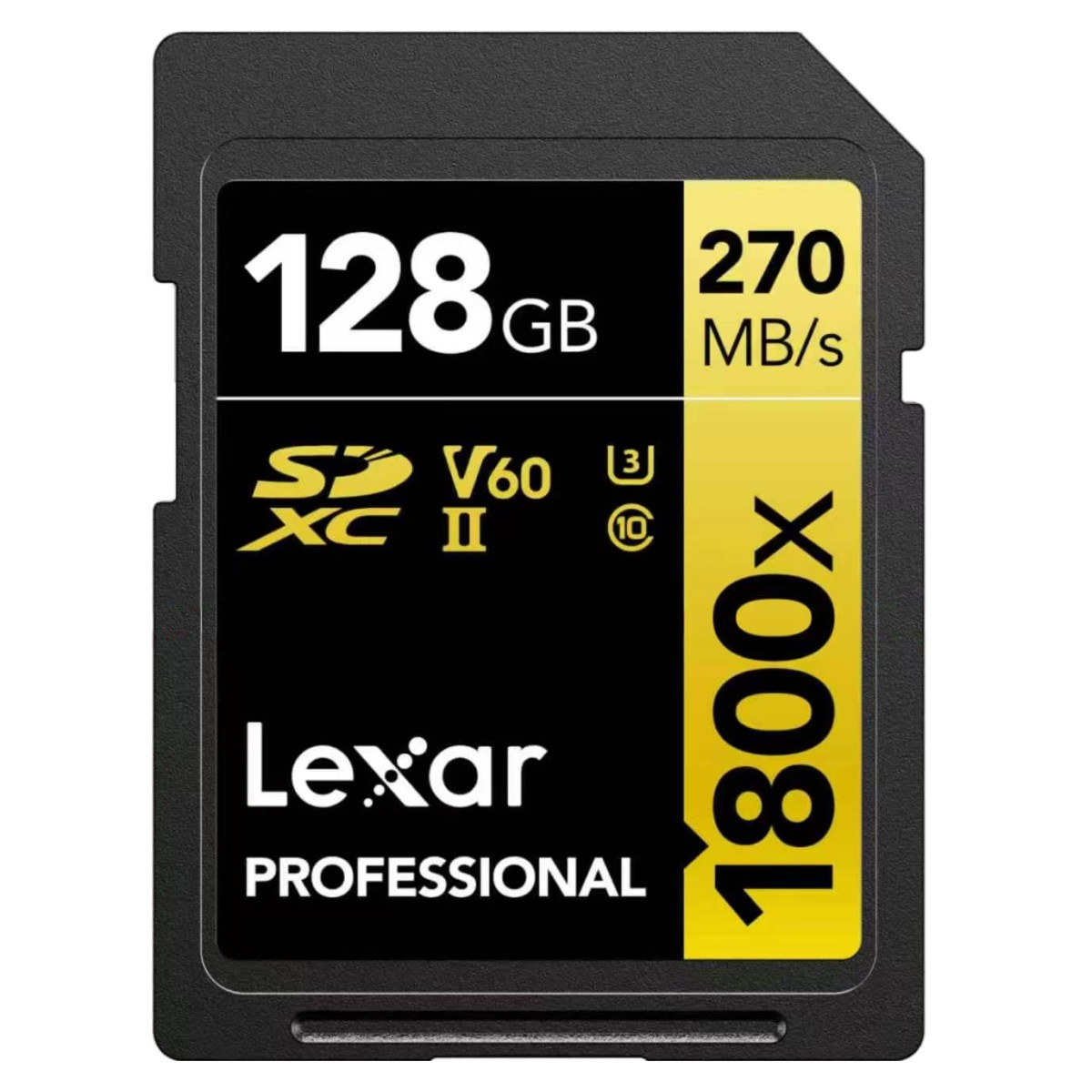
Lexar Professional 1800x GOLD 128GB SDXC UHS-II Memory Card – 270MB/s
£88.88
| Model: 128GB |
In stock
| Delivery | 4–5 working days · Fully tracked |
| Returns | 30 Day Returns |
| Warranty | 12-Month Warranty |
| Payment | Visa · Mastercard · Apple Pay · Klarna |
The Lexar Professional 1800x GOLD 128GB SDXC UHS-II card delivers up to 270MB/s read and 180MB/s write for UHS-II cameras. V60-rated for smooth 4K recording and fast RAW burst shooting.
- ✓ Up to 270MB/s read, up to 180MB/s write on UHS-II devices
- ✓ V60 · U3 · Class 10 — sustained 60MB/s minimum for 4K video
- ✓ 128GB SDXC capacity for long recording sessions and large RAW shoots
- ✓ Backward compatible with UHS-I and standard SDXC slots
The Lexar Professional 1800x GOLD 128GB SDXC UHS-II memory card is built for photographers and videographers whose cameras support the UHS-II bus. With up to 270MB/s read and up to 180MB/s write, it clears burst buffers quickly and offloads a full shoot to your computer far faster than a UHS-I card. The V60 video speed class guarantees a sustained 60MB/s minimum write, enough for 4K and many high-bitrate recording modes. As part of Lexar’s GOLD series, it sits between the entry Professional range and the flagship V90 cards — a practical balance of speed and price for mirrorless and DSLR shooters.
Speed
270MB/s read · 180MB/s write
The second row of pins on a UHS-II card opens a much wider data path than UHS-I. In practice that means two things: your camera can empty its buffer faster during continuous shooting, so you wait less between bursts, and transfers to your computer run roughly two to three times faster than a typical UHS-I card when you use a UHS-II reader. For a wedding or event shoot with hundreds of RAW files, that is the difference between a coffee break and a long wait.
Video
V60 for 4K recording
Video speed classes are about sustained write, not peak numbers. V60 guarantees the card will never drop below 60MB/s while recording, which protects you from dropped frames in 4K and most high-bitrate 4K and 6K modes. Check your camera’s manual: if it lists V60 for the codec you use, this card is a match. Only the very highest-bitrate modes on some cinema-style bodies call for V90.
Compatibility
UHS-II with UHS-I fallback
The 128GB card is SDXC formatted (exFAT) and works in any SDXC-compatible camera, camcorder, drone controller or reader. In UHS-II slots it runs at full speed; in UHS-I or older SD slots it is fully backward compatible and runs at the host’s maximum. The physical write-protect switch on the side lets you lock the card to prevent accidental deletion or overwriting of finished work.
Right choice if you…
✔ Shoot on a camera with a UHS-II SD slot
✔ Record 4K video where V60 is listed as sufficient
✔ Shoot RAW bursts and want shorter buffer clearing
✔ Offload large shoots and own (or plan to buy) a UHS-II reader
✔ Need 128GB of capacity without paying flagship V90 prices
Consider something else if…
✖ Your camera is UHS-I only — the Lexar Professional 1000x 128GB or SanDisk Extreme 128GB cost less
✖ Your camera requires V90 for its highest-bitrate codec
✖ You need microSD for a phone, action camera or drone
Technical Specifications
| Brand | Lexar |
| Series | Professional 1800x GOLD |
| Capacity | 128GB |
| Card Type | SDXC |
| Bus Interface | UHS-II (backward compatible with UHS-I) |
| Read Speed | Up to 270MB/s |
| Write Speed | Up to 180MB/s |
| Video Speed Class | V60 |
| UHS Speed Class | U3 |
| Speed Class | Class 10 |
| File System | exFAT |
| Write-Protect Switch | Yes |
| MPN | LSD1800128G-BNNNG |
| Warranty | Manufacturer warranty |
In the Box
Frequently Asked Questions
What read and write speeds does the Lexar Professional 1800x GOLD 128GB SD card reach?
It is rated for up to 270MB/s read and up to 180MB/s write. Those figures need a UHS-II camera or reader; in a UHS-I device the card still works, but at that device’s lower UHS-I speed.
Will the Lexar 1800x GOLD 128GB UHS-II card work in a UHS-I camera?
Yes. UHS-II cards are backward compatible with UHS-I and standard SD slots. The card fits and records normally, it simply runs at the slower UHS-I bus speed of the host device.
Is a V60 SD card fast enough for 4K and 6K video recording?
V60 guarantees a minimum sustained write speed of 60MB/s, which covers most 4K, high-bitrate 4K and many 6K recording modes. Cameras that require V90 for their highest-bitrate codecs need a V90-rated card instead.
Do I need a UHS-II card reader to get 270MB/s transfers to my computer?
Yes. Built-in SD slots on most laptops and basic USB readers are UHS-I only and cap out around 90–104MB/s. A UHS-II reader connected over USB 3.x or USB-C is needed to reach the full 270MB/s read speed.
How do I format the Lexar 1800x GOLD 128GB card for my camera?
Format the card in the camera you will use it in, not on a computer. In-camera formatting creates the file system (exFAT for SDXC) and folder structure the camera expects, and reduces the risk of write errors.
Condition
Brand New — Retail Packaging
Warranty
Manufacturer warranty
Delivery
4–5 Working Days · Fully Tracked
Also Available at maibo
Browse the full SD card range at maibo, or see the manufacturer’s range at lexar.com.
| Brand | Lexar |
|---|---|
| Model | 128GB |
Only logged in customers who have purchased this product may leave a review.
Related products
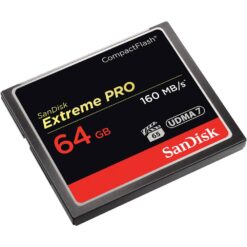
Compact Flash Memory
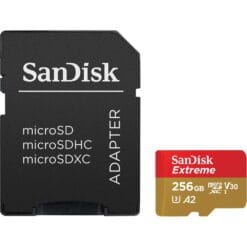
microSD Cards
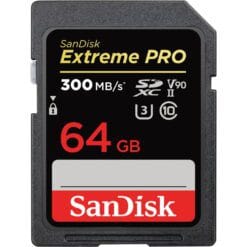
Compact Flash Memory
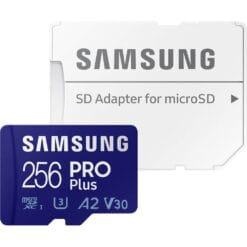
microSD Cards
Reviews
There are no reviews yet.