 WhatsApp

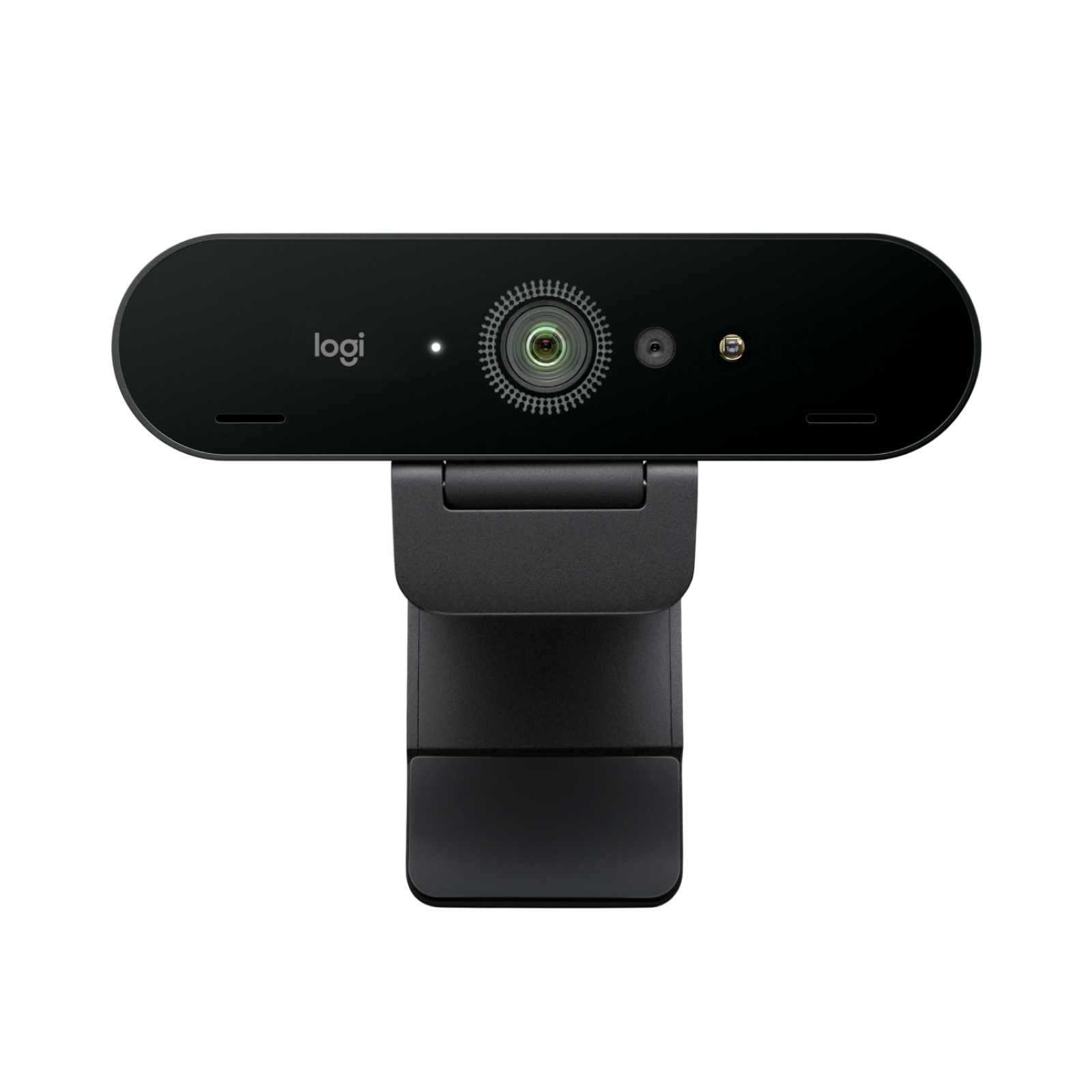
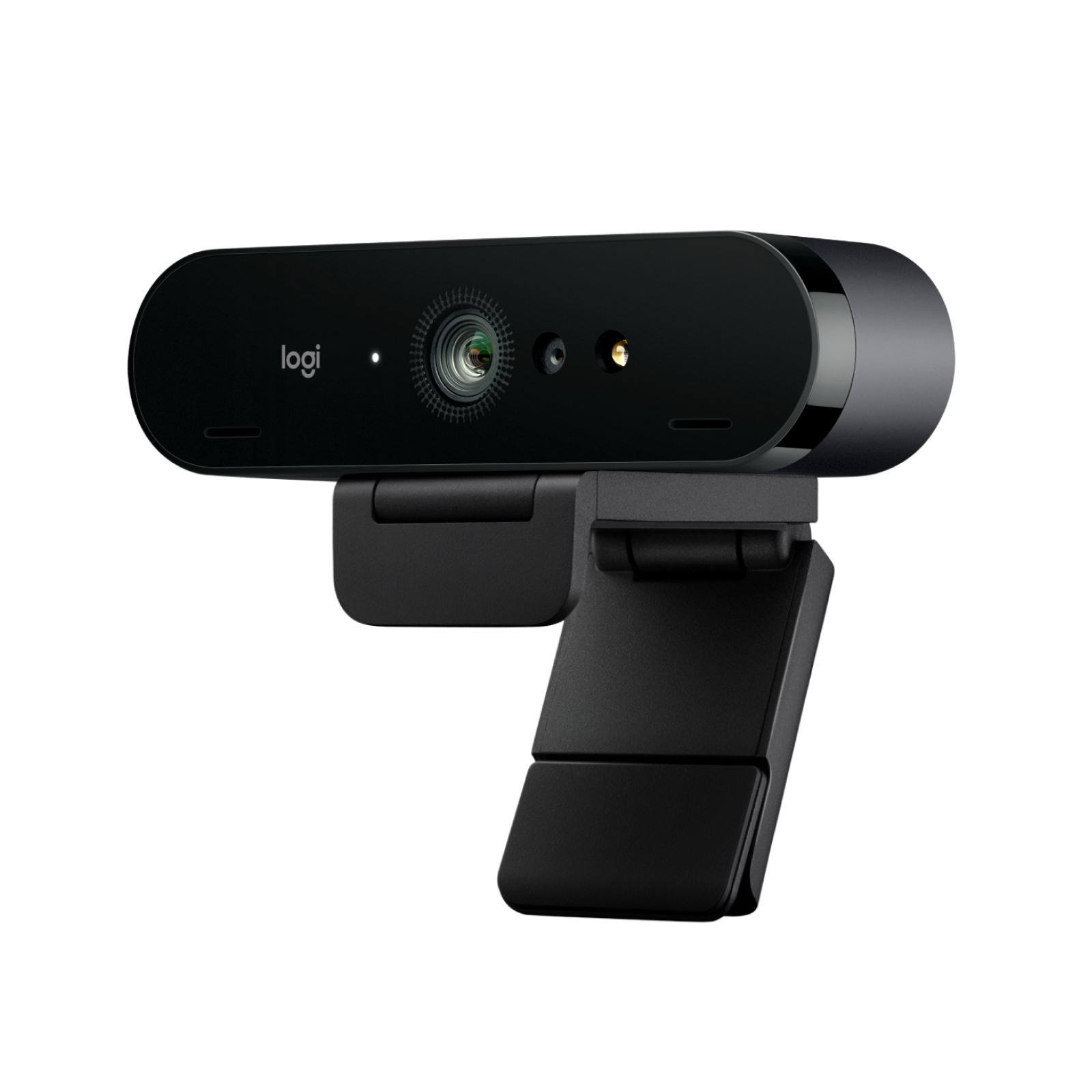
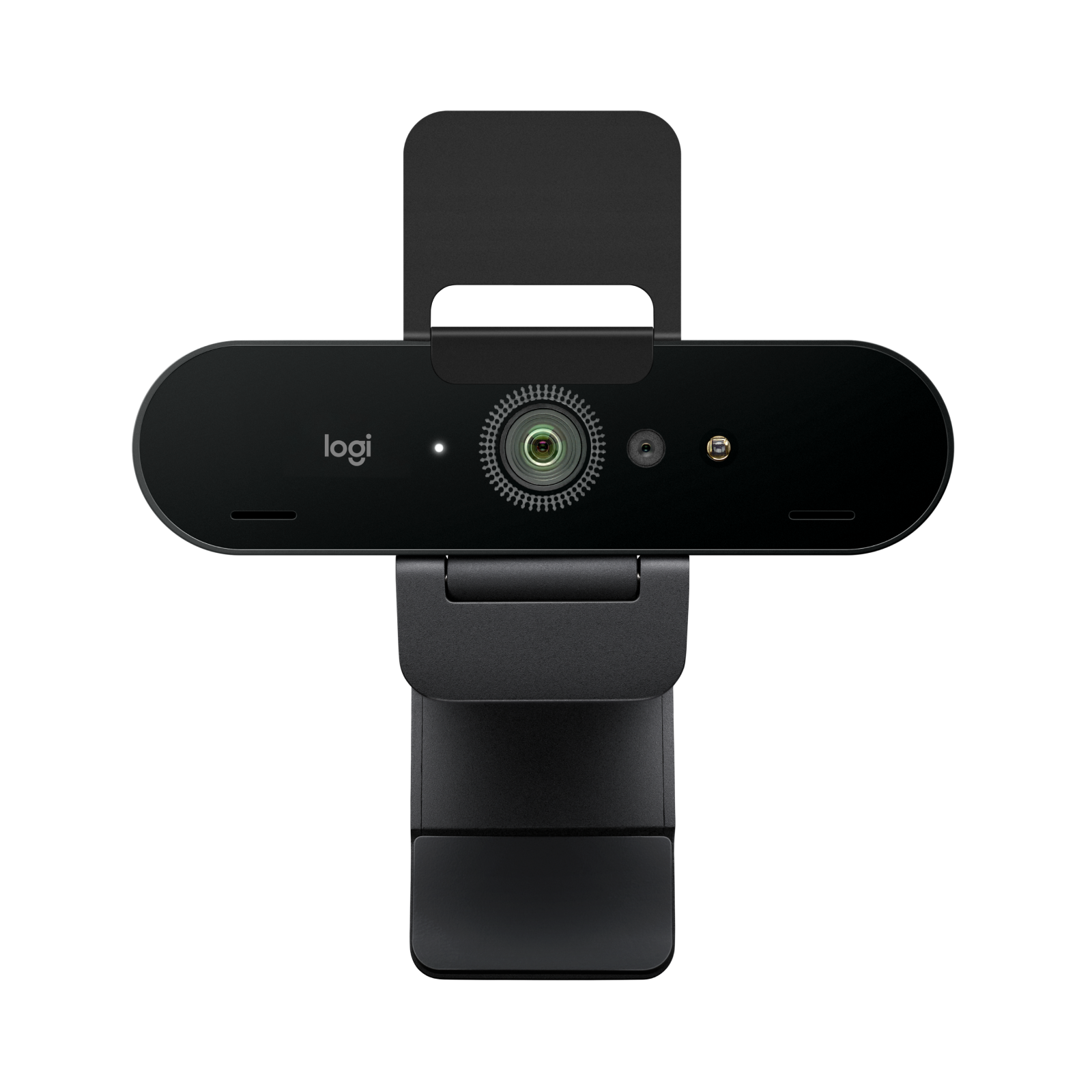
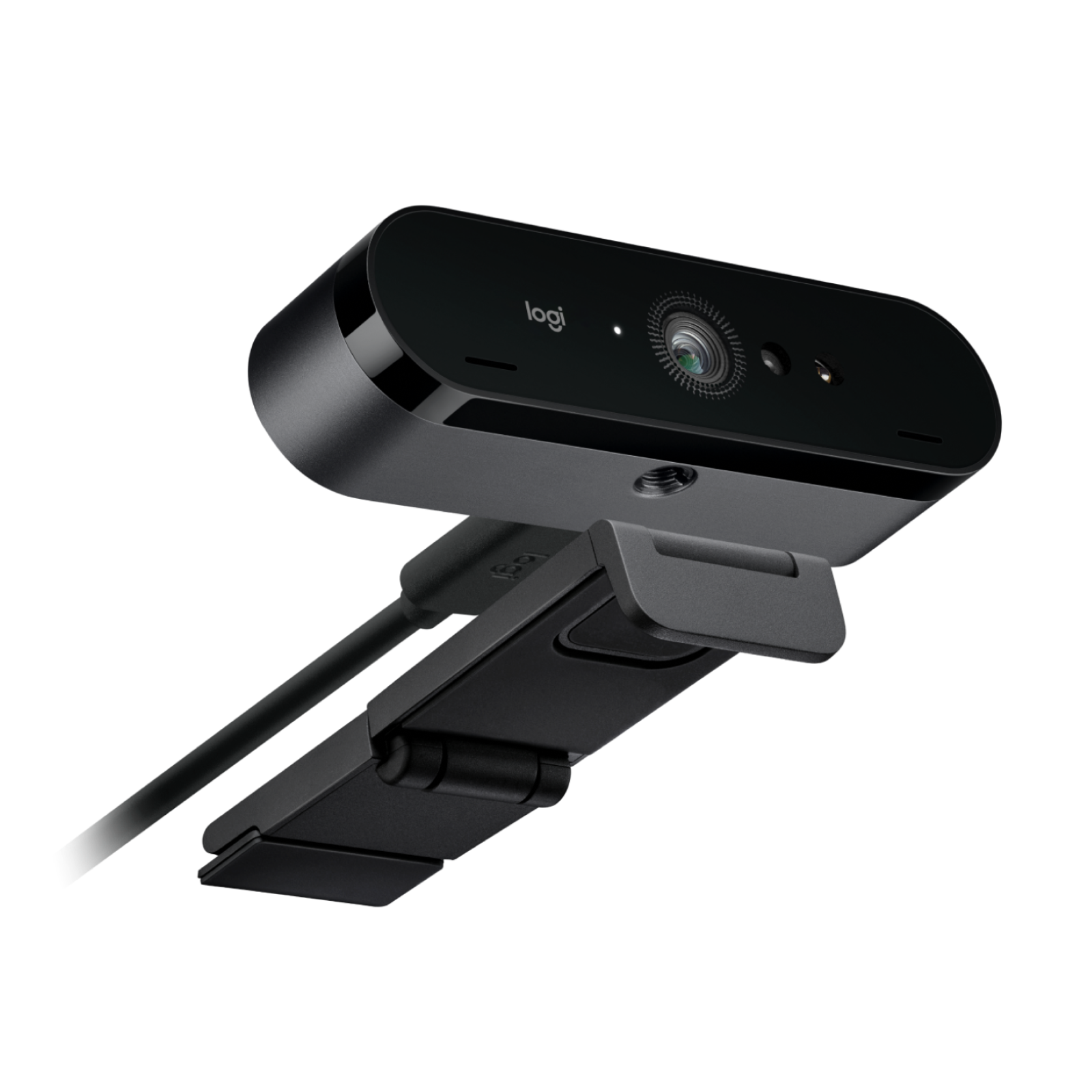
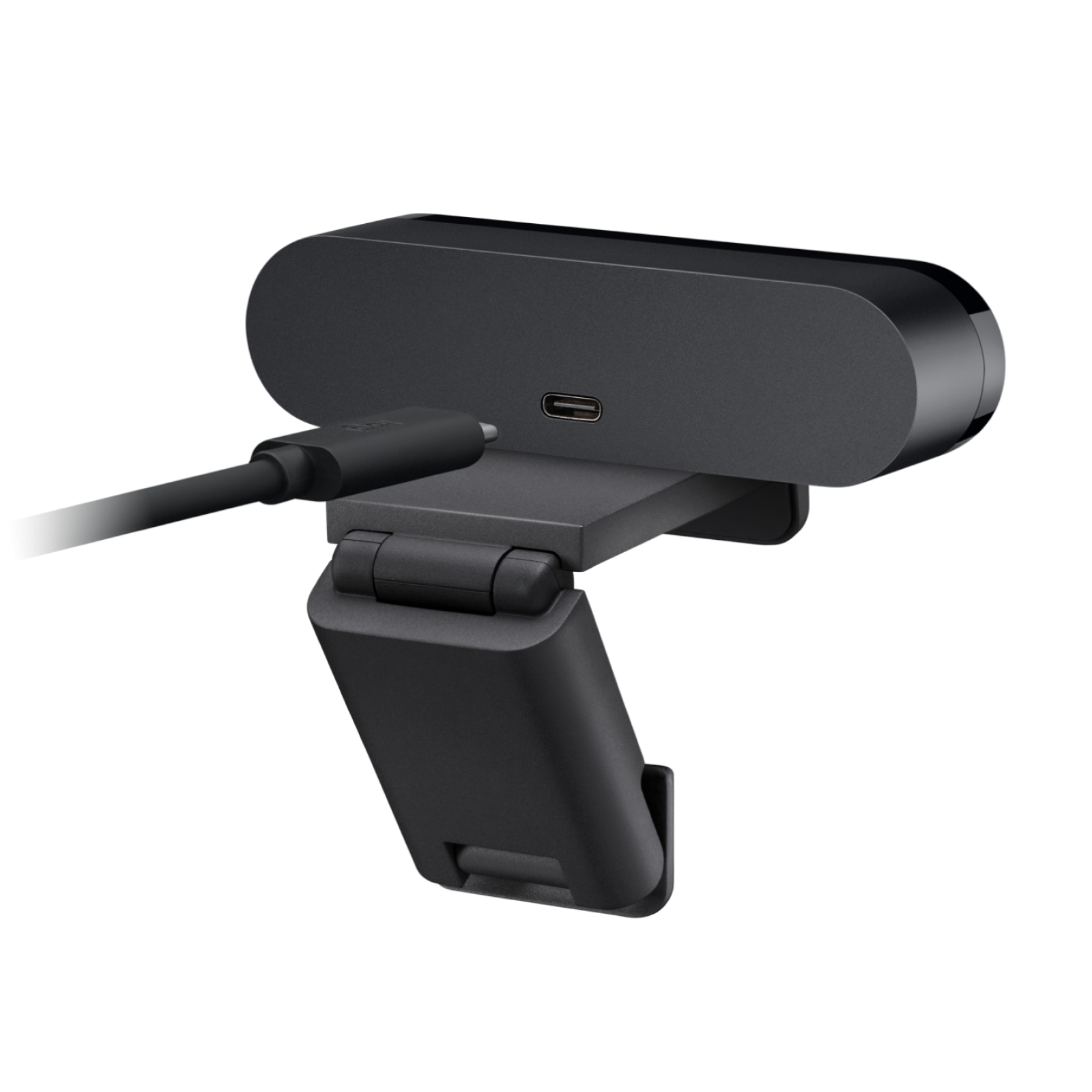
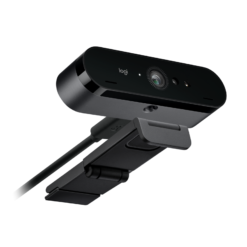
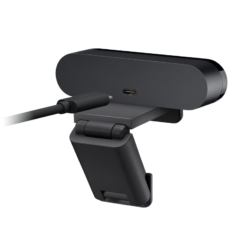
Logitech Brio 4K Webcam – Graphite (960-001718)
£99.98
In stock
| Delivery | 4–5 working days · Fully tracked |
| Returns | 30 Day Returns |
| Warranty | 12-Month Warranty |
| Payment | Visa · Mastercard · Apple Pay · Klarna |
The Logitech Brio 4K webcam in Graphite — model 960-001718, recording at up to 4K Ultra HD with HDR and RightLight 3 automatic light correction, autofocus, 5× digital zoom, three field-of-view presets and dual noise-reducing microphones. Brand new and sealed.
- ✓ 4K Ultra HD 4096 × 2160 · 13MP sensor · up to 90fps at lower resolutions
- ✓ HDR + RightLight 3 — look right in backlight, low light or harsh light
- ✓ Three field-of-view presets — 65°, 78° and 90° · autofocus · 5× digital zoom
- ✓ Dual noise-reducing microphones · plug and play with Teams, Zoom and Meet
The Logitech Brio 4K webcam is the camera for people who are tired of looking washed out, backlit or grainy on video calls. It records at up to 4K Ultra HD, but resolution is not really the point — most video platforms will never send your image at 4K. What changes the picture is the combination of HDR and Logitech’s RightLight 3, which adjusts exposure in real time so that a bright window behind you, a dim room in the evening or harsh overhead lighting stops dictating how you look. Three field-of-view presets let you choose between a tight head-and-shoulders frame and a wide view that shows the whiteboard or the product in your hand. Two noise-reducing microphones pick up your voice from around a metre away while suppressing background noise. This is model 960-001718, Logitech’s current Brio 4K in Graphite — supplied new and sealed.
HDR · RightLight 3
Why Lighting Matters More Than 4K
Most people who upgrade a webcam expect resolution to be the improvement. In practice, lighting is what separates a professional-looking image from an amateur one, and it is where cheaper cameras fail first. Sit with a window behind you and a standard webcam exposes for the bright sky, turning your face into a silhouette. Sit under a single ceiling light and it crushes the shadows under your eyes. The Brio 4K handles both with two technologies working together. HDR captures the bright and dark parts of the frame at once and combines them, so the window stays visible and your face stays properly exposed. RightLight 3 continuously adjusts brightness, contrast and white balance as conditions change — a cloud passing, a lamp switched on, the light fading through an afternoon — without you touching a setting. The practical effect is that you stop needing a ring light or a carefully arranged desk to look presentable. That is the upgrade most buyers actually notice within the first call, well before they notice the pixel count.
4K at 30fps · Up to 90fps
What the Resolution Figures Mean
The Brio 4K records at 4096 × 2160 using a 13-megapixel sensor, and it reaches up to 90 frames per second. Those two figures are worth separating, because they do not happen at the same time. At full 4K resolution the camera runs at 30fps, which is standard for video calls and recording. The 90fps figure applies at lower resolutions, where the reduced data per frame allows a much higher frame rate — useful for smooth streaming, fast movement and slow-motion recording. If you have seen a listing that describes this camera as “4K at 90fps”, that combination is not what it does. The honest way to think about it: record at 4K when you want detail in a recorded video or a still you plan to crop; drop to a lower resolution at a higher frame rate when you want fluid motion for streaming. For everyday calls on Teams, Zoom or Google Meet, the platform decides the resolution it sends — typically 1080p or lower — so the quality gain you see comes mostly from the sensor, HDR and autofocus rather than the 4K figure itself. The 5× digital zoom works by cropping into that 4K image, which is why it holds up better than digital zoom on a 1080p camera.
3 Fields of View · Dual Mics
Framing and Audio You Can Choose
Most webcams have one fixed field of view, and it is usually wrong for somebody. The Brio 4K offers three presets. At 65° diagonal you get a classic head-and-shoulders frame that keeps the focus on you and hides the room behind — the right choice for one-to-one calls and interviews. At 78° the frame opens up to show more of your setting while keeping eye contact natural. At 90° you get the full context: a whiteboard, a product you are demonstrating, or two people sitting side by side. Switching between them is done in the free Logi Options+ app on Windows and macOS; without the app the camera works perfectly as a plug-and-play webcam at its default view. Autofocus keeps you sharp as you lean forward or hold something up to the lens. Two omnidirectional microphones pick up voices from around one metre away, and noise reduction suppresses the steady background sounds of an office or home — keyboard clatter, a fan, distant traffic. For a single person at a desk they are genuinely good enough to skip a separate microphone. For a shared room or a noisy open-plan office, a headset still gives cleaner audio.
Right choice if you…
✔ Work in difficult light — a window behind you, a dim room, or harsh overhead lighting
✔ Present or demonstrate on camera and need a wide 90° view for a whiteboard or product
✔ Record or stream content where 4K detail or smooth high-frame-rate motion matters
✔ Want a camera good enough that you stop reaching for a ring light before every call
Consider something else if…
✘ You only take occasional calls in good light — a 1080p camera such as the Logitech C920e costs less and looks very similar on Teams and Zoom
✘ You expected 4K at 90fps — the camera records 4K at 30fps; the higher frame rates apply at lower resolutions
✘ You work in a loud shared space — the built-in microphones are good, but a headset still gives cleaner call audio there
Logitech Brio 4K Webcam — Technical Specifications
| Brand | Logitech |
| Model | Brio 4K Webcam |
| MPN | 960-001718 |
| EAN / GTIN | Printed on retail packaging |
| Colour | Graphite |
| Max Resolution | 4K Ultra HD — 4096 × 2160 |
| Sensor | 13 megapixel |
| Frame Rate | 4K at 30fps · up to 90fps at lower resolutions |
| Image Processing | HDR · RightLight 3 automatic light correction |
| Focus | Autofocus |
| Zoom | 5× digital |
| Field of View | 65° / 78° / 90° diagonal presets (via Logi Options+) |
| Microphones | Dual omnidirectional · noise reduction · ~1m pickup |
| Connection | USB-C port on camera · plug and play |
| Software | Logi Options+ (Windows · macOS) — optional |
| Compatible With | Microsoft Teams · Zoom · Google Meet · most video platforms |
| Warranty | Manufacturer warranty (Logitech) |
In the Box
Logitech Brio 4K webcam — Graphite
USB cable
User documentation
Frequently Asked Questions
How is this different from the Logitech BRIO 4K Pro (960-001106)?
They are different models from the same 4K webcam family. This listing is model 960-001718, which Logitech currently sells simply as the Brio 4K, in Graphite. The BRIO 4K Pro, model 960-001106, is an earlier edition and is listed separately on maibo. If you need a specific model number — for example to match cameras already deployed across an office — order by the MPN rather than the name, since Logitech has renamed the range over time.
Does it really record 4K at 90fps?
No — and it is worth being clear about this because some listings imply it. The camera records full 4K at 30fps. The 90fps figure is available at lower resolutions, where each frame carries less data. Use 4K when you want maximum detail, and a lower resolution at a higher frame rate when you want smooth motion for streaming.
Will I actually see 4K on Teams or Zoom?
Usually not. Video call platforms decide the resolution they transmit, typically 1080p or lower, to keep calls stable. You will still see a clear improvement over a basic webcam, but it comes from the sensor quality, HDR, RightLight 3 and autofocus rather than the 4K figure. Full 4K matters most when you record video locally or stream through software that supports it.
Do I need Logi Options+ software?
No. The webcam is plug and play and works immediately with Teams, Zoom, Google Meet and other video apps. Logi Options+ is a free app for Windows and macOS that unlocks the three field-of-view presets (65°, 78° and 90°) and lets you fine-tune image settings. Install it if you want to change the framing; skip it if the default view suits you.
Are the built-in microphones good enough to skip a headset?
For one person at a desk in a reasonably quiet room, yes. The two microphones pick up your voice from about a metre away and reduce steady background noise such as a fan or keyboard. In a busy open-plan office or a shared room, a headset microphone close to your mouth will still sound cleaner, simply because it is nearer to you than to the noise.
Condition
Brand New — Sealed Retail Packaging
Warranty
Manufacturer warranty (Logitech)
Delivery
4–5 Working Days · Fully Tracked
Also Available at maibo
Browse the full webcam range at maibo.
Only logged in customers who have purchased this product may leave a review.
Related products

Reviews
There are no reviews yet.