 WhatsApp

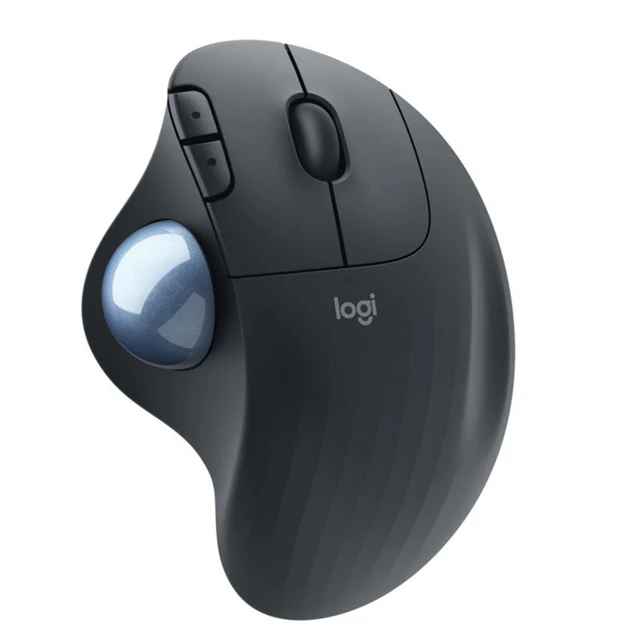



Logitech ERGO M575 Wireless Trackball Mouse – Black

£38.88
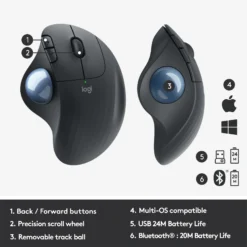
The Logitech ERGO M575 wireless trackball mouse in Black — ergonomic right-handed trackball with thumb-operated ball, precision scroll wheel and forward/back buttons. Move the cursor without moving your arm or wrist. Connects via Bluetooth or Unifying USB receiver. Up to 24 months on one AA battery. Made with 50% recycled plastic. Compatible with Logi Options+ for cursor speed and button customisation on Windows and macOS.
- ✓ Thumb-operated trackball — move cursor without moving your hand or arm
- ✓ Ergonomic sculpted shape — reduces wrist and forearm strain during extended use
- ✓ Works on any surface — no mousepad required, ideal for tight desks
- ✓ Bluetooth + Unifying USB receiver · up to 24 months per AA battery
In stock
| Delivery | 4-6 working days • Fully tracked |
| Returns | 30 Days Free |
| Warranty | 12 Months |
| Payment | Airwallex • PayPal • Klarna |
The Logitech ERGO M575 Wireless Trackball Mouse – Black — ergonomic right-handed trackball with thumb-operated ball, precision scroll wheel and forward/back buttons. Move the cursor without moving your arm or wrist. Connects via Bluetooth or Unifying USB receiver. Up to 24 months on one AA battery. Made with 50% recycled plastic. Compatible with Logi Options+ for cursor speed and button customisation on Windows and macOS.
- ✓ Thumb-operated trackball — move cursor without moving your hand or arm
- ✓ Ergonomic sculpted shape — reduces wrist and forearm strain during extended use
- ✓ Works on any surface — no mousepad required, ideal for tight desks
- ✓ Bluetooth + Unifying USB receiver · up to 24 months per AA battery
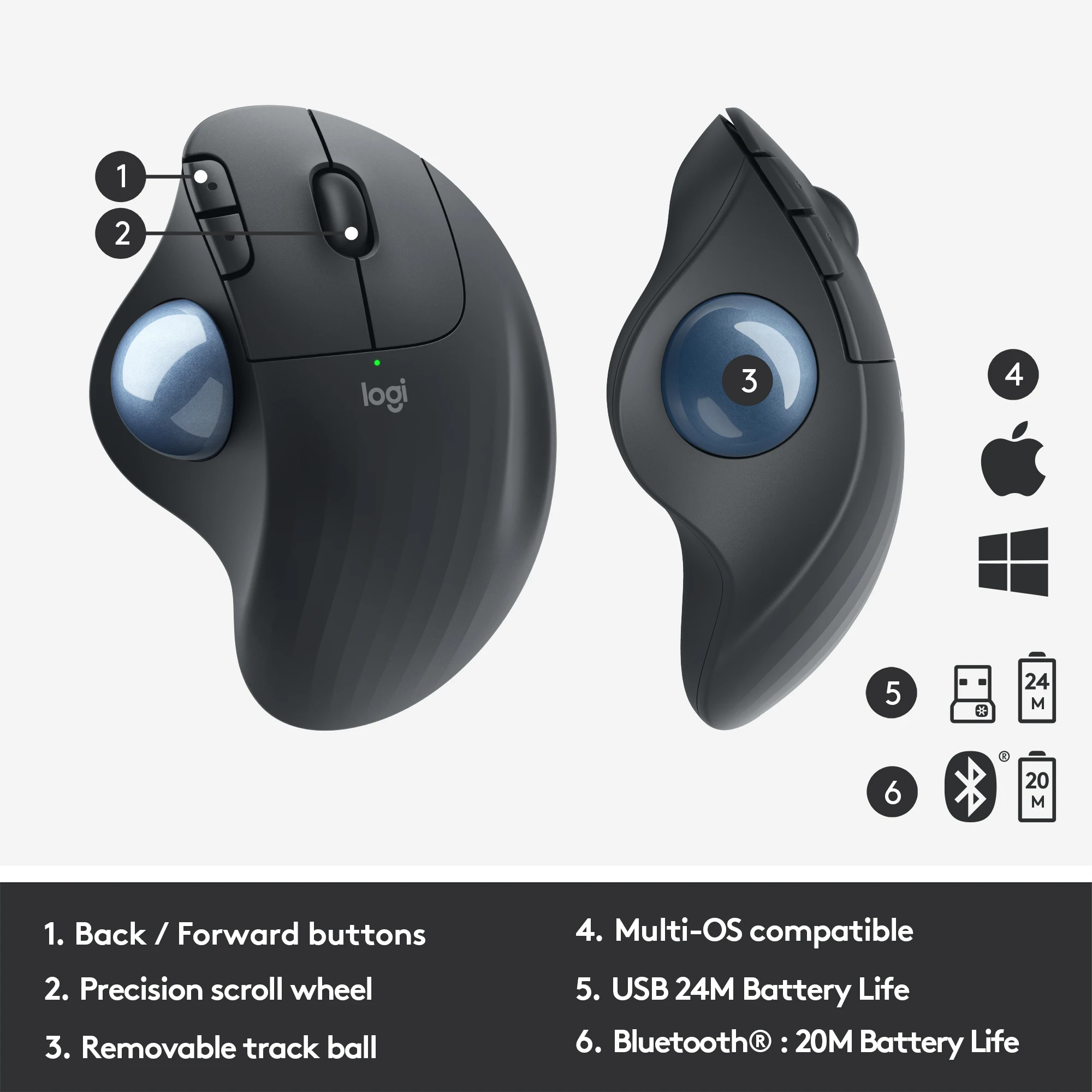
The Logitech ERGO M575 wireless trackball mouse in Black is the fundamental alternative to the conventional mouse for anyone who spends long hours at a desk and needs to reduce the cumulative stress that mouse use places on the wrist, forearm and shoulder. A conventional mouse requires the user to move their entire arm to reposition the cursor — the ERGO M575 keeps the device stationary; the cursor is controlled entirely by rolling the large 34mm trackball with the thumb, while the hand rests in a fixed, supported position on the sculpted body. The ergonomic benefits compound over a working day: where a conventional mouse requires continuous micro-adjustments of the wrist and forearm, the M575 allows the hand and arm to remain still and relaxed. The body shape follows the natural resting posture of a right hand — the palm sits on the rear hump, the fingers rest horizontally on the primary buttons, and the thumb rests naturally against the trackball recess. The trackball sensor tracks at up to 2000 DPI; cursor speed is adjustable in Logi Options+ software. The five buttons are: left click, right click, scroll wheel click, back and forward. The scroll wheel provides precision line-by-line scrolling. Back and forward buttons are positioned for easy thumb-less access on the left side, operated by the ring finger. Two connectivity options are available: Bluetooth Low Energy connects without any dongle on any compatible device; the included Logitech Unifying USB receiver provides a 2.4GHz connection that avoids Bluetooth interference and achieves up to 24 months from a single AA battery (versus 20 months on Bluetooth). The bottom-side connectivity button switches between saved Bluetooth and Unifying pairings. The Black/Graphite colourway uses 50% certified post-consumer recycled plastic — the highest recycled content in the M575 range. Genuine Logitech. 2-year warranty.
Thumb Trackball Control
Stationary Device — No Surface Required
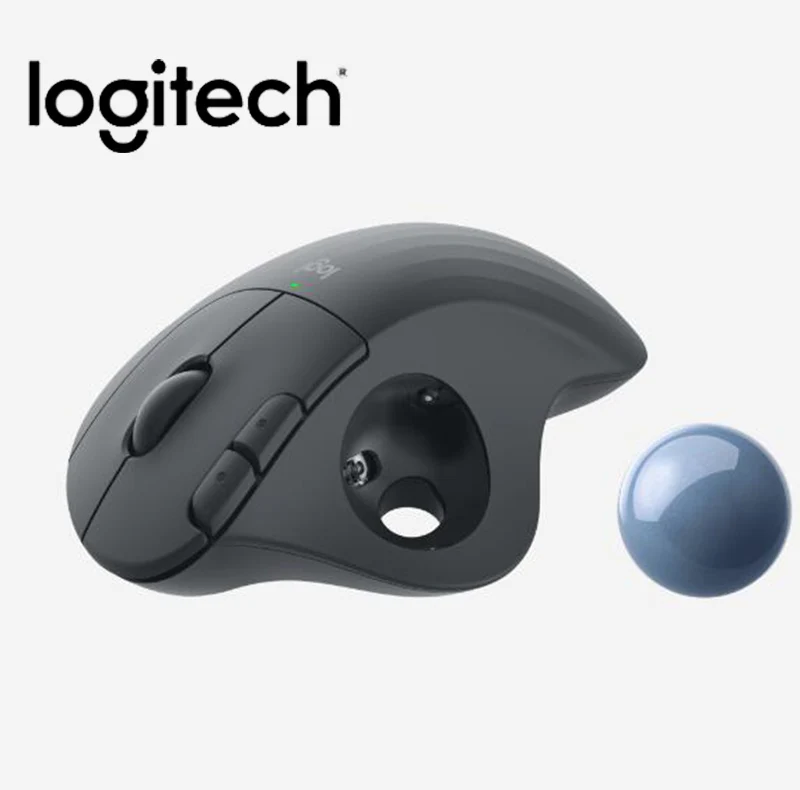
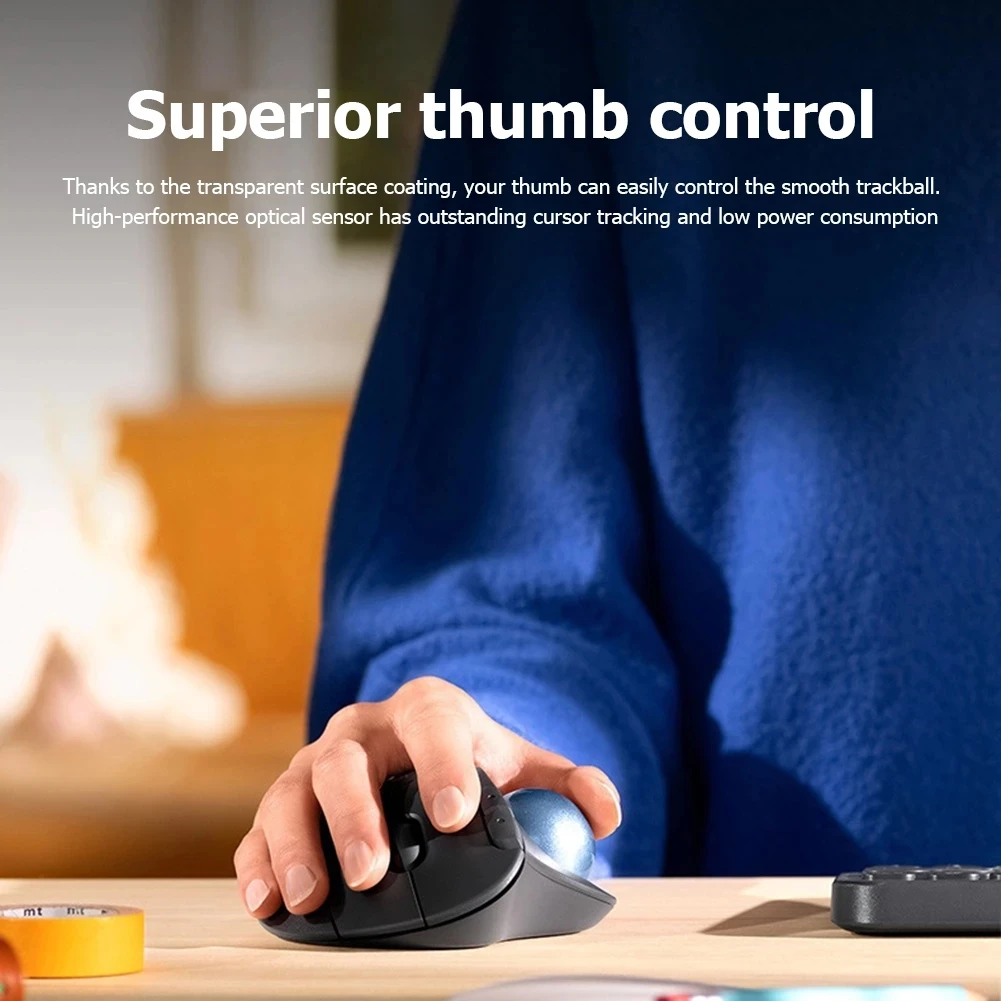
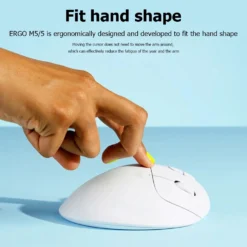
The fundamental difference between a trackball and a conventional mouse is which part moves. With a conventional mouse, the entire device moves across a surface — the user’s wrist, forearm and sometimes shoulder participate in every cursor movement. With the ERGO M575, the device stays completely still; the 34mm trackball rolls under the thumb, and an optical sensor beneath the ball reads its rotation to calculate cursor movement. The hand never leaves the device. This eliminates the repetitive micro-positioning movements that conventional mouse use demands, and keeps the wrist in a stable, neutral position rather than pronated and sweeping across a pad. Because the device doesn’t move, it also works on surfaces where a conventional mouse can’t — a cluttered desk, a narrow space beside a keyboard, a sofa armrest or even a bedsheet. The absence of a required surface is a practical advantage for users who work in constrained spaces or who need to use a pointing device without clearing desk real estate for a mousepad.
Ergonomic Sculpted Shape
Right-Handed Design — Reduced Forearm Strain
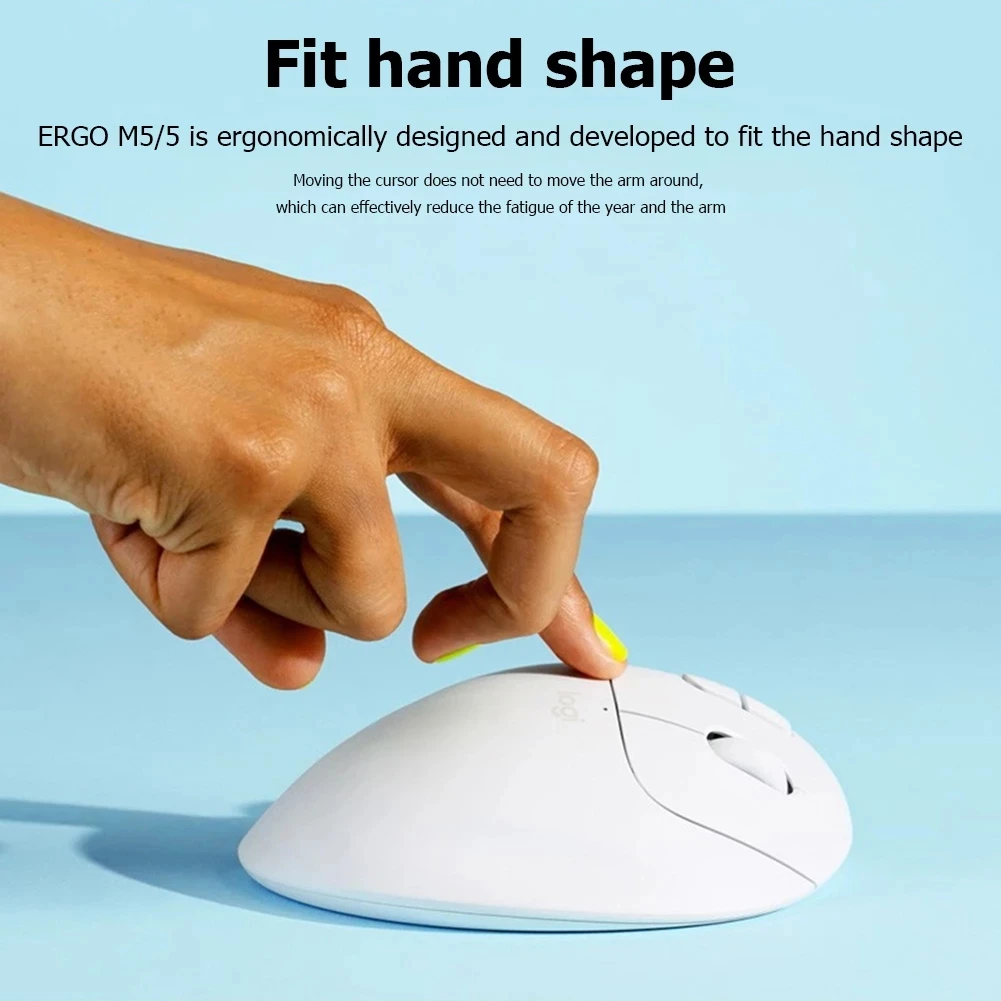
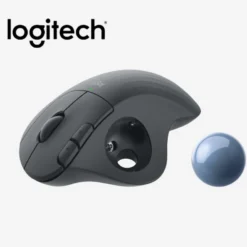
The ERGO M575 body is sculpted for right-handed use — the rear hump supports the palm, the primary buttons are angled for horizontal finger placement rather than the downward-reaching posture of flat mice, and the trackball recess is positioned where the thumb rests naturally without extension or rotation. Logitech’s ERGO series design philosophy uses data from Logi Ergo Lab research into hand and forearm posture during extended computer use. The taller profile of the M575 compared to a conventional mouse means the forearm is in a more neutral posture — less prone to pronation — during use, which reduces the sustained muscle activation that contributes to fatigue and, over time, repetitive strain injury. Users transitioning from conventional mice typically need one to two weeks to build the thumb dexterity that the trackball requires for precise cursor control. After this adaptation period, the M575’s control is generally rated as equivalent to or better than a conventional mouse for productivity tasks including document editing, spreadsheet work, web browsing and general desktop use.
Bluetooth + Unifying Receiver
Dual Connectivity — 24 Months Battery
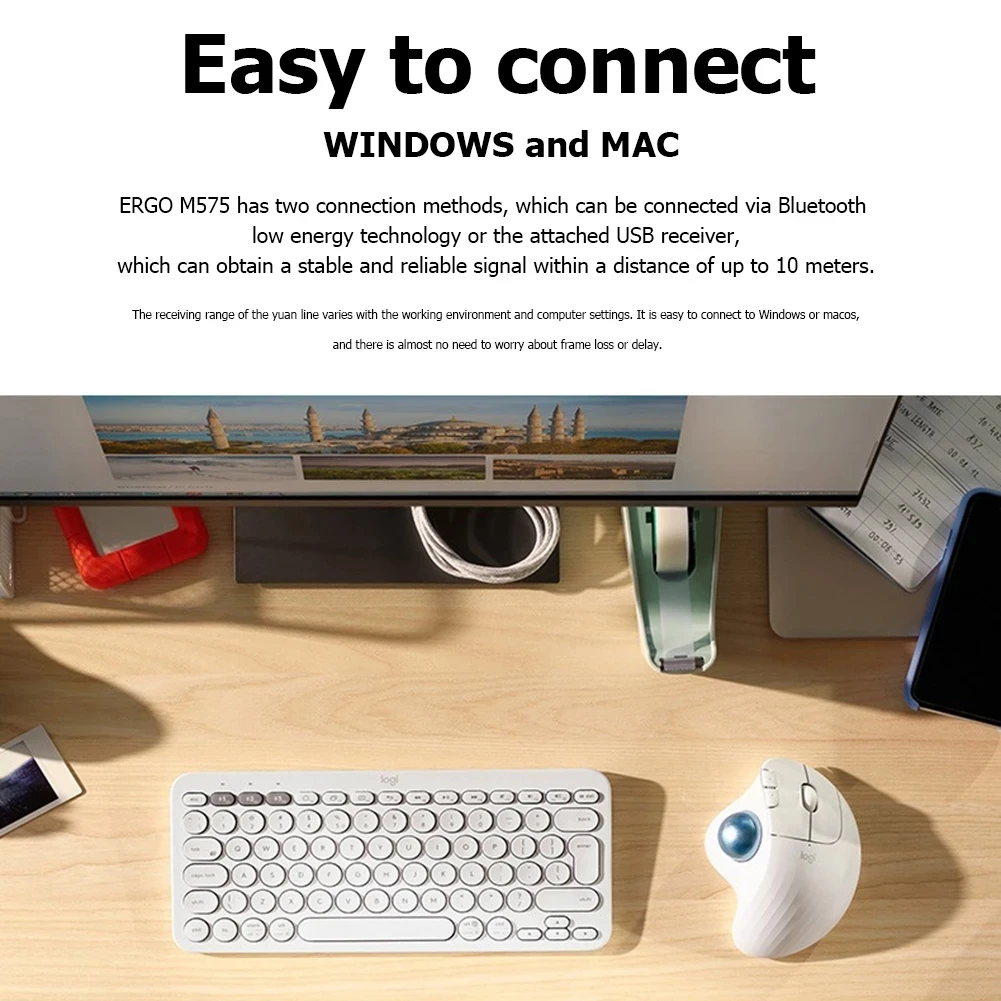
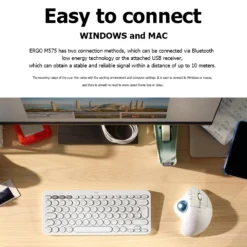
The ERGO M575 ships with a Logitech Unifying USB nano receiver alongside Bluetooth connectivity, giving users a choice of connection method rather than forcing one. The Unifying receiver plugs into a USB-A port and provides a dedicated 2.4GHz wireless link that is isolated from Wi-Fi and other Bluetooth traffic — useful in office environments where Bluetooth can be congested. Battery life with the Unifying receiver is up to 24 months from a single AA battery; on Bluetooth, up to 20 months. Both figures are substantially longer than rechargeable mice that require regular charging cables. A single Logitech Unifying receiver can also be paired with up to six compatible Logitech devices simultaneously — if you already have a Unifying keyboard, the M575 can share the same receiver rather than occupying a second USB port. The connectivity button on the underside switches between the stored Bluetooth and Unifying pairings. Logi Options+ software (free, Windows and macOS) allows DPI adjustment, button remapping and custom shortcut assignment for the back and forward buttons and scroll wheel.
Great choice if you…
✔ Experience wrist, forearm or shoulder strain from conventional mouse use
✔ Work on a cramped or cluttered desk where there’s no room for a mousepad
✔ Spend long hours at a computer and want to reduce cumulative arm movement
✔ Need a pointing device that works on any surface without requiring a pad
✔ Use Windows or macOS and want Logi Options+ DPI and button customisation
Consider something else if…
✖ You are left-handed — the M575 is right-hand only; consider the Logitech ERGO M575 for Business (ambidextrous options are limited in this category)
✖ You need high-DPI gaming performance — trackballs are not suited to FPS gaming
✖ You need quiet clicks — consider the newer M575S which adds 80% quieter buttons
Technical Specifications
| Brand / Model | Logitech ERGO M575 |
| Colour | Black / Graphite |
| Type | Wireless trackball — right-handed ergonomic |
| Sensor | Optical · up to 2000 DPI (adjustable) |
| Trackball | 34mm · thumb-operated |
| Buttons | 5 (L/R click · scroll wheel · back · forward) |
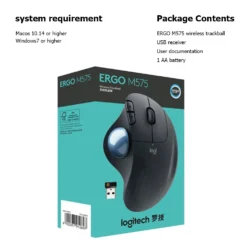
| Connectivity | Bluetooth Low Energy + Unifying USB receiver (included) |
| Wireless Range | Up to 10m |
| Battery Life | Up to 24 months (USB receiver) · 20 months (Bluetooth) · 1× AA |
| Dimensions | 134 × 100 × 48mm |
| Recycled Content | 50% post-consumer recycled plastic (Black/Graphite) |
| Software | Logi Options+ (Windows · macOS — optional) |
| OS Compatibility | Windows · macOS · ChromeOS · Linux · iPadOS · Android |
| Warranty | 2 Years Logitech |
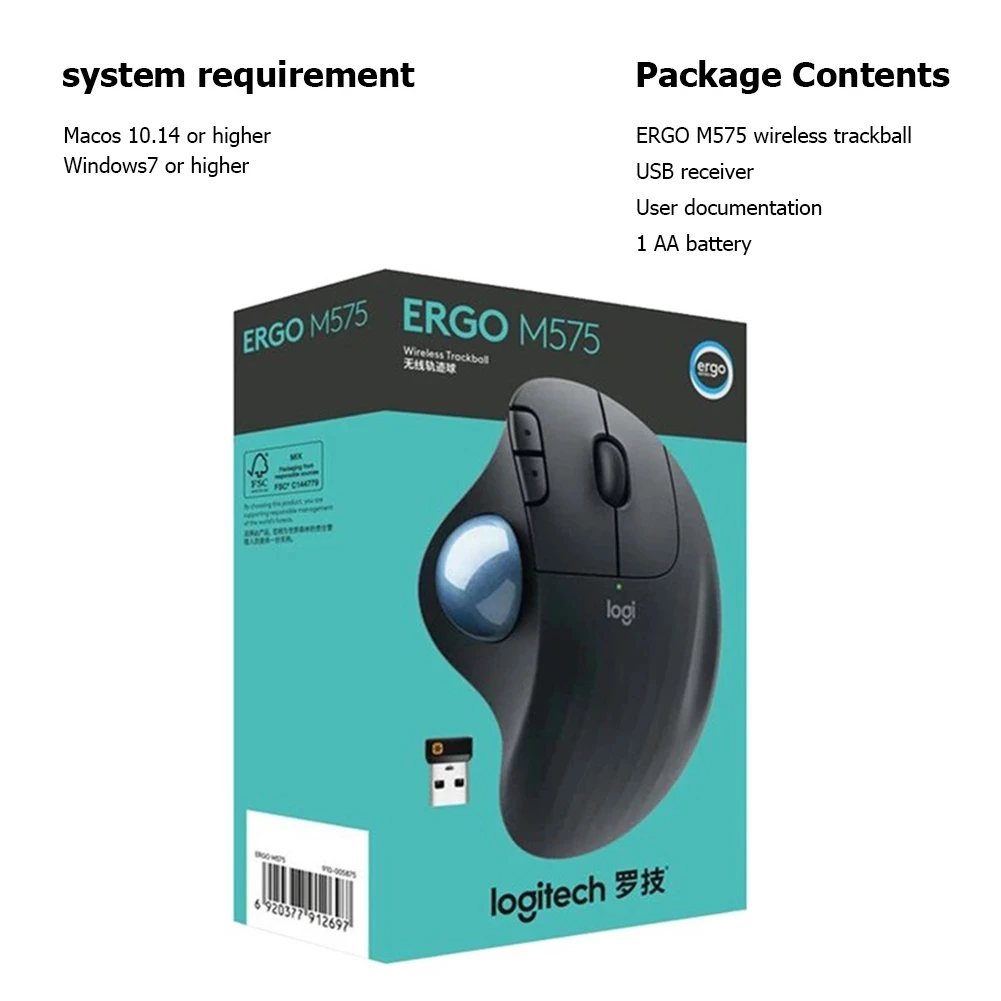
Box Contents
Condition
Brand New — Retail Packaging
Warranty
2 Years Logitech
Delivery
4–5 Working Days · Fully Tracked
Browse the full accessories range at maibo.
| Weight | 0.2 kg |
|---|---|
| Dimensions | 11 × 11 × 11 cm |
| Brand Name | Logitech |
| Origin | CN(Origin) |
| Type | 2.4Ghz Wireless |
| Certification | CE |
| Number of Rollers | 1 pcs |
| Gross Weight | 150g |
| DPI | 2000 |
| Package | Yes |
| Number of Buttons | 5 |
| Operation Mode | Trackball |
| Style | 3D |
| Power Type | Battery |
| Time to market | Apr-14 |
| Model Number | m575 |
| Hand Orientation | Right |
| Interface Type | USB |
Be the first to review “Logitech ERGO M575 Wireless Trackball Mouse – Black”
You must be logged in to post a review.
Related products

Reviews
There are no reviews yet.