 WhatsApp

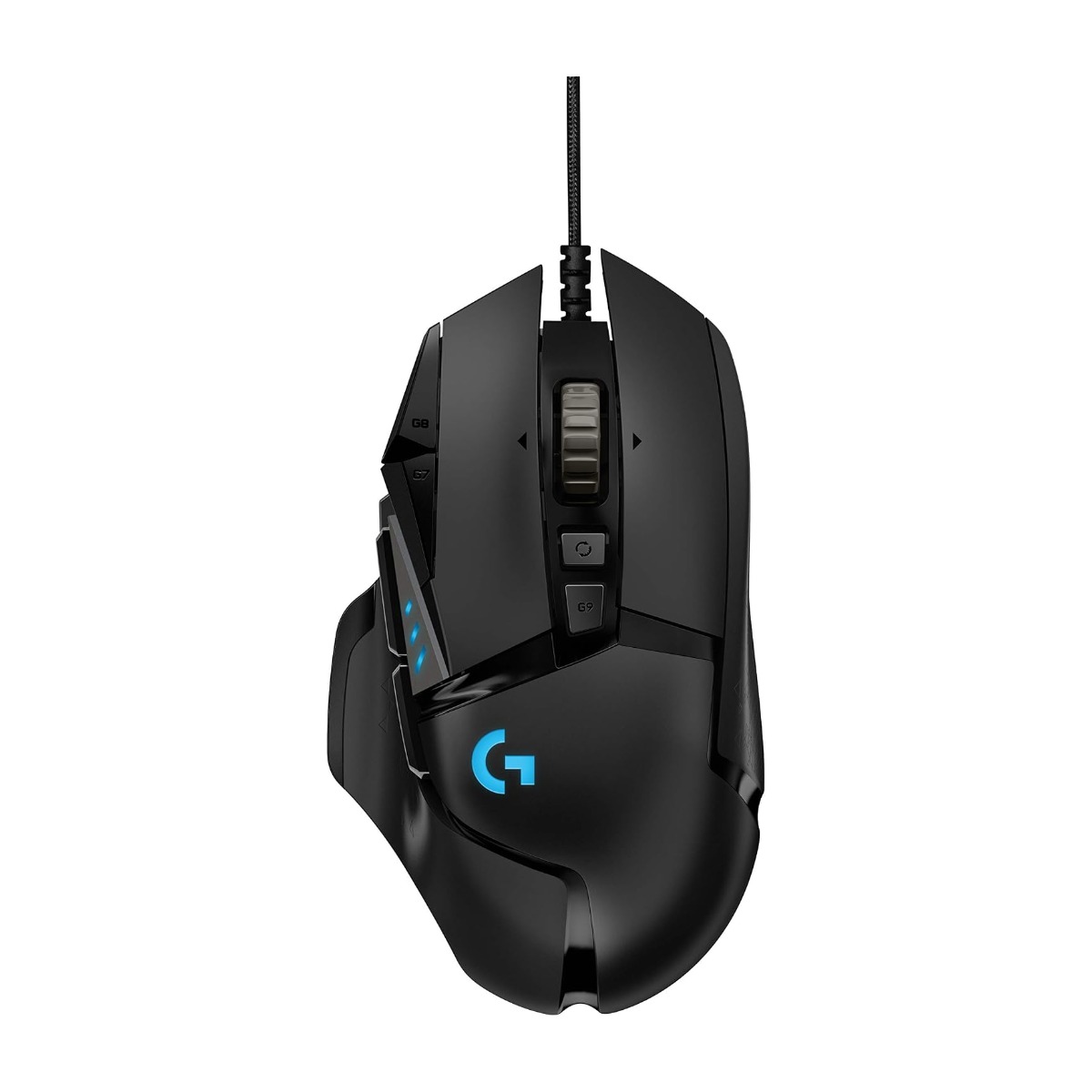
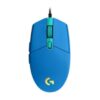
Logitech G502 HERO Wired Gaming Mouse
£34.88
In stock
| Delivery | 4–5 working days · Fully tracked |
| Returns | 30 Day Returns |
| Warranty | 12-Month Warranty |
| Payment | Visa · Mastercard · Apple Pay · Klarna |
The Logitech G502 HERO wired gaming mouse — 910-005471, with the HERO 25K sensor tracking from 100 to 25,600 DPI with zero smoothing, 11 programmable buttons, five adjustable weights for tuning balance, a dual-mode hyper-fast scroll wheel, onboard memory and LIGHTSYNC RGB. 121g, 2.1m cable, right-handed.
- ✓ HERO 25K sensor — 100 to 25,600 DPI, 400+ IPS, zero smoothing or acceleration
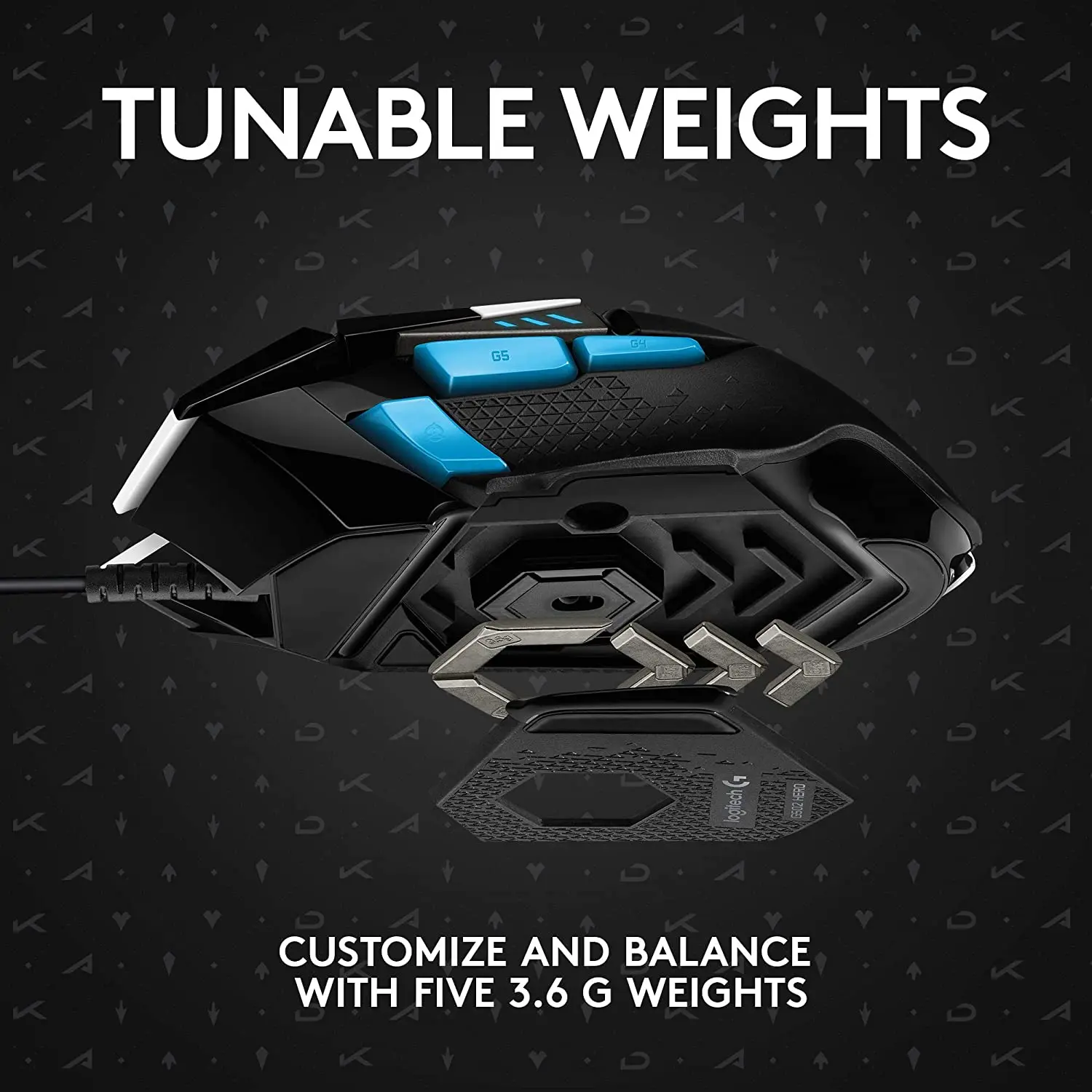
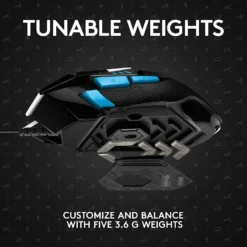
- ✓ Five adjustable weights — tune the mass and balance point to your grip
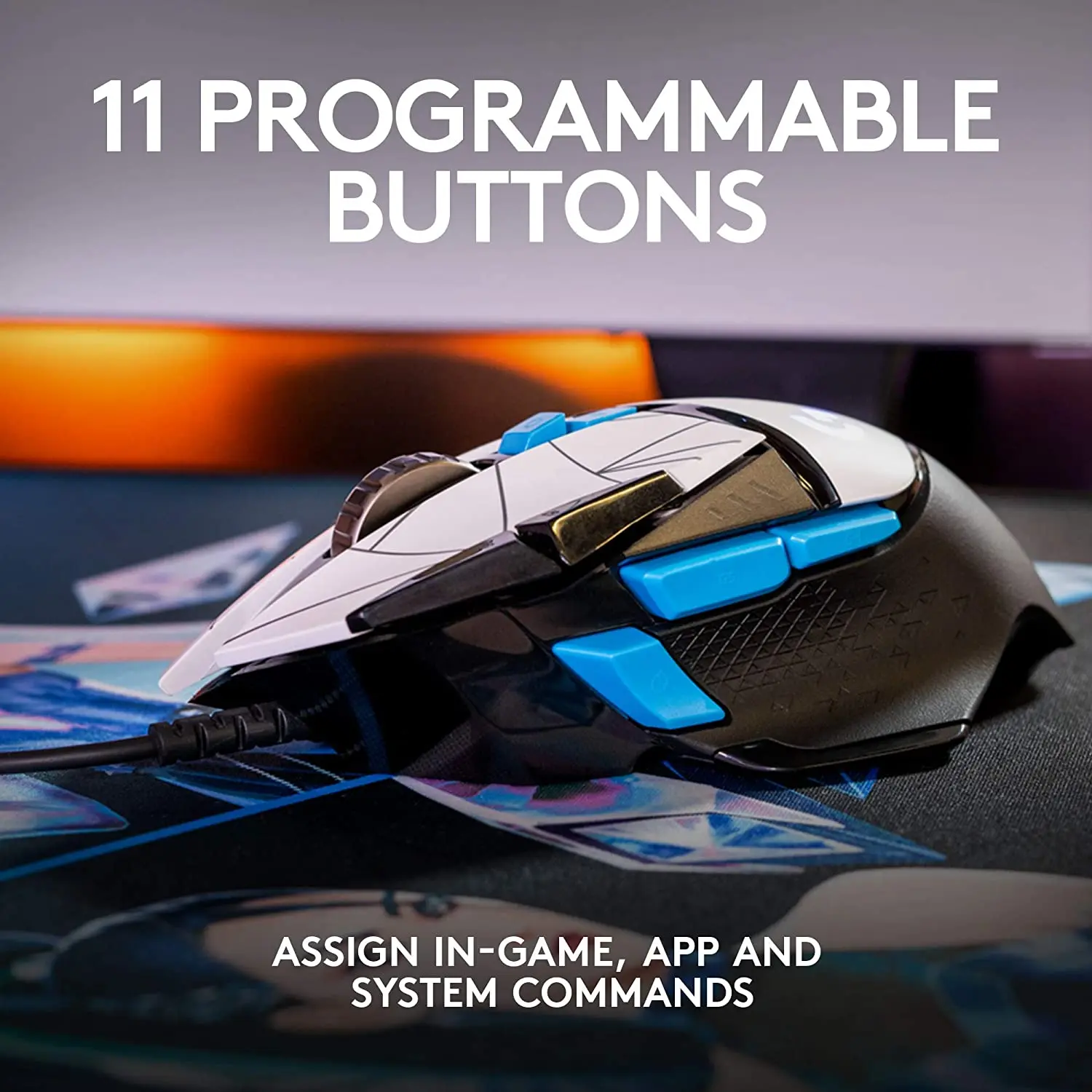
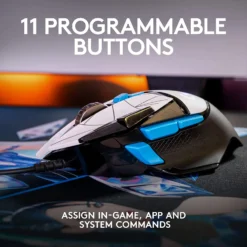
- ✓ 11 programmable buttons · DPI Shift sniper button · onboard memory profiles
- ✓ Dual-mode hyper-fast scroll wheel · LIGHTSYNC RGB · 2.1m cable · 121g
The Logitech G502 HERO wired gaming mouse is the version that made the G502 the default recommendation in gaming mice for over a decade. It is not the lightest mouse, and it is not trying to be — the G502 is for players who want a sculpted right-handed shape they can rest a whole hand on, a button under every finger, and the ability to physically tune the weight until it feels right. Five small weights drop into a tray under the mouse, so you set both how heavy it is and where the mass sits. The HERO 25K sensor tracks from 100 to 25,600 DPI with no smoothing, filtering or acceleration applied to the signal, which means the cursor follows the hand exactly at any speed. Eleven buttons are programmable through Logitech G HUB and saved into the mouse itself, so the profiles travel with it. The scroll wheel switches between a ratcheted click-per-notch mode for precise selection and a free-spinning mode that coasts through a long document in one flick. Wired, 2.1 metre cable, 121g before weights.
HERO 25K · Zero Smoothing
What the Sensor Claim Actually Means
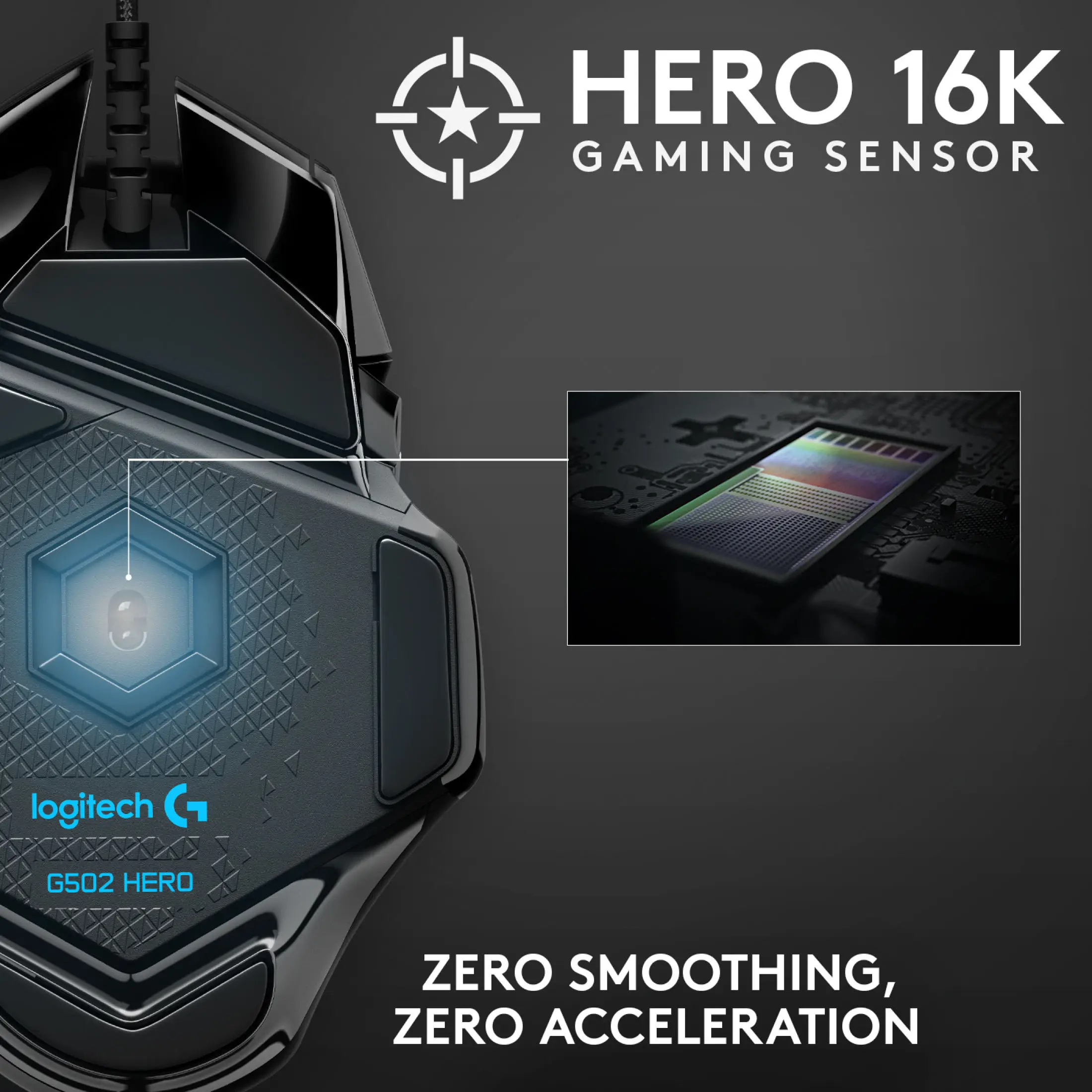
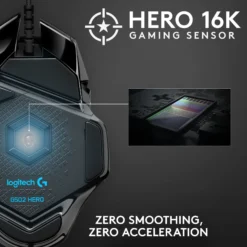
DPI headline figures are largely marketing — almost nobody plays at 25,600 DPI, and a sensor that can reach it is not automatically better than one that stops at 16,000. The specification that matters on the HERO 25K is the phrase attached to it: zero smoothing, filtering and acceleration across the entire 100 to 25,600 range. Many sensors apply motion smoothing to hide inconsistencies in their optical tracking, and smoothing is prediction — the cursor is being told where it probably should be rather than where the hand actually went. At speed that introduces a small lag and a small error, and in a game where you flick and stop on a target, both are felt rather than measured. The HERO reports raw movement. The 400+ IPS tracking speed means the sensor keeps up with the fastest swipe a hand can produce without losing the surface, which is the failure that causes a cursor to jump or freeze mid-flick on cheaper sensors. Above 40G of acceleration tolerance and a 1000Hz report rate complete the picture: the mouse reports its position to the computer a thousand times a second. Logitech now rate this sensor at 25,600 DPI; older listings for the same mouse still quote 16,000, which was the earlier firmware figure for identical hardware.
Five Weights · 121g Base
Tuning Mass and Balance by Hand
The G502 ships at 121 grams and comes with five removable weights that drop into a tray accessible from the underside. What makes this more than a gimmick is that the tray has multiple positions, so you are setting not only total mass but where that mass sits. Push weight forward and the mouse resists being pulled back, which suits players who over-travel on retracting movements. Push it rearward and the front feels lighter to swing. Distribute left or right to counter a grip that tilts. There is no correct answer — the point is that you can change it without buying a different mouse, and most people settle on a configuration within a week and never touch it again. Worth saying plainly: at 121 grams before any weights are added, the G502 is a heavy mouse by current standards. The competitive trend has moved decisively toward sub-70g designs, and if you play low-sensitivity shooters where large arm sweeps are constant, the weight will tire you. If you play with a palm grip, work at a desk as well as game, or simply prefer a mouse that feels planted rather than skittish, that same weight is the reason people stay with it for years. Fifty million click durability on the primary buttons.
11 Buttons · Hyper-Fast Wheel · Onboard Memory
Controls Built for Complex Games
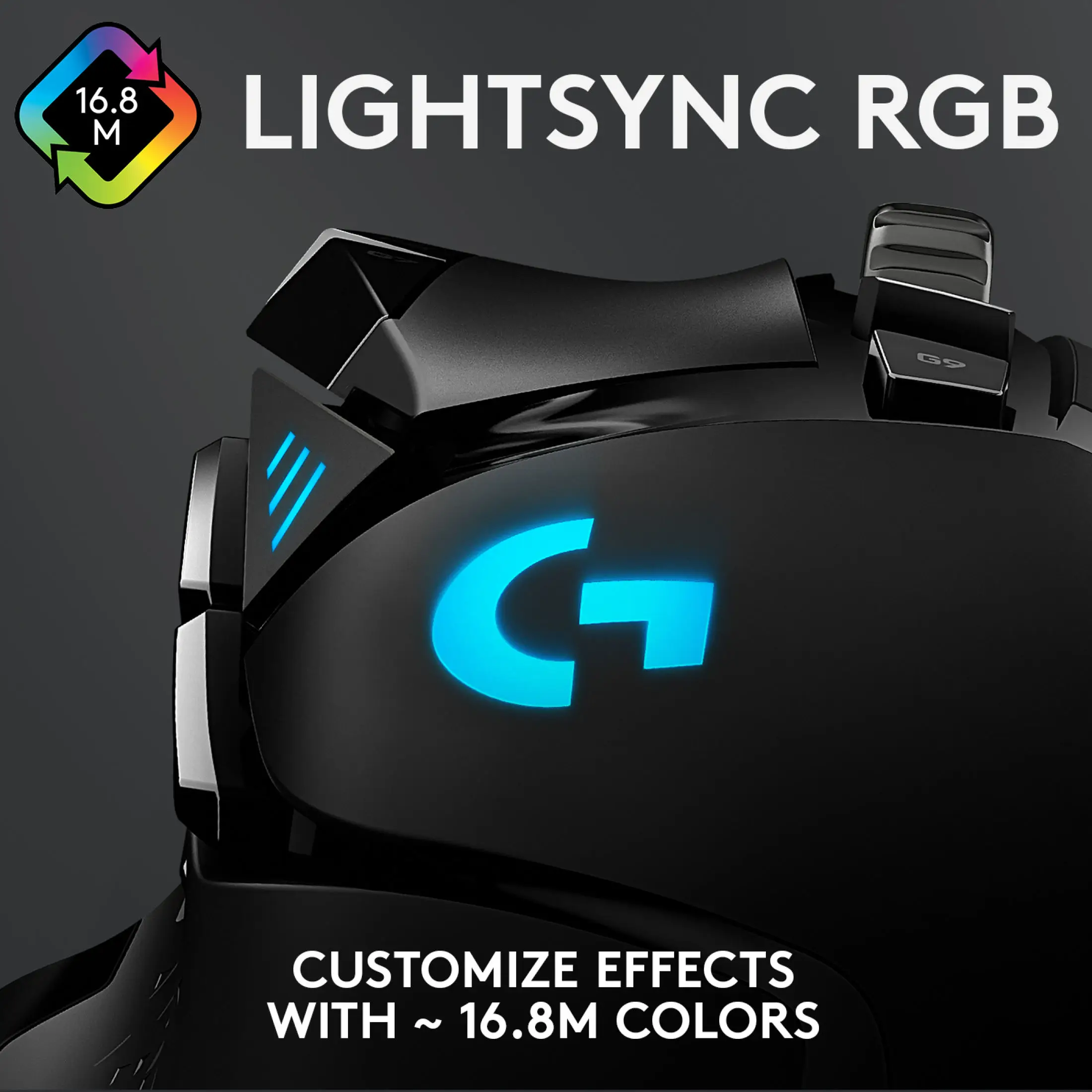
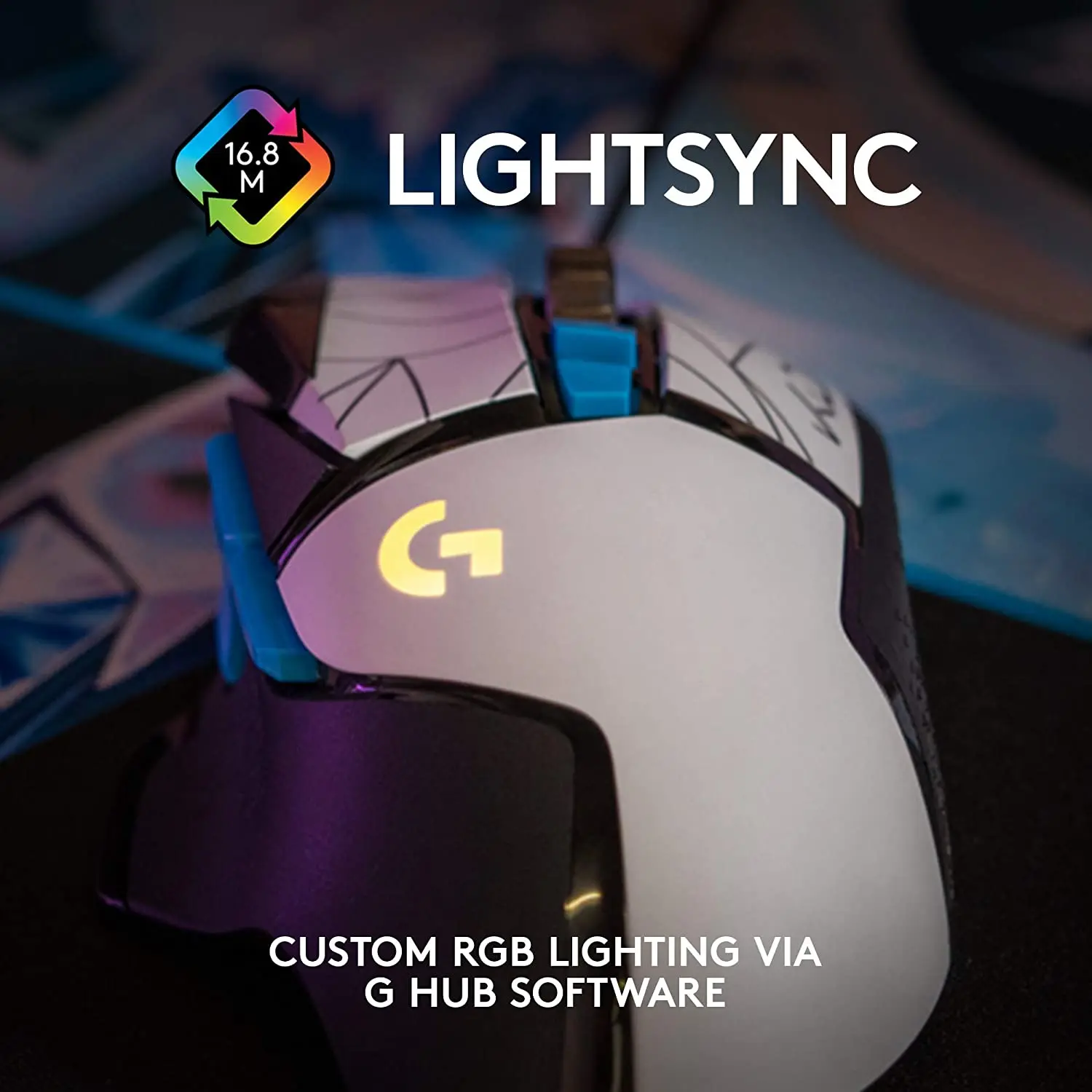
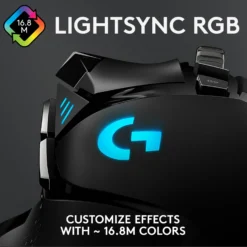
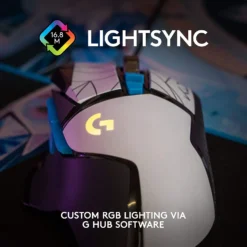
Eleven programmable buttons puts the G502 at the high end for a mouse without a full MMO side panel, and the layout is the reason it suits MMOs, MOBAs and survival games as readily as shooters — build, crouch, melee and heal sit under the thumb rather than across the keyboard. All eleven are mapped in Logitech G HUB, including macros, and the resulting profile is written to onboard memory inside the mouse. That means it works on any computer with no software installed and no login, which matters for a work machine or a LAN event. The DPI Shift button on the left flank is the one experienced players reach for most: hold it and sensitivity drops instantly to a preset sniper value, release it and you are back at normal speed. On-the-fly DPI cycling steps through up to five saved sensitivities with three indicator lights showing which is active. The dual-mode scroll wheel switches with a button behind it: ratcheted for counting notches through weapon slots or inventory, free-spin for coasting through a thousand-row spreadsheet or a long page. It also tilts left and right for horizontal scrolling and clicks as a button. LIGHTSYNC RGB covers around 16.8 million colours and can sync to other Logitech G gear through G HUB.
Right choice if you…
✔ Want flagship sensor performance without paying for wireless — the HERO 25K here is the same sensor as in Logitech’s wireless flagships
✔ Play games that need buttons under the thumb — MMO, MOBA, survival, or a shooter with a lot of bindings
✔ Prefer a mouse that feels planted rather than featherweight — and want to tune exactly how planted
✔ Use the same mouse for work — the free-spin wheel is as useful in a spreadsheet as in a game
Consider something else if…
✘ You play low-sensitivity shooters competitively — 121g is heavy for constant arm sweeps; the G PRO X SUPERLIGHT is under 63g
✘ You want to lose the cable — the G502 LIGHTSPEED is the same shape and sensor with 1ms wireless and POWERPLAY charging
✘ You are left-handed — the G502 is a right-handed ergonomic shape; the G903 is ambidextrous with swappable side buttons
Logitech G502 HERO Wired Gaming Mouse — Technical Specifications
| Brand | Logitech G |
| Model | G502 HERO Wired Gaming Mouse |
| MPN | 910-005471 |
| EAN / GTIN | 5099206080270 |
| Colour | Black |
| Sensor | HERO 25K optical · zero smoothing, filtering or acceleration |
| DPI Range | 100 – 25,600 (G HUB adjustable) |
| Max Speed | 400+ IPS |
| Max Acceleration | >40G |
| Report Rate | 1000Hz (1ms) |
| Buttons | 11 programmable · 50 million click durability |
| Scroll Wheel | Dual-mode hyper-fast · ratcheted and free-spin · tilt left/right |
| Adjustable Weights | 5 removable weights · repositionable tray |
| Weight (mouse only) | 121g |
| Dimensions | 132 × 75 × 40mm |
| Cable | 2.1m · USB-A |
| RGB | LIGHTSYNC · ~16.8 million colours · G HUB |
| Onboard Memory | Yes — profiles travel with the mouse |
| Hand Orientation | Right-handed ergonomic |
| Compatibility | Windows 7+ · macOS 10.11+ · ChromeOS · USB port required |
| Warranty | Manufacturer warranty (Logitech) |
In the Box
Logitech G502 HERO wired gaming mouse — Black
Weight case with 5 adjustable weights
User documentation
Frequently Asked Questions
Is this 16,000 DPI or 25,600 DPI?
25,600. The hardware has not changed, but Logitech revised the HERO sensor’s rated maximum through firmware, so older listings and boxes for the same 910-005471 still quote 16,000 DPI. Both describe the same mouse. In practice the number is largely academic, since almost nobody plays above a few thousand DPI — what matters is the zero smoothing behaviour across the whole range.
Is the G502 too heavy?
It depends entirely on how you play. At 121g before weights it is heavy by current competitive standards, where sub-70g mice dominate. If you play low-sensitivity shooters with large arm movements, you will feel it over a long session. If you use a palm grip, play at higher sensitivity, or want a mouse that stays planted rather than darting, the weight is the appeal rather than the drawback. You can also leave all five weights out, which is how most people run it.
Do I need G HUB software?
No — the mouse works plug-and-play with default DPI steps and button assignments. G HUB is needed to remap the 11 buttons, record macros, set custom DPI values, configure RGB and save profiles to onboard memory. Once a profile is saved to the mouse it works on any computer without G HUB installed, which is the point of onboard memory. G HUB is a free download from Logitech.
How does the free-spin scroll wheel work?
There is a button just behind the wheel that switches between two modes. Ratcheted mode gives a defined click per notch, which is what you want for stepping through weapon slots or inventory. Free-spin mode releases the ratchet so the wheel coasts almost without resistance — one flick carries you through a long document or web page. The wheel also tilts left and right for horizontal scrolling and clicks as a middle button.
What is the difference between this and the G502 LIGHTSPEED?
Same shape, same HERO 25K sensor, same 11 buttons, same hyper-fast wheel. The LIGHTSPEED version adds 1ms wireless and POWERPLAY continuous charging compatibility, and is a little heavier at 114g base because of the battery, though it ships with fewer weights. This wired version costs considerably less and needs no charging at all. Sensor performance is identical between the two.
Condition
Brand New — Retail Packaging
Warranty
Manufacturer warranty (Logitech)
Delivery
4–5 Working Days · Fully Tracked
| Weight | 0.28 kg |
|---|---|
| Dimensions | 10 × 10 × 10 cm |
Only logged in customers who have purchased this product may leave a review.
Related products
Webcams
- 09:00 - 17:30 •
 WhatsApp
Reviews
There are no reviews yet.