 WhatsApp

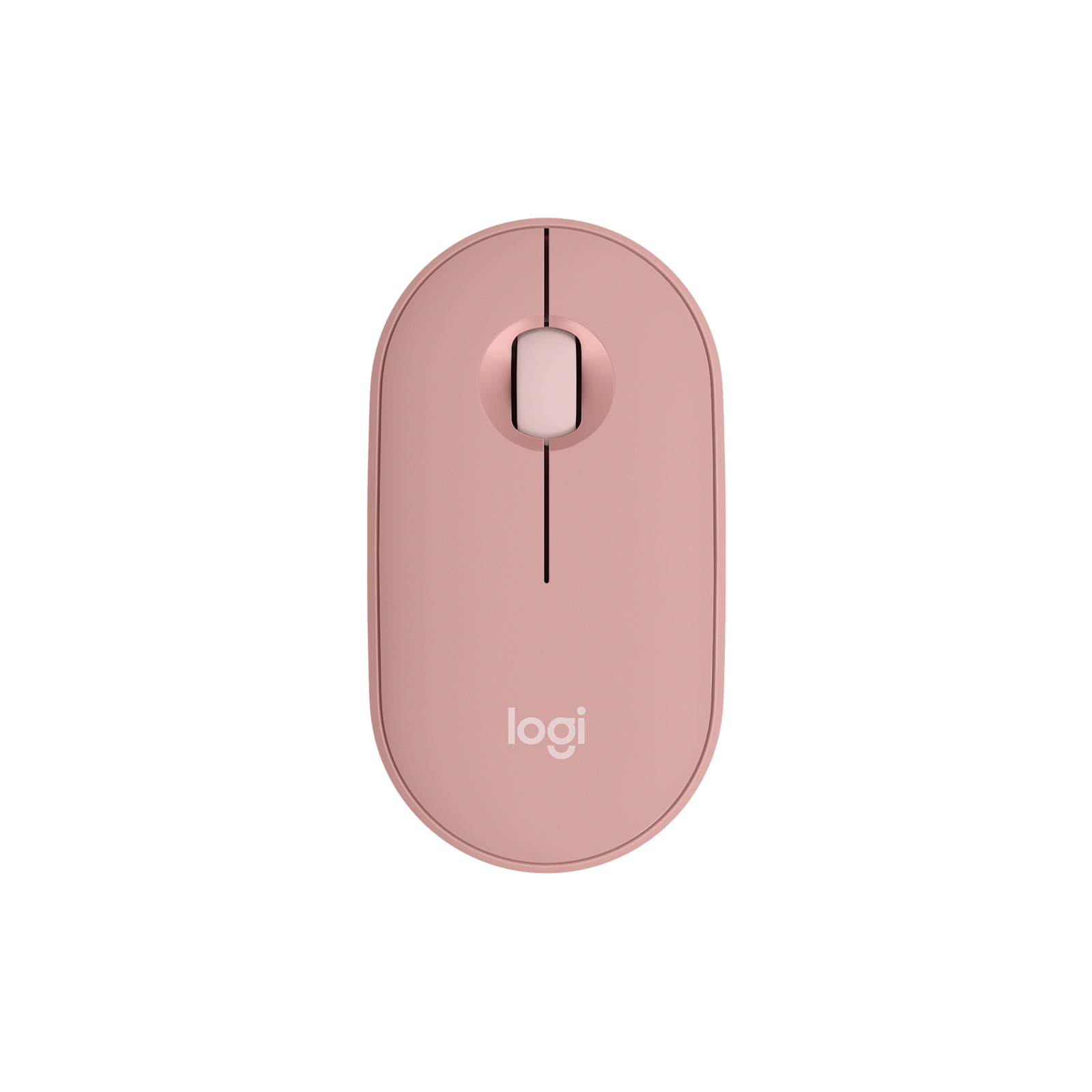
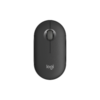
Logitech Pebble 2 M350s Wireless Mouse – Tonal Rose
£12.88
| Colors: Tonal Rose |
In stock
| Delivery | 4–5 working days · Fully tracked |
| Returns | 30 Day Returns |
| Warranty | 12-Month Warranty |
| Payment | Visa · Mastercard · Apple Pay · Klarna |
The Logitech Pebble 2 M350s Tonal Rose — model 910-007014, a slim, pebble-shaped Bluetooth mouse with near-silent clicks, a customisable middle button and Easy-Switch between three devices. Up to 24 months on one AA battery, which comes pre-installed.
- ✓ Slim, compact and ambidextrous — slips into any bag
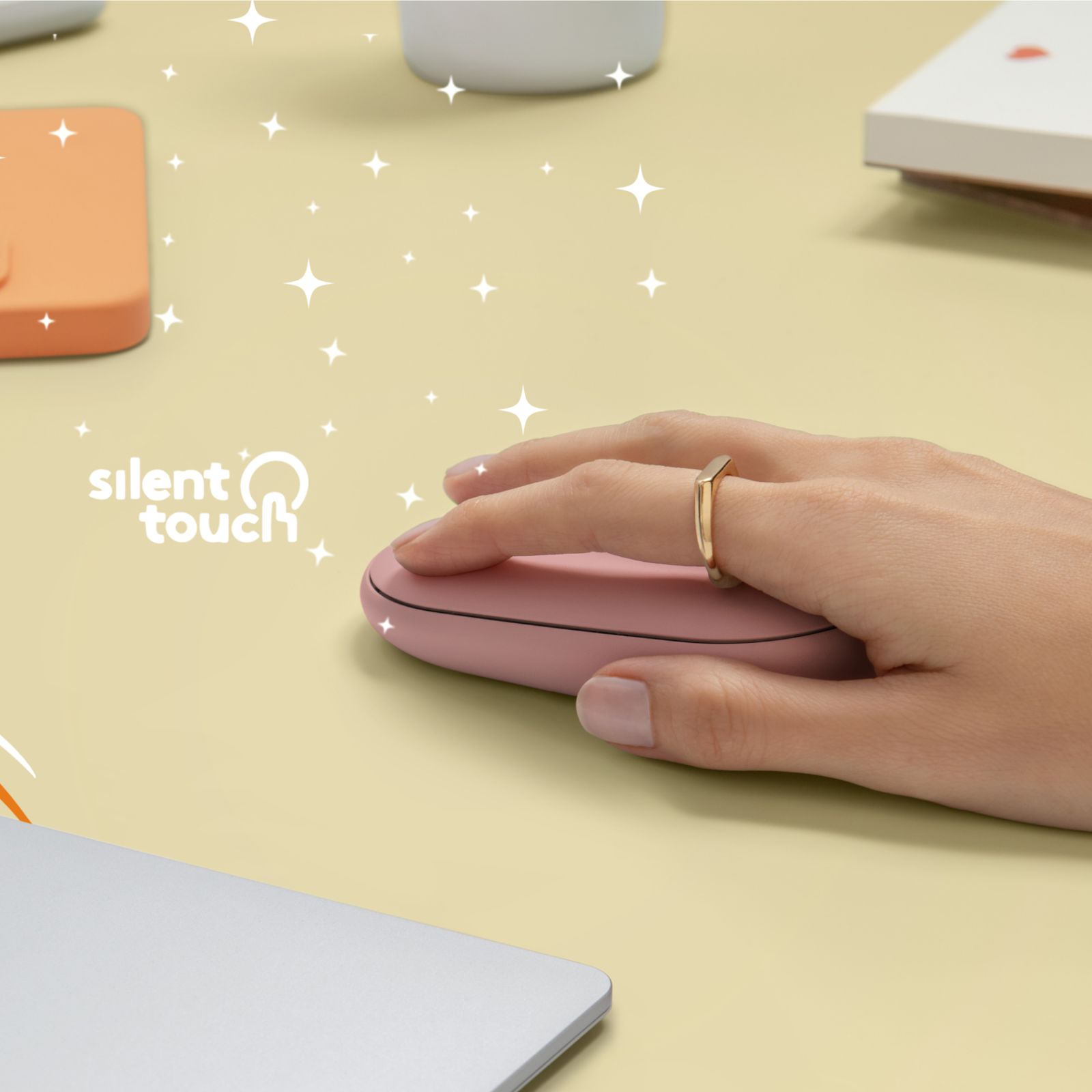
- ✓ Silent Touch clicks — 90% less click noise
- ✓ Customisable middle button · 400–4,000 DPI · Logi Options+
- ✓ Bluetooth · 3 devices with Easy-Switch · up to 24 months on 1 × AA (included)
The Logitech Pebble 2 M350s Tonal Rose is the second generation of Logitech’s slim, pebble-shaped mouse — the one people buy because it looks good on a desk and disappears into a bag. It keeps the flat, rounded body that made the original Pebble so popular and adds three things the first version lacked: Easy-Switch between three devices, a middle button you can reassign, and a battery life stretched to up to 24 months on a single AA. The clicks are close to silent, with 90% less click noise than a standard mouse, so it is welcome in a shared office, a library or next to someone asleep. It connects over Bluetooth to laptops, tablets and phones, and its symmetrical shape works in either hand. The body is made with recycled plastic, and the battery comes already fitted — take it out of the box and pair it. This Logitech Pebble 2 M350s Tonal Rose is model 910-007014.
Slim · Portable · Ambidextrous
A Mouse Shaped for Carrying
Most mice are built to fill the hand on a desk, which is exactly what makes them awkward to carry. The Pebble 2 goes the other way: a low, flat, rounded body that slides into a laptop sleeve, the front pocket of a bag or a jacket without a bulge. The trade-off is worth knowing: because it is slim, the hand rests over it with the fingers doing the work rather than the palm filling a tall shape. For everyday office work, browsing and study that is comfortable; if you spend eight hours a day in spreadsheets and want full palm support, a larger mouse such as the Logitech MX Master is the better tool. The symmetrical design means it works equally well in the left or right hand, which also makes it a good choice for a shared desk. Logitech makes the Pebble 2 with recycled plastic — 76% in Tonal Graphite and 58% in Tonal White and Tonal Rose — and packages it in FSC-certified paper.
Silent Touch · Customisable Middle Button
Quiet Clicks and One Button That Is Yours
Silent Touch technology damps the switches so the clicks lose around 90% of their noise while still giving a clear feel that the click has registered. On a train, in a quiet office, on a video call or in a shared bedroom, the difference is obvious within a minute. The middle button under the scroll wheel is the main upgrade over the original Pebble M350: with the free Logi Options+ app on Windows or macOS you can reassign it to a shortcut you use constantly — copy, paste, switch windows, open a specific app or mute your microphone. The optical sensor tracks from 400 up to 4,000 DPI and can be adjusted in the same app; the default setting suits everyday work, and a higher setting helps on large or high-resolution monitors where you want the cursor to cross the screen with less hand movement.
Bluetooth · 3 Devices · 24 Months on AA
Connection and Battery — Read Before Ordering
The Pebble 2 connects over Bluetooth and remembers three devices — for example a work laptop, a personal laptop and an iPad — switching between them with the Easy-Switch button underneath. It works with Windows, macOS, iPadOS, ChromeOS and Android. There is no USB receiver in the box: this model is designed around Bluetooth, which nearly every laptop and tablet has built in. It is compatible with a Logi Bolt receiver bought separately, but not with the older Logitech Unifying receiver. Power comes from one AA battery, which arrives already installed — Logitech rates it at up to 24 months, helped by automatic sleep when the mouse is idle. There is nothing to charge and no cable; when the battery eventually runs out, it is swapped in seconds under the top shell. Range is up to 10 metres.
Right choice if you…
✔ Want a slim mouse that disappears into a laptop bag
✔ Work somewhere quiet and want near-silent clicks
✔ Move between a laptop, a second computer and a tablet
✔ Would rather change a battery every couple of years than charge a mouse
Consider something else if…
✘ Your computer has no Bluetooth — there is no receiver in the box
✘ You want full palm support for long desk days — the Logitech MX Master is built for that
✘ You want to reuse an old Unifying receiver — the Pebble 2 is not compatible with it
Logitech Pebble 2 M350s Tonal Rose — Technical Specifications
| Brand | Logitech |
| Model | Pebble Mouse 2 M350s |
| MPN | 910-007014 |
| EAN / GTIN | Printed on retail packaging |
| Colour | Tonal Rose |
| Sensor | Optical · 400–4,000 DPI |
| Buttons | 3 · Silent Touch · customisable middle button |
| Connection | Bluetooth Low Energy · Logi Bolt compatible (receiver not included) |
| Multi-Device | Up to 3 devices · Easy-Switch |
| Battery | 1 × AA (pre-installed) · up to 24 months |
| Range | Up to 10m |
| Design | Slim · ambidextrous · made with recycled plastic |
| Compatibility | Windows · macOS · iPadOS · ChromeOS · Android |
| Warranty | Manufacturer warranty (Logitech) |
In the Box
Frequently Asked Questions
Is there a USB receiver in the box?
No. The Pebble 2 M350s connects over Bluetooth, which nearly every laptop and tablet has. It works with a Logi Bolt receiver bought separately, but not with the older Unifying receiver.
What is new compared with the original Pebble M350?
Easy-Switch between three devices, a customisable middle button, quieter clicks and longer battery life of up to 24 months. The slim, rounded shape stays the same.
How long does the battery last?
Up to 24 months on one AA battery according to Logitech, which comes already installed. There is nothing to charge.
Can I use it with an iPad or Android phone?
Yes. It works with Windows, macOS, iPadOS, ChromeOS and Android over Bluetooth, and remembers up to three devices.
Is it suitable for left-handed users?
Yes. The symmetrical shape works equally well in either hand.
Condition
Brand New — Retail Packaging
Warranty
Manufacturer warranty (Logitech)
Delivery
4–5 Working Days · Fully Tracked
Also Available at maibo
Browse the full mice and peripherals range at maibo.
| Brand | Logitech |
|---|---|
| Colors |
Only logged in customers who have purchased this product may leave a review.
Related products
Webcams

Reviews
There are no reviews yet.