 WhatsApp

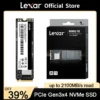
Lexar NM620 NVMe M.2 SSD Hard Disk 1TB

£168.88
In stock
| Delivery | 4–5 working days · Fully tracked |
| Returns | 30 Day Returns |
| Warranty | 12-Month Warranty |
| Payment | Visa · Mastercard · Apple Pay · Klarna |
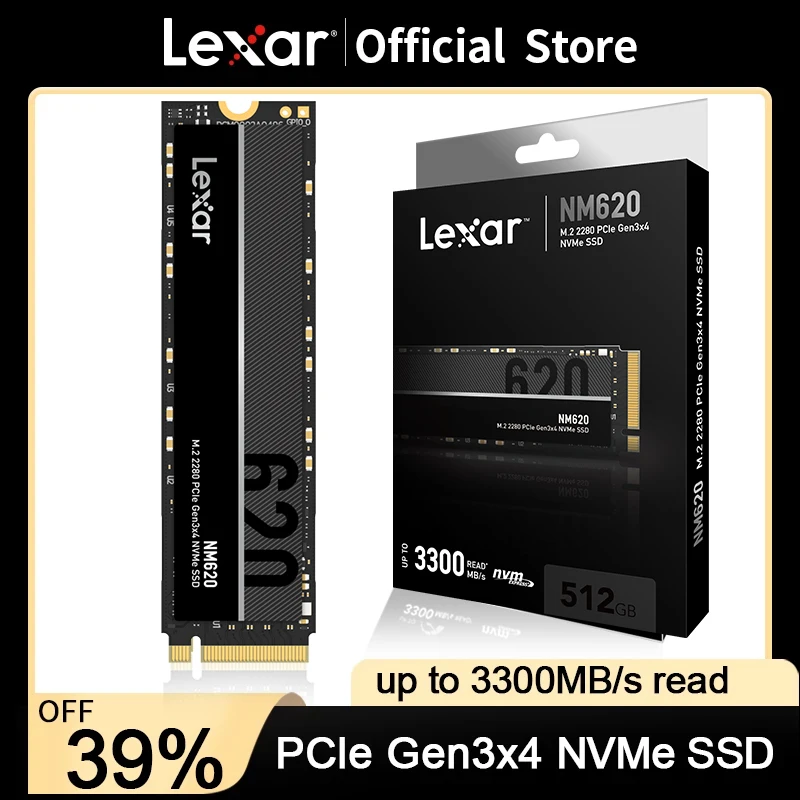
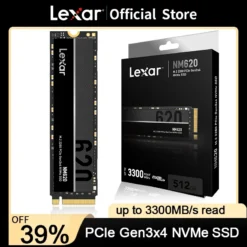
The Lexar NM620 1TB — the rational Gen3 NVMe: up to 3,300MB/s reads, full 1TB, exactly what a Gen3 slot can actually use.
- ✓ PCIe Gen3 ×4 — up to 3,300MB/s read
- ✓ 1TB whole-system capacity
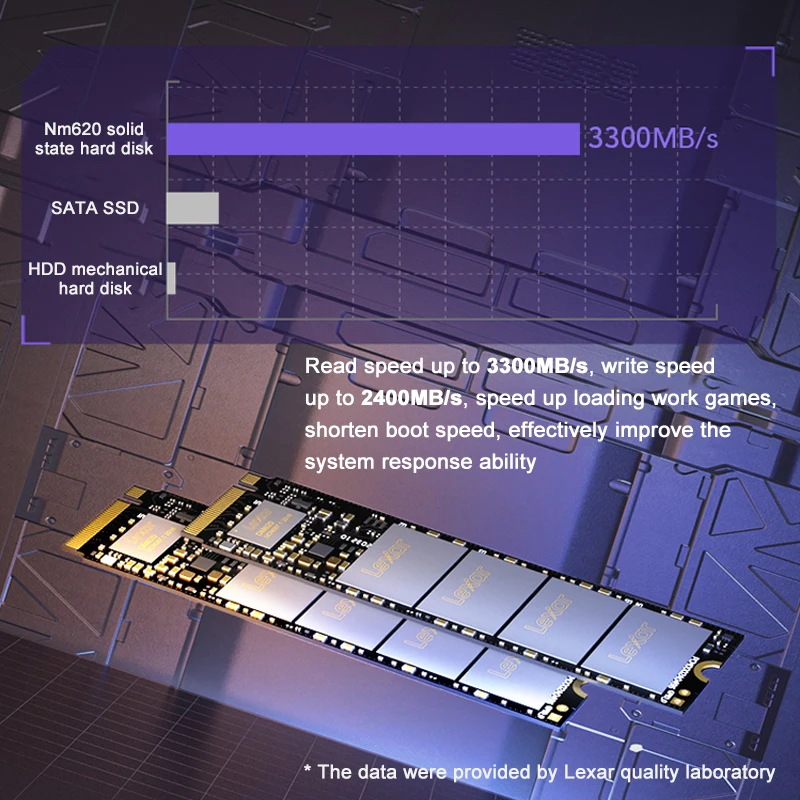
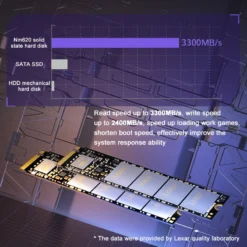
- ✓ ~6× faster than SATA SSDs in sequential work
- ✓ M.2 2280 — the universal format
The Lexar NM620 1TB is the drive that saturates a PCIe Gen3 slot without paying for bandwidth the slot can’t use: manufacturer-rated reads up to 3,300MB/s — six times SATA — in the standard M.2 2280 format. For the millions of Gen3 desktops and laptops still in service, this is the rational upgrade.
Matched
Built for Gen3 machines
A Gen4 flagship in a Gen3 slot runs at Gen3 speed anyway. The NM620 delivers what the slot can actually carry, and puts the savings into capacity instead.
Transformative
HDD or SATA → NVMe
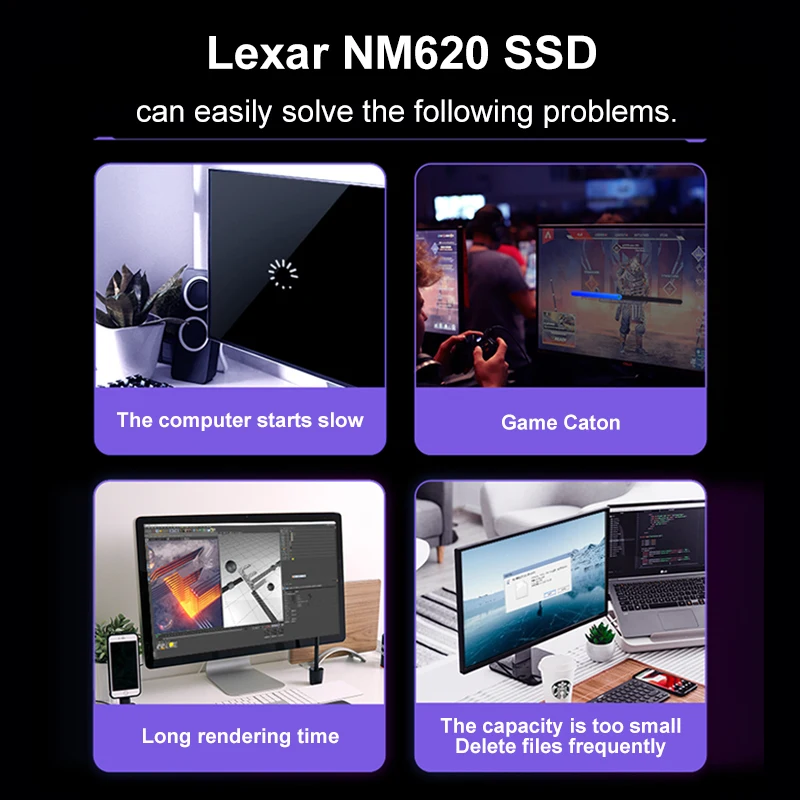
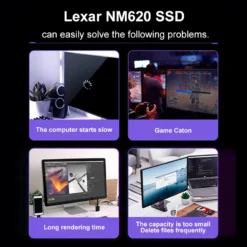
Coming from a hard drive, boot times collapse from minutes to seconds; from a SATA SSD, large file work and game loads still roughly triple. The single most noticeable upgrade an older PC can get.
Capacity
A full 1TB
Whole-system storage in one drive: OS, applications, games and files — no juggling between a small fast drive and a slow big one.
Right choice if you…
✔ Run a PCIe Gen3 desktop or laptop (Intel 6th-10th gen, older AMD)
✔ Are replacing a hard drive or SATA SSD
✔ Want 1TB of fast storage at value pricing
✔ Build budget PCs where every pound counts
Consider something else if…
✖ You have a Gen4 slot — the NM760 or NM800 use it properly
✖ Your machine has no M.2 slot at all — the NS100 2.5” SATA is the drop-in answer
✖ You need PS5 expansion — that requires Gen4
Lexar NM620 1TB — Technical Specifications
| Brand | Lexar |
| Capacity | 1TB |
| Interface | PCIe Gen3 ×4, NVMe |
| Form factor | M.2 2280 |
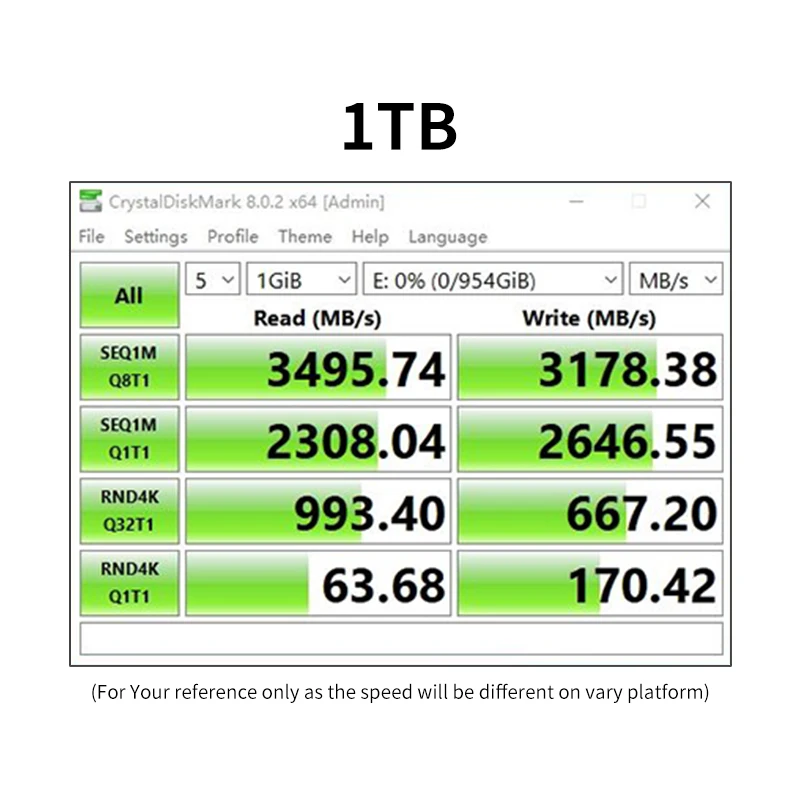
| Read speed | Up to 3,300MB/s (manufacturer rated) |
| Upgrade path | ~6× SATA SSD sequential speed |
| MPN | LNM620X001T (series) |
| EAN / GTIN | Printed on retail packaging |
| Warranty | Manufacturer warranty |
In the Box
Frequently Asked Questions
How do I know if my PC has an M.2 slot?
Check the motherboard manual or maker’s spec page for “M.2 2280 NVMe”. Most desktops from 2016 on and most laptops from 2018 on have one.
Will Windows need reinstalling?
Not necessarily — free cloning tools copy your existing installation across. A fresh install is cleaner if the machine has years of clutter.
Does it work in a Gen4 board?
Yes — it runs at its own Gen3 speed. If the board is Gen4, though, a Gen4 drive gets more from the same slot.
NVMe vs SATA SSD — is the difference real?
For boot and app launches both feel quick; the gap shows in large file transfers, game loading and heavy multitasking, where NVMe is several times faster.
Condition
Brand New — Retail Packaging
Warranty
Manufacturer warranty
Delivery
4–5 Working Days · Fully Tracked
Also Available at maibo
Browse the full storage range at maibo.
| Weight | 0.07 kg |
|---|---|
| Dimensions | 10 × 10 × 5 cm |
| Brand Name | Lexar |
| Transport Protocol | NVME |
| Interface Type | PCI Express, M.2 2280 |
| Origin | CN(Origin) |
| Controller | NM620 |
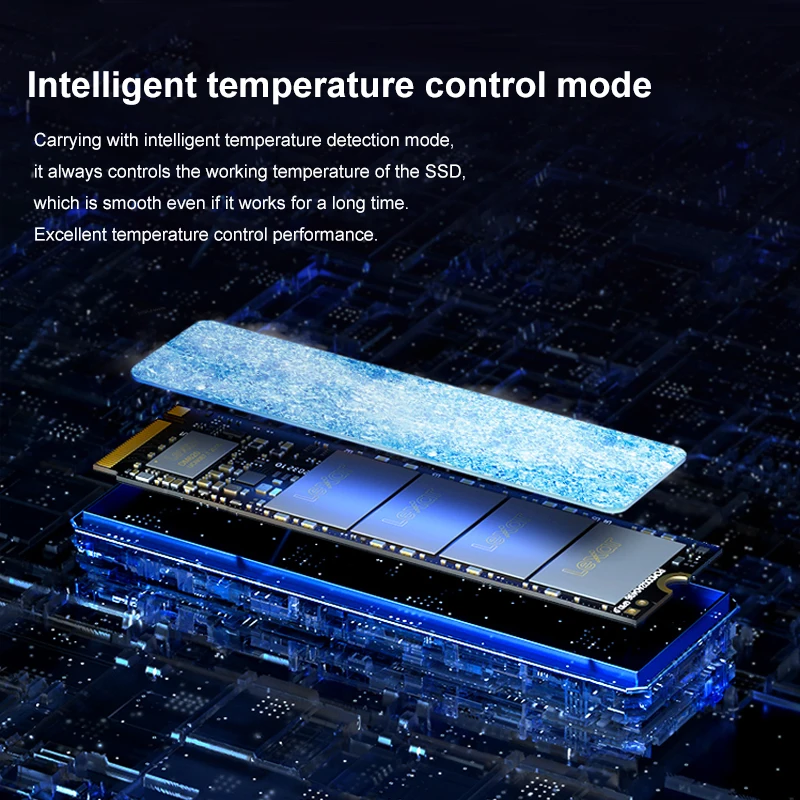
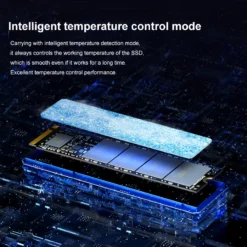
| Cooling Fin | Yes |
| RGB | NO |
| Size | M.2 2280 |
| Bus Type | PCIe 3.0×4 |
| Application | Desktop, Laptop, Server, Workstation, Industrial Computer |
| Model Number | Lexar NM620 SSD |
| Nand Flash Type | SLC |
| Certification | CE, FCC, RoHS, UL |
| Max Sequential Read | 3300Mbps |
| Max Sequential Write | 3000Mbps |
| 4KB Random Read | 3300 |
| 4KB Random Write | 3000 |
| Package | Yes |
| Type | Internal |
| Style | SSD |
| MTBF | 0.001s, 1, 500, 000 Hours |
| Cache | NONE |
| Dimension (L x W x H) | 80 mm x 22 mm x 2.25 mm |
Only logged in customers who have purchased this product may leave a review.
Related products
Storage & Memory
Compact Flash Memory
microSD Cards
Compact Flash Memory
Reviews
There are no reviews yet.