 WhatsApp

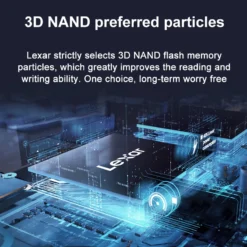
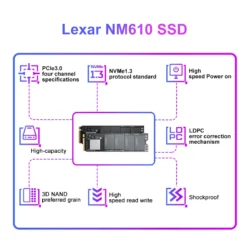
Lexar NM610 1TB NVMe M.2 SSD

£138.88
In stock
| Delivery | 4–5 working days · Fully tracked |
| Returns | 30 Day Returns |
| Warranty | 12-Month Warranty |
| Payment | Visa · Mastercard · Apple Pay · Klarna |
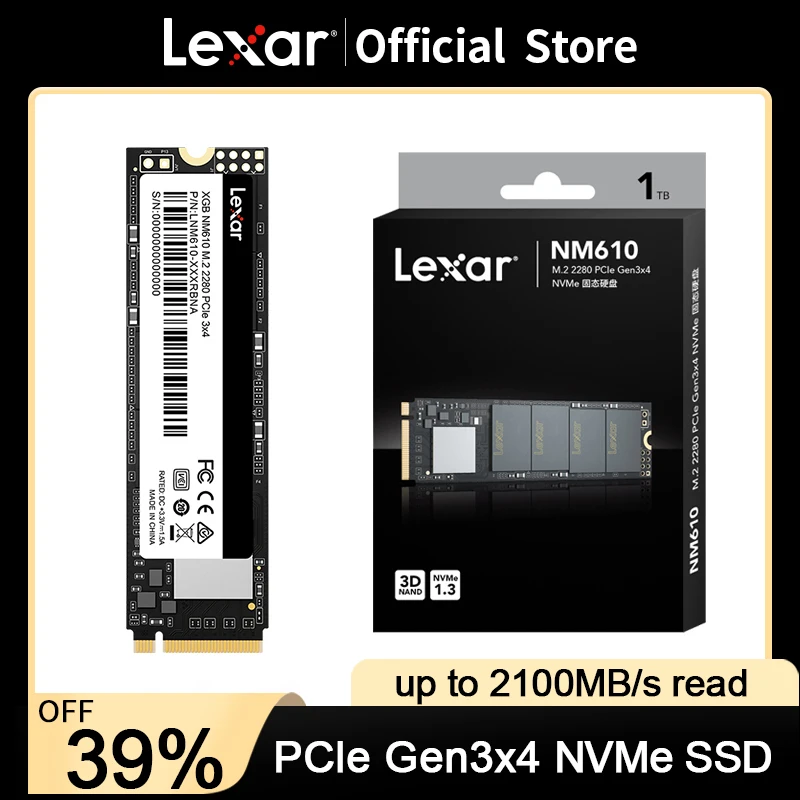
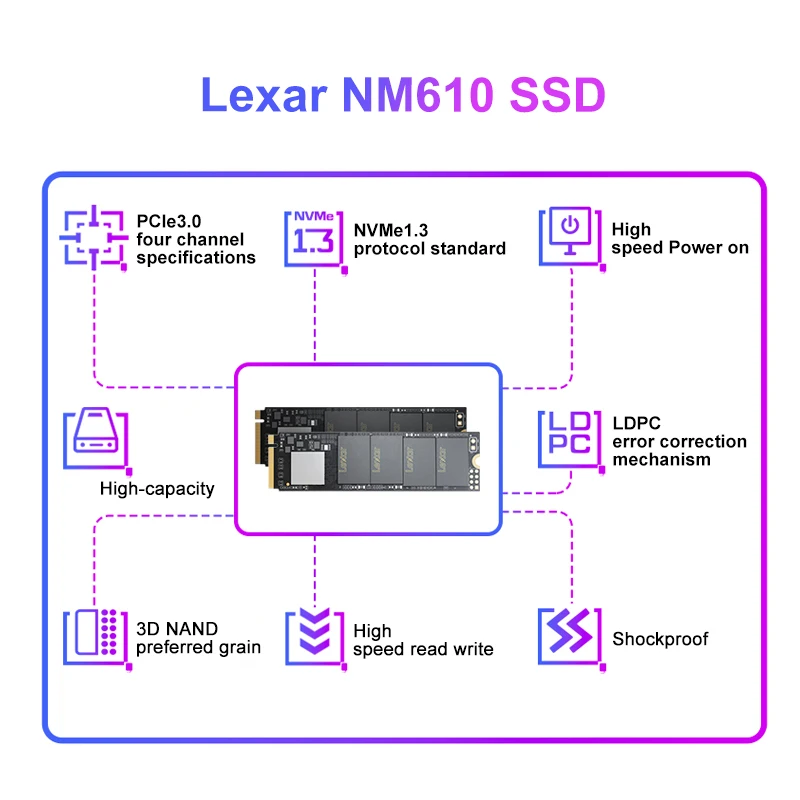
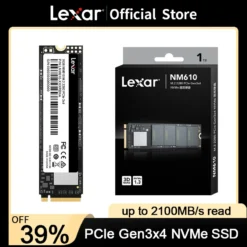
The Lexar NM610 1TB — entry NVMe done right: up to 2,100MB/s reads, full 1TB, the NVMe feel without the premium.
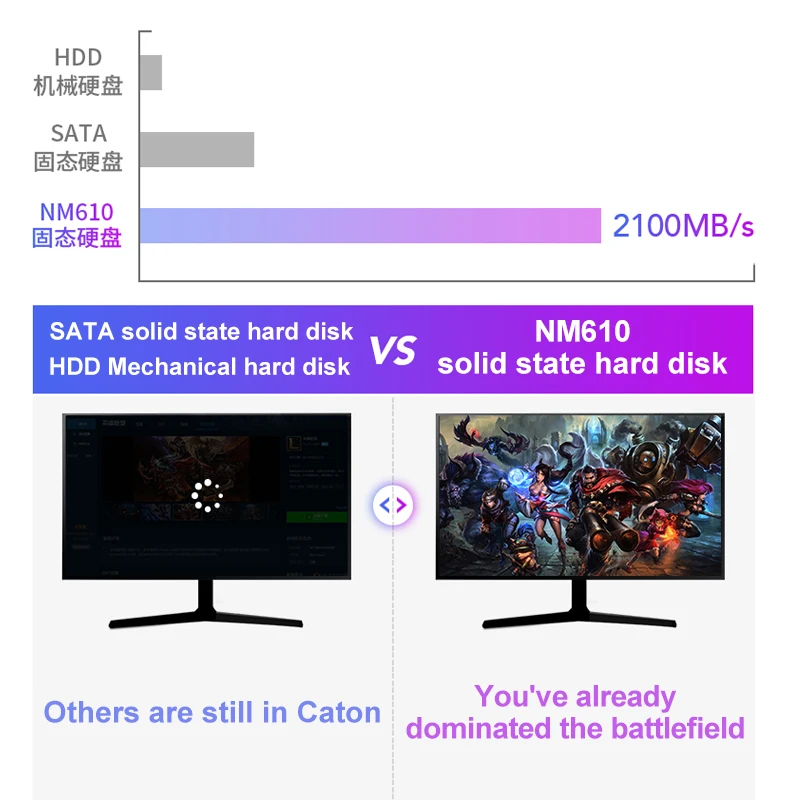
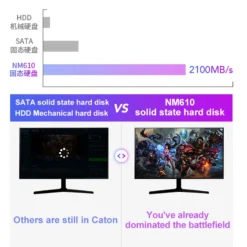
- ✓ Up to 2,100MB/s — ~4× SATA SSD speed
- ✓ Full 1TB at entry pricing
- ✓ M.2 2280, ten-minute install
- ✓ The everyday-machine upgrade
The Lexar NM610 1TB is the entry ticket to NVMe: manufacturer-rated reads up to 2,100MB/s — still four times a SATA SSD — at the line’s friendliest price. If the machine you’re upgrading spends its life on everyday work rather than heavy data, the NM610 delivers the NVMe feel without the NVMe premium.
Entry NVMe
Up to 2,100MB/s read
The jump that matters is HDD/SATA → NVMe, not Gen3 → Gen4. Boot, app launches and file work all land in the “instant” class the moment any NVMe drive takes over.
Value
Capacity over headline speed
At a given budget the NM610 buys you the full 1TB where faster lines buy you half. For everyday machines, space you use daily beats speed you’d rarely touch.
Simple
Standard M.2 2280
Same slot, same ten-minute install as any NVMe drive — one screw, clone or fresh install, done.
Right choice if you…
✔ Upgrade an everyday desktop or laptop from HDD/SATA
✔ Want 1TB NVMe at the lowest sensible cost
✔ Refresh office machines or family PCs
✔ Value capacity over benchmark numbers
Consider something else if…
✖ You move big files or game seriously — the NM620 is a worthwhile step up
✖ You have Gen4 and want to use it — NM800
✖ No M.2 slot — the NQ100 2.5” SATA fits where NVMe can’t
Lexar NM610 1TB — Technical Specifications
| Brand | Lexar |
| Capacity | 1TB |
| Interface | PCIe Gen3 ×4, NVMe |
| Form factor | M.2 2280 |
| Read speed | Up to 2,100MB/s (manufacturer rated) |
| Upgrade path | ~4× SATA SSD sequential speed |
| MPN | LNM610-1TRB (series) |
| EAN / GTIN | Printed on retail packaging |
| Warranty | Manufacturer warranty |
In the Box
Frequently Asked Questions
Will I notice the difference from my old hard drive?
Dramatically — boot in seconds, applications open instantly, the whole machine feels new. HDD to any NVMe is the biggest single upgrade in computing.
NM610 or NM620 — worth the step up?
If you game or move large files, yes — the NM620 is ~50% faster sequentially. For browsing, office work and media, the NM610’s savings are the better spend.
Can a laptop take it?
If it has an M.2 2280 NVMe slot, yes — most laptops from 2018 onwards do. Check the service manual before buying.
Does it need drivers?
No — Windows 10/11 and modern Linux support NVMe natively. Install, initialise in Disk Management, done.
Condition
Brand New — Retail Packaging
Warranty
Manufacturer warranty
Delivery
4–5 Working Days · Fully Tracked
Also Available at maibo
Browse the full storage range at maibo.
| Weight | 0.08 kg |
|---|---|
| Dimensions | 10 × 10 × 5 cm |
| Brand Name | Lexar |
| Transport Protocol | NVME |
| Interface Type | M.2 2280 |
| Origin | CN(Origin) |
| Controller | Lexar NM610 SSD |
| Cooling Fin | No |
| RGB | NO |
| Size | M.2 2280 |
| Bus Type | PCIe 3.0×4 |
| Application | Desktop, Laptop, Server, Workstation, Industrial Computer |
| Model Number | Lexar NM610 SSD |
| Nand Flash Type | SLC |
| Certification | CE, FCC, RoHS, UL |
| Max Sequential Read | 2100Mbps |
| Max Sequential Write | 1800Mbps |
| 4KB Random Read | 2100Mbps |
| 4KB Random Write | 1800Mbps |
| Package | Yes |
| Type | Internal |
| Style | SSD |
| MTBF | None |
| Cache | NONE |
| Operating Temperature | 0° C to 70° C (32°F to 158°F) |
| Storage Temperature | -40° C to 85° C (-40°F to 185°F) |
| feature | ssd m2, ssd disk for laptop, ssd nmve m2, Internal hard drives, msata ssd, m 2 ssd, nvme m2 ssd, ssd m.2 |
Only logged in customers who have purchased this product may leave a review.
Related products

microSD Cards
Storage & Memory
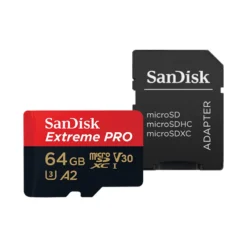
SanDisk Extreme Pro 64GB microSDXC Memory Card with SD Adapter
microSD Cards
Reviews
There are no reviews yet.