 WhatsApp
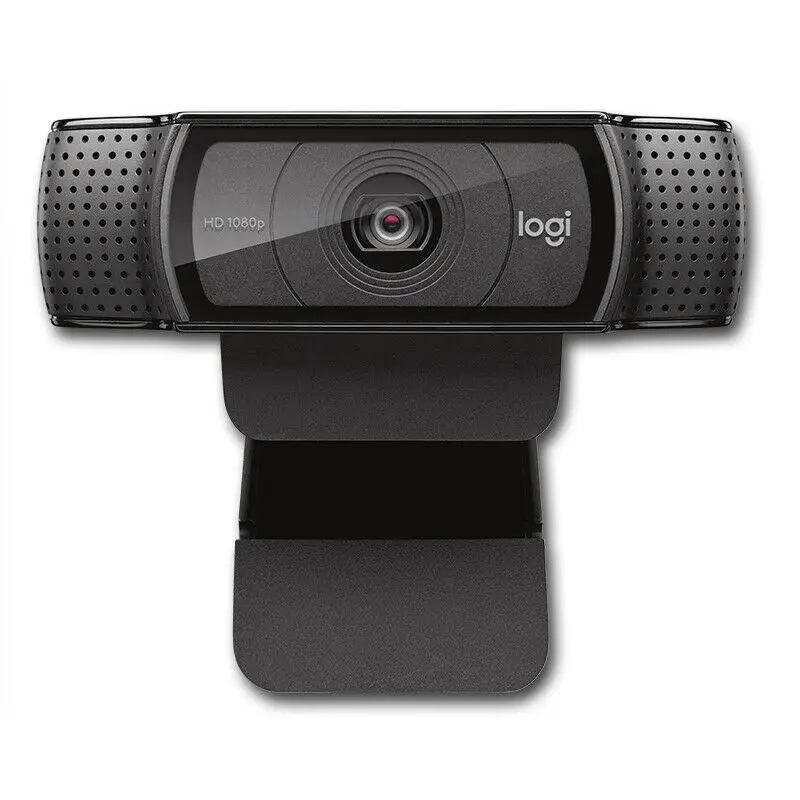
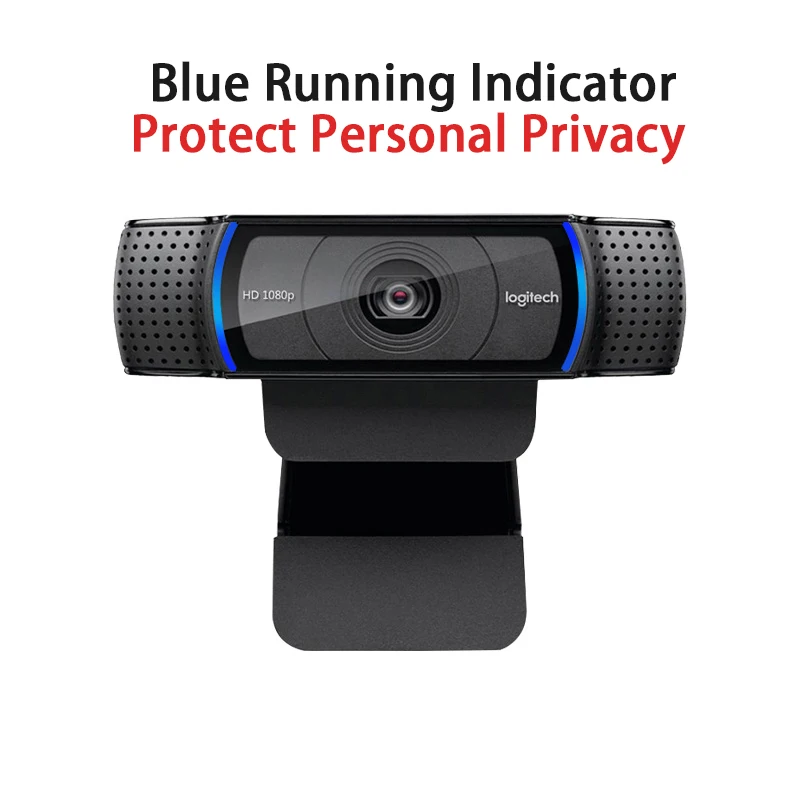
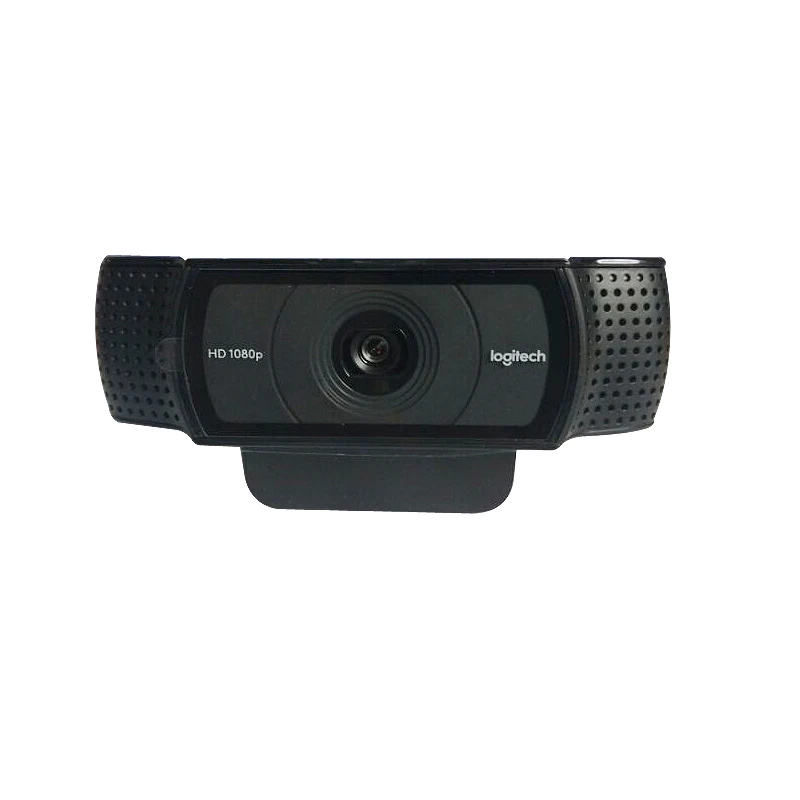
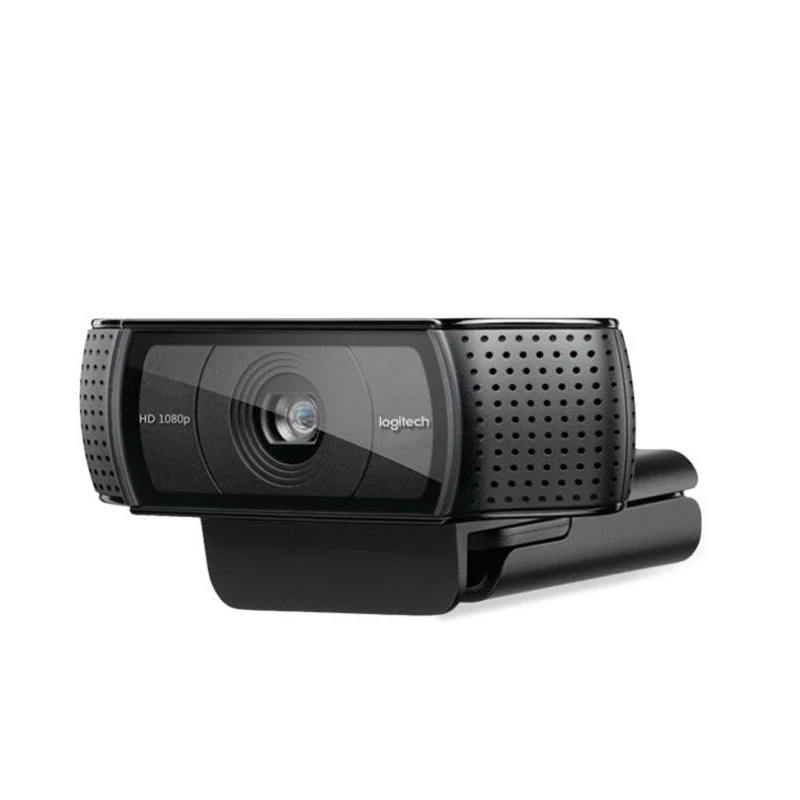
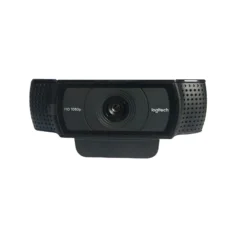
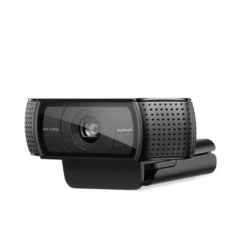
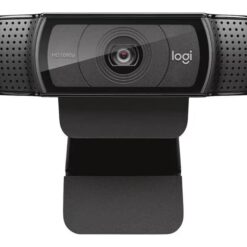
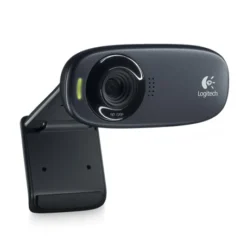
Logitech C920 HD Pro Webcam
£53.88
| Brand: Logitech | |
| HD Series: C920 HD Pro |
- ✓ Full HD 1080p/30fps · Carl Zeiss autofocus lens — sharp, natural video for calls and streaming
- ✓ RightLight 2 automatic light correction · dual stereo microphones with noise reduction
- ✓ Works with Zoom, Teams, Skype, OBS — Windows 10/11, macOS 10.10+, ChromeOS · USB plug & play
In stock
| Delivery | 4-6 working days • Fully tracked |
| Returns | 30 Days Free |
| Warranty | 12 Months |
| Payment | Airwallex • PayPal • Klarna |
- ✓ Full HD 1080p/30fps · Carl Zeiss autofocus lens — sharp, natural video for calls and streaming
- ✓ RightLight 2 automatic light correction · dual stereo microphones with noise reduction
- ✓ Works with Zoom, Teams, Skype, OBS — Windows 10/11, macOS 10.10+, ChromeOS · USB plug & play
The Logitech C920 HD Pro Webcam delivers Full HD 1080p video at 30fps through a Carl Zeiss precision lens with 20-step autofocus — the same optical specification trusted by professionals for over a decade. RightLight 2 technology automatically adjusts exposure and colour balance to maintain consistent image quality in dim rooms, bright windows, and mixed lighting, removing the need to fiddle with manual settings before every call. The built-in dual stereo microphones capture natural sound from a broad angle with automatic noise reduction, so voice quality holds up in open-plan offices and home environments without a separate microphone. USB plug-and-play connection means no driver installation — the C920 is recognised immediately by Windows 10/11, macOS 10.10+, and ChromeOS, and works directly with Zoom, Microsoft Teams, Google Meet, Skype, and OBS Studio without additional configuration. The universal mounting clip adjusts to fit monitors, laptops, and tripods, and a tripod thread on the base allows standard photography tripod mounting for elevated or overhead setups.
Carl Zeiss · RightLight 2
Full HD Image Quality — Not Just Resolution
Resolution alone does not determine webcam image quality — the lens, autofocus system, and light correction together define what the other person actually sees on their screen. The C920 uses a five-element Carl Zeiss glass lens with a 20-step autofocus mechanism that adjusts smoothly and precisely as you move, keeping the image sharp when you lean forward, turn your head, or shift position during a call. The 78° diagonal field of view frames a single person correctly at typical monitor distances without cropping the face or including excessive background. RightLight 2 reads the ambient light level and adjusts exposure and white balance in real time — a backlit window behind you that would normally silhouette your face on a basic webcam is compensated automatically, maintaining face detail and colour accuracy. The result is an image that looks considered and professional rather than washed out, dark, or overexposed regardless of the room conditions.
Dual Stereo Microphones
Clear Audio Without a Separate Microphone
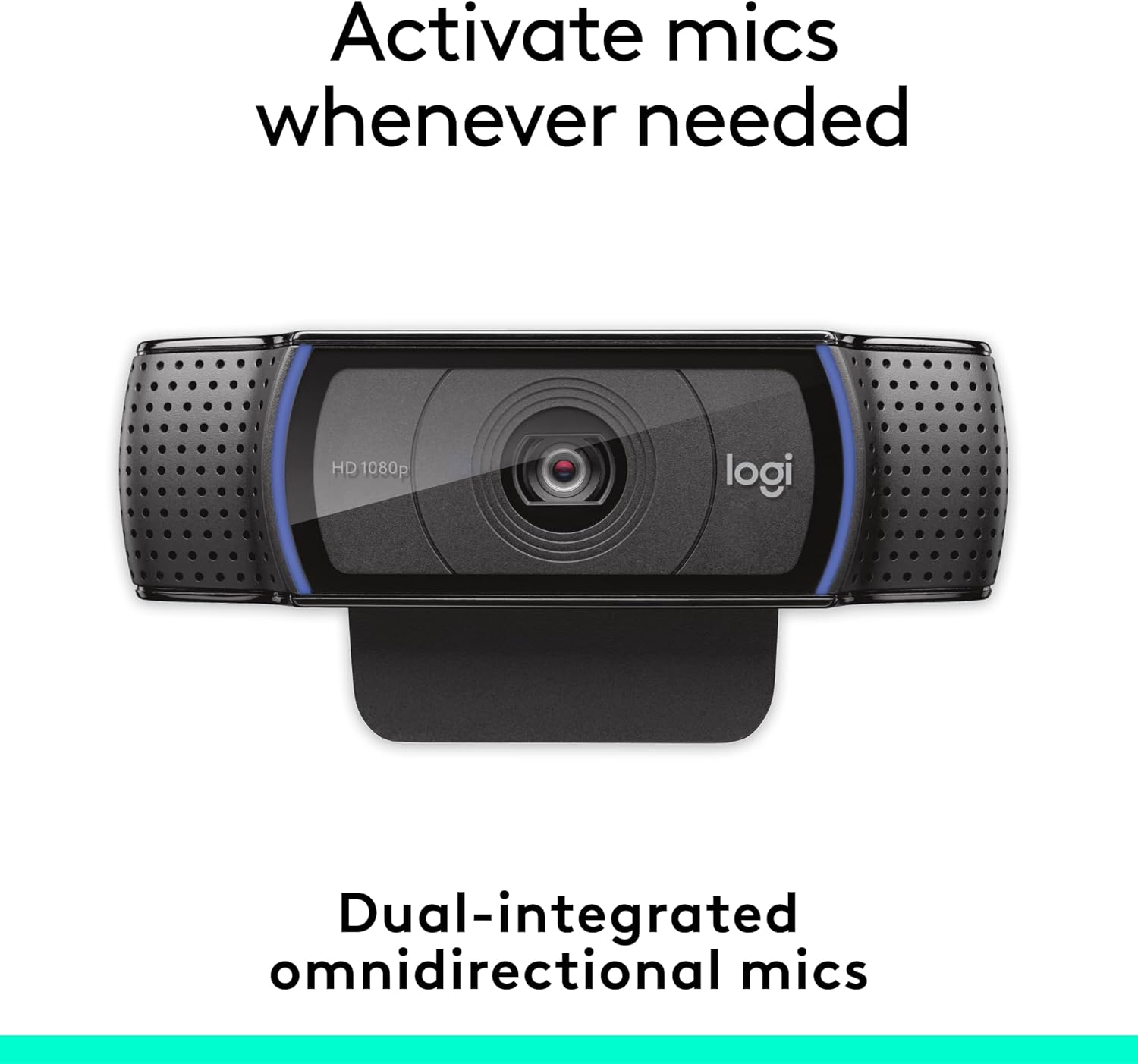
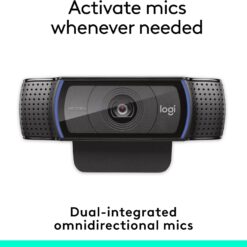
The two microphones positioned on either side of the lens capture stereo sound from a broad horizontal angle, picking up voice clearly whether you are speaking directly at the webcam or turned slightly to one side. Automatic noise reduction in the audio processing reduces consistent background noise — air conditioning, fan noise, and keyboard clicks are attenuated without affecting voice frequency, which is important in shared workspaces where microphone bleed from neighbouring conversations and ambient room noise would otherwise intrude on a call. The microphone output is clean enough to replace a basic standalone USB microphone for standard video calls and recordings. For professional voiceover work, dedicated microphones remain the better choice — but for daily meetings, interviews, client calls, and streaming commentary, the C920’s built-in audio removes the cost and desk space of an additional device.
Compatibility · Mounting
Works Immediately — No Configuration
The C920 connects via a fixed 1.5m USB-A cable and is detected as a UVC (USB Video Class) device by Windows 10, Windows 11, macOS 10.10 and later, and ChromeOS without requiring driver installation or software setup. Open Zoom, Teams, Google Meet, Skype, or OBS after connecting and the C920 appears immediately in the camera selection dropdown. For users who want additional control — digital zoom, pan, tilt, colour adjustment — Logitech’s Logi Options+ software provides these settings after a separate download, but the software is not required for standard use. The universal clip adjusts to fit flat-panel monitors up to approximately 60mm thick and laptop screens up to the same depth, with a friction hinge that holds position under vibration and movement. A standard ¼-inch tripod thread on the base allows mounting on photography tripods for elevated, side-angle, or overhead shooting positions — useful for product demonstration, tutorial recording, and presentations where a monitor-top position is not optimal.
Right choice if you…
✔ Attend frequent video meetings and want consistent, professional image quality
✔ Stream or record content and need reliable 1080p without investing in a dedicated camera
✔ Work from home and want to remove the separate microphone from your desk setup
✔ Need a webcam that works immediately across multiple platforms without driver setup
✔ Want tripod compatibility for tutorial, demo, or overhead recording setups
Consider something else if…
✖ You need 4K video — see the Logitech BRIO 4K Pro for ultra-high-resolution output
✖ You need a privacy shutter — see the Logitech C920s, which adds a physical lens cover
✖ You need 60fps at 1080p — the C920 outputs 60fps at 720p only; 1080p is capped at 30fps
✖ You need background removal in hardware — software blur via Zoom/Teams works fine
Technical Specifications
| Brand | Logitech |
| Model | C920 HD Pro |
| MPN | 960-001055 |
| EAN / GTIN | 5099206064164 |
| Video Resolution | Full HD 1080p @ 30fps · 720p @ 60fps |
| Field of View | 78° diagonal |
| Lens | Carl Zeiss · 20-step autofocus |
| Light Correction | RightLight 2 automatic |
| Microphone | Dual stereo · automatic noise reduction |
| Connection | USB-A · 1.5m fixed cable · plug & play |
| Tripod Thread | ¼ inch standard |
| Compatibility | Windows 10/11 · macOS 10.10+ · ChromeOS |
| Software (optional) | Logi Options+ (zoom, pan, colour control) |
| Colour | Black |
| Warranty | Manufacturer warranty |
In the Box
Frequently Asked Questions
Does the C920 work at 1080p and 60fps at the same time?
No. The C920 outputs Full HD 1080p at 30fps, or 720p at 60fps — not both simultaneously. For smooth motion at HD resolution, 30fps is the native operating mode. For 60fps streaming or gaming content where motion smoothness takes priority over resolution, switch to 720p in your software settings.
Can I mount the C920 on a tripod?
Yes. The base of the C920 has a standard ¼-inch tripod thread, compatible with any photography or video tripod. This allows elevated placement, side-angle setups, and overhead shooting positions — useful for product demonstrations, tutorials, and presentations where a monitor-top position is not suitable.
Does the C920 work with OBS for streaming?
Yes. The C920 is recognised by OBS Studio as a standard video capture device immediately on connection — no additional setup required. Select it under Sources → Video Capture Device. H.264 hardware encoding via the webcam is not available in OBS, but software encoding through OBS handles this at the standard streaming bitrates used on Twitch, YouTube, and similar platforms without issue on modern hardware.
Do I need to install Logitech software to use the C920?
No. The C920 works immediately as a plug-and-play UVC device — connect via USB and it is detected by the operating system without any driver or software installation. Logitech’s optional Logi Options+ software adds advanced controls (digital zoom, pan, tilt, colour adjustment, background removal settings) but is not required for standard use in Zoom, Teams, Skype, Google Meet, or OBS.
Will the C920 microphone work if I connect it through a USB hub?
Usually yes, but USB hub performance varies. Powered USB hubs (with their own power supply) reliably support the C920’s video and audio simultaneously. Unpowered hubs sharing bandwidth across multiple devices can occasionally cause audio dropouts or reduced video quality under load. For best results, connect directly to a USB port on the computer or use a powered hub.
Condition
Brand New — Retail Packaging
Warranty
Manufacturer warranty
Delivery
4–5 Working Days · Fully Tracked
Also Available at maibo
Browse the full gaming and streaming accessories range at maibo.
| Weight | 0.25 kg |
|---|---|
| Dimensions | 15 × 10 × 5 cm |
| Brand | Logitech |
| HD Series | C920 HD Pro |
Be the first to review “Logitech C920 HD Pro Webcam”
You must be logged in to post a review.
Related products
Webcams
Reviews
There are no reviews yet.