 WhatsApp

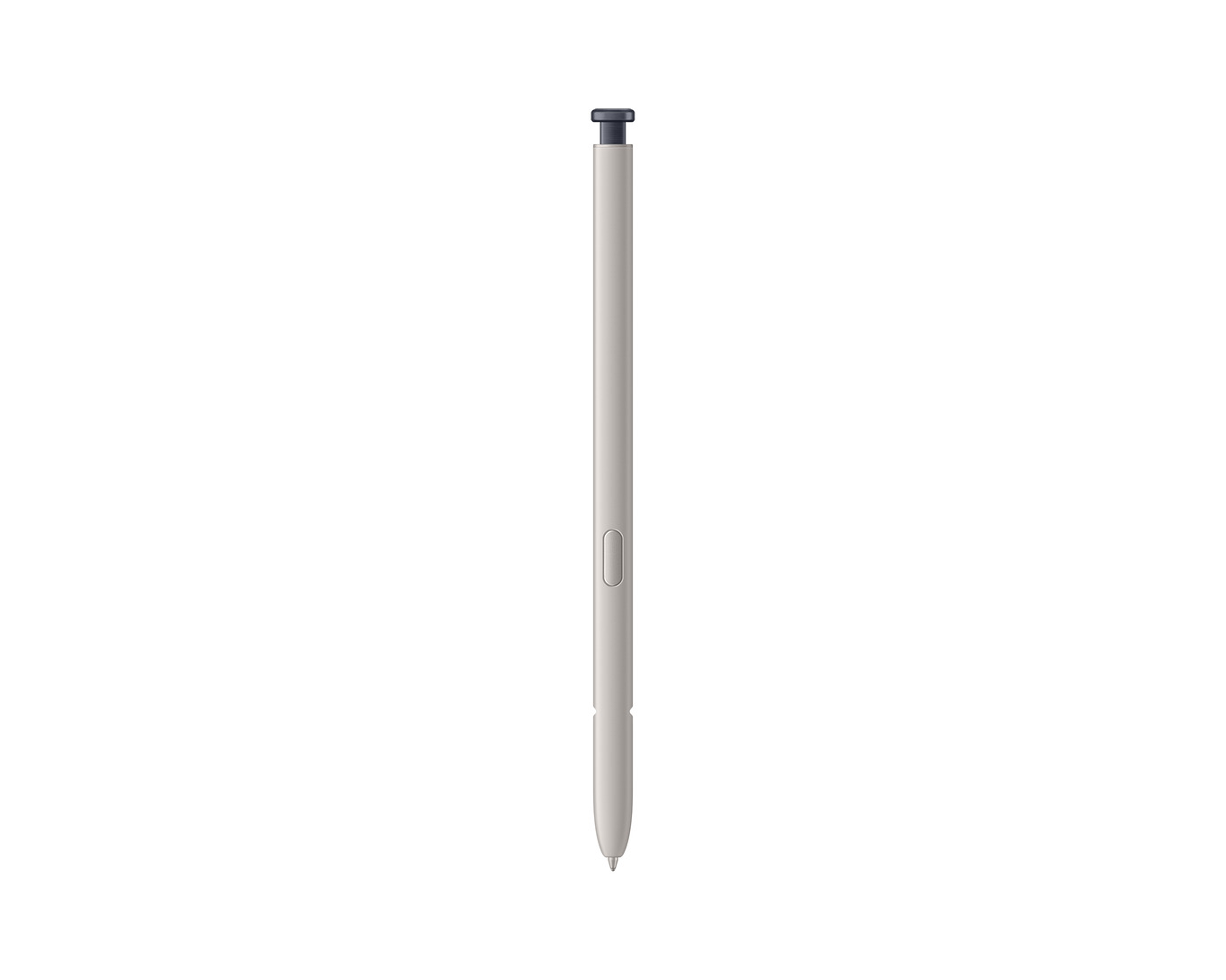
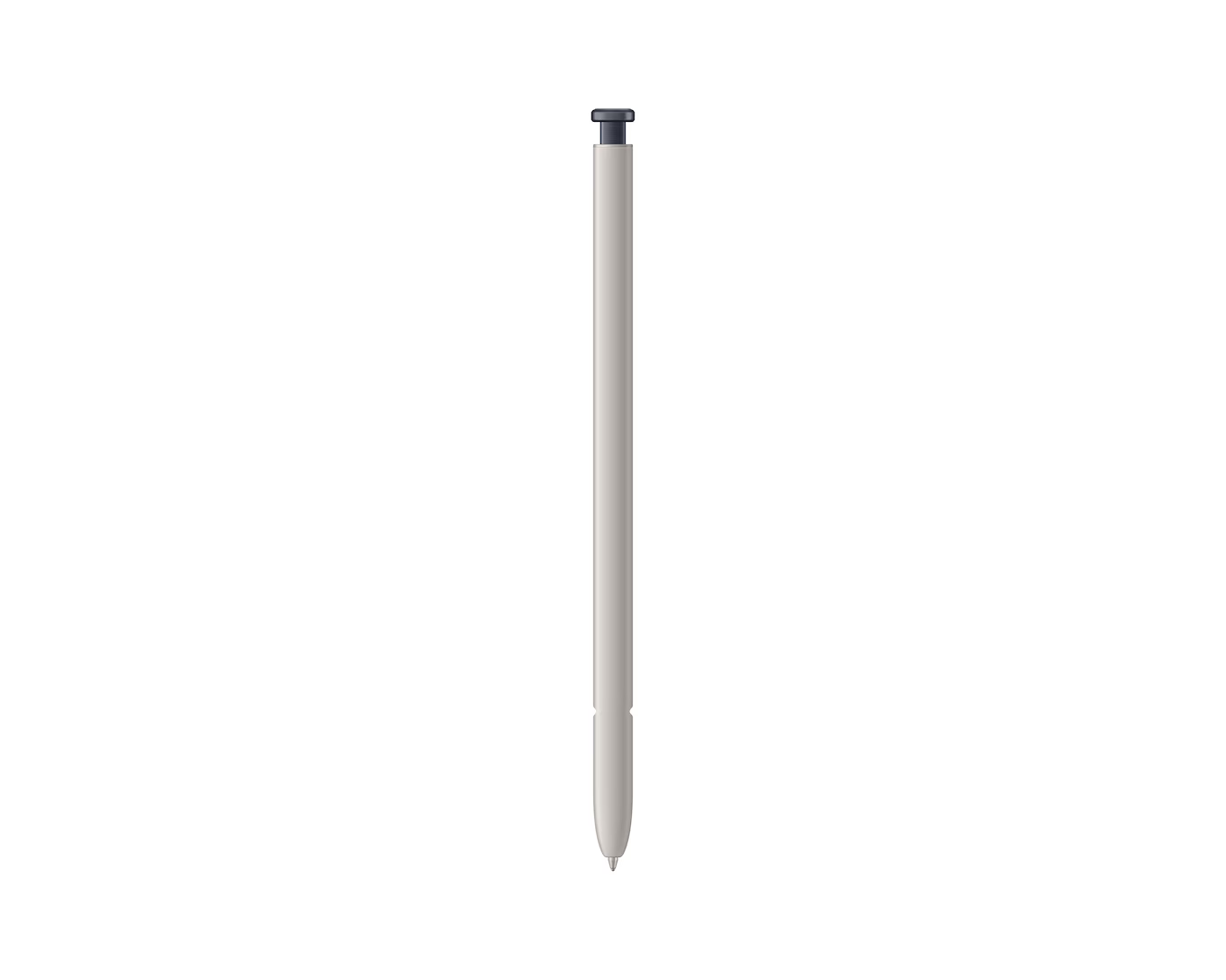
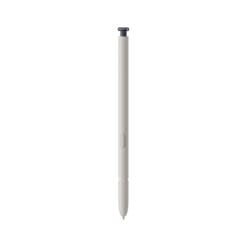
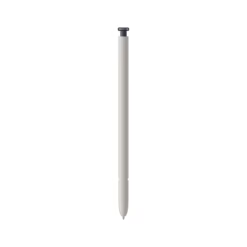
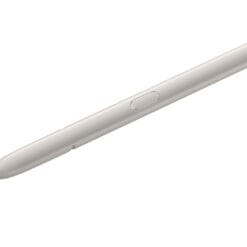
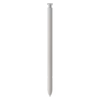
Official Samsung Galaxy S25 Ultra S Pen – Black
£24.88
| Delivery | 4–5 working days · Fully tracked |
| Returns | 30 Day Returns |
| Warranty | 12-Month Warranty |
| Payment | Visa · Mastercard · Apple Pay · Klarna |
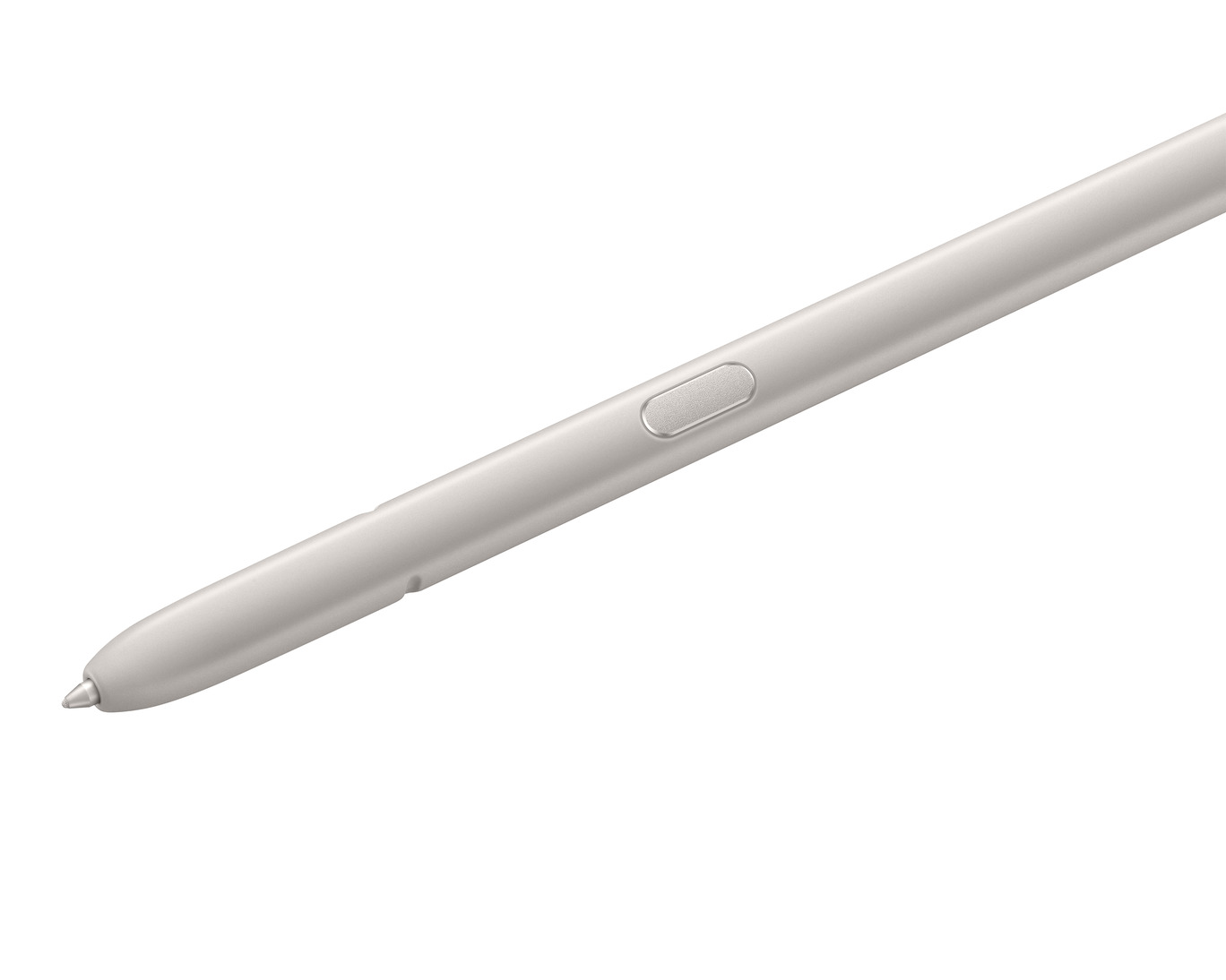
The Official Samsung Galaxy S25 Ultra S Pen – Black — EJ-PS938BBEGWW, Samsung’s genuine replacement stylus with 4,096 pressure levels, a 1–1.5mm fine tip, IP68 water resistance and Air Command support. No battery, no charging and no pairing: take it out and write. 2.92g. For Galaxy S25 Ultra only.
- ✓ Official Samsung S Pen — 4,096 pressure levels, 1–1.5mm fine tip
- ✓ No battery, no charging, no pairing — works the moment it touches the screen
- ✓ Air Command on-screen tool menu · IP68 water resistant · 2.92g
- ✓ Slots into the S25 Ultra silo · Black · Galaxy S25 Ultra (SM-S938) only
The Official Samsung Galaxy S25 Ultra S Pen – Black — EJ-PS938BBEGWW, Samsung’s genuine replacement stylus with 4,096 pressure levels, a 1–1.5mm fine tip, IP68 water resistance and Air Command support. No battery, no charging and no pairing: take it out and write. 2.92g. For Galaxy S25 Ultra only.
- ✓ Official Samsung S Pen — 4,096 pressure levels, 1–1.5mm fine tip
- ✓ No battery, no charging, no pairing — works the moment it touches the screen
- ✓ Air Command on-screen tool menu · IP68 water resistant · 2.92g
- ✓ Slots into the S25 Ultra silo · Black · Galaxy S25 Ultra (SM-S938) only
The Samsung Galaxy S25 Ultra S Pen in Black is the official replacement for the stylus that ships inside the phone — the one people lose down the side of a sofa or leave in a hotel. It writes with 4,096 levels of pressure through a 1 to 1.5mm tip, which is what makes handwriting in Samsung Notes feel like a pen on paper rather than a finger on glass: press harder and the line thickens smoothly rather than in steps. There is no battery inside and nothing to charge, because the pen draws its power from the phone’s digitiser layer — pick it up and it works, and a replacement needs no setup at all. One thing to know before ordering, because it changed with this generation: Samsung removed Bluetooth from the S25 Ultra S Pen. Air Command, the on-screen tool menu, works exactly as before. Air Actions — the gesture controls and remote camera shutter that the S24 Ultra pen offered — are gone. IP68 rated, 2.92g, and it slots into the S25 Ultra’s silo the same way the original does.
No Bluetooth — Read This First
What Changed From the S24 Ultra Pen
Samsung dropped Bluetooth Low Energy from the S Pen with the S25 Ultra generation, and it is the single thing most likely to surprise someone upgrading. The S24 Ultra and S23 Ultra pens contained a small radio and a battery, which powered Air Actions: waving the pen to switch camera modes, clicking the button as a remote shutter for group photos, and using the pen as a presentation clicker. None of that works on the S25 Ultra S Pen, because there is no radio in it. What does still work is everything the pen does on the screen. Air Command — the floating menu of pen tools that appears when you pull the pen out or hover it near the display — is unaffected, because it runs on the phone rather than over Bluetooth. Smart Select, Screen Write, Translate, Write on Calendar, handwriting to text, and the button as a modifier for selecting and erasing all behave exactly as they did. In exchange, the pen no longer needs charging and never runs flat. If you specifically relied on the remote shutter or gesture controls, this generation does not offer them and no S Pen for the S25 Ultra will.
4,096 Pressure Levels · 1–1.5mm Tip
Why It Feels Like Writing
The pen contains a passive resonant circuit rather than a battery. The phone’s digitiser emits a low-power electromagnetic field, the circuit in the pen absorbs energy from it and reflects a signal back, and the phone reads that signal to work out position, pressure and angle — a technology called electromagnetic resonance. Because the energy comes from the phone, there is no battery to charge, nothing to pair and no setup when you replace a lost pen. Pressure sensing across 4,096 levels means the phone is measuring how hard the tip is pressed in very fine increments and passing that to the app. In Samsung Notes a light stroke gives a thin line and a firm one gives a thick line, in a continuous gradient — the behaviour that makes handwriting look like handwriting rather than a uniform trace. The 1 to 1.5mm tip is fine enough to write at normal size without the letters running together, which matters if you take notes in the margins of a document or annotate a screenshot. Hovering the pen above the screen previews links and shows tooltips before you commit to a tap, and the barrel button acts as a modifier for selection and erase shortcuts inside supported apps.
IP68 · 2.92g · Official Fit
Why the Genuine One Matters Here
The S Pen lives inside the phone, and that makes dimensional accuracy more important than it would be for a stylus you keep in a bag. The silo is a precisely toleranced channel with a spring-loaded catch at the end, and a pen that is fractionally too thick binds on the way in while one that is fractionally too thin fails to latch and works loose in a pocket. Samsung builds this pen to the S25 Ultra’s own engineering drawings, so it seats, latches and ejects exactly like the pen that came with the phone. Third-party styluses sold for S25 Ultra compatibility vary in barrel diameter, tip material and pressure curve calibration, and the symptoms show up as a pen that catches in the silo, a line weight that jumps rather than flows, or a dead zone near the screen edges. IP68 covers dust and immersion in fresh water, so rain, a spilled drink or dropping the pen in a sink are survivable rather than terminal — dry it before sliding it back into the phone. At 2.92 grams it is light enough that long note-taking sessions do not tire the hand. Replacement tips are available separately for when the nib eventually wears down.
Right choice if you…
✔ Lost or damaged the S Pen that came with your Galaxy S25 Ultra and want the exact original replacement
✔ Want guaranteed fit in the silo — third-party pens can bind, fail to latch or work loose
✔ Write or sketch regularly — 4,096 pressure levels and a 1–1.5mm tip behave like a real pen
✔ Prefer a stylus that never needs charging — no battery, no pairing, nothing to go flat
Consider something else if…
✘ You want Air Actions or the remote camera shutter — Samsung removed Bluetooth from the S25 Ultra S Pen, so no pen for this phone offers them
✘ You own an S24 Ultra, S23 Ultra or S22 Ultra — those use different S Pens; check your model before ordering
✘ You own a Galaxy S25 or S25+ — only the Ultra has an S Pen silo and digitiser
Technical Specifications
| Brand | Samsung |
| Model | Galaxy S25 Ultra S Pen |
| MPN | EJ-PS938BBEGWW |
| Colour | Black |
| Technology | Passive EMR — powered by the phone’s digitiser |
| Pressure Levels | 4,096 |
| Tip Size | 1 – 1.5mm |
| Battery | None — no charging required |
| Bluetooth / BLE | Not supported — no Air Actions, no remote shutter |
| Air Command | Supported — on-screen tool menu |
| Water Resistance | IP68 |
| Weight | 2.92g |
| Compatible Device | Samsung Galaxy S25 Ultra (SM-S938) only |
| Warranty | Manufacturer warranty (Samsung) |
In the Box
Samsung Galaxy S25 Ultra S Pen — Black (EJ-PS938BBEGWW)
Frequently Asked Questions
Does this S Pen have Bluetooth and Air Actions?
No. Samsung removed Bluetooth from the S Pen with the S25 Ultra generation, so Air Actions, the remote camera shutter and the presentation clicker function are not available — and no S Pen made for the S25 Ultra offers them. Air Command, the on-screen menu of pen tools, works normally, as does writing, drawing, hovering and the barrel button for selection and erase. The upside is that the pen has no battery and never needs charging.
Does it need charging or pairing?
No. It is a passive EMR stylus that draws its operating energy from the phone’s digitiser layer, so there is no battery, nothing to charge and no pairing step. Take it out of the packaging, slide it into the silo or touch it to the screen, and it works immediately.
Will my S24 Ultra or S23 Ultra S Pen work in an S25 Ultra?
Samsung specifies a different S Pen for each generation, and this one is made for the S25 Ultra (SM-S938). Buying the pen matched to your phone is the only way to guarantee correct fit in the silo, correct latching and correct pressure calibration. Check the model number in Settings under About phone before ordering.
Does the colour have to match my phone?
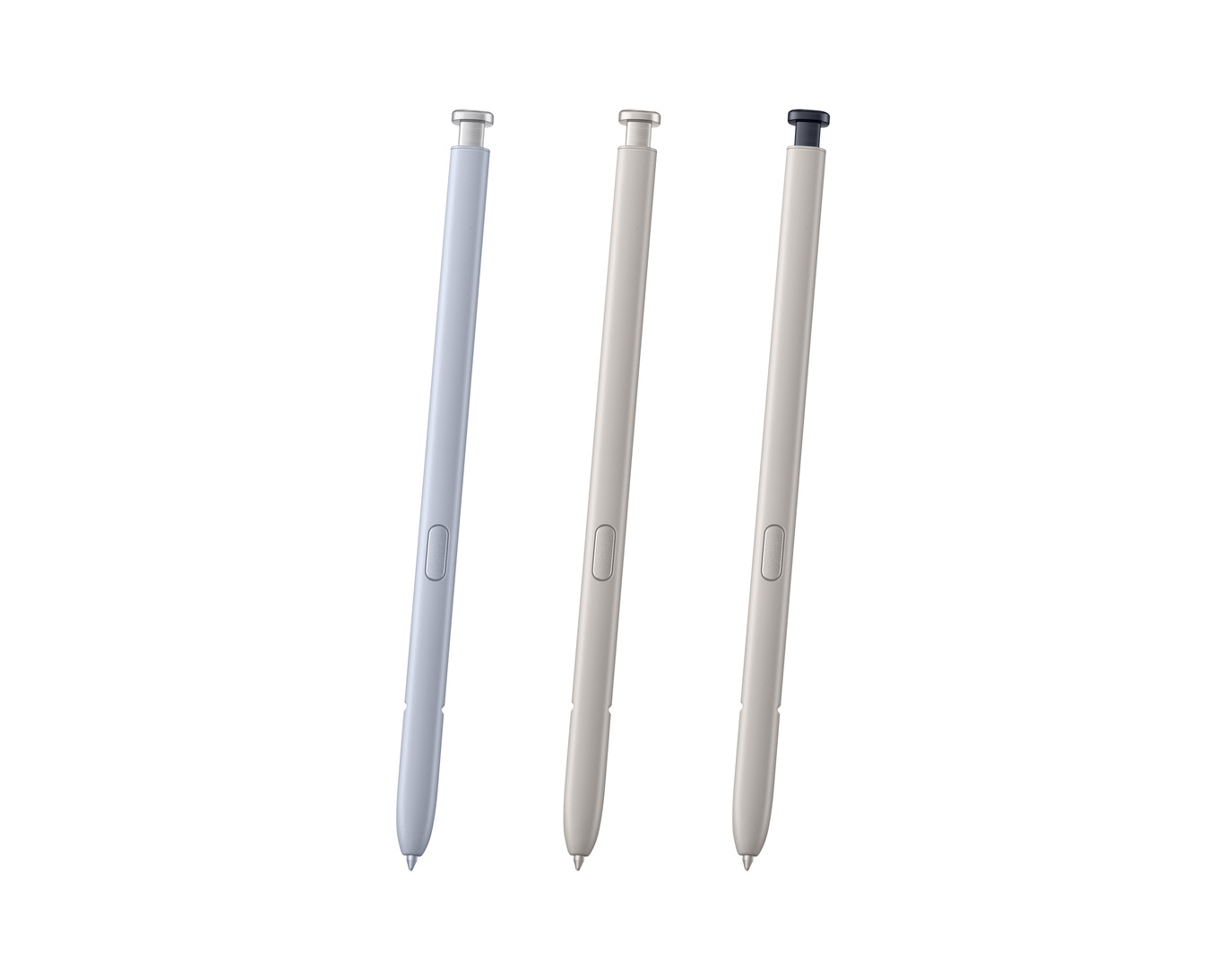
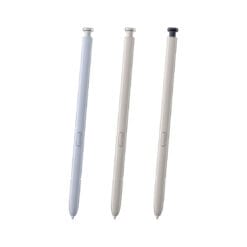
No — every colour of S25 Ultra S Pen works identically in every colour of S25 Ultra. Samsung matches the pen colour to the phone finish for appearance only, and the small visible part when the pen is seated is the tip end. Choose whichever you prefer, or deliberately pick a contrasting colour to make the pen easier to spot when it is out of the phone.
Can it get wet?
The pen is IP68 rated, covering dust and immersion in fresh water. Rain, a spilled drink or dropping it in a sink are survivable. Salt water and chlorinated pool water fall outside the rating. Dry the pen with a cloth before sliding it back into the phone.
Condition
Brand New — Retail Packaging
Warranty
Manufacturer warranty (Samsung)
Delivery
4–5 Working Days · Fully Tracked
Also Available at maibo
Browse the full Samsung accessories range at maibo.
Only logged in customers who have purchased this product may leave a review.
Related products
Mobile Phone Accessories
Mobile Phone Accessories
Mobile Phone Accessories
Mobile Phone Accessories
Samsung Tab S6 Digital Pen – Pink (Compatible with SM-T860 / SM-T865)
Mobile Phone Accessories
Reviews
There are no reviews yet.