 WhatsApp
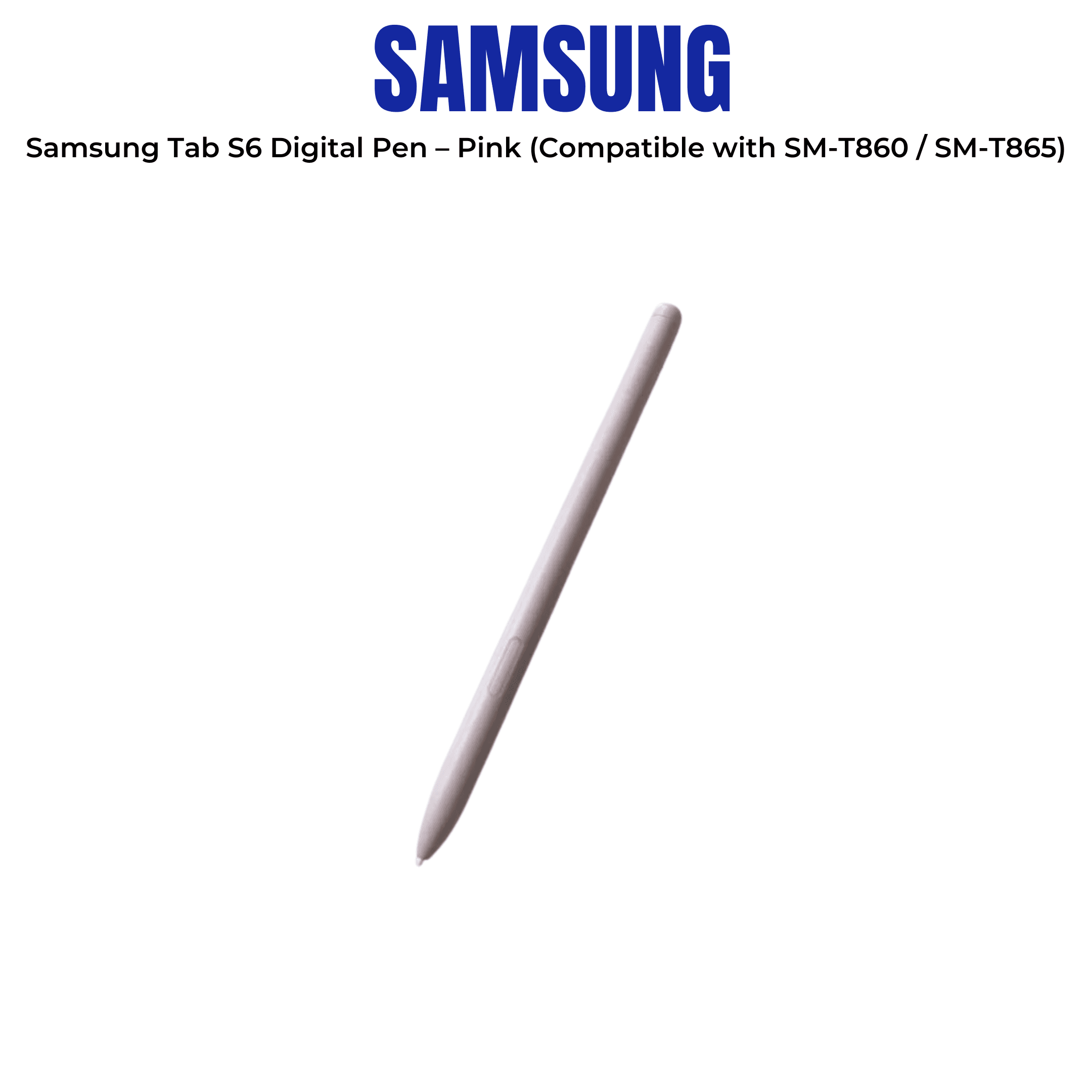


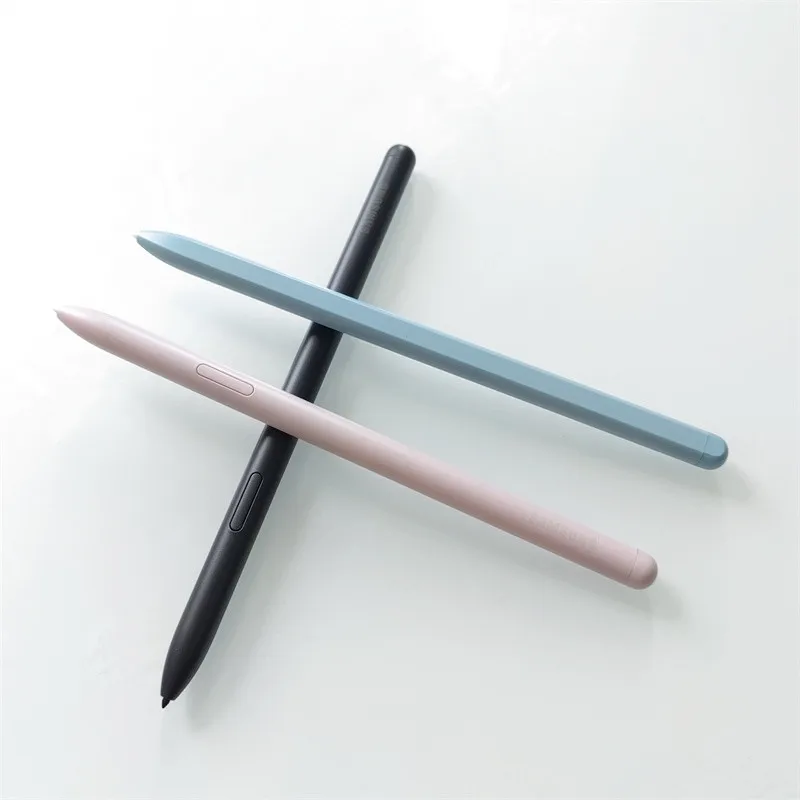
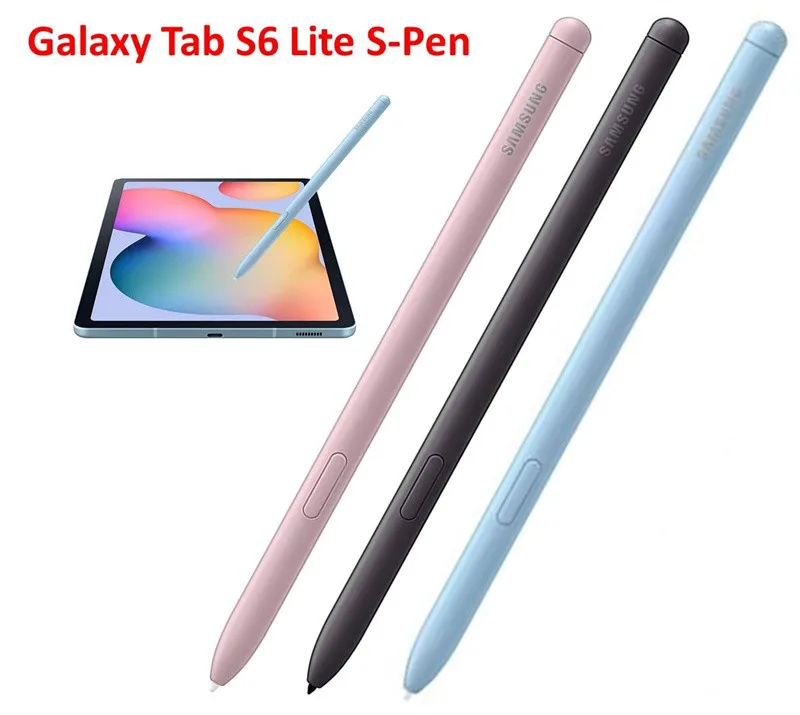
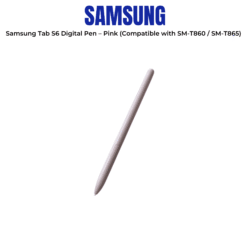


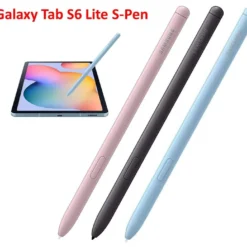
Samsung Tab S6 Digital Pen – Pink (Compatible with SM-T860 / SM-T865)
£29.88
| Brand: Samsung | |
| Colors: Pink |
| Delivery | 4–5 working days · Fully tracked |
| Returns | 30 Day Returns |
| Warranty | 12-Month Warranty |
| Payment | Visa · Mastercard · Apple Pay · Klarna |
The Samsung Galaxy Tab S6 S Pen in Pink is the official replacement stylus for the Galaxy Tab S6 — magnetically attaches to the back of the tablet and charges wirelessly from it. 4096 pressure levels, Bluetooth Air Actions, and 0.7mm tip. Compatible with SM-T860 and SM-T865.
- ✓ Magnetic attachment and wireless charging from the back of the Galaxy Tab S6 — no cable needed
- ✓ Bluetooth Air Actions — remote camera shutter, app control and gesture commands
- ✓ 4096 pressure levels · 0.7mm tip · full angle detection for natural writing and drawing
- ✓ Compatible with Galaxy Tab S6 SM-T860 (Wi-Fi) and SM-T865 (LTE) only
⚠️ Discontinued model — limited stock remaining. Brand New — Retail Packaging.
The Samsung Tab S6 Digital Pen – Pink (Compatible with SM-T860 / SM-T865)is the official replacement stylus for the Galaxy Tab S6 — magnetically attaches to the back of the tablet and charges wirelessly from it. 4096 pressure levels, Bluetooth Air Actions, and 0.7mm tip. Compatible with SM-T860 and SM-T865.
- ✓ Magnetic attachment and wireless charging from the back of the Galaxy Tab S6 — no cable needed
- ✓ Bluetooth Air Actions — remote camera shutter, app control and gesture commands
- ✓ 4096 pressure levels · 0.7mm tip · full angle detection for natural writing and drawing
- ✓ Compatible with Galaxy Tab S6 SM-T860 (Wi-Fi) and SM-T865 (LTE) only
⚠️ Discontinued model — limited stock remaining. Brand New — Retail Packaging.
The Samsung Galaxy Tab S6 S Pen in Pink is Samsung’s official replacement stylus for the Galaxy Tab S6 — a significant evolution from previous S Pen designs in that it charges wirelessly from the tablet itself rather than through a silo or separate cable. The S Pen magnetically snaps into a dedicated recess on the back of the Tab S6 and charges via the tablet’s battery — removing the pen engages Bluetooth automatically. This means the pen is always within reach, always charged, and always paired, without any manual management. The Bluetooth capability enables Air Actions: a single button on the pen body triggers customisable commands including camera shutter, switching between front and rear cameras, launching apps, and controlling media — from up to 10 metres away. As an EMR stylus, the Tab S6 S Pen delivers 4096 levels of pressure sensitivity and full tilt detection, identical to the Note series S Pen specification. The Pink / Rose Blush colour matches the Rose Blush Galaxy Tab S6 colour variant. Genuine Samsung. Available while stock lasts.
Magnetic Attach · Wireless Charge
Always Charged — No Silo, No Cable
The Tab S6 S Pen’s storage and charging solution is distinct from previous Samsung styluses. The Galaxy Note series stores the S Pen in an internal silo that provides charging via contact pins — the pen is fully enclosed inside the phone body. The Tab S6 has no internal silo; instead, the pen attaches magnetically to a shaped recess on the back of the tablet, held in place by a magnet and charged wirelessly through the tablet’s surface via inductive charging. When the pen is placed on the back, the tablet recognises its presence and begins charging automatically — no contact pins, no cable, no manual connection. When the pen is removed from the back, the tablet detects the removal and activates Bluetooth pairing automatically. The charging is passive — placing the pen on the tablet’s back between uses keeps it topped up continuously. This design keeps the pen accessible and charged without requiring a dedicated silo space in the tablet body, which would have added thickness to the Tab S6’s thin profile. The magnetic hold is secure for normal carry in a bag or case, though the pen is not enclosed and can be dislodged if the tablet is dropped or stored without a case.
Bluetooth Air Actions
Remote Control for Camera and Apps
The Tab S6 S Pen includes a Bluetooth Low Energy radio charged from the tablet via the magnetic recess. When the pen has Bluetooth charge, the button on the pen body acts as a remote control for the tablet at up to 10 metres. The default camera mode mapping is: single click = shutter release, double click = switch front/rear camera, click and hold = launch camera app. In gallery and media apps, click advances slides or tracks. These Air Actions are customisable through the S Pen settings — different apps can have different button mappings. For a 10.5-inch tablet, Air Actions are particularly useful for photography: placing the Tab S6 on a surface or stand and triggering the shutter remotely avoids camera shake from pressing the screen, and allows group shots where the photographer is in the frame. The pen charges rapidly from the tablet — 10 minutes on the back charges enough for approximately 30 minutes of Bluetooth use. If the Bluetooth battery depletes, the pen continues to function as a full EMR stylus for on-screen input without interruption.
4096 Pressure · 0.7mm Tip
Note-Taking, Drawing and Annotation
The Tab S6 S Pen uses the same EMR (Electromagnetic Resonance) technology as the Note series, delivering 4096 levels of pressure sensitivity and full tilt and angle detection. On the Tab S6’s 10.5-inch Super AMOLED display — larger than any Note phone screen — the result is a writing and drawing experience that is the closest Samsung has come to paper in terms of input fidelity. 4096 pressure levels mean continuous, natural variation from a hairline at minimal pressure to a bold stroke at full pressure, without the stepped transitions of lower-resolution digitisers. Tilt detection means brush tools in Samsung Notes and third-party drawing apps respond to pen angle, simulating the behaviour of real calligraphy nibs, flat brushes and marker pens. The 0.7mm tip produces a fine point that is precise enough for detailed annotation of PDFs and documents, handwriting, and small-scale illustration without the tip obscuring the writing line. The EMR technology operates without battery — the pen draws its input power from the display’s digitiser field, meaning zero input latency and no battery management required for stylus writing. Replacement tips are user-replaceable.
Right choice if you…
✔ Own a Samsung Galaxy Tab S6 SM-T860 or SM-T865 and need a replacement S Pen
✔ Want the Pink / Rose Blush colour to match the Rose Blush Tab S6
✔ Use Samsung Notes, Adobe apps or other drawing software on your Tab S6 regularly
✔ Want Bluetooth Air Actions for remote camera shutter and app control
✔ Want a genuine Samsung S Pen — not a third-party stylus without Bluetooth or full pressure sensitivity
Consider something else if…
✖ You own a Tab S6 Lite, Tab S7, Tab S8 or any other tablet — this pen is Tab S6 exclusive
✖ You own a Mountain Grey or Cloud Blue Tab S6 and want colour-matching — see the grey or blue S Pen variants
✖ You need S Pen Pro with multi-device compatibility — the Tab S6 S Pen is Tab S6 only
Technical Specifications
| Brand | Samsung |
| Model | S Pen for Galaxy Tab S6 |
| Colour | Pink / Rose Blush |
| Compatible Device | Samsung Galaxy Tab S6 SM-T860 (Wi-Fi) · SM-T865 (LTE) |
| Tip Size | 0.7mm |
| Pressure Sensitivity | 4096 levels |
| Bluetooth | Yes — Bluetooth Low Energy · Air Actions |
| Bluetooth Range | Up to 10 metres |
| Charging | Wireless — magnetically attaches to back of Tab S6 |
| Weight | 6.5g |
| MPN | EJ-PT860BAEGWW |
| EAN / GTIN | 8806090099021 |
| Warranty | Manufacturer warranty (Samsung) |
In the Box
Samsung Galaxy Tab S6 S Pen — Pink / Rose Blush
Replacement tip · tip removal tool
Frequently Asked Questions
Will this S Pen work with the Galaxy Tab S6 Lite, Tab S7 or Tab S8?
No. The EJ-PT860 S Pen is designed specifically for the Galaxy Tab S6 (SM-T860 / SM-T865). The Tab S6 Lite uses a different S Pen (EJ-PP610). The Tab S7, Tab S8 and later models use the EJ-PT870 / EJ-PT730 series. Each generation uses a different magnetic recess geometry and charging system — the pens are not interchangeable.
How does the Tab S6 S Pen charge?
The S Pen charges wirelessly by resting in the magnetic recess on the back of the Galaxy Tab S6. Place the pen in the recess — it snaps in magnetically — and the tablet charges it automatically from its own battery. There is no cable or separate charger required. 10 minutes in the recess provides approximately 30 minutes of Bluetooth Air Actions use.
Can I write on the Tab S6 screen if the S Pen Bluetooth battery is dead?
Yes. The EMR stylus input function — writing, drawing, annotation — works at all times regardless of the Bluetooth battery state. The Bluetooth battery is only needed for the Air Actions remote button. Writing on screen uses the display’s digitiser field and requires no battery in the pen.
Does removing the S Pen from the back automatically do anything?
Yes. Removing the S Pen from the magnetic recess wakes the Tab S6 screen if it is off, and opens the Air Command menu or the app configured to launch on pen removal — typically Samsung Notes. This behaviour is configurable in Settings → Advanced Features → S Pen.
Is the Pink S Pen only for the Rose Blush Tab S6?
No. The Pink / Rose Blush S Pen is functionally identical to the Mountain Grey and Cloud Blue variants and works with any Galaxy Tab S6. Colour is purely a preference — choose it to match a Rose Blush Tab S6 or simply as a personal choice.
Condition
Brand New — Retail Packaging
Warranty
Manufacturer warranty (Samsung)
Delivery
4–5 Working Days · Fully Tracked
Also Available at maibo
Browse the full mobile phone and tablet accessories range at maibo.
| Brand | Samsung |
|---|---|
| Colors |
Only logged in customers who have purchased this product may leave a review.
Related products
Adapters & Dongles
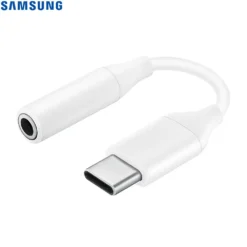
Samsung USB-C to 3.5mm Headphone Jack Adapter (EE-UC10JUWEGWW)
Mobile Phone Accessories
Mobile Phone Accessories
Mobile Phone Accessories
Reviews
There are no reviews yet.