 WhatsApp
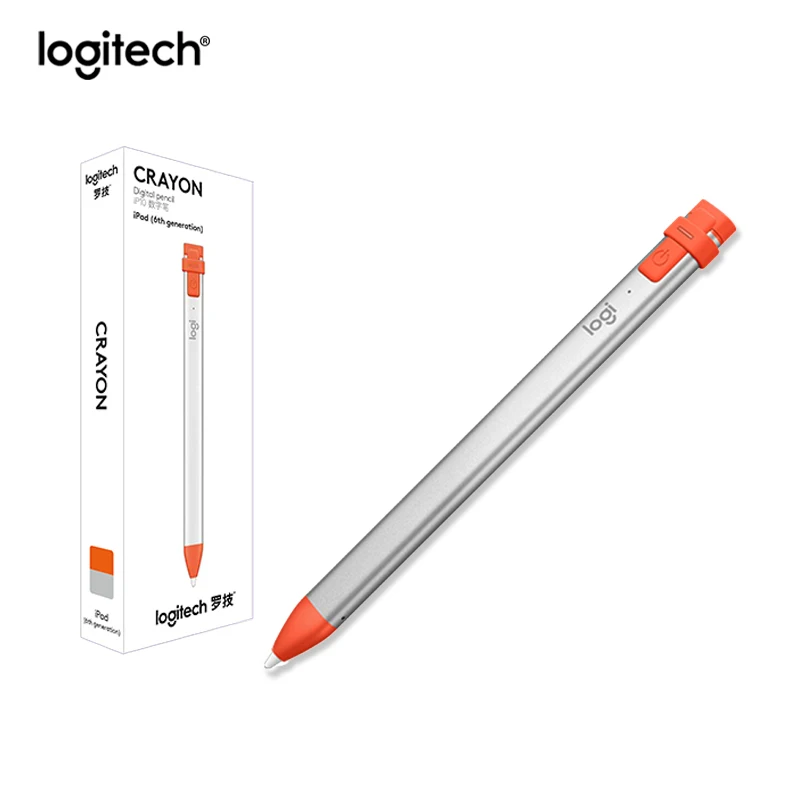
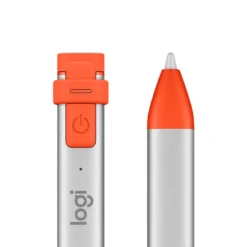
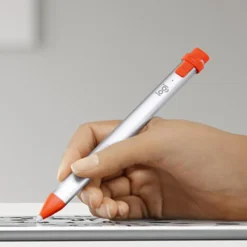
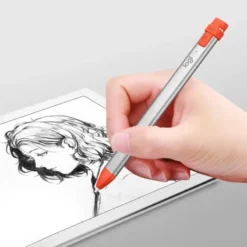
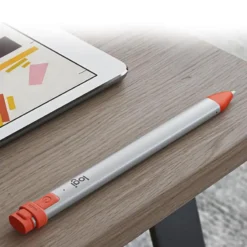
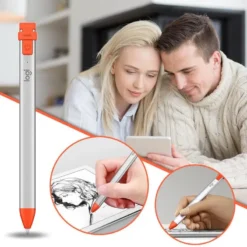
Logitech Crayon Digital Pencil for iPad – Orange
£78.88
In stock
| Delivery | 4–5 working days · Fully tracked |
| Returns | 30 Day Returns |
| Warranty | 12-Month Warranty |
| Payment | Visa · Mastercard · Apple Pay · Klarna |
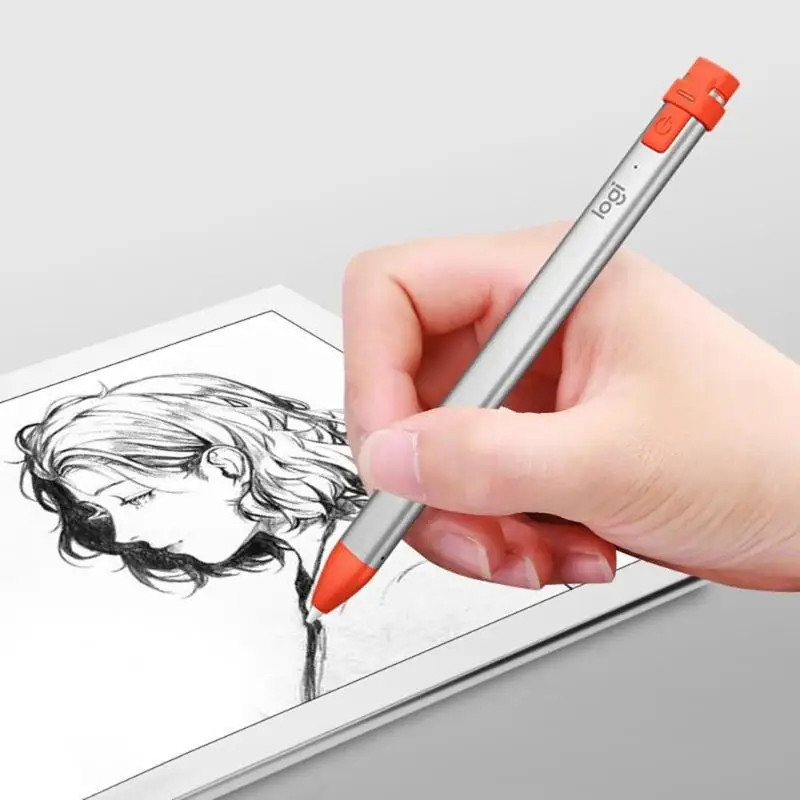
The Logitech Crayon Digital Pencil for iPad uses Apple Pencil technology for pixel-precise writing and drawing — no pairing, no Bluetooth setup, just press the button and write. Compatible with all iPads from 2018 onwards. 7.5-hour battery, tilt support, palm rejection and drop-proof construction. Orange / Intense Sorbet.
- ✓ Apple Pencil technology — pixel-precise, zero perceptible lag, works in all Apple Pencil supported apps
- ✓ No pairing required — press the power button and start writing immediately
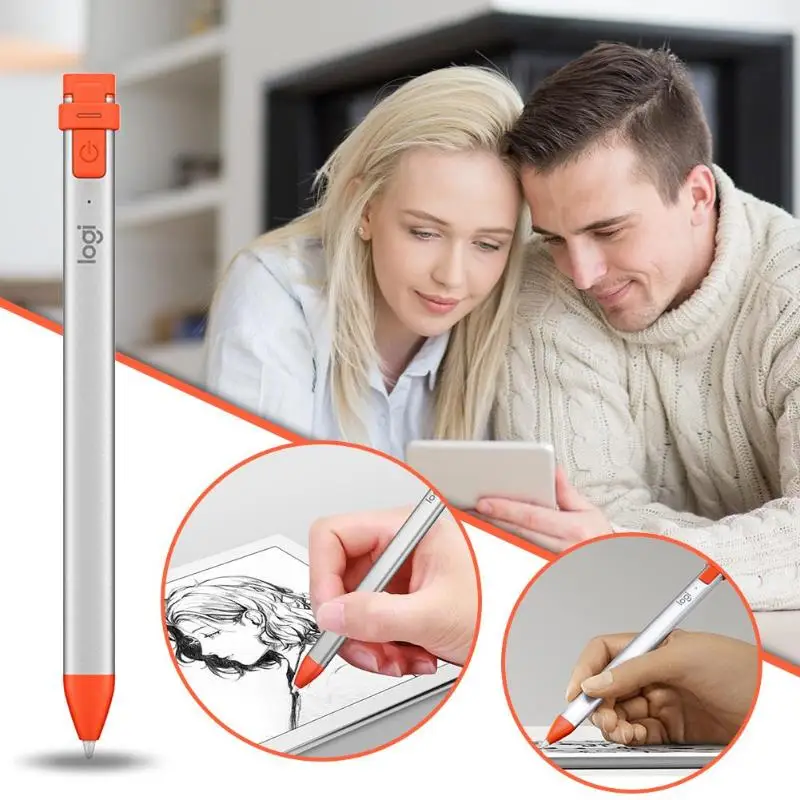
- ✓ Tilt support · palm rejection · 7.5 hours battery · anti-roll flat design
- ✓ Compatible with all Apple iPads from 2018 onwards with Lightning port
The Logitech Crayon Digital Pencil for iPad – Orange uses Apple Pencil technology for pixel-precise writing and drawing — no pairing, no Bluetooth setup, just press the button and write. Compatible with all iPads from 2018 onwards. 7.5-hour battery, tilt support, palm rejection and drop-proof construction. Orange / Intense Sorbet.
- ✓ Apple Pencil technology — pixel-precise, zero perceptible lag, works in all Apple Pencil supported apps
- ✓ No pairing required — press the power button and start writing immediately
- ✓ Tilt support · palm rejection · 7.5 hours battery · anti-roll flat design
- ✓ Compatible with all Apple iPads from 2018 onwards with Lightning port
The Logitech Crayon Digital Pencil for iPad is a third-party iPad stylus that uses Apple’s own Pencil technology — the same underlying protocol that powers the Apple Pencil — licensed to Logitech for use in their Crayon. The result is a stylus that delivers pixel-precise accuracy, zero perceptible input lag and tilt sensitivity in every Apple Pencil supported app, at a price point significantly below the Apple Pencil. Unlike the Apple Pencil 2nd generation, the Crayon requires no pairing: press the power button once and it activates immediately on any compatible iPad. There is no Bluetooth pairing menu, no need to double-tap to switch modes, and no compatibility concern between iPad model and pencil generation — if your iPad supports Apple Pencil (2018 onwards), the Crayon works. The flat anti-roll design prevents the pencil rolling off desks, a practical detail that is absent from the round Apple Pencil. Logitech’s Dynamic Smart Tip adjusts to any compatible writing app and provides a consistent feel whether you are writing at speed or sketching in fine detail. 7.5 hours of active writing time per charge via Lightning. Drop-tested to 4 feet. Weighs 20g. Orange / Intense Sorbet colour.
Apple Pencil Technology
The Same Protocol — No Pairing Required
Apple licenses its Pencil technology to select third-party manufacturers through the Made for iPad (MFi) programme — Logitech was one of the first to receive this licensing. The Crayon uses the same low-latency, high-precision communication protocol between the stylus and the iPad’s digitiser as Apple’s own Pencil, which is why it works in every Apple Pencil supported app with identical precision. This is distinct from generic capacitive styluses, which simulate a finger touch and have limited accuracy. The Crayon achieves pixel-precise input — the tip lands exactly where the stylus point touches the screen, with no offset or drift. The zero-pairing design is a deliberate departure from the Apple Pencil’s Bluetooth pairing requirement: the Crayon activates by pressing the power button, broadcasts its presence on the Apple Pencil protocol, and the iPad recognises it immediately — no Settings menu, no Bluetooth toggle, no compatibility checking between pencil generation and iPad model. This makes the Crayon particularly suitable for classroom and shared-device environments, where students pick up a device and need to start working without setup steps. For individual use, it means the stylus is always ready immediately after switching the iPad on.
Tilt · Palm Rejection · 7.5h
Practical Features for Real Writing
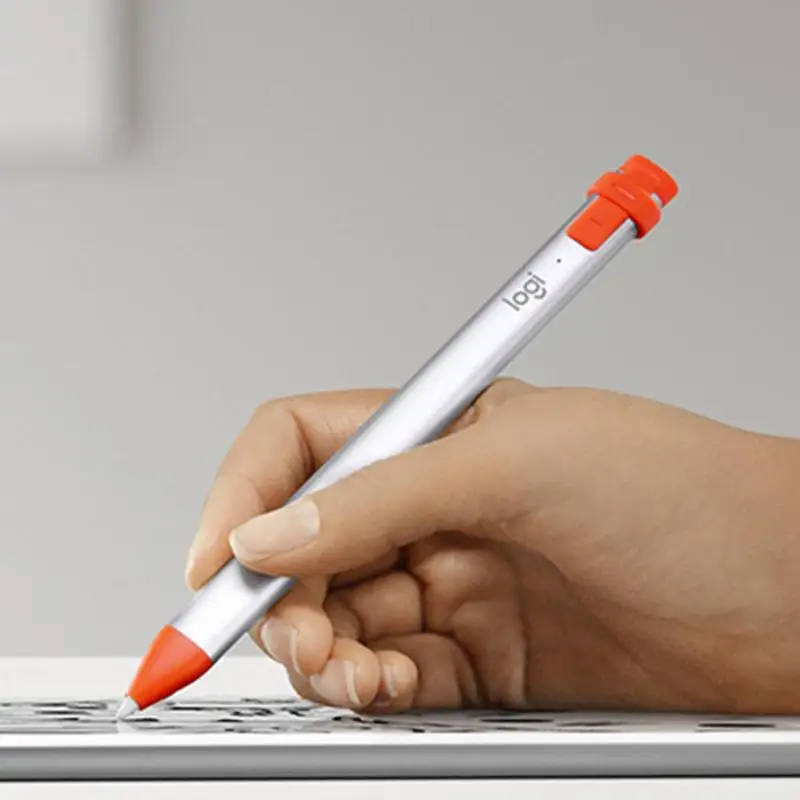
Tilt support means the Crayon detects when the pencil is held at an angle rather than upright, and compatible apps — including Apple Notes, GoodNotes, Procreate and Adobe Fresco — respond by widening the stroke accordingly, simulating the behaviour of a real pencil held at an angle to shade. This is a feature of the Apple Pencil protocol that the Crayon inherits from its technology licensing. Palm rejection means you can rest your hand on the iPad screen while writing without the display registering your palm as touch input — the iPad distinguishes between the stylus and a resting hand and ignores the palm. Without palm rejection, resting your hand while writing produces unwanted marks and navigates away from the current app. 7.5 hours of active writing time per charge covers a full school or work day of continuous use — significantly longer than the typical 12-hour Apple Pencil 2nd generation’s battery, though the Apple Pencil charges continuously from the iPad. The Crayon charges via Lightning in approximately 30 minutes from empty. The 20g weight is slightly heavier than the Apple Pencil but close to a standard pencil, making extended writing sessions comfortable.
Anti-Roll · Drop Proof · Orange
Built for the Real World
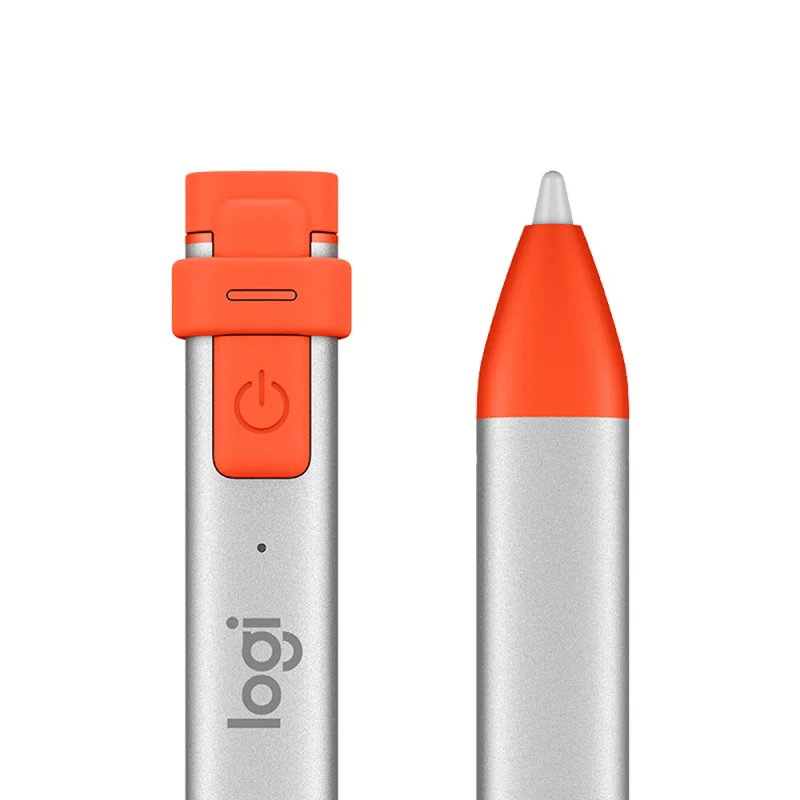
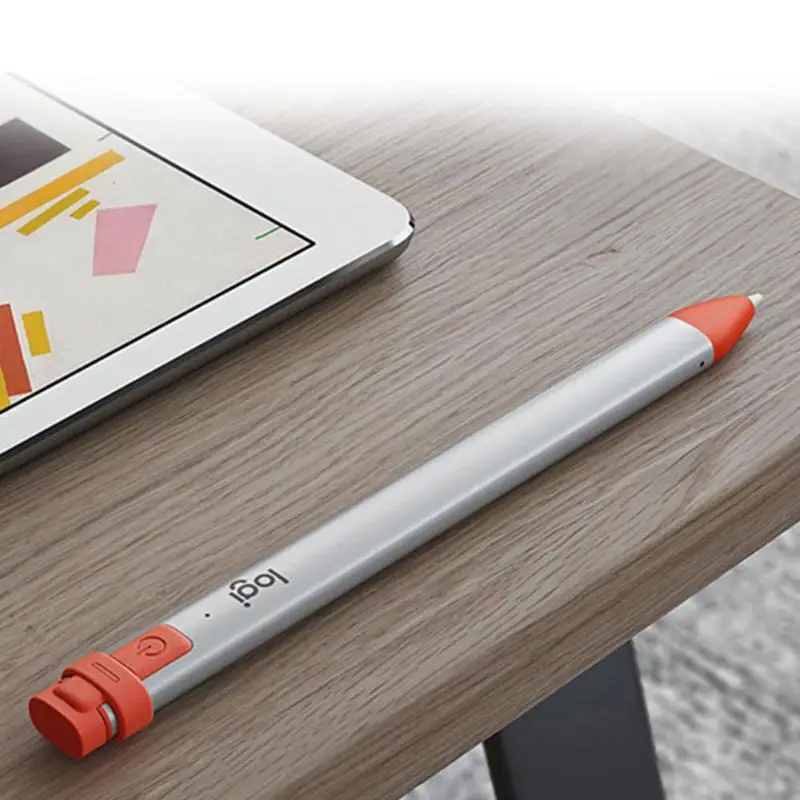
The Crayon’s flat-sided design is a practical solution to a real problem: round pencils and styluses roll off desks. The Apple Pencil 1st generation is round and notorious for rolling off surfaces. The Crayon uses a flat faceted body that stays where it is put down. This is particularly relevant in classroom settings where pencils are placed on desks, tables and surfaces throughout the day. The 4-foot drop protection rating means the Crayon is tested to survive drops from desk height onto hard surfaces without structural damage or performance degradation — Apple’s official pencils have no published drop rating. At 20g, the Crayon is light enough that drops rarely result in catastrophic impact forces. The Orange / Intense Sorbet colour makes the Crayon visually distinctive compared to the white Apple Pencil and the grey third-party alternatives — useful in shared environments where individual ownership needs to be identifiable, and as a personal preference for users who prefer a more colourful accessory. The Dynamic Smart Tip is replaceable and available from Logitech if worn.
Right choice if you…
✔ Own an iPad from 2018 or later with a Lightning port and want a precise stylus
✔ Want Apple Pencil technology performance at a lower price than the Apple Pencil
✔ Prefer no-pairing simplicity — press and write, no Bluetooth setup
✔ Need a drop-resistant, anti-roll stylus for school, travel or daily carry
✔ Use GoodNotes, Notability, Procreate or any Apple Pencil supported app
Consider something else if…
✖ You own a newer iPad with USB-C (iPad 10th gen+, iPad Pro M1+, iPad Air M1+) — you need the USB-C Crayon (914-000070) or Apple Pencil USB-C
✖ You want double-tap to switch tools — the Crayon has no double-tap; only the Apple Pencil 2nd generation supports this
✖ You want wireless charging from the iPad — Crayon charges via Lightning cable only
Technical Specifications
| Brand | Logitech |
| Model | Crayon Digital Pencil |
| Colour | Orange / Intense Sorbet |
| Technology | Apple Pencil technology (MFi licensed) |
| Precision | Pixel-precise · zero perceptible lag |
| Tilt Support | Yes |
| Palm Rejection | Yes |
| Pairing | None required — press power button and write |
| Battery Life | Up to 7.5 hours active writing |
| Charging | Lightning |
| Drop Protection | 4 feet (1.2m) |
| Weight | 20g |
| Compatible iPads | All iPads 2018 and later with Lightning port · iOS 12.2+ |
| MPN | 914-000034 |
| EAN / GTIN | 5099206082076 |
| Warranty | 2-year manufacturer warranty (Logitech) |
In the Box
Logitech Crayon Digital Pencil — Orange
Lightning charging cap
Frequently Asked Questions
Will the Logitech Crayon work with my iPad Pro M1 / M2 or iPad Air M1?
This Lightning version (914-000034) is not compatible with iPads that have a USB-C port, including all iPad Pro models from 2018 onwards, iPad Air 4th generation and later, and iPad 10th generation. These models require the USB-C Crayon (914-000070) or the Apple Pencil USB-C / Apple Pencil 2nd generation. Lightning Crayon is compatible with iPad 6th through 9th generation, iPad mini 5th generation, and iPad Air 3rd generation.
Does the Logitech Crayon work in Procreate, GoodNotes and Notability?
Yes. The Crayon uses Apple Pencil technology and is recognised by all Apple Pencil supported apps, including Procreate, GoodNotes, Notability, Adobe Fresco, Concepts, and Apple Notes. Tilt sensitivity, pressure sensitivity and palm rejection all function in these apps exactly as they would with an Apple Pencil.
What is the difference between the Logitech Crayon and Apple Pencil?
The Crayon uses the same underlying Apple Pencil technology and delivers the same pixel precision, tilt support and palm rejection. The key differences are: the Crayon requires no Bluetooth pairing (press and write); the Crayon does not support double-tap to switch tools (Apple Pencil 2nd generation feature); the Crayon has an anti-roll flat body; the Crayon charges via Lightning rather than magnetically; and the Crayon costs less than either Apple Pencil generation. For writing and drawing, performance is equivalent.
How do I charge the Logitech Crayon?
Remove the flat cap from the end of the Crayon to reveal the Lightning connector. Plug any Lightning cable (including the one from your iPad) into the Crayon’s Lightning port and connect to a power source. The Crayon takes approximately 30 minutes to charge fully from empty. The LED indicator shows charge status.
Does the Crayon require iOS 12.2 or later?
Yes. iOS 12.2 is the minimum requirement for the Crayon’s Apple Pencil technology to function. All iPads released in 2018 or later that are compatible with the Crayon can be updated to at least iOS 12.2 — typically they run much newer versions. Check your iPad’s iOS version in Settings → General → Software Update if unsure.
Condition
Brand New — Retail Packaging
Warranty
2-year manufacturer warranty (Logitech)
Delivery
4–5 Working Days · Fully Tracked
Also Available at maibo
Browse the full tablet and mobile accessories range at maibo.
| Weight | 0.1 kg |
|---|---|
| Dimensions | 10 × 10 × 5 cm |
| Brand Name | Logitech |
Only logged in customers who have purchased this product may leave a review.
Related products
Mobile Phone Accessories
Mobile Phone Accessories
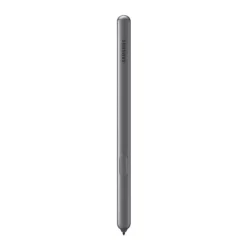
Samsung Tab S6 Digital Pen – Black (Compatible with SM-T860 / SM-T865)
Mobile Phone Accessories
Mobile Phone Accessories
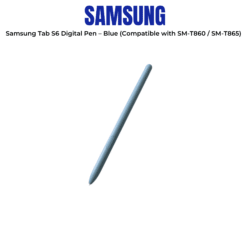
Samsung Tab S6 Digital Pen – Blue (Compatible with SM-T860 / SM-T865)
Mobile Phone Accessories
Reviews
There are no reviews yet.