 WhatsApp

Insider
Why Your iPhone Charges Slowly
Why Your iPhone Charges Slowly —
And Why a More Powerful Charger Usually Isn’t the Fix
Every iPhone has a ceiling, and a charger above that ceiling changes nothing. On iPhone 16 and earlier it is about 27W, which a 20W adapter already reaches. The iPhone 17 series moved it — Apple now quotes 40W. If your phone is charging slowly, the cause is almost always the cable, the connector type, or a wall adapter below 20W — not insufficient power. Here’s how the charging chain actually works.
iPhone 17 raised it
and earlier
adds to 0–50%
Something changed in early 2026 that sent a lot of UK iPhone owners looking for answers. Apple made its charging speed warning more visible in iOS 26 — the “Slow Charger” notice now appears directly in Settings under Battery, with orange bars and explicit labelling rather than a subtle icon. Search interest in the phrase spiked sharply as a result. Nothing about charging actually got slower. Apple simply made its power negotiation logic visible to people who had never thought about it.
The common reaction to seeing that warning is to buy a more powerful charger. This is usually the wrong response, and understanding why requires knowing one thing: every iPhone has a ceiling, and the ceiling is not the same on every model. On iPhone 16 and earlier it is roughly 27W (9 volts at 3 amps), and a 20W adapter already reaches it — so a 40W, 96W or 140W adapter charges those phones at exactly the same speed. The iPhone 17 series is the exception, and the first real change in years: it draws up to 40W, and Apple quotes its charging times using a 40W or greater adapter. The iPhone Air and iPhone 17e stay at 20W. Above each model’s own ceiling, additional wattage does not make an iPhone charge faster — it only allows the adapter to charge other devices at the same time.
If the phone is charging slowly, the constraint sits elsewhere in the chain. What follows is how each link in that chain works, which one is most commonly at fault, and how to identify the actual problem rather than spending money on power the phone cannot use.
The Charging Chain Has Three Links — and the Weakest One Wins
Charging speed is determined by three components working together: the wall adapter, the cable, and the phone’s own condition. Each has a maximum, and the slowest link caps the whole system. Upgrading a link that was not the bottleneck produces no improvement at all — which is exactly why buying a bigger adapter so often changes nothing.
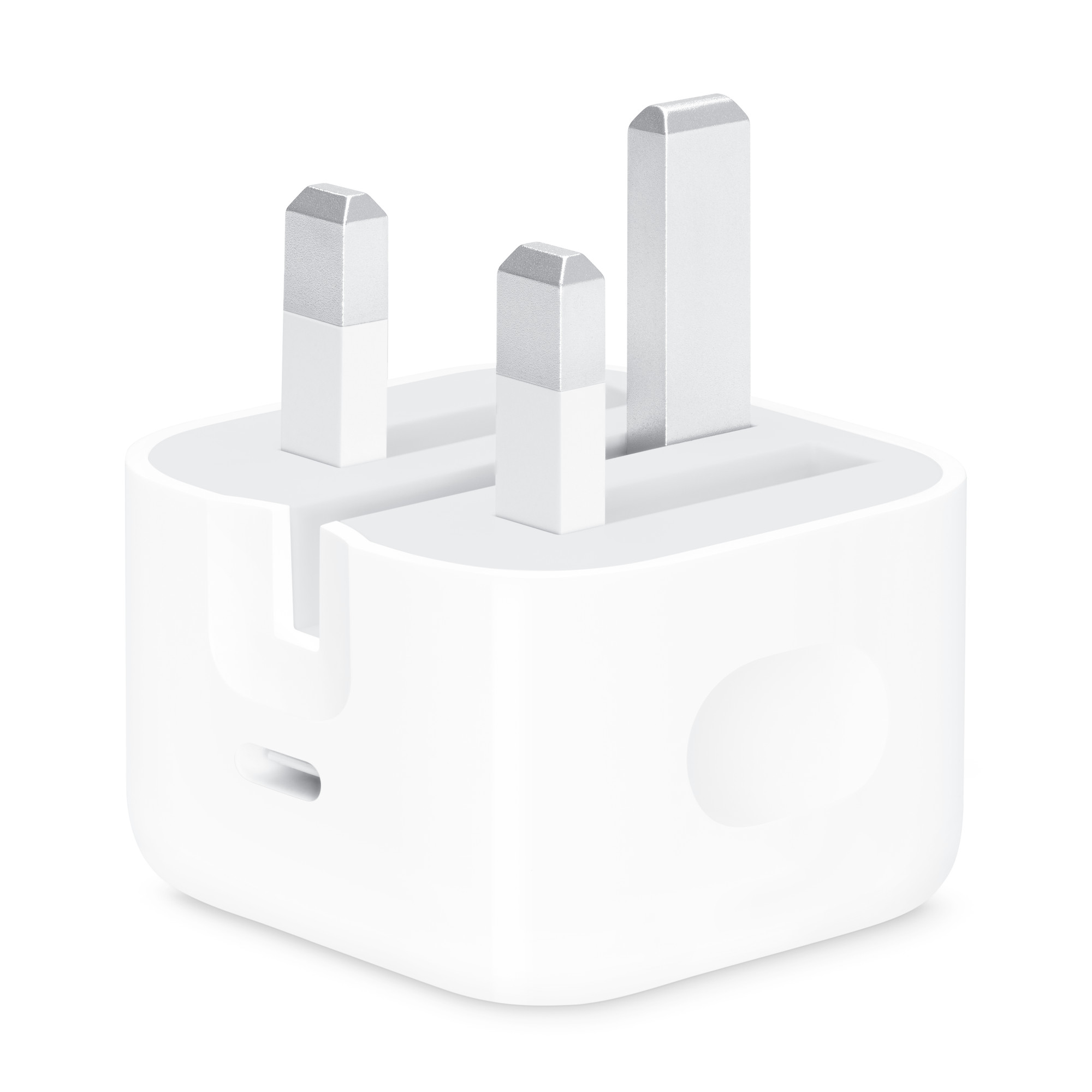
The adapter supplies power and must support USB Power Delivery to negotiate the higher voltage that fast charging requires. A 5W adapter — the small square one bundled with older iPhones — cannot fast charge under any circumstances. A 12W USB-A adapter cannot either, because USB-A has no Power Delivery capability. From 20W upward with USB-C PD, the adapter stops being the limitation.
The cable carries the power and, critically, carries the negotiation that enables fast charging in the first place. This is the link most people never suspect and the one most often responsible. A cable that cannot negotiate Power Delivery will deliver a trickle regardless of how capable the adapter is.
The phone imposes its own limits. Battery health below roughly 85% reduces charging performance. Heat reduces it further — iPhones deliberately throttle charging when warm, which is why charging in direct sunlight or while gaming produces noticeably slower results. And every iPhone slows deliberately past 80% to protect long-term battery life, which is normal behaviour rather than a fault.
“A 96W adapter charges an iPhone 16 at exactly the same speed as a 20W one. The extra wattage is for charging a laptop alongside it — not for making the phone faster.”
— John Matt, Maibo
The Cable Is Usually the Culprit — With Measurable Consequences
Independent testing puts a number on how much the cable matters. An iPhone 15 Pro Max charged with a genuine 20W USB-C adapter and a certified cable reached 50% in 18 minutes. The same phone, the same adapter, paired with an uncertified budget cable took 31 minutes to reach the same point — and produced repeated negotiation errors along the way. Thirteen extra minutes, from the cable alone, with every other component identical.
The reason is that fast charging is a negotiation, not just a flow of electricity. The phone and adapter exchange signals to agree on a higher voltage, and the cable has to carry that exchange correctly. A cable with thin conductors, missing authentication hardware, or poor tolerances either fails the negotiation outright or renegotiates repeatedly, dropping back to a safe low-power mode each time.
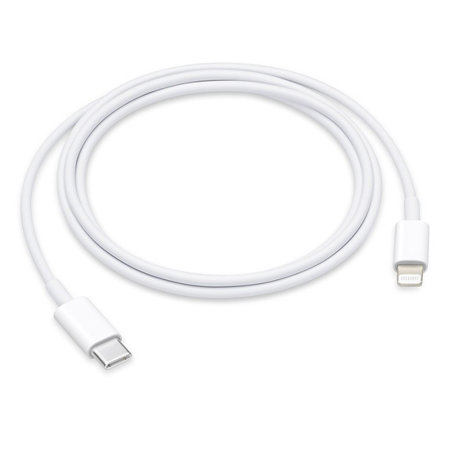
There is also a connector rule that overrides everything else. A USB-A to Lightning cable cannot fast charge an iPhone at all — not with any adapter, at any price, from any brand. USB-A has no Power Delivery capability, so the maximum is around 12W and often less in practice. Any listing advertising “fast charging” on a USB-A cable is describing something the connector is physically incapable of. For fast charging on an iPhone 14 or earlier, the cable must be USB-C to Lightning.
MFi and USB-IF: Two Certifications That Get Confused
These two labels appear constantly in cable listings and mean different things, apply to different products, and are frequently misrepresented.
MFi — “Made for iPhone” — is Apple’s licensing programme for Lightning accessories. It requires an authentication chip inside the connector and compliance with Apple’s protocols. What it guarantees is compatibility and safety. What it does not guarantee is speed. An MFi-certified cable is not automatically a fast-charging cable; it also needs to be USB-C to Lightning and paired with a Power Delivery adapter. MFi certification matters most for surviving iOS updates — Apple has progressively tightened hardware handshake enforcement, and uncertified Lightning cables have stopped working entirely after major releases.
USB-IF certification applies to USB-C cables and is the relevant standard for iPhone 15 and later, which use USB-C rather than Lightning. MFi is not required for those models — but USB-IF certification is what indicates the cable will negotiate Power Delivery correctly. An uncertified USB-C cable may negotiate only 7.5W or fail to enter PD mode at all, roughly halving the charging speed the phone is capable of.
The practical summary: iPhone 14 and earlier need an MFi-certified USB-C to Lightning cable. iPhone 15 and later need a USB-IF certified USB-C to USB-C cable. Listings that claim MFi certification for a USB-C to USB-C cable are describing a certification that does not apply to that product.
Five Checks to Find the Actual Problem
- 1
Read the label on the adapter
The wattage is printed on the body in small text. If it says 5W or 12W, or if the port is the rectangular USB-A shape rather than the oval USB-C, that adapter cannot fast charge — this is the whole explanation and no cable will fix it. If it says 20W or above with a USB-C port, the adapter is not the bottleneck and buying a bigger one will change nothing.
- 2
Check which connector is on each end of the cable
A USB-A end — the flat rectangular one — means fast charging is impossible on that cable. Both ends need to be USB-C, or USB-C to Lightning for iPhone 14 and earlier. This single check resolves a large share of slow-charging complaints, because many households are still using a cable that came with an older device.
- 3
Inspect the cable for physical damage
Fraying near the connector, stiffness where the cable meets the plug, or a bent connector all indicate internal wire damage. Voltage drop from a damaged conductor causes exactly the symptoms of slow charging while the cable still appears to work. Cable failure is progressive rather than sudden — a cable can degrade for months before it stops working entirely.
- 4
Check battery health and temperature
Settings > Battery > Battery Health shows maximum capacity. Above 85%, battery degradation is unlikely to be the main cause. If the phone feels warm while charging, the slowdown is thermal throttling rather than insufficient power — moving it out of direct sunlight, removing a thick case, or not using it while charging will produce a bigger improvement than any new hardware.
- 5
Make sure the connector is fully seated
USB-C connectors must be inserted completely for high-wattage negotiation to succeed. Lint and pocket debris compacted in the port is a genuinely common cause of partial insertion — and of charging problems that appear to be hardware faults. A careful clean of the port with a wooden toothpick, with the phone powered off, resolves this more often than most owners expect.
Higher-wattage adapters are not pointless — they are simply not for charging phones faster. A 40W adapter allows an iPhone and AirPods to charge simultaneously at full speed. A 96W or 140W adapter is sized for a MacBook, and will charge a phone alongside it without either device slowing down. If the household has one adapter serving several devices, higher wattage genuinely helps. If it is charging one iPhone, 20W reaches the ceiling and everything above it is headroom the phone will never use.
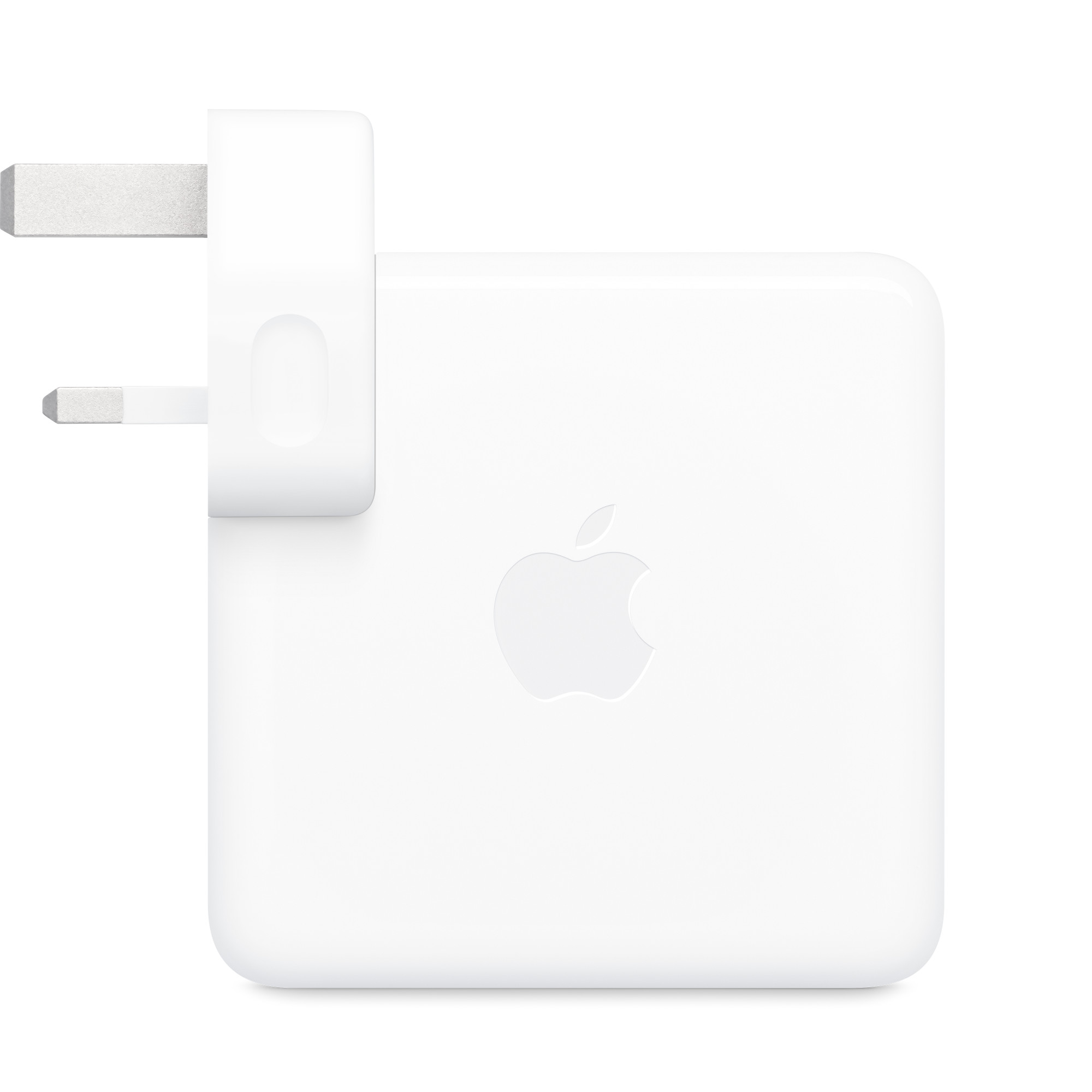
An iPhone 16 or earlier draws about 27W at most, and a 20W USB-C Power Delivery adapter already reaches that ceiling; on the iPhone 17 series the ceiling is 40W and Apple’s own charging figures assume a 40W adapter. When charging is slow, the cause is nearly always further down the chain — a USB-A connector that cannot fast charge, an uncertified cable failing to negotiate, physical cable damage, a hot phone, or a blocked port. Check the adapter label and the cable connectors first, because between them they explain most cases. Buy a certified cable matched to your iPhone’s port — MFi USB-C to Lightning for iPhone 14 and earlier, USB-IF certified USB-C for iPhone 15 and later. Buy a bigger adapter only if you are charging several devices at once, not to make one phone faster.
Genuine Apple cables and adapters — USB-C to Lightning, MagSafe, and 20W to 140W power adapters. Same-day dispatch before 15:00.
iPhone Slow Charging
USB-C Power Delivery
MFi Certification
Apple Chargers UK
Buyer Education
More from the Journal
Keep reading