 WhatsApp

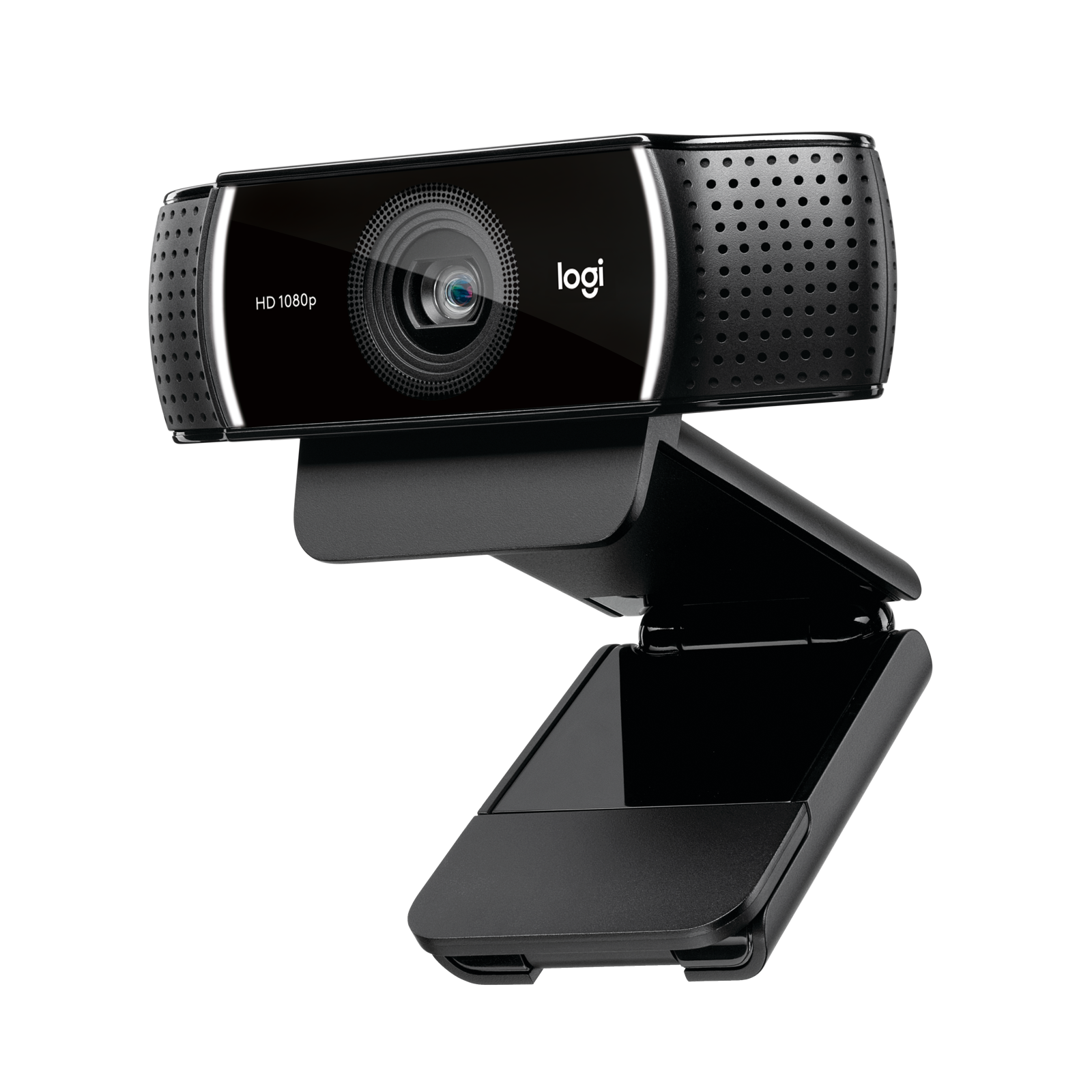
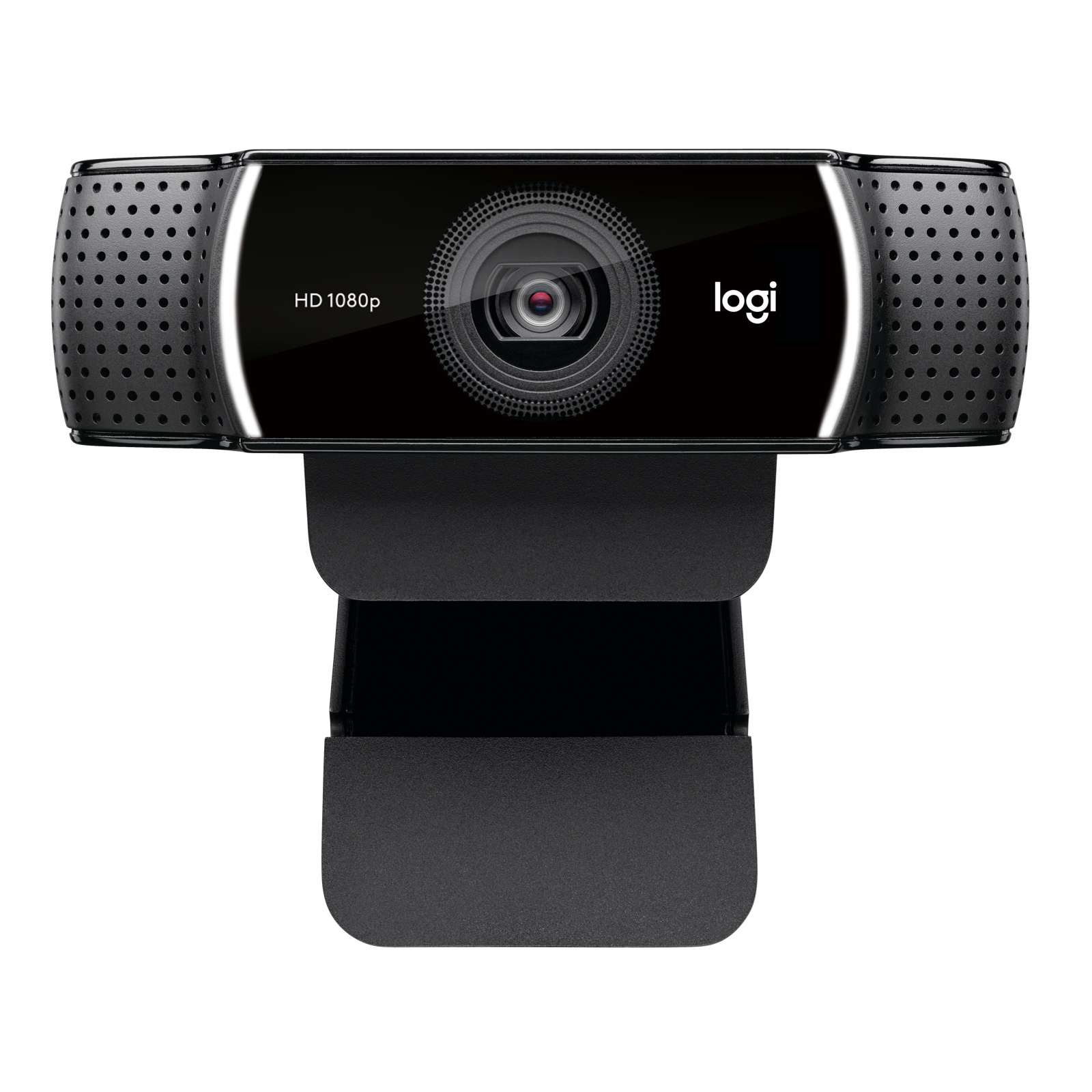
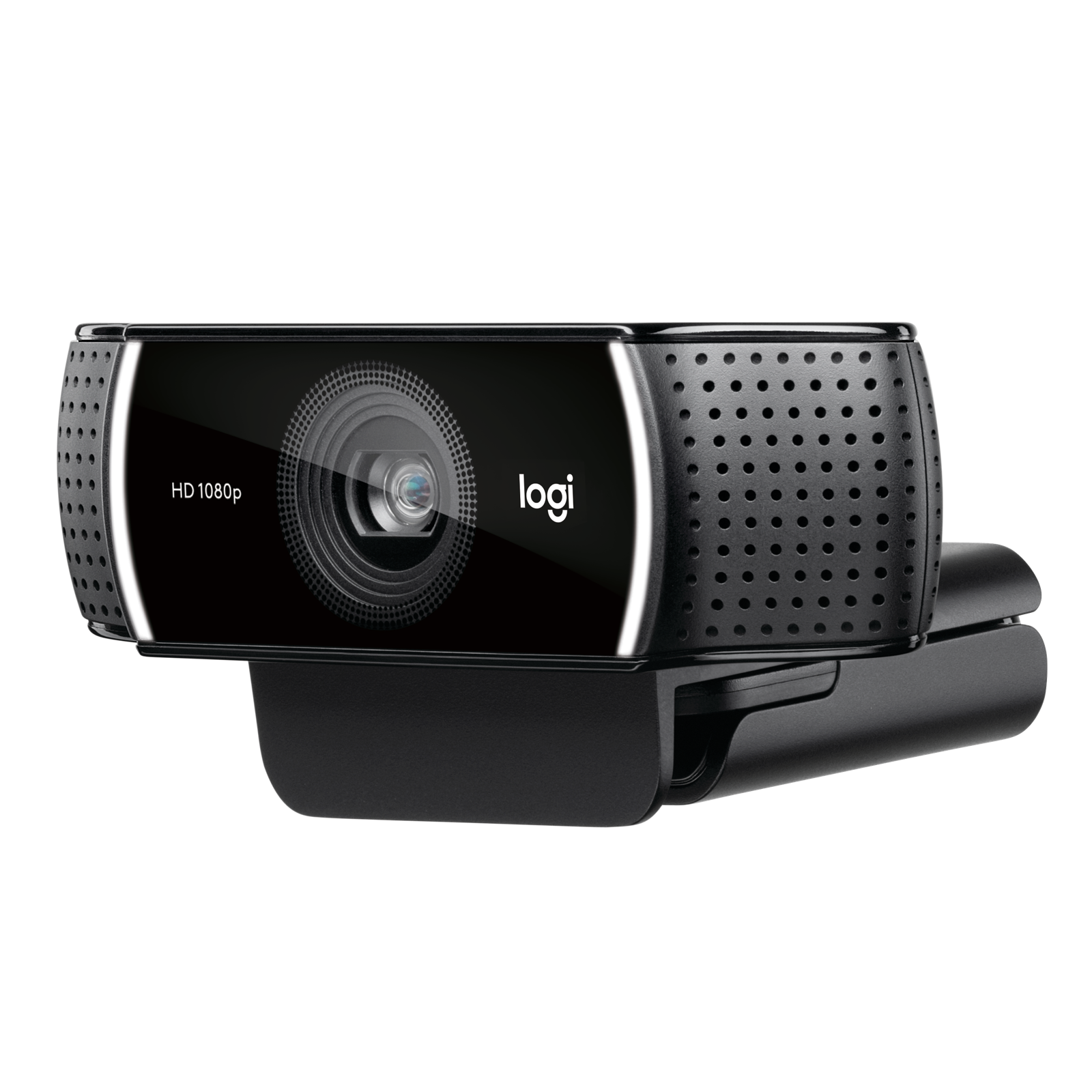
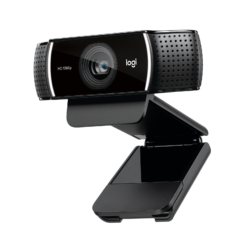
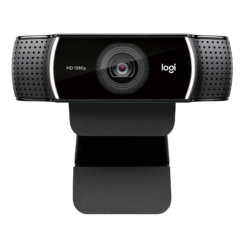
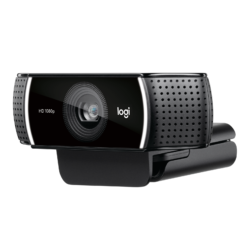
Logitech C922 Pro Stream 1080p Webcam – Black
£88.88
In stock
| Delivery | 4–5 working days · Fully tracked |
| Returns | 30 Day Returns |
| Warranty | Manufacturer Warranty |
| Payment | Airwallex · PayPal · Klarna |
The Logitech C922 Pro Stream webcam — model 960-001091, a streaming webcam with Full HD 1080p at 30fps or 720p at 60fps, an autofocus glass lens, a 78° field of view, automatic light correction and dual stereo microphones.
- ✓ 1080p at 30fps or hyper-smooth 720p at 60fps
- ✓ Glass lens with autofocus · 78° diagonal field of view
- ✓ Automatic light correction for dim or uneven lighting
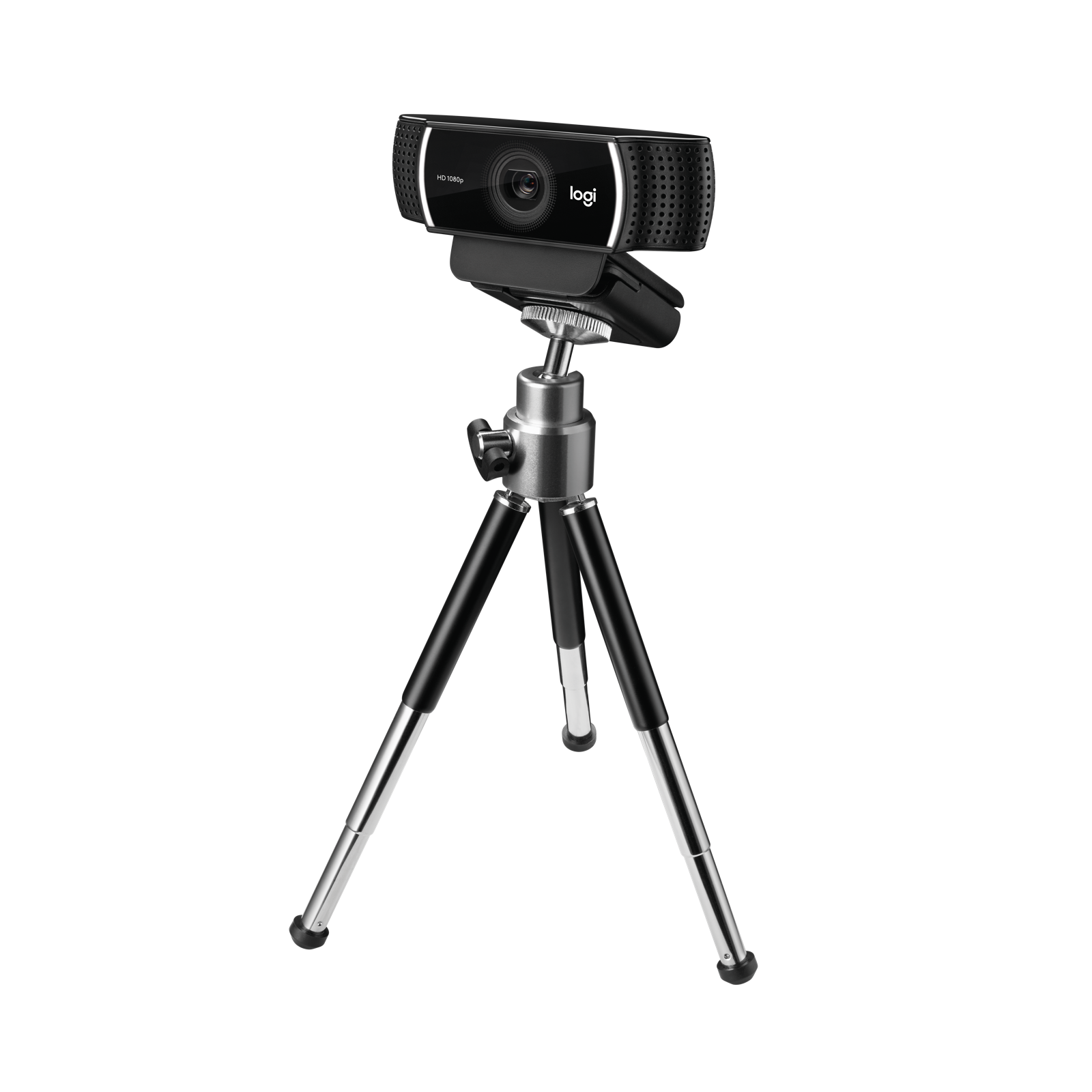
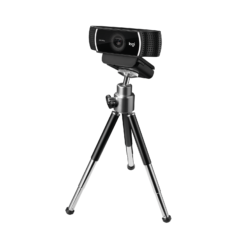
- ✓ Dual omni-directional stereo mics · USB plug-and-play · tripod included
The Logitech C922 Pro Stream webcam is the webcam that became the default for streamers on Twitch and YouTube, and it remains one of the most dependable ways to look sharp on camera without a studio. It records and streams in Full HD 1080p at 30 frames per second, or switches to 720p at a hyper-fast 60fps for especially smooth motion. A glass lens with autofocus keeps you in focus as you move, a 78° diagonal field of view frames you and your desk comfortably, and automatic light correction adjusts to dim or uneven lighting. Two omni-directional microphones capture your voice in stereo from multiple angles. It plugs in over USB and works with Windows and macOS, with Logitech’s free software for fine-tuning. This is model 960-001091 in Black.
1080p/30fps · 720p/60fps
Choose Detail or Smoothness
The C922 gives you two ways to present yourself. Full HD 1080p at 30fps captures the most detail — the right choice for video calls, recorded tutorials and streams where you are mostly still and want the sharpest image. Switch to 720p at 60fps and motion becomes noticeably smoother, which is why many game streamers prefer it: fast head movements and gestures look fluid rather than choppy, and the lower resolution uses less upload bandwidth, which helps keep a stream stable on a modest connection. Most streaming software, including OBS, lets you pick the mode directly. For everyday video meetings on Teams, Zoom or Google Meet, the C922 simply works as a standard USB webcam and delivers a clear, natural-looking picture that is a clear step up from most built-in laptop cameras.
Glass Lens · Autofocus · Light Correction
Sharp in Less-Than-Perfect Light
Most home setups are not lit like a studio: a window behind you, a single ceiling light, a desk lamp to one side. The C922’s automatic light correction adjusts exposure and brightness to those conditions so your face stays visible rather than turning into a silhouette or washing out. The glass lens with autofocus keeps you sharp as you lean in and out, and a 78° diagonal field of view is wide enough to include your upper body and some of your background without the fisheye distortion of ultra-wide cameras. With Logitech’s software you can adjust zoom, framing, brightness and colour to suit your room, and the settings stay applied in the apps you use. Adding a simple front light or lamp still makes the biggest single difference to image quality with any webcam, but the C922 copes well without one.
Dual Stereo Mics · USB Plug and Play
Clear Voice and Simple Setup
Two omni-directional microphones, one on each side of the lens, record in stereo and pick up your voice from multiple angles, so you sound natural even if you turn your head. For casual streaming and everyday calls this removes the need for a separate microphone; serious streamers who want broadcast-quality audio often pair it with a dedicated mic, and the C922’s picture holds up alongside one. Setup is plug-and-play: connect the USB cable and Windows or macOS recognises the camera immediately, with no driver installation. It works with the usual calling and streaming apps, including OBS, Teams, Zoom and Google Meet. Logitech’s free Logi Tune and Capture software add finer control over framing, zoom and image settings, and Capture adds simple recording and editing while you stream.
Right choice if you…
✔ Stream on Twitch or YouTube and want smooth 720p/60fps or sharp 1080p
✔ Want a clear upgrade over your laptop’s built-in camera
✔ Work or study from home in less-than-ideal lighting
✔ Want built-in stereo microphones and plug-and-play setup
Consider something else if…
✘ You want 4K video and HDR — the Logitech Brio 4K is built for that
✘ You need 1080p at 60fps — the C922 reaches 60fps at 720p
✘ You want a business webcam with a privacy shutter — the Logitech C930c is designed for the office
Logitech C922 Pro Stream Webcam — Technical Specifications
| Brand | Logitech |
| Model | C922 Pro Stream Webcam |
| MPN | 960-001091 |
| EAN / GTIN | Printed on retail packaging |
| Colour | Black |
| Video | 1080p at 30fps · 720p at 60fps |
| Lens | Glass lens · autofocus |
| Field of View | 78° diagonal |
| Image | Automatic light correction |
| Microphones | 2 × omni-directional · stereo |
| Connection | USB · plug-and-play |
| Software | Logi Tune / Logitech Capture (optional) |
| Compatibility | Windows · macOS |
| Warranty | Manufacturer warranty (Logitech) |
In the Box
Frequently Asked Questions
Is a tripod included?
Yes. A mini tabletop tripod is included for placing the camera on a desk or shelf, in addition to the universal monitor clip on the camera itself.
Can it record at 1080p and 60fps?
No. The C922 records and streams at 1080p at 30fps, or at 720p at 60fps. Choose 720p/60 for smoother motion and 1080p/30 for more detail.
Does it work with OBS, Teams and Zoom?
Yes. It works as a standard USB webcam with OBS, Streamlabs, Microsoft Teams, Zoom, Google Meet and other apps on Windows and macOS.
Do I need to install software?
No. It is plug-and-play. Logitech’s free Logi Tune and Capture software are optional and add control over framing, zoom and image settings.
Does it have a built-in microphone?
Yes — two omni-directional microphones that record in stereo, one on each side of the lens.
How does it cope with poor lighting?
Automatic light correction adjusts exposure and brightness for dim or uneven lighting, and autofocus keeps you sharp as you move.
Condition
Brand New — Retail Packaging
Warranty
Manufacturer warranty (Logitech)
Delivery
4–5 Working Days · Fully Tracked
Also Available at maibo
Browse the full webcam range at maibo.
| Brand | Logitech |
|---|---|
| Colors |
Be the first to review “Logitech C922 Pro Stream 1080p Webcam – Black”
You must be logged in to post a review.
Related products
Webcams
Reviews
There are no reviews yet.