 WhatsApp

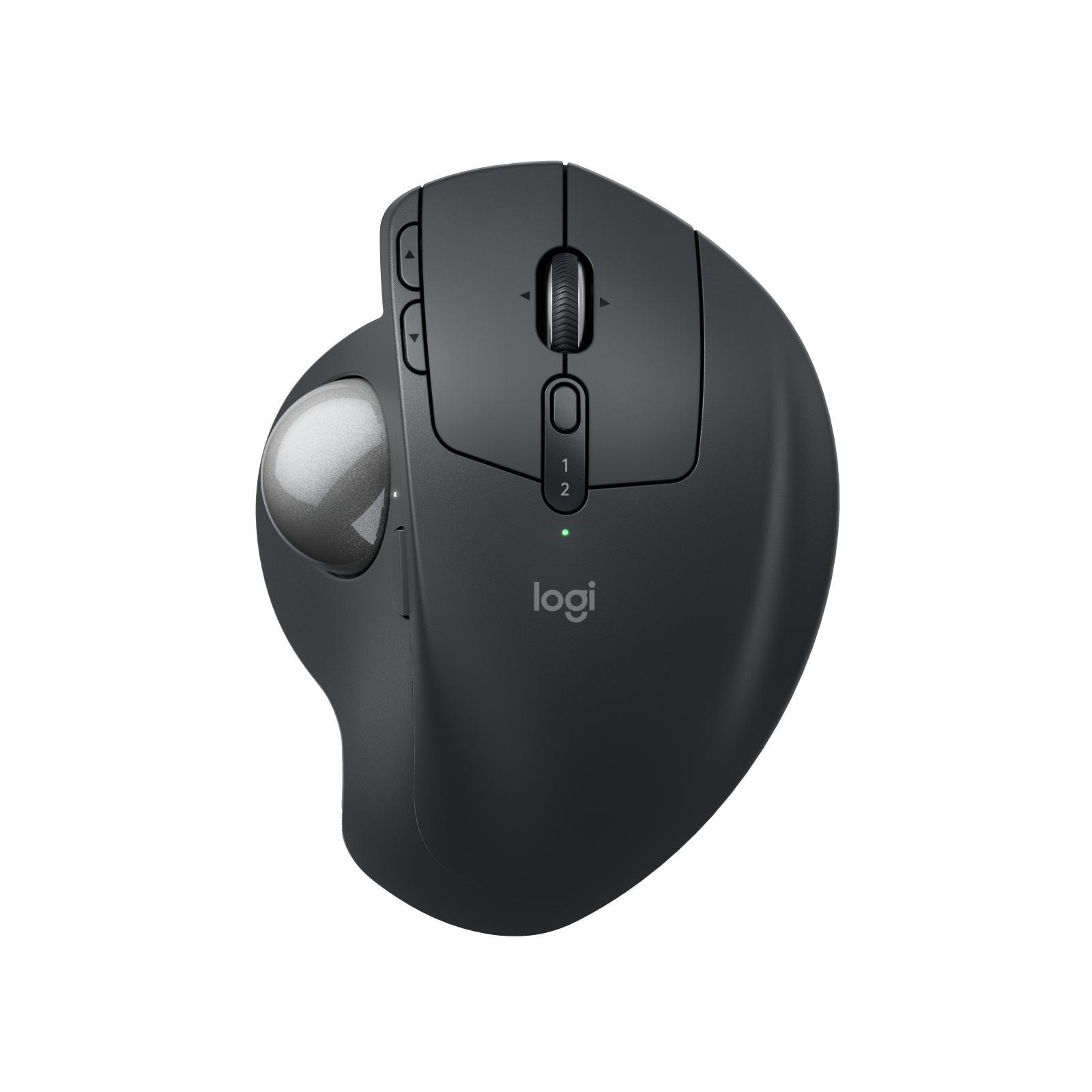
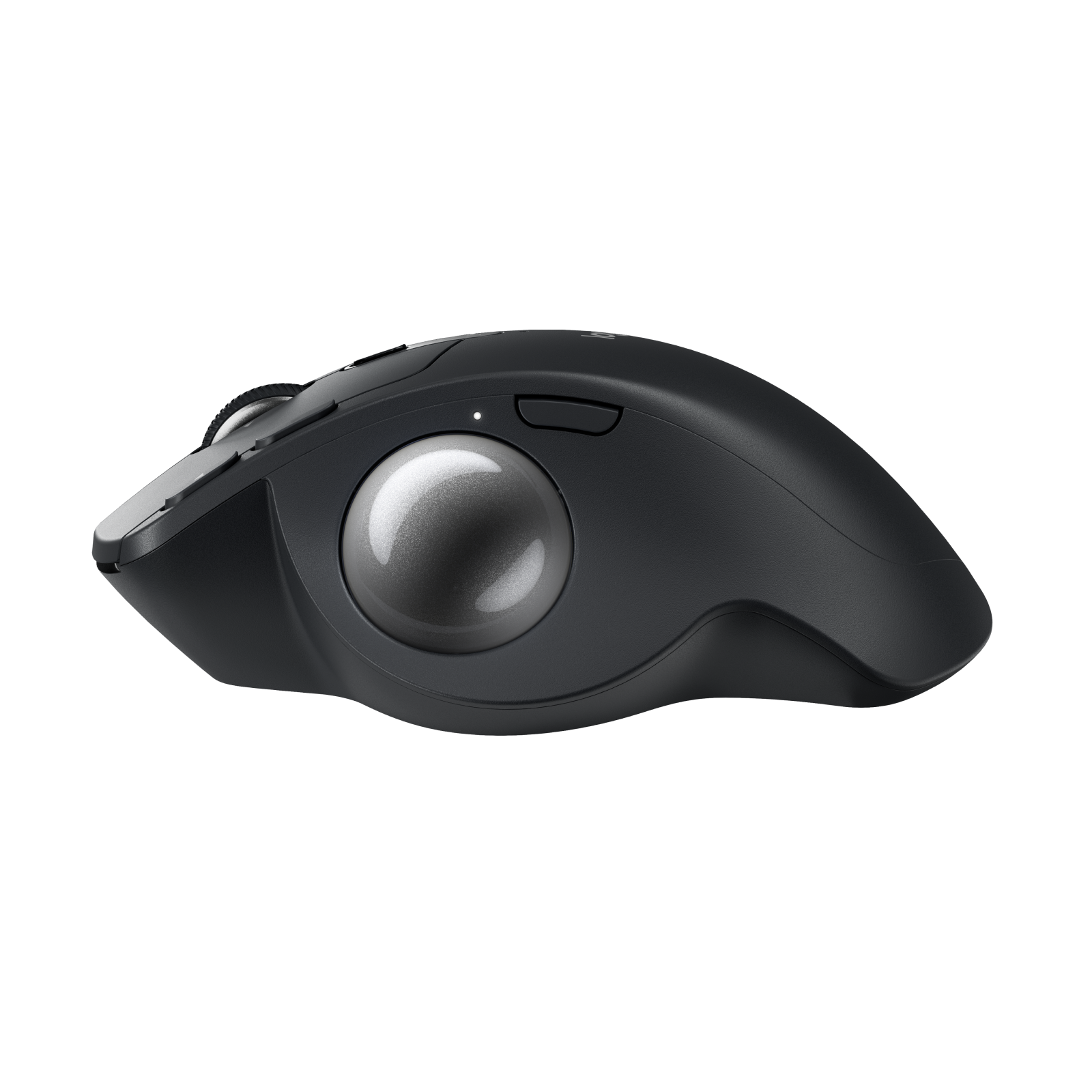
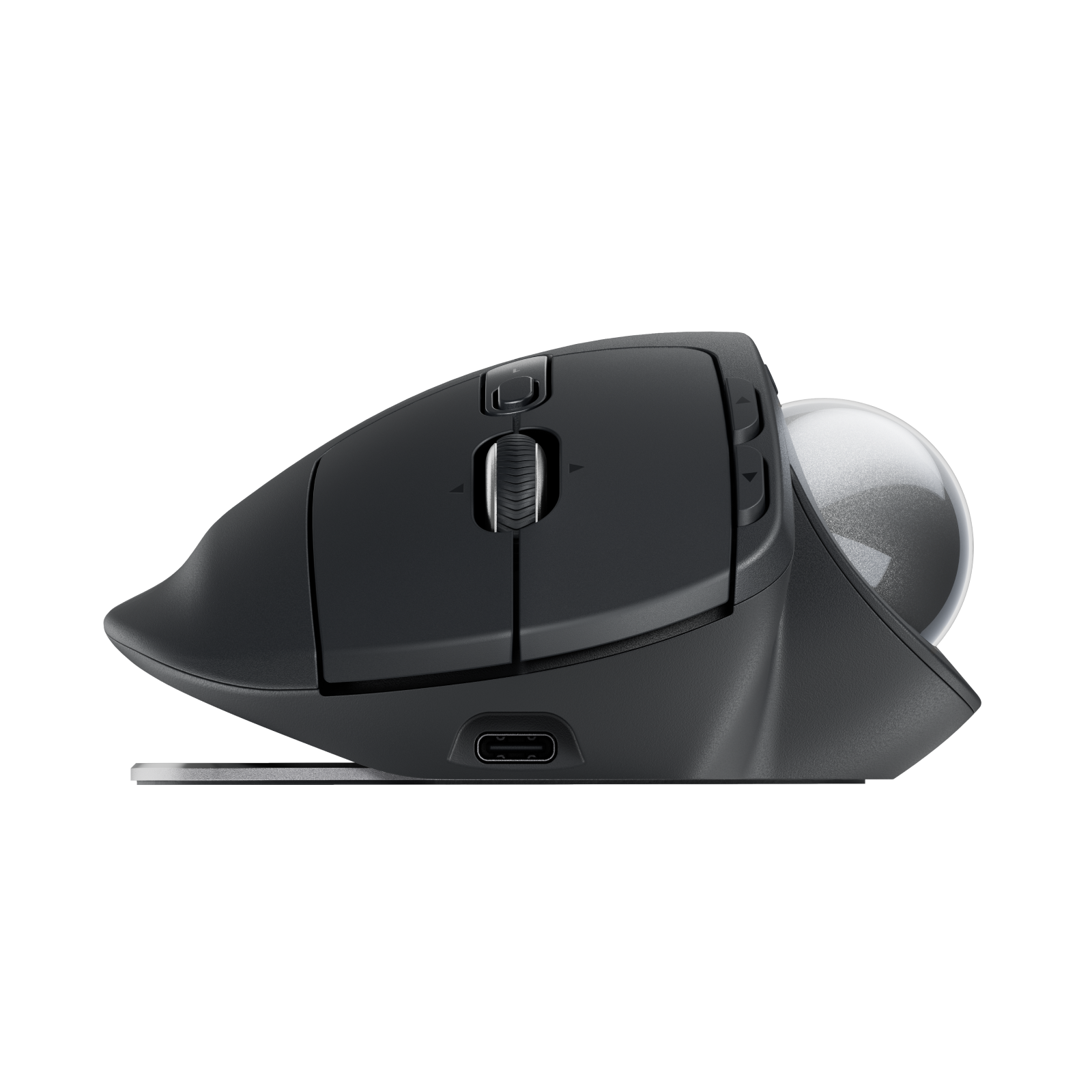
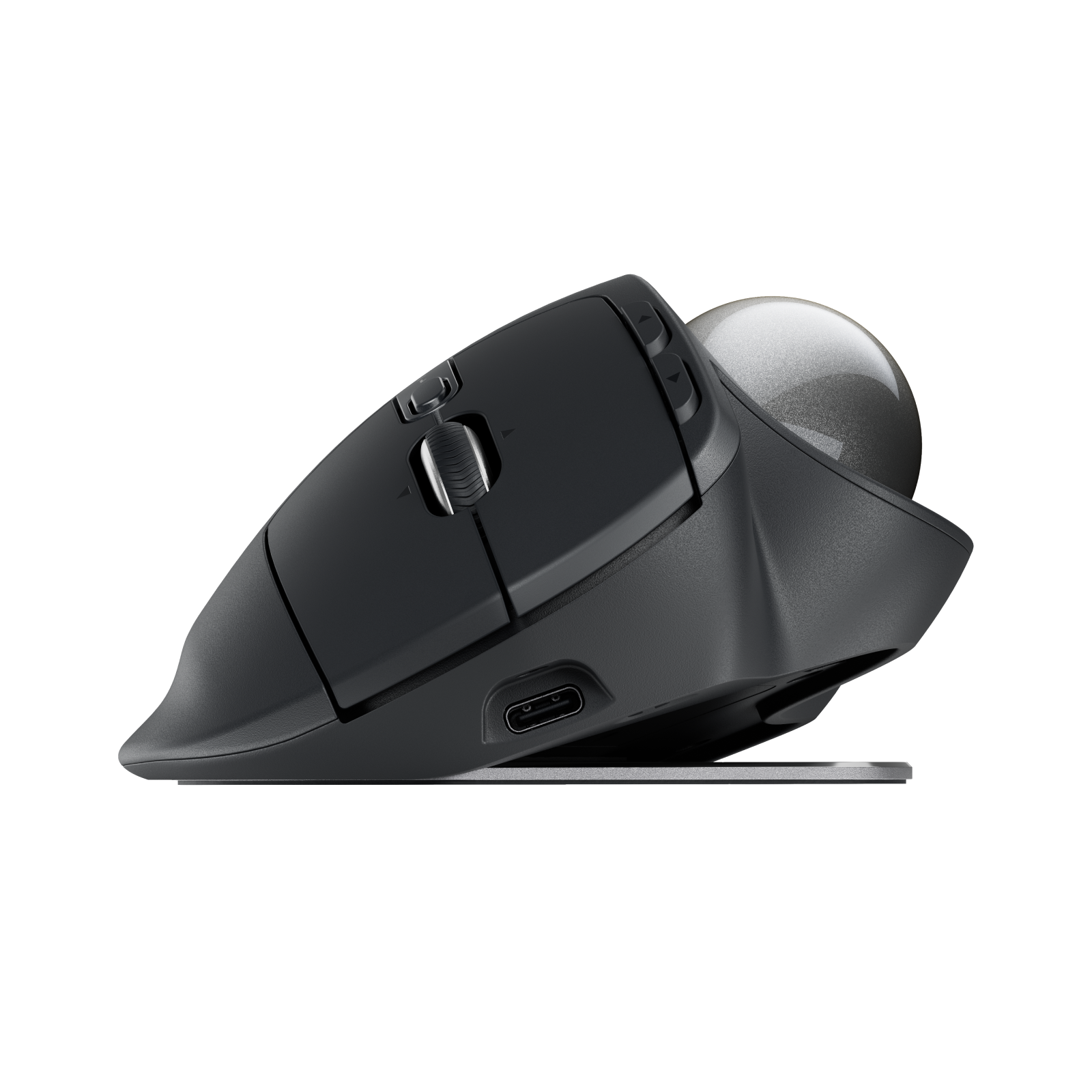
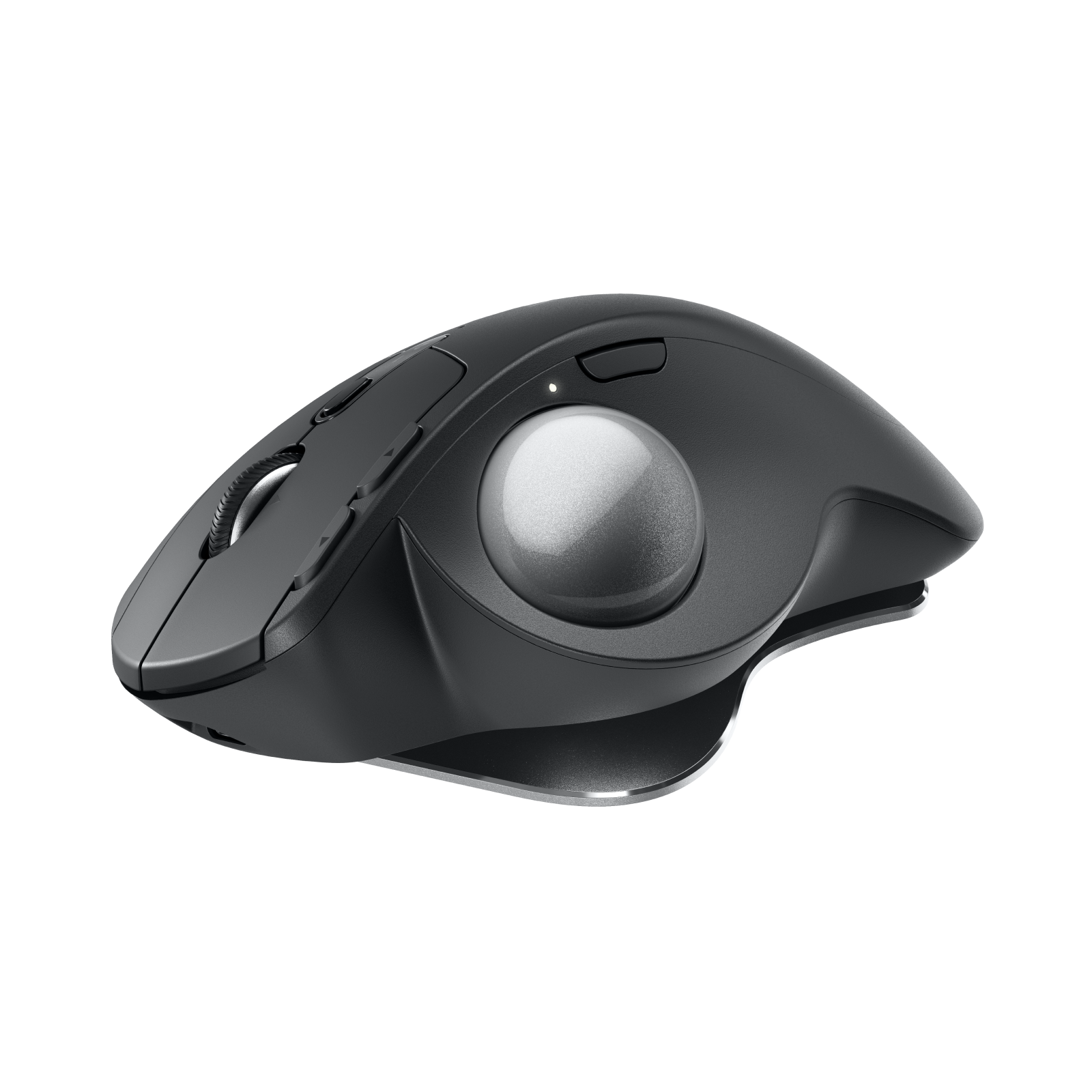
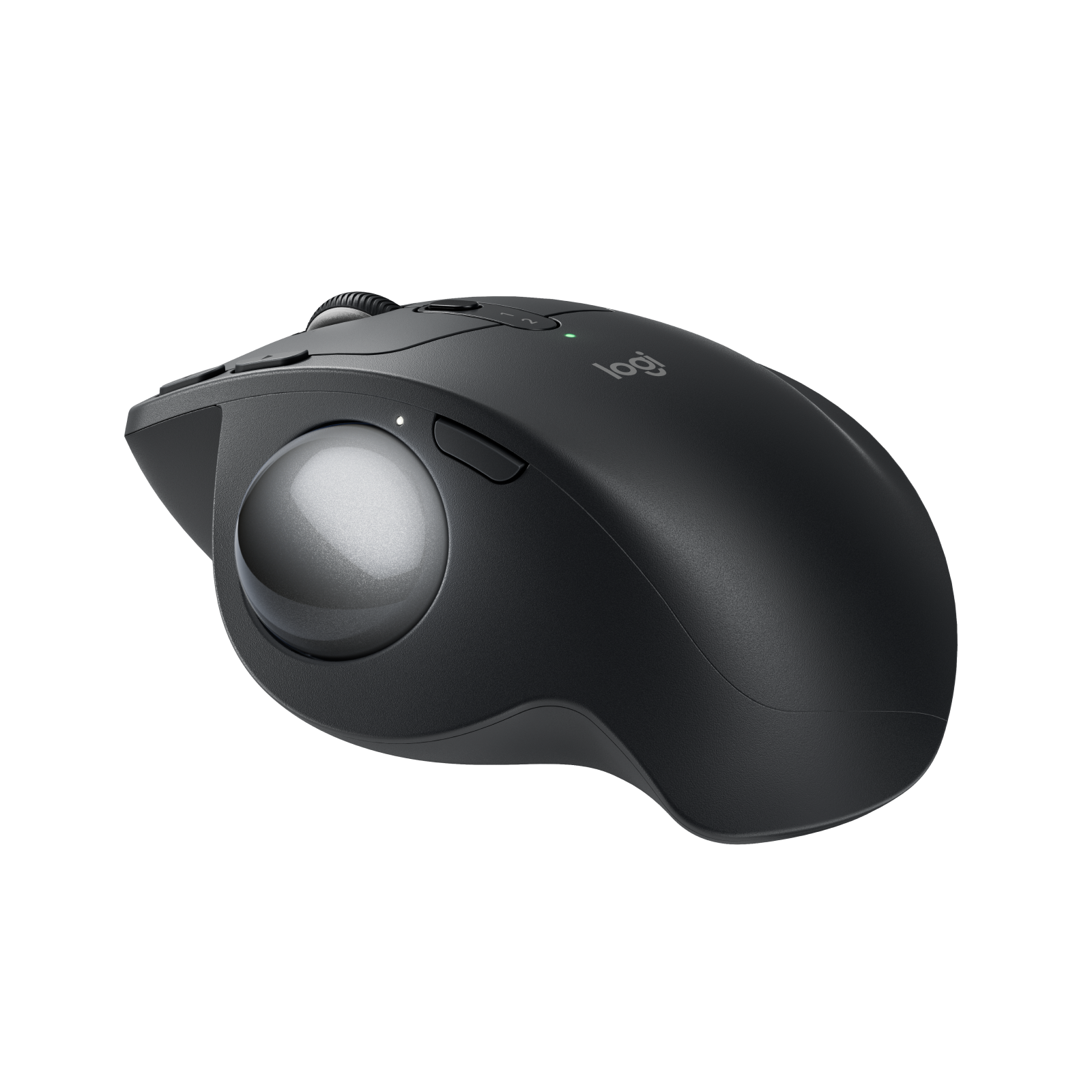
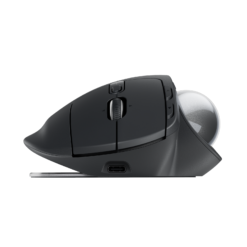
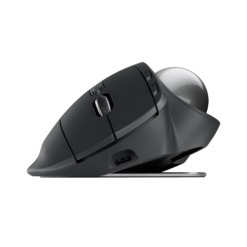
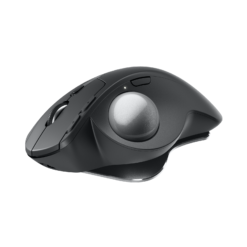
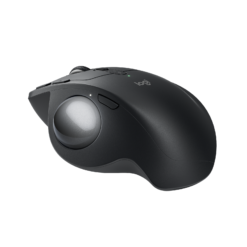
Logitech MX Ergo S Wireless Trackball – Graphite
£78.88
In stock
| Delivery | 4–5 working days · Fully tracked |
| Returns | 30 Day Returns |
| Warranty | 12-Month Warranty |
| Payment | Visa · Mastercard · Apple Pay · Klarna |
The Logitech MX Ergo S Graphite — model 910-007260, Logitech’s advanced ergonomic trackball with a 20-degree tilt, quiet clicks, Precision Mode, 6 customisable buttons, Logi Bolt and Bluetooth for two devices, and up to 120 days per USB-C charge.
- ✓ Adjustable 0° / 20° tilt — 27% less forearm muscle strain, certified by ergonomists
- ✓ Quiet clicks — 80% quieter than the original MX Ergo
- ✓ Precision Mode button · 6 customisable buttons · Logi Options+
- ✓ Logi Bolt receiver + Bluetooth · 2 devices · up to 120 days per charge · USB-C (cable not included)
The Logitech MX Ergo S Graphite is Logitech’s most advanced ergonomic trackball — the updated version of the original MX Ergo. Your hand rests on a sculpted, rubber-gripped body and your thumb moves the cursor, so the arm stays still. The base tilts the whole trackball to 20 degrees, a more natural handshake-like position that ergonomists have certified and that Logitech measured as reducing forearm muscle strain by 27%. The “S” brings three changes: clicks that are 80% quieter than the MX Ergo, USB-C charging in place of the old micro-USB, and the Logi Bolt receiver alongside Bluetooth. Six buttons are customisable, a Precision Mode button slows the cursor instantly for fine work, and a full charge lasts up to 120 days. This is model 910-007260 in Graphite.
20° Tilt · Thumb Trackball
Why the Tilt Matters
Holding an ordinary mouse flat twists the forearm so the palm faces the desk, and over a working day that twist is a common source of forearm and wrist ache. The MX Ergo S sits on a magnetic metal base that lets you use it flat or tilted to 20 degrees, rotating your hand towards a more relaxed, handshake-like angle. Combined with thumb control — the arm and wrist stay still while the thumb rolls the ball — Logitech measured 27% less forearm muscle strain, and the design is certified by ergonomists. The sculpted body with a soft rubber grip suits medium to large hands. There is a short adjustment period with any trackball, usually a few days, after which fine positioning becomes natural. Because the trackball never moves, it also works where a mouse cannot: a crowded desk, a lap or the arm of a sofa.
Quiet Clicks · Precision Mode · 6 Buttons
What the “S” Adds Over the Original MX Ergo
The MX Ergo S keeps the shape, tilt and ball that made the MX Ergo a favourite of people with forearm and wrist discomfort, and updates the details. The clicks are 80% quieter than the original while keeping the same satisfying feel — useful in shared offices and on calls. Charging moves to USB-C, so it uses the same cable as a modern phone or laptop. The Precision Mode button next to the ball switches instantly between normal cursor speed and a slow, high-precision mode for detailed work such as photo editing or selecting small elements; press it again to return. Six buttons — including back, forward and the tilting scroll wheel — can be assigned to shortcuts and Smart Actions in the free Logi Options+ app on Windows and macOS. The tracking range is 512 to 2,048 DPI.
Logi Bolt + Bluetooth · 120 Days · USB-C
Connection and Charging — Read Before Ordering
The MX Ergo S connects through the included Logi Bolt USB receiver, which plugs into a USB-A port, or over Bluetooth Low Energy. It pairs with two devices and switches between them with the Easy-Switch button, and with Logitech Flow you can move the cursor and copy files between computers running Logi Options+. It works with Windows, macOS, iPadOS, ChromeOS, Android and Linux. The built-in battery is rated at up to 120 days on a full charge, and one minute of charging gives around 24 hours of use. A charging cable is not included in the box — any USB-C to USB-C or USB-A to USB-C cable works, such as one from a phone or laptop. The MX Ergo S is shaped for the right hand only; there is no left-handed version.
Right choice if you…
✔ Get forearm or wrist ache from a normal mouse
✔ Want an adjustable tilt and a rechargeable battery in a trackball
✔ Work across two computers and want Easy-Switch and Flow
✔ Need precise control for detailed work with Precision Mode
Consider something else if…
✘ You want a simpler, lower-cost trackball — the Logitech ERGO M575S uses one AA battery
✘ You are left-handed — the MX Ergo S is right-handed only
✘ You do not have a USB-C cable — one is not included
Logitech MX Ergo S Graphite — Technical Specifications
| Brand | Logitech |
| Model | MX Ergo S Advanced Wireless Trackball |
| MPN | 910-007260 |
| EAN / GTIN | 5099206124547 |
| Colour | Graphite |
| Tracking | Thumb-operated trackball · Logitech Advanced Optical Tracking · 512–2,048 DPI |
| Tilt | Magnetic metal base · 0° or 20° |
| Buttons | 8 · quiet clicks · 6 customisable (left/right click, back/forward, tilting scroll wheel with middle click, Precision Mode, Easy-Switch) |
| Connection | Logi Bolt USB-A receiver (included) · Bluetooth Low Energy |
| Multi-Device | 2 devices · Easy-Switch · Logitech Flow |
| Battery | Rechargeable · up to 120 days · 1-minute charge = ~24 hours |
| Charging | USB-C · cable not included |
| Weight | 164g (259g with metal base) |
| Dimensions | 132.5 × 99.8 × 51.4mm |
| Hand Orientation | Right-handed |
| Compatibility | Windows · macOS · iPadOS · ChromeOS · Android · Linux |
| Warranty | Manufacturer warranty (Logitech) |
In the Box
Frequently Asked Questions
How does the MX Ergo S differ from the original MX Ergo?
It keeps the shape, 20-degree tilt and trackball, and adds clicks that are 80% quieter, USB-C charging instead of micro-USB, and a Logi Bolt receiver.
Is a charging cable included?
No. Logitech ships the MX Ergo S without a cable. Any USB-C to USB-C or USB-A to USB-C cable charges it; one minute gives about 24 hours of use and a full charge lasts up to 120 days.
Can I adjust the angle?
Yes. The magnetic metal base lets you use it flat or tilted to 20 degrees for a more natural wrist position.
How many computers can it control?
It pairs with two devices and switches between them with the Easy-Switch button, via the Logi Bolt receiver or Bluetooth. Logitech Flow lets you move between computers running Logi Options+.
Is there a left-handed model?
No. The MX Ergo S is designed for the right hand only.
Condition
Brand New — Retail Packaging
Warranty
Manufacturer warranty (Logitech)
Delivery
4–5 Working Days · Fully Tracked
Also Available at maibo
Browse the full mice and peripherals range at maibo.
| Brand | Logitech |
|---|---|
| Colors |
Only logged in customers who have purchased this product may leave a review.
Related products
Webcams
Reviews
There are no reviews yet.