 WhatsApp

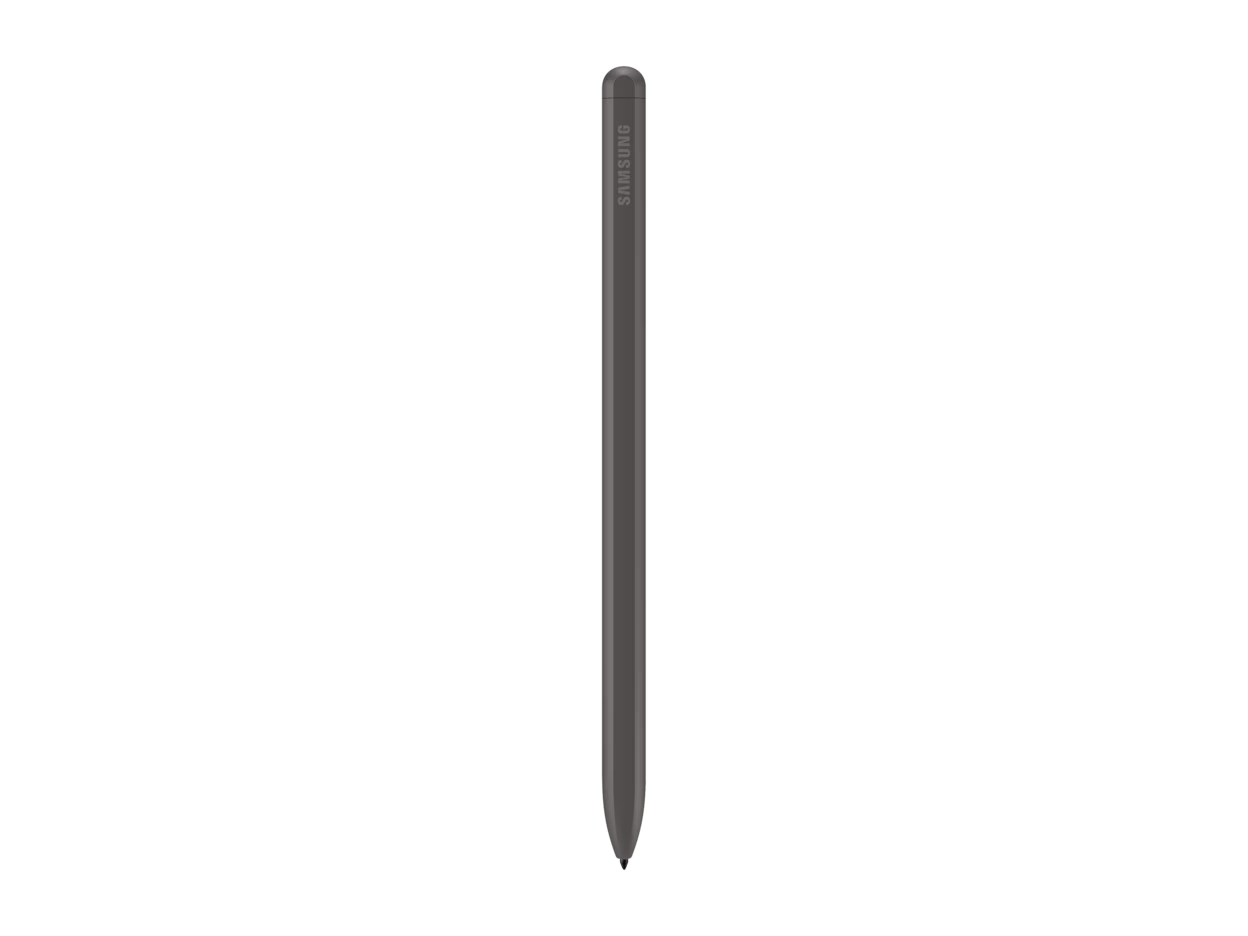
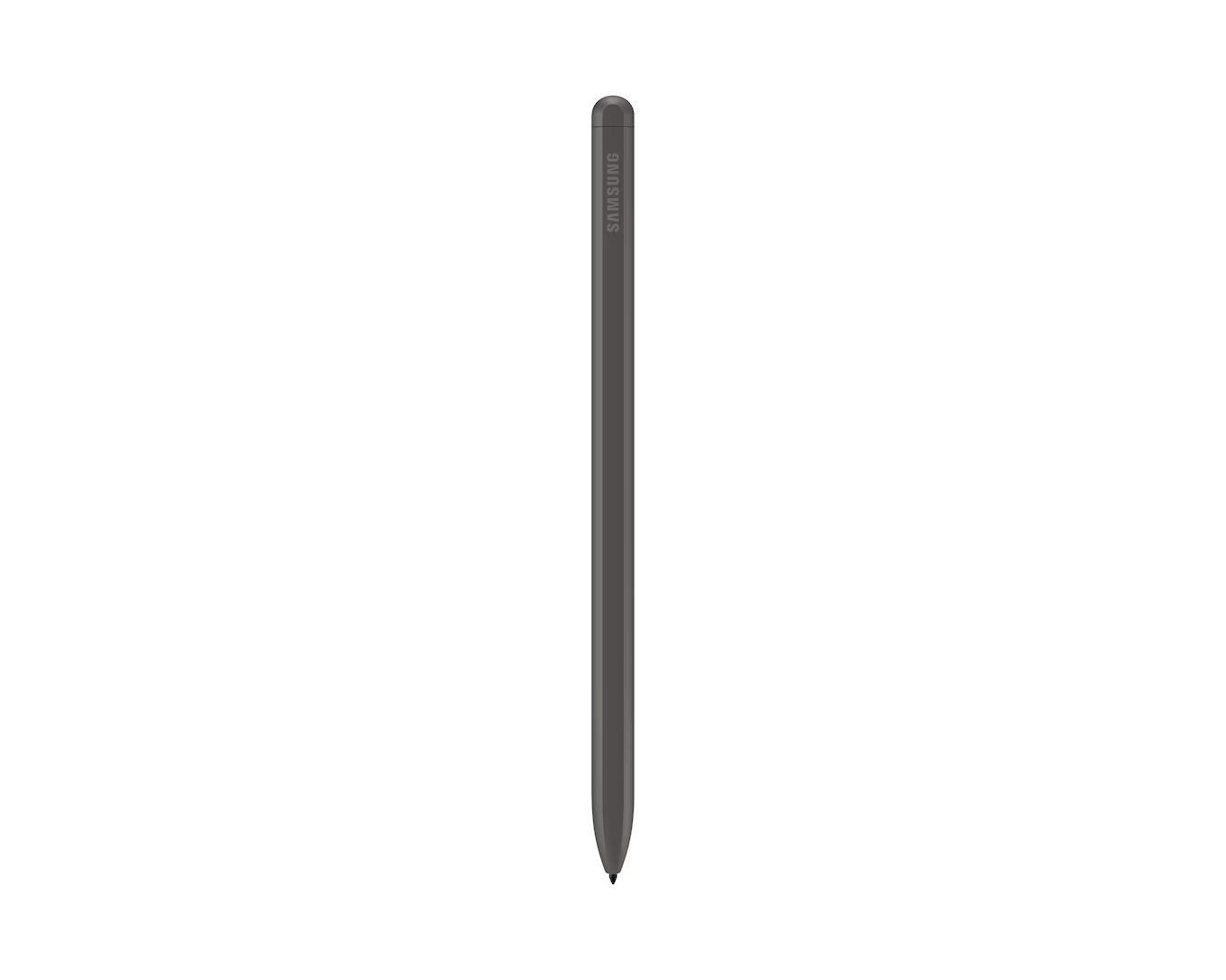
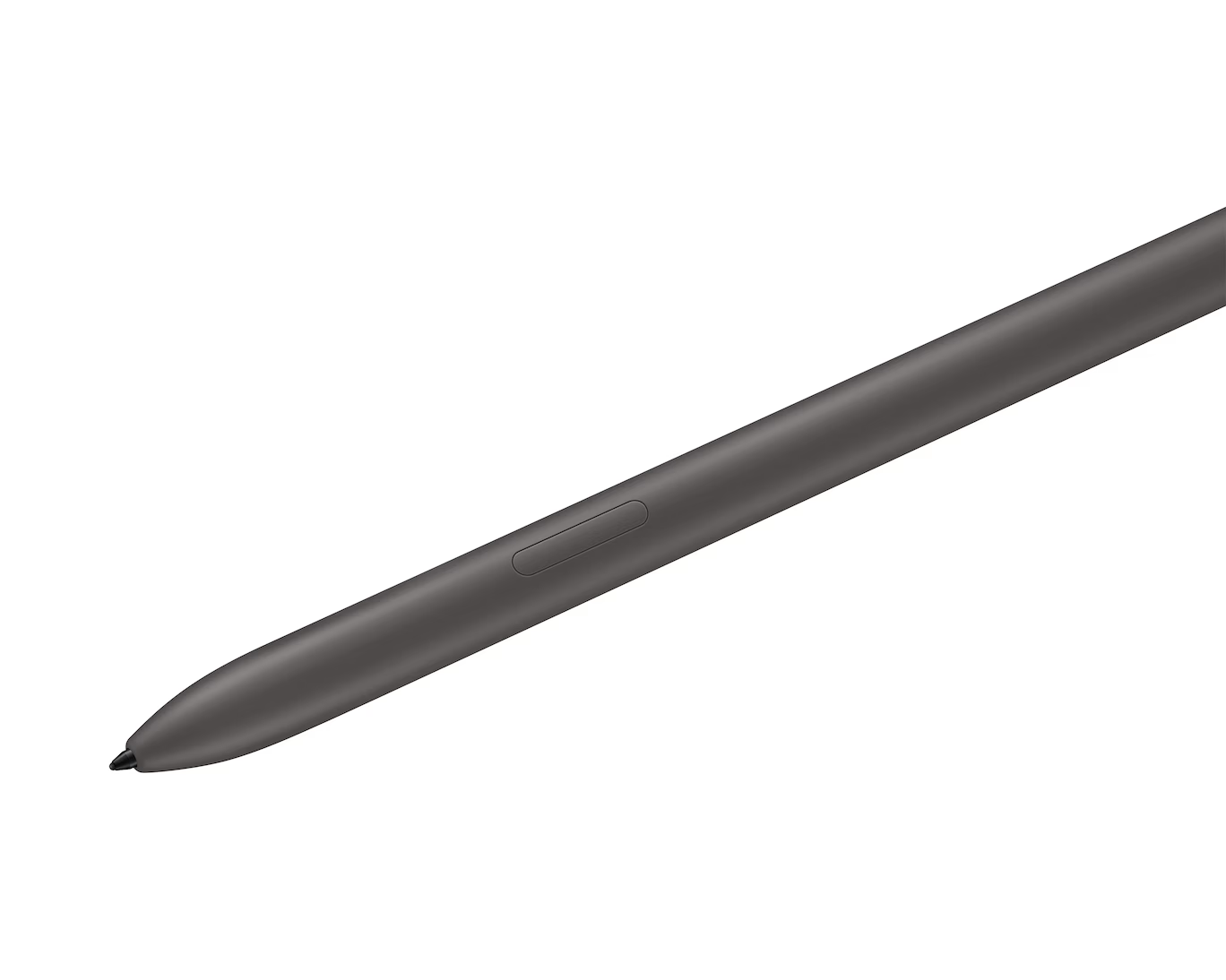
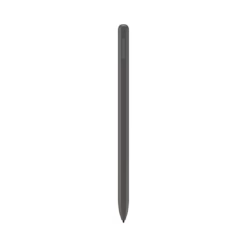
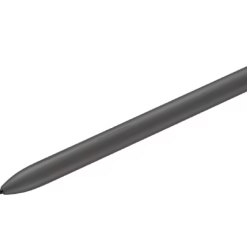
Samsung S Pen for Tab S9 FE/FE+ – Gray

£29.88
The Samsung S Pen for Galaxy Tab S9 FE — the official stylus for Tab S9 FE and Tab S9 FE+. Precise writing and drawing, Air Command shortcut access, IP68 water resistance. Attaches magnetically to the tablet’s S Pen holder for secure carry and automatic positioning. No battery or charging required. Also compatible with Tab S10 FE and Tab S10 FE+.
- ✓ Designed for Galaxy Tab S9 FE — precise stylus input on the 10.9″ display
- ✓ Magnetic attach to S Pen holder — secure, always with your tablet
- ✓ Air Command — Smart Select, Screen Write, Live Messages
- ✓ IP68 water resistant · no battery needed · Gray colour
In stock
| Delivery | 4-6 working days • Fully tracked |
| Returns | 30 Days Free |
| Warranty | 12 Months |
| Payment | Airwallex • PayPal • Klarna |
The Galaxy Tab S9 FE is Samsung’s most accessible large-screen tablet. The Samsung S Pen for Tab S9 FE/FE+ – Gray unlocks the layer of precision that transforms it from a media and browsing device into a proper note-taking and creative tool. Write in Samsung Notes and watch handwriting convert to text automatically. Use Smart Select to capture and annotate any section of the screen. Pull up Air Command without leaving the app you are in. The S Pen attaches magnetically to the tablet’s built-in S Pen holder so it travels with the device and is always on hand — not rattling around at the bottom of a bag. IP68 water resistance means neither the tablet nor the pen needs careful treatment in light rain or splashes. No battery, no pairing, no charging. Pick it up and write.
Writing + Notes
Precise Input on a 10.9″ Screen
The Tab S9 FE’s 10.9-inch display gives the S Pen real working space — large enough for comfortable handwriting at natural size, detailed sketching, or annotating A4-format documents without zooming in. Samsung Notes converts handwriting to editable text, making handwritten meeting notes immediately searchable and shareable. The stylus responds to pressure and tilt for natural variation in stroke width. Paired with Samsung Notes, Noteshelf, GoodNotes or any other stylus-enabled app, it turns the tablet into a proper paper replacement for students, professionals and creatives.
Magnetic Holder
Always Attached · Always Ready
The Tab S9 FE has a built-in magnetic S Pen holder on the back of the device. The S Pen attaches with a snap and stays secure during carry — it won’t slide off or fall out during normal use. Unlike cases with loose stylus loops, the magnetic hold is positive and reliable. You can attach it in either orientation, and the contact point does not charge the pen (this model uses EMR — no charging required). The result is a tablet and stylus combination that behaves as a single integrated unit rather than two separate accessories.
Air Command
Smart Select · Screen Write · More
Hovering the S Pen above the screen and pressing the side button launches Air Command — a floating shortcut menu that stays accessible regardless of which app is open. Smart Select captures any section of the screen as an image, GIF or annotation. Screen Write takes an instant screenshot and opens it for immediate markup and sharing. Live Messages create animated handwritten stickers. These aren’t buried settings — they are one hover and one button press from any screen, making the S Pen genuinely faster than touchscreen navigation for these tasks.
Great choice if you…
✔ Own a Galaxy Tab S9 FE or Tab S9 FE+ and want stylus input
✔ Take handwritten notes, annotate PDFs or sketch ideas on your tablet
✔ Want the S Pen to travel with the tablet via magnetic attach
✔ Need Air Command shortcuts for screen capture and annotation
✔ Also use a Tab S10 FE or Tab S10 FE+ — this pen works on both
Consider something else if…
✖ You own a Tab S9, S9+ or S9 Ultra — those need the EJ-PX710 S Pen
✖ You need Bluetooth Air Actions — this model does not have Bluetooth
✖ You own a Galaxy Z Fold 5 — that needs the S Pen Fold Edition
Technical Specifications
| Brand / Model | Samsung S Pen (Tab S9 FE / FE+) |
| Technology | EMR (Electro-Magnetic Resonance) — no battery |
| Bluetooth | No |
| Attachment | Magnetic S Pen holder (built into tablet) |
| Air Command | Yes — Smart Select, Screen Write, Live Messages |
| Water Resistance | IP68 |
| Colour | Gray |
Box Contents
Compatible With
Compatibility note: This is the S Pen for Galaxy Tab S9 FE / FE+ series (model EJ-PX510). It is not compatible with the Tab S9, Tab S9+ or Tab S9 Ultra — those tablets use a different S Pen (EJ-PX710). Please check your tablet model before ordering.
Condition
Brand New — Retail Packaging
Warranty
1 Year Samsung + 12 Months Seller
Delivery
4–5 Working Days · Fully Tracked
Browse the full Samsung S Pen range at maibo.
Be the first to review “Samsung S Pen for Tab S9 FE/FE+ – Gray”
You must be logged in to post a review.
Related products
Mobile Phone Accessories
Mobile Phone Accessories

Mobile Phone Accessories
Samsung Tab S6 Digital Pen – Blue (Compatible with SM-T860 / SM-T865)
Mobile Phone Accessories
Mobile Phone Accessories
Reviews
There are no reviews yet.