 WhatsApp

Insider
Which S Pen Fits My Galaxy? S26 to Tab S11, Z Fold, and the Pens That Quietly Lost Bluetooth

Oct
Which S Pen Fits My Galaxy? —
S26 to Tab S11, Z Fold, and the pens that quietly lost Bluetooth
Almost every S Pen writes on almost every S Pen phone. That is the problem. “It writes” is where the wrong purchase starts — the pen that writes but will not sit in the slot, will not charge, or will not do the one gesture you bought it for. Here is the compatibility map by device, and the five habits that keep a pen working.
no Bluetooth (Samsung, Oct 2026)
Fold Edition pen supports
same on a £25 pen and a £55 one
The S Pen question that lands at Maibo is rarely “does this write?” It is “does this fit?” — and fit has three meanings Samsung never prints on the box. Does it slide into the silo and sit flush. Does it charge in there. Does the button do anything in the air. A Galaxy S24 Ultra pen answers yes to all three on an S24 Ultra. Put it in an S26 Ultra and the first answer changes, because the pens are cut for their own phones.
Samsung’s own compatibility page says it in one line: for Galaxy S phones, use the S Pen designed for your specific model. The tutorials skip this part. They tell you the technology is Wacom EMR, which is true, and that EMR pens cross over, which is also true — for writing. A Note 8 pen writes on an S23 Ultra. It will not sit in the S23 Ultra, and it has no Bluetooth to pair. “Compatible” and “correct” are different words.
The 2025–2026 change makes this sharper, not softer. Starting with the S25 Ultra, Samsung removed Bluetooth from the bundled pen. The S26 Ultra pen (EJ-PS948) has none either. No Air Actions, no remote camera shutter, no media gestures, and nothing to charge — Samsung lists both phones under “do not support charging”. If you are moving from an S24 Ultra, the pen you buy for your new phone does less in the air and more on the screen. Most listings will not say this out loud.
Two jobs, one pen: writing vs remote
Every S Pen does the first job the same way. The screen powers the pen through the digitiser; the pen needs no battery to write, hover or open Air Command. The second job — Bluetooth remote — is where the families split. Samsung’s October 2026 support page lists eleven current pens with no Bluetooth: Tab S9 FE and FE+, Tab S10 Lite, FE and FE+, Tab S11 and S11 Ultra, Tab S12+ and S12 Ultra, S25 Ultra and S26 Ultra. Every one of those also has no charging, because there is nothing inside to charge.
The practical consequence: if a customer buys a Tab S11 pen and then searches “S Pen won’t pair”, there is no fault. There is no pairing. The pen is working exactly as specified. The reverse mistake costs money: buying a Bluetooth pen for a device that cannot use the feature, and paying for a radio that stays silent.
“A pen that writes is not a pen that fits. Buy by model code, not by phone name.”
— Andrew Dorce, Maibo
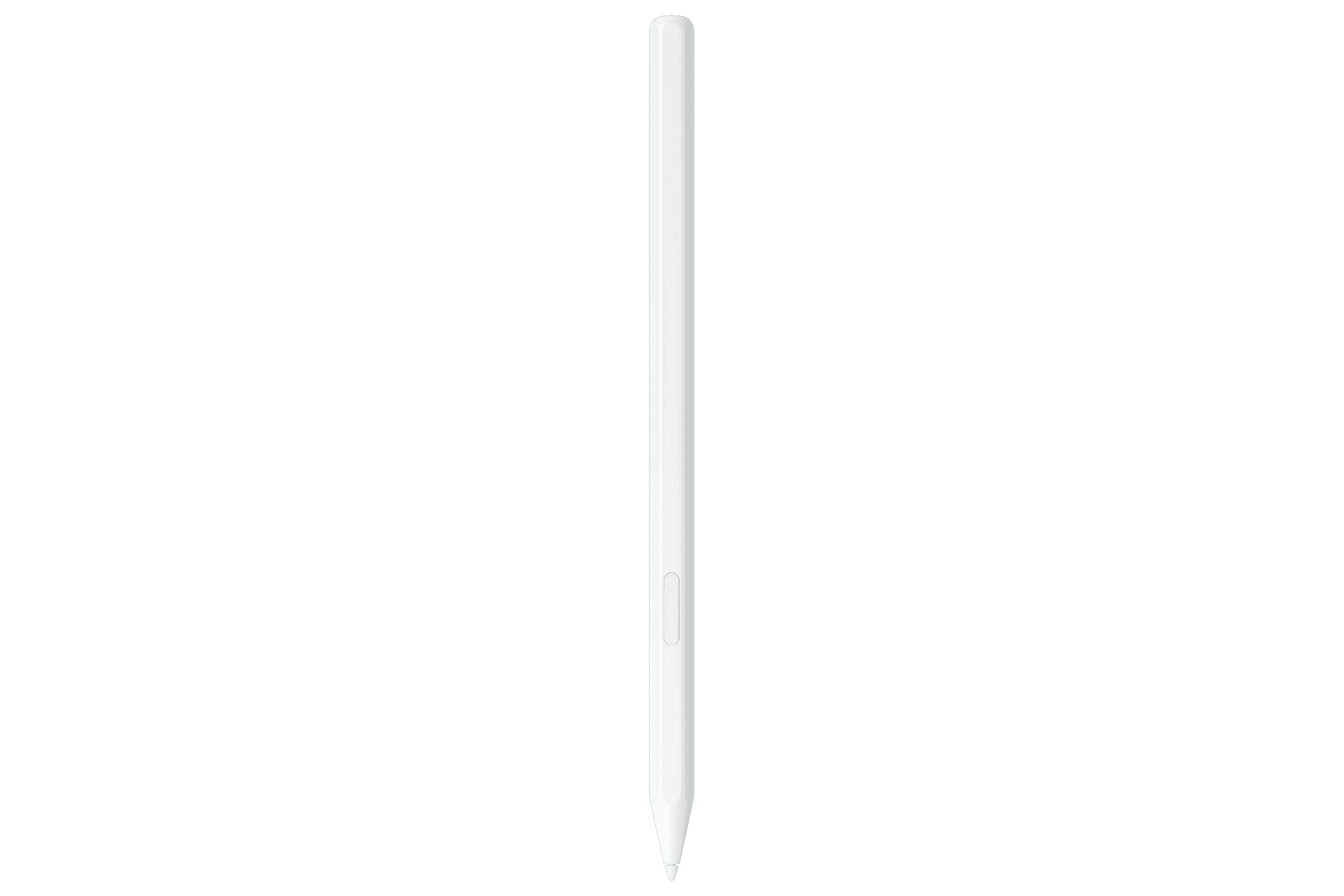
The map, by device family
- 1
Galaxy S Ultra (S21 → S26 Ultra): one pen per model
S21, S22, S23 and S24 Ultra pens have Bluetooth, charge in the silo and support Air Actions. S25 Ultra (EJ-PS938) and S26 Ultra (EJ-PS948) do not — writing and Air Command only. Each pen is shaped for its own silo; a Samsung representative has confirmed the S26 pen writes on an S25 Ultra but will not sit flush. Match the model code on the listing to your phone, then pick the colour.
- 2
Galaxy Note 8 / 9 / 10 / 20: still served, still model-specific
Note 9 onwards are Bluetooth pens; Note 8 is not. All of them write on newer Ultras but belong in their own phones. Replacement Note pens are the cheapest S Pens on the market because the phones are old, not because the pens are worse — same 4,096 pressure levels.
- 3
Galaxy Z Fold 3 / 4 / 5 / 6: Fold Edition only — and Fold 7 is out
The S Pen Fold Edition is the only pen Samsung lists for Fold 3 through 6: retractable soft tip for the folding screen, no Bluetooth, inner display only. A standard Ultra pen is the wrong tool for a Fold. And the Galaxy Z Fold 7 has no digitiser at all — Samsung confirmed it, and no S Pen will work on it, bought separately or not.
- 4
Galaxy Tab S7 / S8 / S9 / S10 (non-FE): Bluetooth pens, magnetic charging
The flagship tablet pens charge on the magnetic strip on the back of the tablet and support Air Actions. The Tab S9 and Tab S10 series share a pen. Tab S6 and S6 Lite have their own, older pens — check the listing says your exact tablet.
- 5
Tab S9 FE / S10 FE / S10 Lite / Tab S11: no Bluetooth, no charging
The FE and Lite pens, and the new Tab S11 pen, are passive: write, hover, Air Command. Nothing to pair, nothing to charge. Cheaper to replace, and nothing to go flat.
- 6
S Pen Pro and Creator Edition: the cross-device exceptions
The S Pen Pro is the one pen Samsung lists for nearly everything — Folds, Tabs, Notes, every Ultra — with its own USB-C charging and a mode switch. The Creator Edition covers the same list minus the Folds. Both are “second pen” purchases, not replacements for the one in your silo.
If your phone or tablet already has a pen in the slot and you add a Pro or Creator Edition, the device may ignore the second one. Samsung’s fix is a setting, not a return: open Settings, search “Allow multiple S Pens”, switch it on. Also note that no S Pen works on the cover screen of a Fold — inner display only.
Five small habits that keep an S Pen working
Change the tip before it changes the screen. Every Ultra and Tab pen ships with spare tips and a small tweezer tool. Pull the worn tip straight out with the tool, push the new one in with your fingers until it stops. There is no click, and there should be no force. A tip worn to a shine drags, and drag is what people mistake for a dying pen.
Bluetooth pens live in the silo. On an S21–S24 Ultra or a Tab S9/S10, the pen charges only when it is docked. If Air Actions stop responding, the fix is usually a minute in the slot, not a new pen. Pens left loose in a bag for a week come back with a flat radio and a perfectly good tip.
Passive pens have nothing to troubleshoot. S25 Ultra, S26 Ultra, Tab S11, FE and Lite pens have no battery and no pairing screen. If one stops writing, the fault is the tip, the screen protector, or a counterfeit — not a connection. Thick glass protectors raise the hover distance and make the cursor lag before anything else does.
Folds: soft tip, inner screen, nothing else. The Fold Edition’s retractable tip exists to protect the folding panel. Using an Ultra pen on a Fold 4 because “it writes” is how a screen gets marked. On a Fold 7, there is nothing to protect — the digitiser is gone.
Buy by code, then by colour. The model code (EJ-PS948 for S26 Ultra, EJ-PS938 for S25 Ultra, EJ-PS928 for S24 Ultra) tells you fit, charging and Bluetooth in one glance. The colour name tells you nothing. And a genuine pen in the wrong colour is still a genuine pen; a counterfeit in the right colour is the one that stops writing in a month — the signs are in Maibo’s counterfeit S Pen guide.
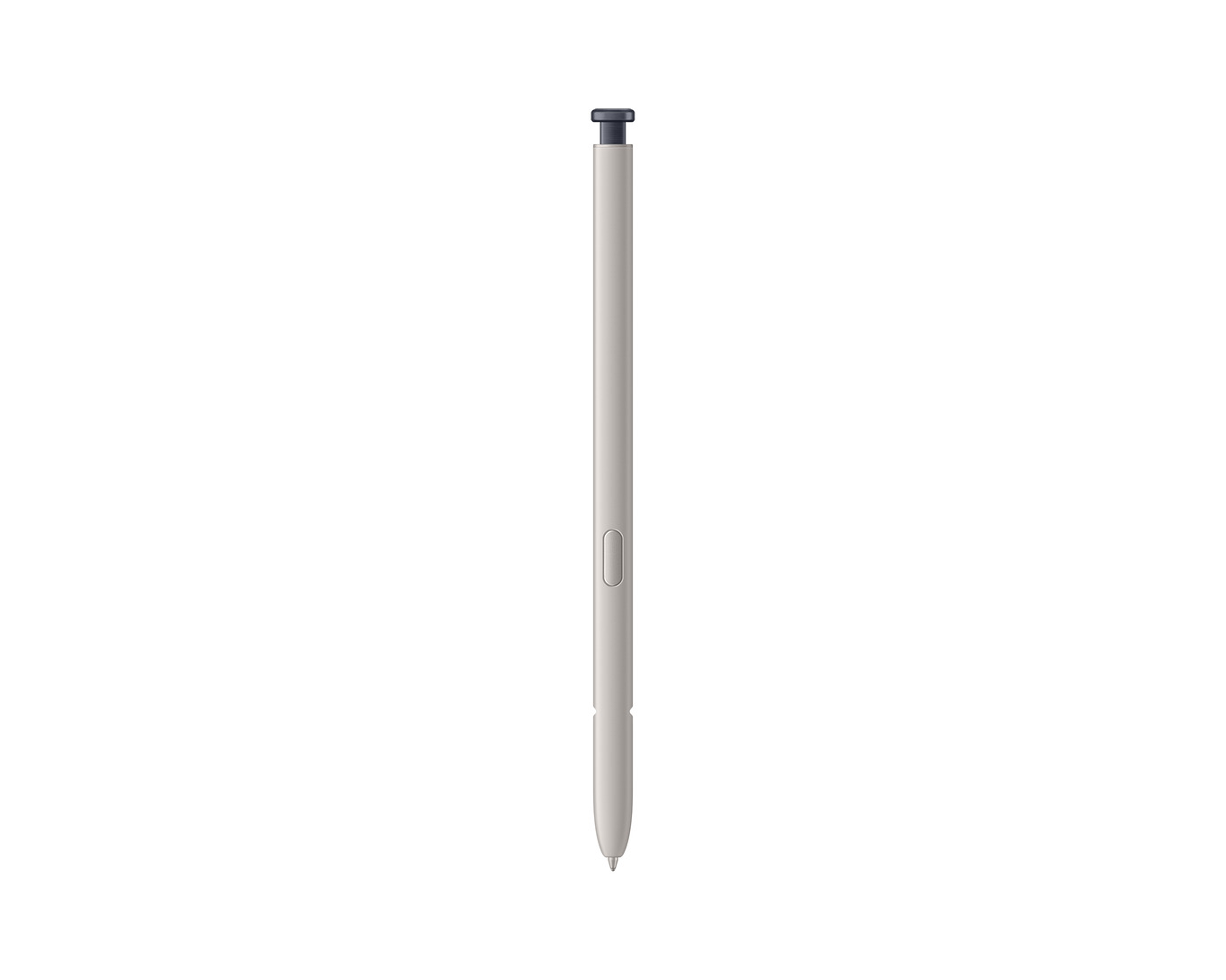
Find your device in the six families above, read the model code on the listing, and expect Bluetooth only on S21–S24 Ultra, Note 9–20 and the non-FE Tab S pens. Everything newer is a passive pen with nothing to pair. The next time a pen “won’t connect”, check the family first. Half the time it was never meant to.
Genuine Samsung S Pens by model — S26 Ultra to Note 8, Z Fold and Tab S6–S11, with the model code on every listing.
More from the Journal
Keep reading